CP43操作手册.pdf.pdf - 第160页
FCP IV -3 Operation The operation of this command varies according to the settings of the following Proper values. Proper V alue No. 71 V erifier_tool Non : Handy T erminal is not used. Proper V alue No. 74 ESC_Permissio…
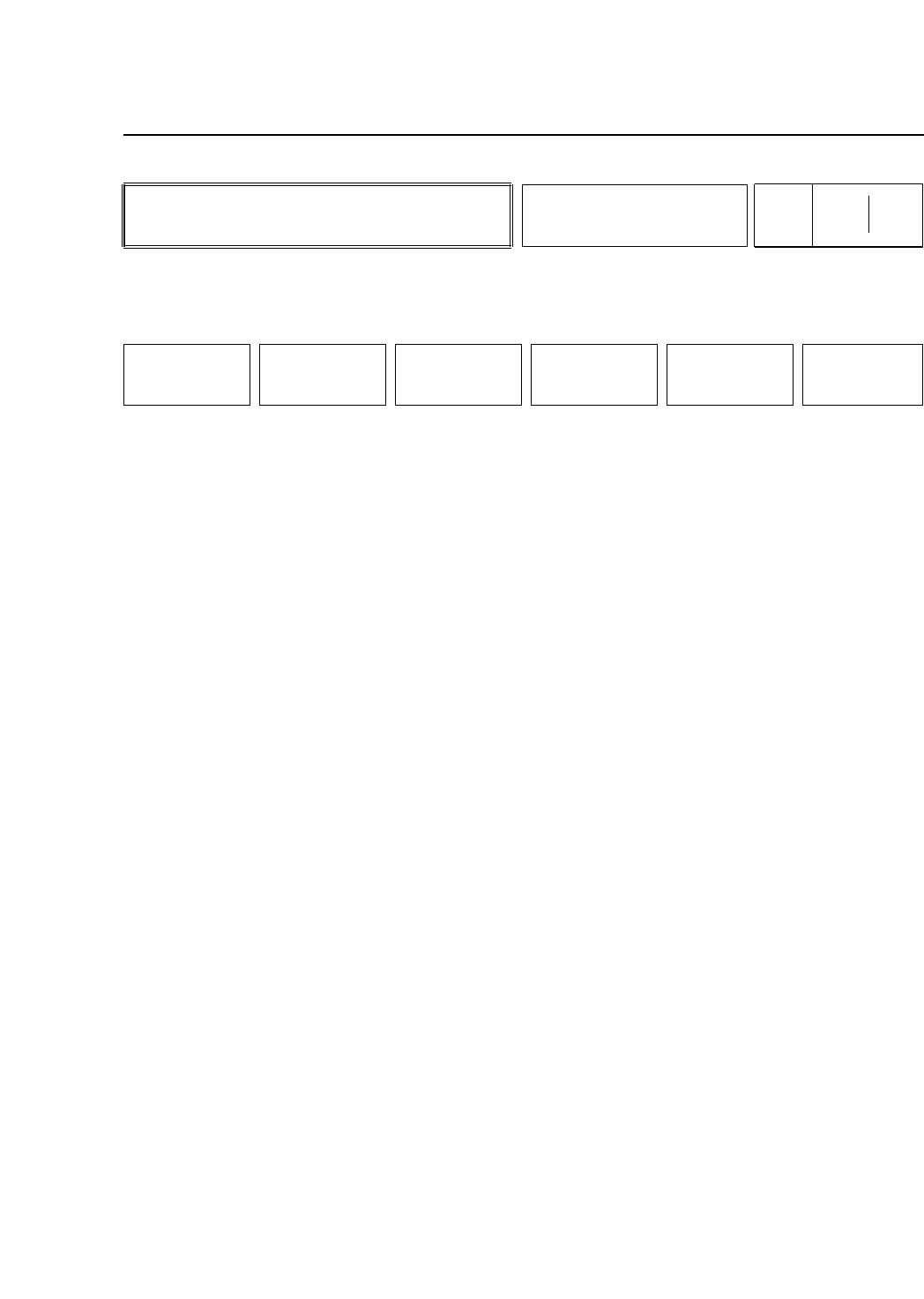
• Action of the Function Keys
+ PAGE : Press to display the next page.
- PAGE : Press to display the previous page.
▲ : Press to move the cursor up one line.
▼ : Press to move the cursor down one line.
ESCAPE : Block check of all remaining unset parts. Press
to escape from the device check mode. This
function is only enabled if the ESC_Permission
Proper value is set to 1.
RETURN : Press to return to Page 451/000.
• First Status Area
DEVICE CHECK
• First Display Area
(a) (b) (c) (d)
D001 Un Set [0013] Device_comment_No_1
D002 Parts E [0008] Korewa_No2_Desu
D003 [0002] PCPR102TL
D004 [0000]
D005 Vision [0001] MSD2HD256
D006 Tape E [0005] Micro_Tr_Nol
D007 Next d [0000] Super_Mini_Tr
D008 [0002] Nihongonetute
D009 Pickup [0003] N3456Sd23
D010 [0015] Jaf
• Function Key Menu
Chapter 3 Description of Commands
To Page 451/000
Device Check Mode 1
Part 3
3 – 34
MODE 1
Page
451 100
+PAGE -PAGE
▲
▼
ESCAPE RETURN
Version 5.0
FCP IV-3 Operation

FCP IV-3 Operation
The operation of this command varies according to the settings of the
following Proper values.
Proper Value No. 71 Verifier_tool
Non : Handy Terminal is not used.
Proper Value No. 74 ESC_Permission
Non : The [ESC] key is enabled in order to set all parts which are
Un Set.
Permit: The [ESC] key is disabled.
Proper Value No. 75 MAN_permission
Non : Input from the operation panel is enabled.
Permit: Input from the operation panel is disabled.
The [CR] Key and numerical keys are enabled when this Proper value is set to
[Permit].
If the device number is input from the numerical keypad followed by the
[CR] key, the "Un Set", "Parts E", "Tape E", "Pickup", or "Vision" display for the
input device number is cleared.
If the cursor is moved to a device number using the function keys, the parts
status display for that device number can be cleared only by pressing the CR
key.
Proper Value No. 70 Device_Check_SW
Non : Device check does not start automatically when production
begins.
Parts : Device check starts automatically if parts are out when
Miss : production begins. If the [RETURN] key is pressed before
Error : device check has been completed the machine does not enter
the [START] button wait mode. It enters the Ready mode.
Chapter 3 Description of Commands
Part 3
3 – 35
Version 5.0
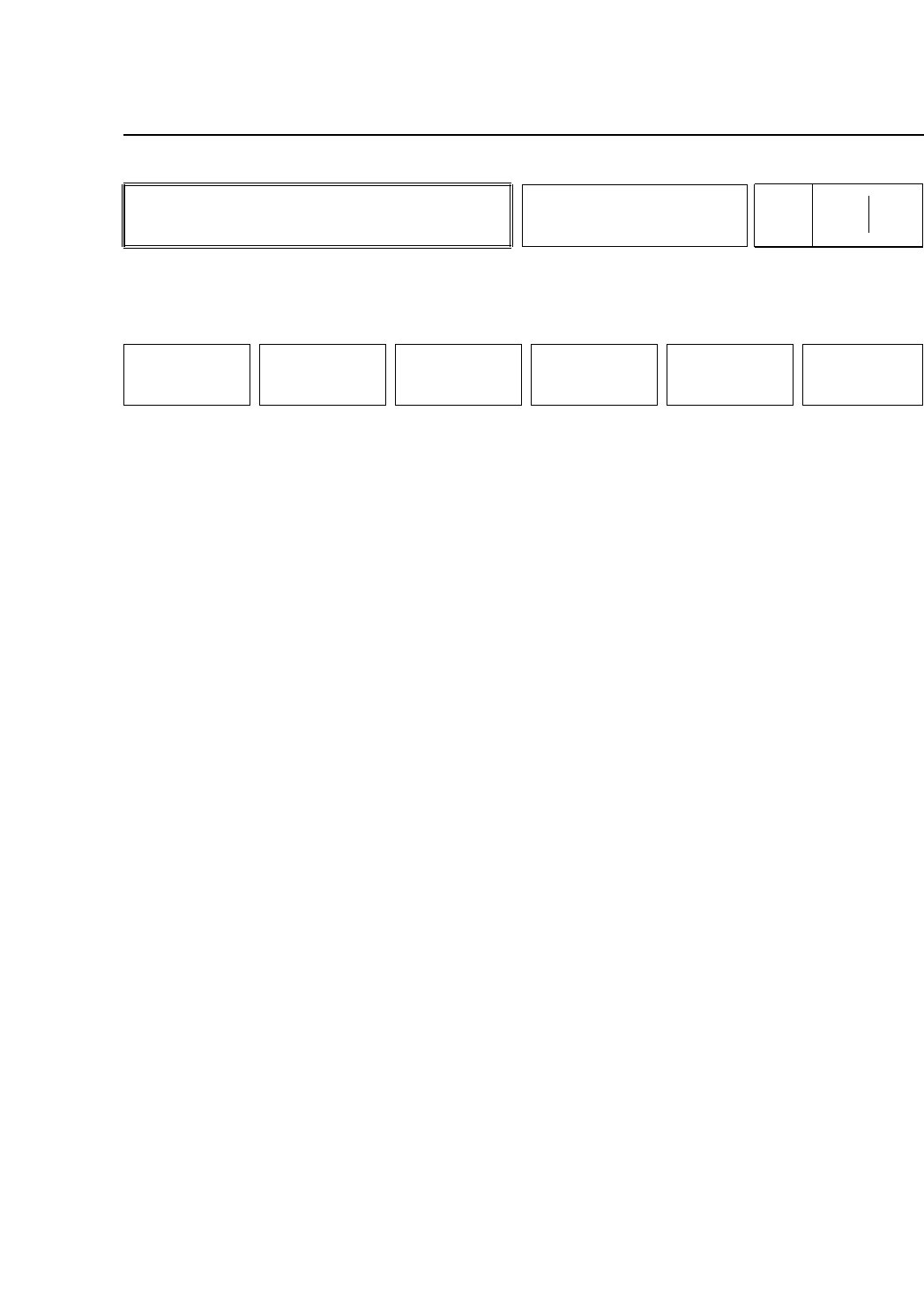
• First Display Area
D001 Un Set [0013] Device_comment_No_1
D002 Parts E [0008] Korewa_No2_Desu
D003 [0002] PCPR102TL
D005 Vision [0001] MSD2HD256
D006 Tape E [0005] Micro_Tr_Nol
D007 Next d [0007] Super_Mini_Tr
D008 [0002] Nihongonetute
D009 Pickup [0003] N3456Sd23
D010 [0015] Jaf
D015 Un Set [0023] RECT3216060
In this mode only the devices that are used in the program are
displayed.
The operation procedure is the same as with mode 0.
• Function Key Menu
Chapter 3 Description of Commands
Device Check Mode 2
Part 3
3 – 36
MODE 2
Page
451 200
+PAGE -PAGE
▲
▼
ESCAPE RETURN
Version 5.0
FCP IV-3 Operation