CP43操作手册.pdf.pdf - 第298页
Chapter 2 Bright Setting Part 5 2. Bright Setting The bright setting allows the image acquisition conditions to be adjusted for the mark camera and the parts cameras (wide view and narrow view). The following 2 values ma…
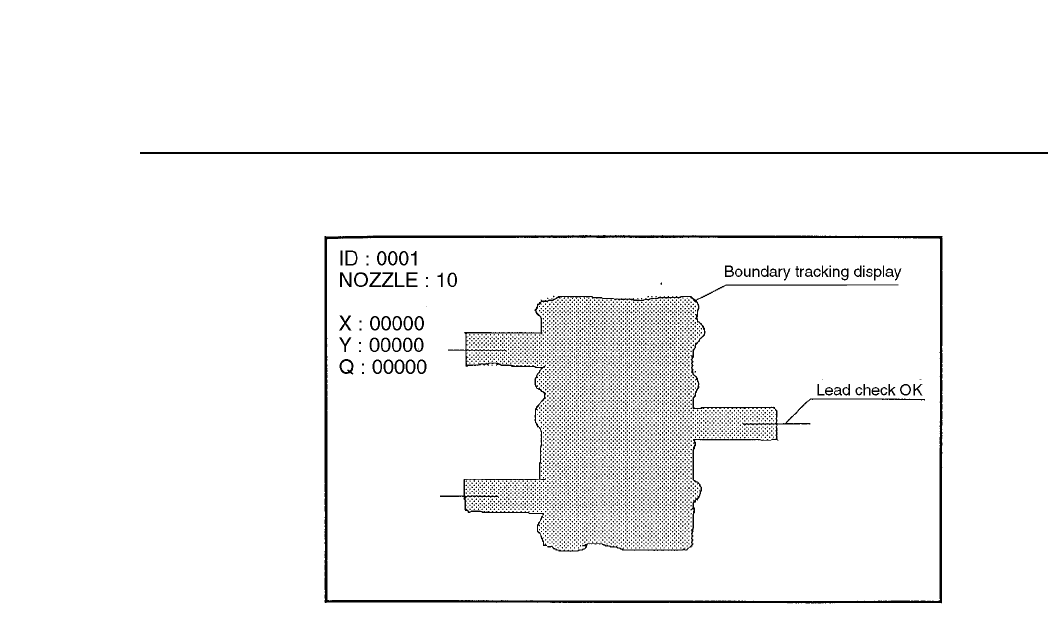
Chapter 1 Trace ModePart 5
No. 30 AcqTime
This is used for the timing of acquisition when output is being sent
to a parallel port.
No. 31 InsTime
This is used for the timing of inspection when output is being sent
to a parallel port.
5 – 8Version 2.0

Chapter 2 Bright SettingPart 5
2. Bright Setting
The bright setting allows the image acquisition conditions to be adjusted for the
mark camera and the parts cameras (wide view and narrow view). The
following 2 values make up the bright setting.
2.1 Gain
This is the value for adjusting the contrast (difference in brightness).
Once the image has been acquired for vision processing the gain
determines the magnification of the video signal from the camera.
Increasing this value increases the brightness of the image. However,
caution should be taken since setting the magnification too high will lead
to the amplification of noise as well.
The range of the gain level is 0 ~ 255.
2.2 Offset
This is the value for adjusting the brightness of the entire image.
The offset level is determined when the video signal is at 0. Increasing
this value will make the image darker. Since noise will also be amplified
when the gain is raised, it is also necessary to adjust this offset value to
match the gain.
The range of the offset level is 0 ~ 255.
Note: It should be pointed out that there is almost no reason for which it should
be necessary to change the bright setting in order to be able to vision
process a fiducial mark or a part. However, if for some unforeseen reason
the camera reproduction is bad or the brightness of the mark on the board
is bad then this bright setting may be useful.
Refer to chapter 3 for details on the procedure for setting these values.
5 – 9Version 2.0

Chapter 2 Bright SettingPart 5
5 – 10Version 2.0