CP43操作手册.pdf.pdf - 第34页
Chapter 4 The Display Part 1 (b) The operation modes are displayed her e. P Mode: This item indicates whether the machine is currently in Pr oduct, Simulate, or Idle operation mode. Product The machine is in normal produ…
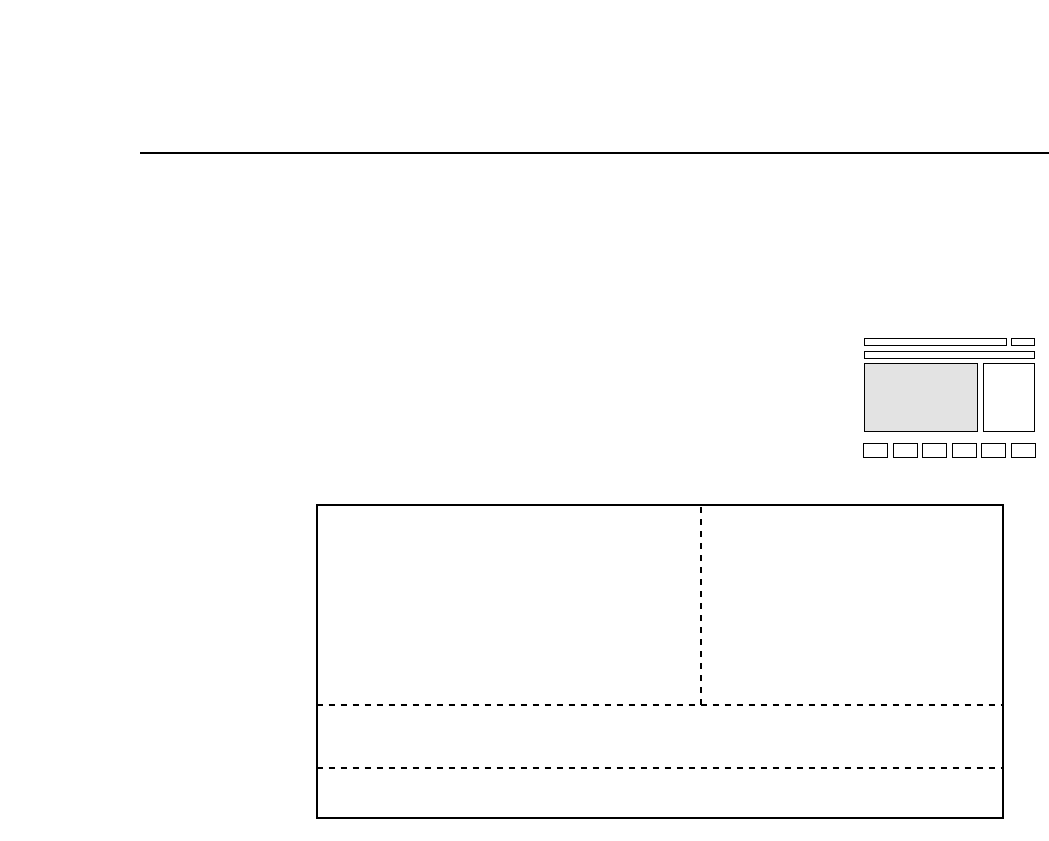
Part 1 Chapter 4 The Display
4.2 First Display Area
The display on the monitor differs depending on whether or not the user
is in automatic operation mode.
4.2.1 Display During Automatic Operation Mode
(a) This area displays sequence information. The following
examples show how the First Display Area might appear.
ST7.N 1 D 35 This is the placing sequence number at
station 7. The device number is also
displayed.
ST7.N 1 D 35 Skip In this sequence this nozzle is being
skipped.
ST7.N 1 Fidu Fiducial marks are being read.
ST7.N 1 Blok Block skip marks are being read.
Note: In Changeover mode and Device Change mode, when Device
Table 2 (81-160) is the original table, the device positions will
be displayed as 1-80. Note that when the next device is being
used, the machine will display the actual device number, (as
opposed to the device number which has been coded in the
program).
ST7.N 1 D 35
STATUS
P Mode Product
Recovery 3 times
T Mode Joint
Clearing OFF Machine
NEXT PROD: TEST PROGRAM 1
(a)
(b)
(c)
(d)
1 – 20Version 5.0
FCP IV-3 Operation

Chapter 4 The DisplayPart 1
(b) The operation modes are displayed here.
P Mode: This item indicates whether the machine is
currently in Product, Simulate, or Idle operation
mode.
Product The machine is in normal production mode.
Simulate The machine performs a simulate operation. The
next board will be fed and axes X, Y, D1 and D2
will move according to the placing sequence.
Idle The machine does not feed boards or perform
vision processing. Otherwise, it is the same as
Product mode. In this mode, do not mount tape
feeders onto the table.
Recovery: This item indicates which of the three recovery
modes (E Pass, E Stop, or N times) the machine is
currently using.
n times The number of times that recovery is repeated can
be set. Refer to Part 3, Chapter 3 for a more
detailed explanation.
Error Stop When an error occurs the machine stops and
recovery is then carried out on the part when the
machine is started again.
Error Pass When an error occurs, the machine does not stop
and no recovery is carried out.
1 – 21
Version 5.0
FCP IV-3 Operation

Part 1 Chapter 4 The Display
T Mode: This item indicates which of the device table
modes are in operation.
Joint The two tables move jointly.
1A 2A Device Change Mode: One device table is used
as the spare table for the other table.
1A 2B Changeover Mode: Only one table operates and
each table operates for a separate program.
In both the device change mode and changeover mode the
table displayed on the outer side (left or right) is the table being
resupplied.
The color of the display takes on the following meanings;
Green Original table with device check and
the parts set operation complete
Yellow Device check and the parts set operation
complete on the table that is not the
original table
White Device check completed, parts set
operation not complete
Purple Parts set complete, device check not
complete on original table
Blue Parts set complete, device check not
complete on table that is not the original
table
Red
White
WhitePurple
Green
Yellow
Blue
Production Table Reservation
Part set complete Device check complete
Table display color
Red
1 – 22Version 5.0
FCP IV-3 Operation