CP43操作手册.pdf.pdf - 第99页
Chapter 4 Device Check Part 2 4. Device Check When parts are r eplenished or changeover takes place devices that have been set can be verified, one by one on the display in order to pr event parts from being mounted inco…

Chapter 3 Block SkipPart 2
3.4 Points to Remember When Using Block Skip
It is possible for a block skip mark sequence to reference a fiducial mark,
but the fiducial mark sequence must be placed before the block skip mark
sequence.
A block skip that is set using the machine command keys is valid until
cleared by the operator if the program being run does not have block skip
mark sequences. For programs which do have block skip mark
sequences, the block skip flags set at the machine are cleared before each
new board is produced.
If a board which uses block skip marks, is cleared off in the middle of
production and a new board is then added by hand, production on the
new board will continue using the original block skip information of the
previous board. On the other hand, if a new board is loaded into the
machine using the [LOADER] or [AUTO] function then block skip marks
will be read again and the block skip function will be carried out using
this new information.
2 – 30Version 2.0
FCP IV-3 Operation

Chapter 4 Device CheckPart 2
4. Device Check
When parts are replenished or changeover takes place devices that have been
set can be verified, one by one on the display in order to prevent parts from
being mounted incorrectly. This function is referred to as device check. It is
also possible to set this function such that operation does not begin again until
every device has been checked.
4.1 Method and Function
There are two methods of carrying out the device check function. Device
check can be performed on the machine using the command keys or it can
be done with the use of the [PARTS SET] CANCEL/COMPLETE switch.
4.1.1 Performing Device Check on the Machine
The device check function can be made mandatory with the
commencement of automatic operation or it can be carried out as a
command key operation. When device check is to be made
mandatory with the start of automatic operation, the Proper data
item 70: Device Check SW must be set to either "Parts", "Miss", or
"Error". When device check is carried out as a command operation,
setting values in Proper data is not necessary.
When a mandatory device check is carried out with the start of
automatic operation, device check is carried out in accordance with
the setting made in Proper data item 70: Device Check SW.
Furthermore, anytime the production program is changed, device
check is carried out when automatic operation begins again.
Operation is not possible until the device check is completed.
To perform device check as a command operation on the machine
press the following command keys;
[Program] → [Device] → [Check]
Note: For information concerning the command operation procedure
refer to Part 3, "FCP IV-3 Commands".
2 – 31Version 2.0
FCP IV-3 Operation
Chapter 4 Device CheckPart 2
4.1.2 The [PARTS SET] CANCEL / COMPLETE Switch
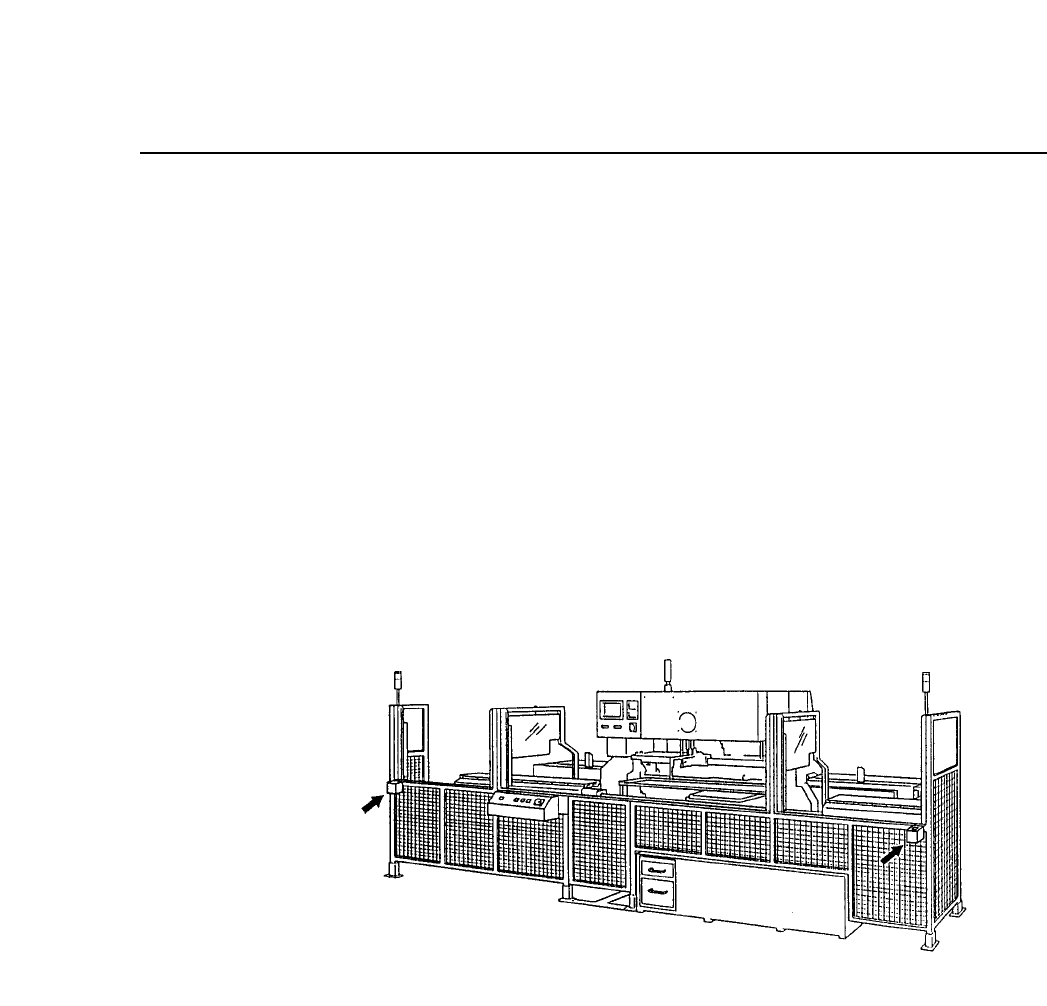
The [PARTS SET] CANCEL/COMPLETE switch is used as a final
check switch once the parts set operation is complete. When this
switch is set to "COMPLETE" production becomes possible and the
resupplied device table will move to its part picking position.
On the other hand, if for some reason the device table in the
resupply position is not to be moved to its part picking position
even though the parts set operation is complete, then this switch
can be set to "CANCEL" to prevent the table from being used in
production.
This switch is only enabled when the device table is in its resupply
position. This function does not work when the device table
designated as the original table is in its part picking position.
This switch works differently depending on whether the device
check function is used or not. This difference is explained next.
2 – 32Version 2.0
FCP IV-3 Operation