CP43操作手册.pdf.pdf - 第214页
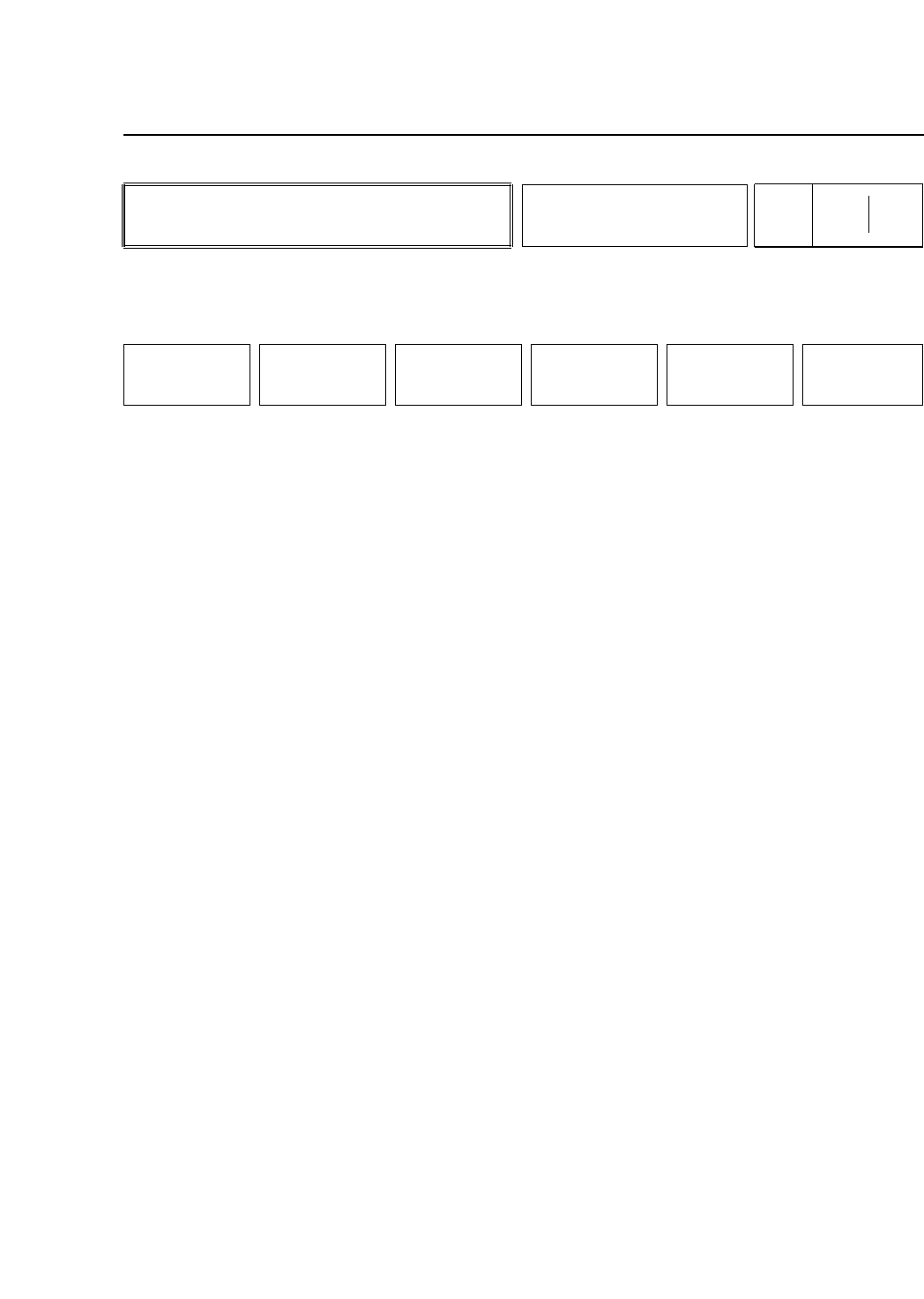
• Action of the Function Keys ▲ : Press to change the gain or of fset level by +1. ■ : Press with ▲ or ▼ to change the gain or of fset level in increments of 10. ▼ : Press to change the gain or of fset level by -1. SELEC…
• Action of the Function Keys
MARK CAMERA: Press to set the mark camera gain and
offset.
WIDE : Press to set the parts camera (wide view)
gain and offset.
NARROW : Press to set the parts camera (narrow
view) gain and offset.
RETURN : Press to return to Page 531/000.
• Function Key Menu
Chapter 3 Description of Commands
To Page 531/510
To Page 531/520
To Page 531/530
To Page 531/000
Setting Camera Brightness
Part 3
3 – 88
BRIGHT
Page
531 500
MARK CAMERA WIDE NARROW RETURN
Version 5.0
FCP IV-3 Operation
• Action of the Function Keys
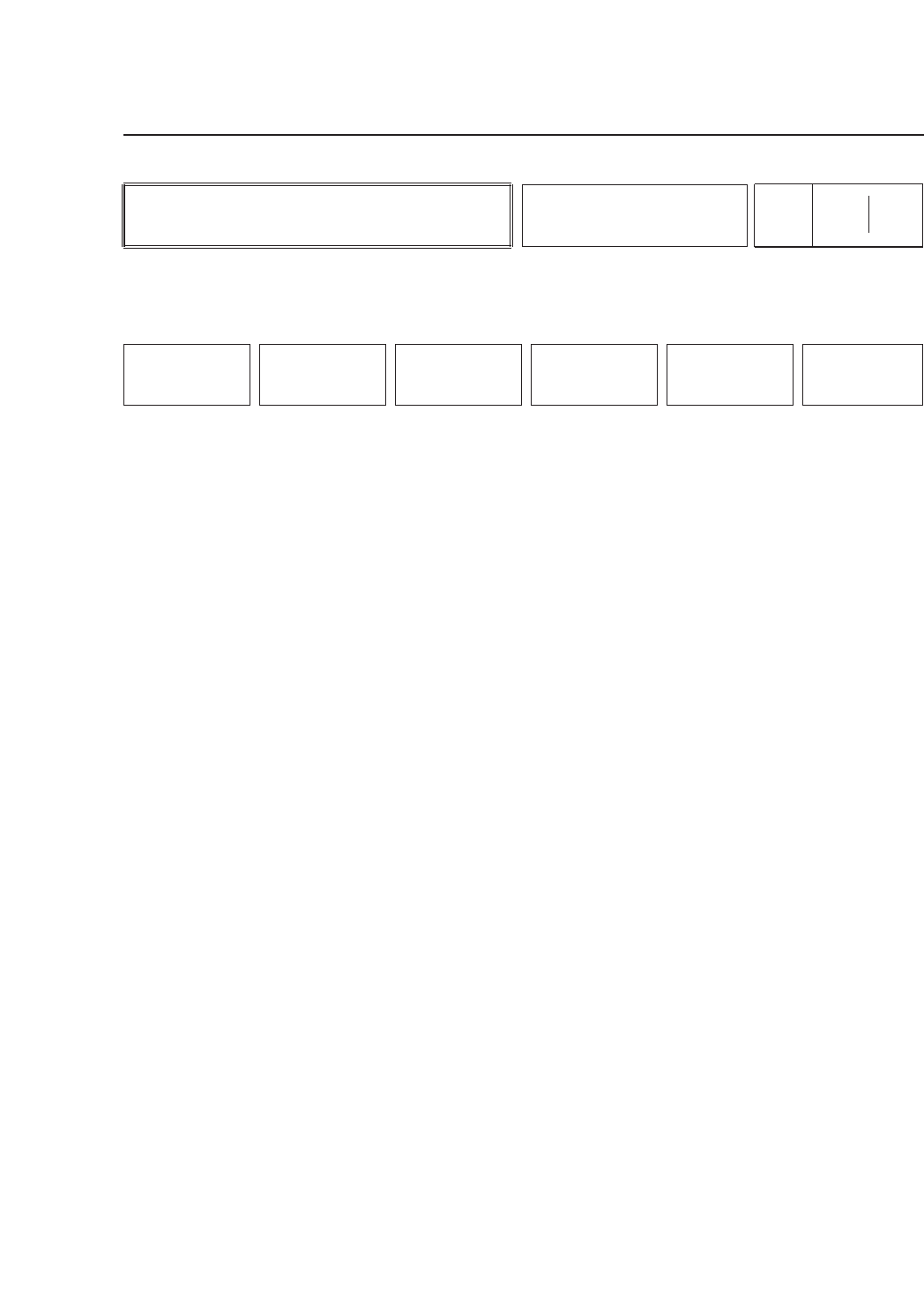
▲ : Press to change the gain or offset level by +1.
■ : Press with ▲ or ▼ to change the gain or offset
level in increments of 10.
▼ : Press to change the gain or offset level by -1.
SELECT : Press to switch between the type of setting
(i.e. gain or offset).
RETURN : Press to return to Page 531/500.
The gain and offset levels set here are machine Proper data
settings and thus it is necessary to transmit Proper data to the
MCS 30 computer once Proper data measurement is
completed.
Note: The desired level can be set either by entering a number using
the numerical keypad, or by using the function keys.
• First Display Area
Mark Camera Level
Gain 128
Offset 8
• Function Key Menu
Chapter 3 Description of Commands
To Page 531/500
Setting Mark Camera
Brightness
Part 3
3 – 89
MARK CAMERA
Page
531 510
▲ ■ ▼
SELECT RETURN
Version 5.0
FCP IV-3 Operation
FCP IV-3 Operation
• Function Key Menu
Chapter 3 Description of Commands
Setting Wide View Camera
Brightness
Part 3
3 – 90
WIDE
Page
531 520
▲ ■ ▼
SELECT RETURN
Version 5.0
• Action of the Function Keys
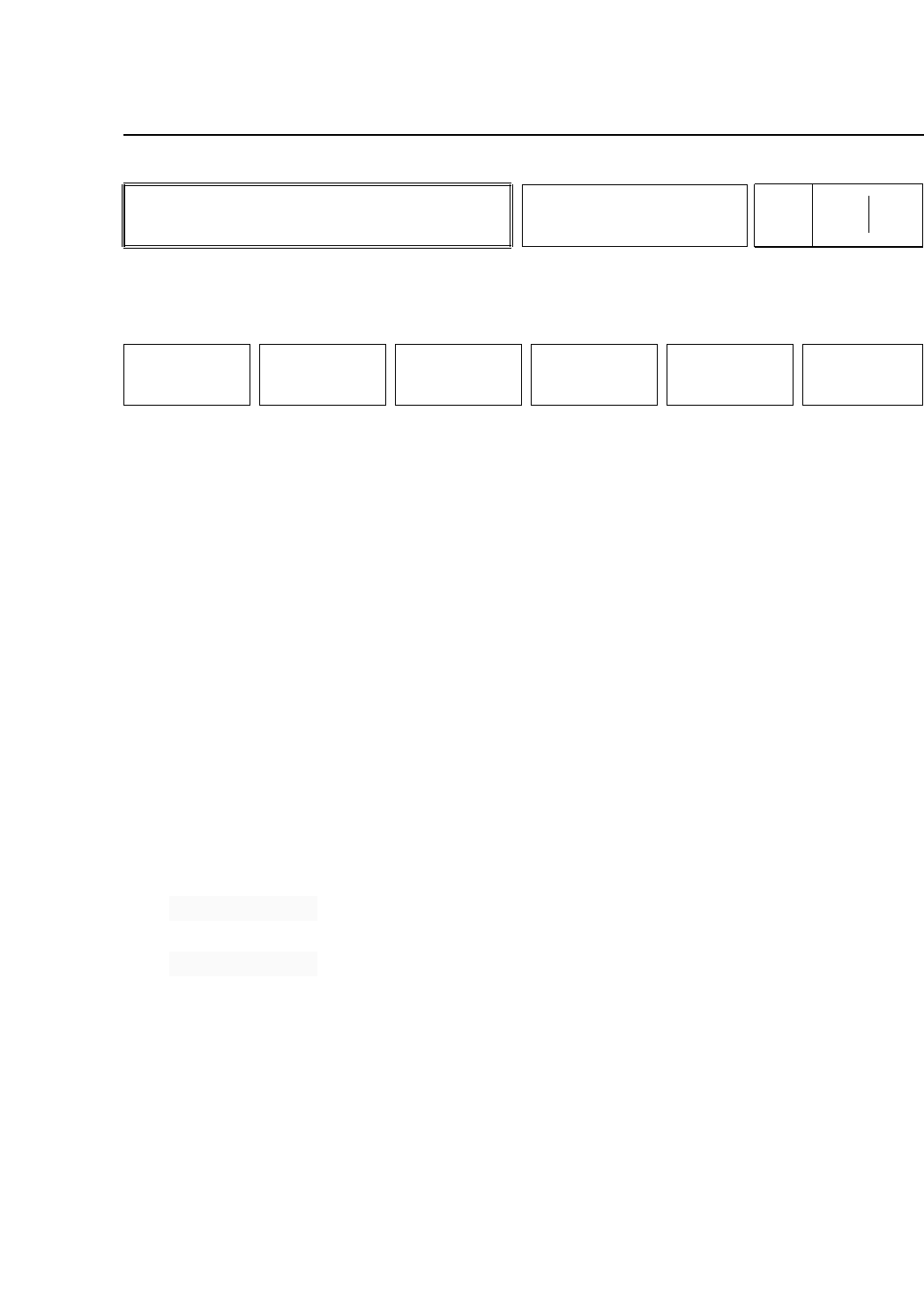
▲ : Press to change the gain or offset level by +1.
■ : Press with ▲ or ▼ to change the gain or offset
level in increments of 10.
▼ : Press to change the gain or offset level by -1.
SELECT : Press to switch between the type of setting
(i.e.gain or offset).
RETURN : Press this button to return to page 531/500.
The gain and offset levels set here are machine Proper data
settings and thus it is necessary to transmit Proper data to the
MCS 30 computer once Proper data measurement is
completed.
Note: The desired level can be set either by entering a number using
the numerical keypad, or by using the function keys.
• First Display Area
Parts Camera
[WIDE VIEW]
Gain 10
Offset 0
To Page 531/500