00198227-03_UM_MaterialSetupAssistant_2.3-R17-1_DE_EN.pdf - 第237页
ASM Engineering Data Manager (ED M) Support Production Schedule Approval With EDM ASM Material Setup Assistant 2.3 (R17-1) ASM Material Setup Ass istant 2.3 (R17-1) 237 7 7 A S M E n g in e e r in g D a t a M a n a g e r…
Workflow with Fixed Setup and Constant Tables
Final Work and Hints
236 ASM Material Setup Assistant 2.3 (R17-1) ASM Material Setup Assistant 2.3
ASM Engineering Data Manager (EDM) Support
Production Schedule Approval With EDM
ASM Material Setup Assistant 2.3 (R17-1) ASM Material Setup Assistant 2.3 (R17-1) 237
7
7 ASM Engineering Data Manager (EDM) Support
ASM Engineering Data Manager (EDM) Support
ASM Engineering Data Manager EDM allows for data management of different SIPLACE Pro applica
-
tions and their production lines in your factory. EDM must be configured in the OIB. See also EDM Con
-
figuration.
7.1
7.1 Production Schedule Approval With EDM
Production Schedule Approval With EDM
In an EDM or EDMn scenario, the behavior of SIPLACE Material Setup Assistant changes for the ap
-
proval of production schedules.
After approval in the Order Manager, the EDM master pushes the recipes of the production schedules
to the EDM client.
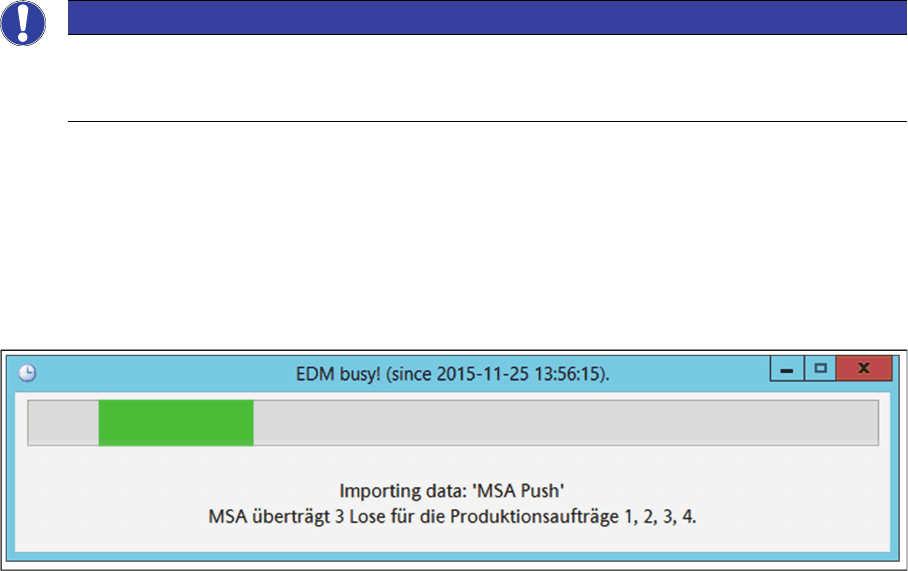
During this data push, a dialog box is displayed that shows the transfer progress.
Transfer progress of EDM data push
If the data push is completed, the recipes of the production schedules are entered into the SIPLACE Line
Control GUI. See also "5.5 System Status after Production Schedule Approval" [ ➙ 197].
Downloads are reported back to the SIPLACE Material Setup Assistant. Thereby, the production order
of the downloaded recipe is set to In Work and the production order that is in work at this point in time is
completed.
NOTICE
Detailed information about EDM
For detailed information about EDM and templates, refer to the current User Manual of the ASM
Engineering Data Manager.
ASM Engineering Data Manager (EDM) Support
Production Schedule Approval With EDM
238 ASM Material Setup Assistant 2.3 (R17-1) ASM Material Setup Assistant 2.3
EDM Data Update Confirmation by the User
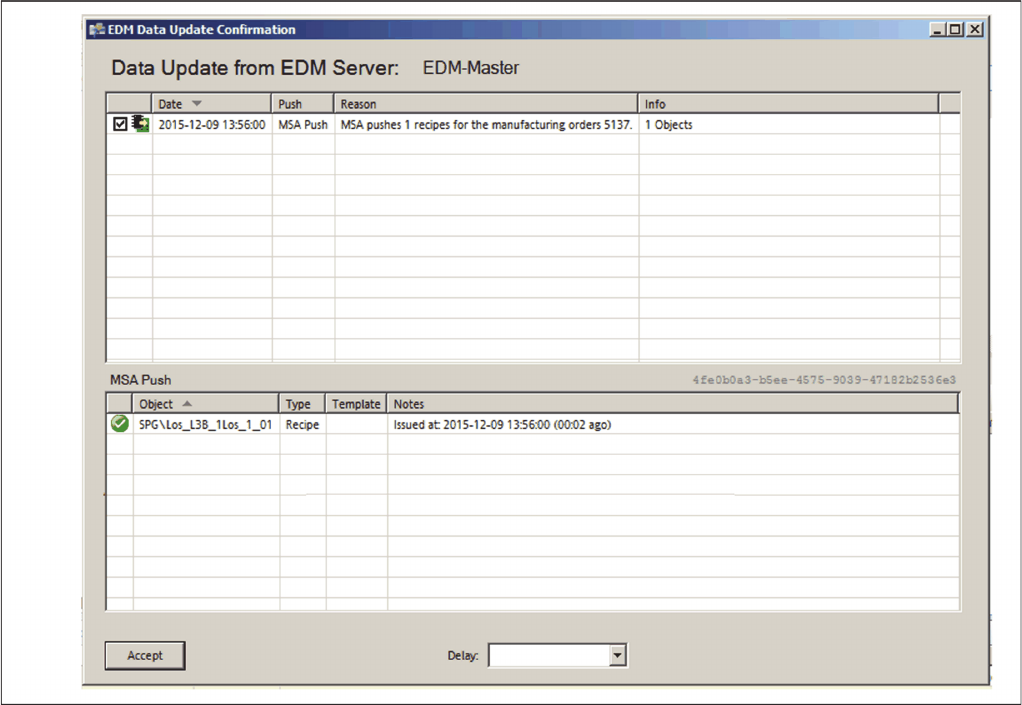
If the Request user confirmation option is activated in the Factory Explorer under Central Settings =>
Application Settings => Production Line => EDM Settings, the EDM Data Update Confirmation by the
User dialog box is displayed before the data push.
EDM data push - Confirmation by the user
► Check the data and, at a desired point in time, confirm with Accept, to perform the data push.