CP7 Series Level3 Tutorial Manual.pdf - 第142页
9.1 P AM 9.1.1 Overview This document describes the operation of the Placement Accuracy Measurement (PAM) software for the CP-742E. Note: The layout of some of the operation screens may differ from the actual screens at …

Chapter 9
Placing Accuracy
Measurement
9.1 PAM
9.1.1 Overview
This document describes the operation of the Placement Accuracy Measurement (PAM)
software for the CP-742E.
Note: The layout of some of the operation screens may differ from the actual screens at the
machine.
9.1.2 Getting Started
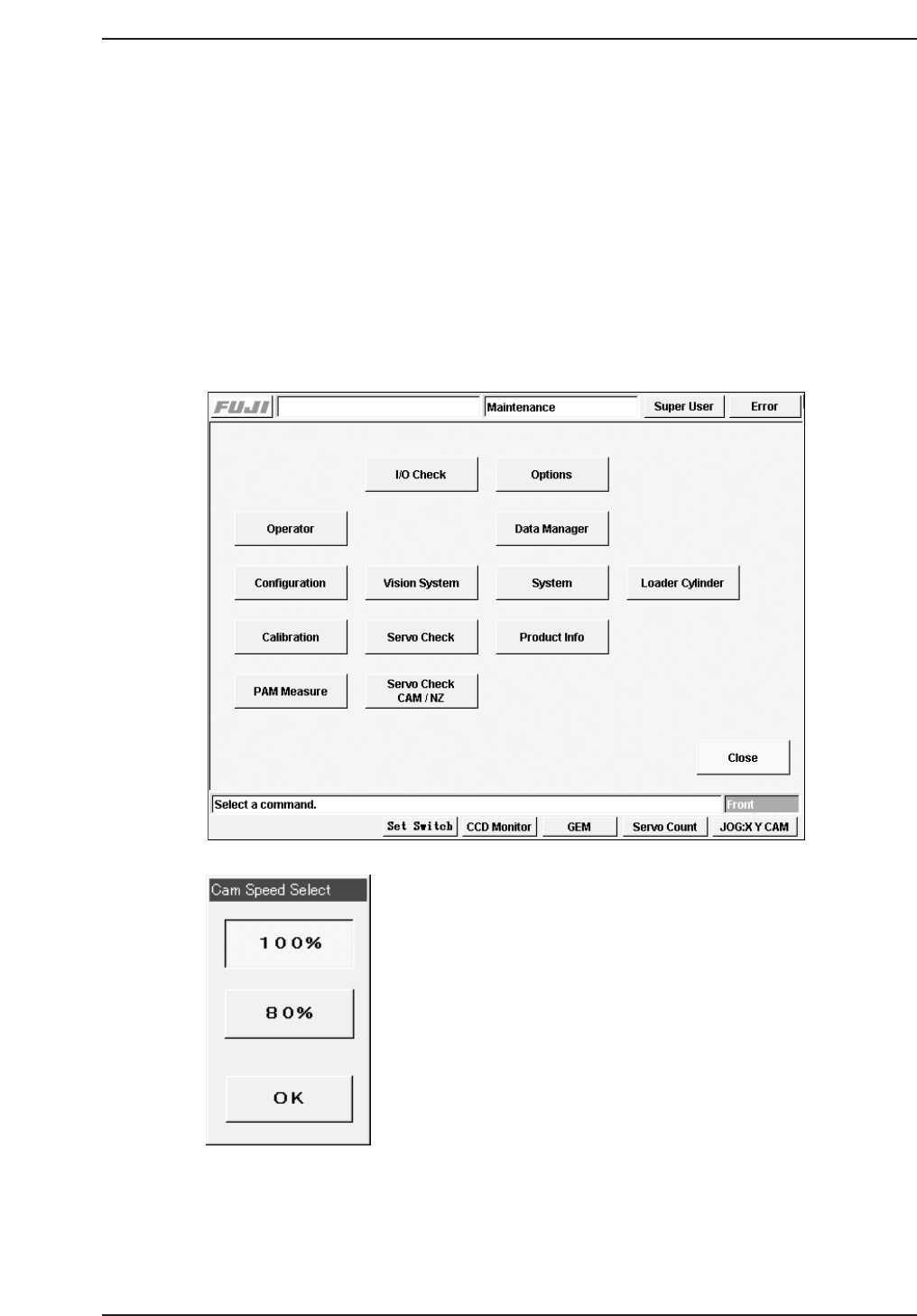
Press [Maintenance] - [PAM Measure] to display the [Cam Speed Select] dialog box.
Select a cam speed and then press [OK] to enter the PAM commands section.
CP7T39002
CP7T39001
Chapter 9 9.1 PAM
Edition 2.0 9-1 CP-7-series Level 3 Tutorial
9.1.3 Operating the PAM Functions
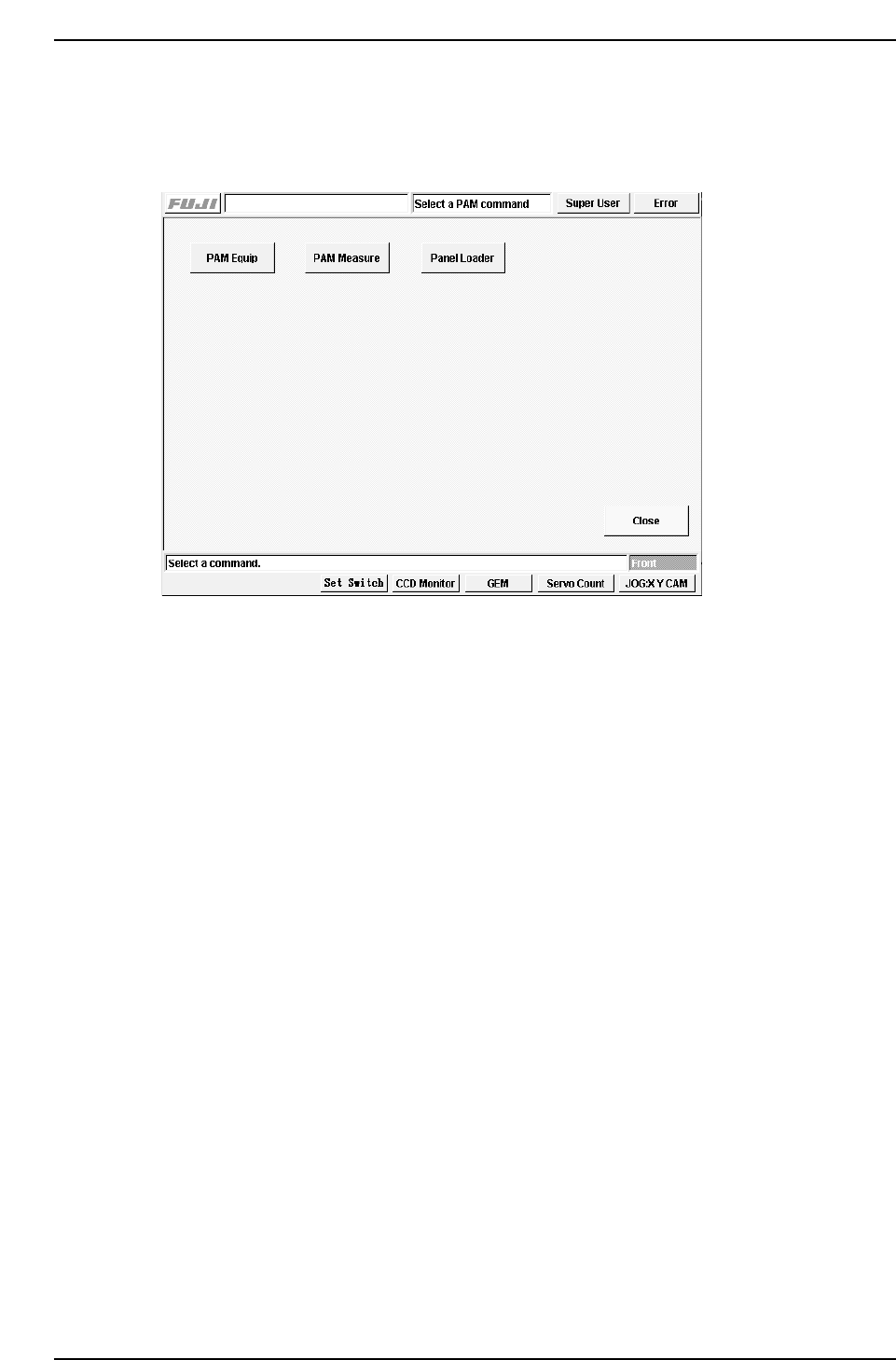
When the PAM commands screen displays, the following commands are available,
[PAM Equip], [PAM Measure] and [Panel Loader].
PAM command screen.
9.1.3.1 Entering and Exiting PAM Mode
The PAM mode is enabled when you select [PAM Measure] at the [Maintenance]
command screen. Return to the [Maintenance] screen by pressing [Close].
9.1.3.2 Placing the PAM Parts
The [PAM Equip] command is used to place the PAM parts so the accuracy of placement
can be measured. Select this command and start automatic operation to carry out
placement.
The following procedural restrictions must be observed when carrying out PAM
placement.
1. The first placement sequence must be carried out using head A.
2. The operator must set the recovery mode to Error Pass before starting
PAM placement.
Any parts causing a parts out, pick-up miss or inspection error will be
skipped (i.e., not placed).
3. The loading and unloading of panels is carried out by the operator using
the loader commands.
4. If an emergency stop occurs during the placement of parts, placement
starts again from the first sequence (when operation is restarted). Use
the loader commands to unload the current panel before restarting
operation.
CP7T39003
Chapter 9 9.1 PAM
Edition 2.0 9-2 CP-7-series Level 3 Tutorial