CP7 Series Level3 Tutorial Manual.pdf - 第19页
Safety Guidelines Edition 2.0 7 CP-7-series Level 3 T utorial 3. Safety Rules for Individual Machine T ypes CP-7-series Machines W ARNING Do not insert hands or other body parts into the conveyor inlets. • Body parts may…
Safety Guidelines
Edition 2.0 6 CP-7-series Level 3 Tutorial
Be sure to wear protective glasses.
● Be sure to wear protective glasses.
[Example]
CP-6,7 nozzles use springs which may be propelled during
disassembly. Be sure to handle the nozzles carefully to prevent eye
injuries.
Check the machine monitor and the target axes
while manually operating the machine.
● When operating the machine, carefully follow the instructions that
are displayed at the machine display.
● Operating the machine without looking at the machine display may
lead to operating errors or result in damage to the machine or
products.
WARNING
CAUTION
Do not operate the machine after removing or disabling
sensors.
● Removing or disabling sensors will disarm the interlock, leading to
collisions and damage to the machine.
Check the machine display to determine whether
HELPS compatible machines are in the middle of
performing changeover.
● During operation in automatic mode on machines equipped with
automatic changeover equipment, it may be difficult to actually see
automatic changeover taking place from the front of the machine.
When a message appears at the machine display, follow the
instructions that are given.
Safety Guidelines
Edition 2.0 7 CP-7-series Level 3 Tutorial
3. Safety Rules for Individual Machine Types
CP-7-series Machines
WARNING
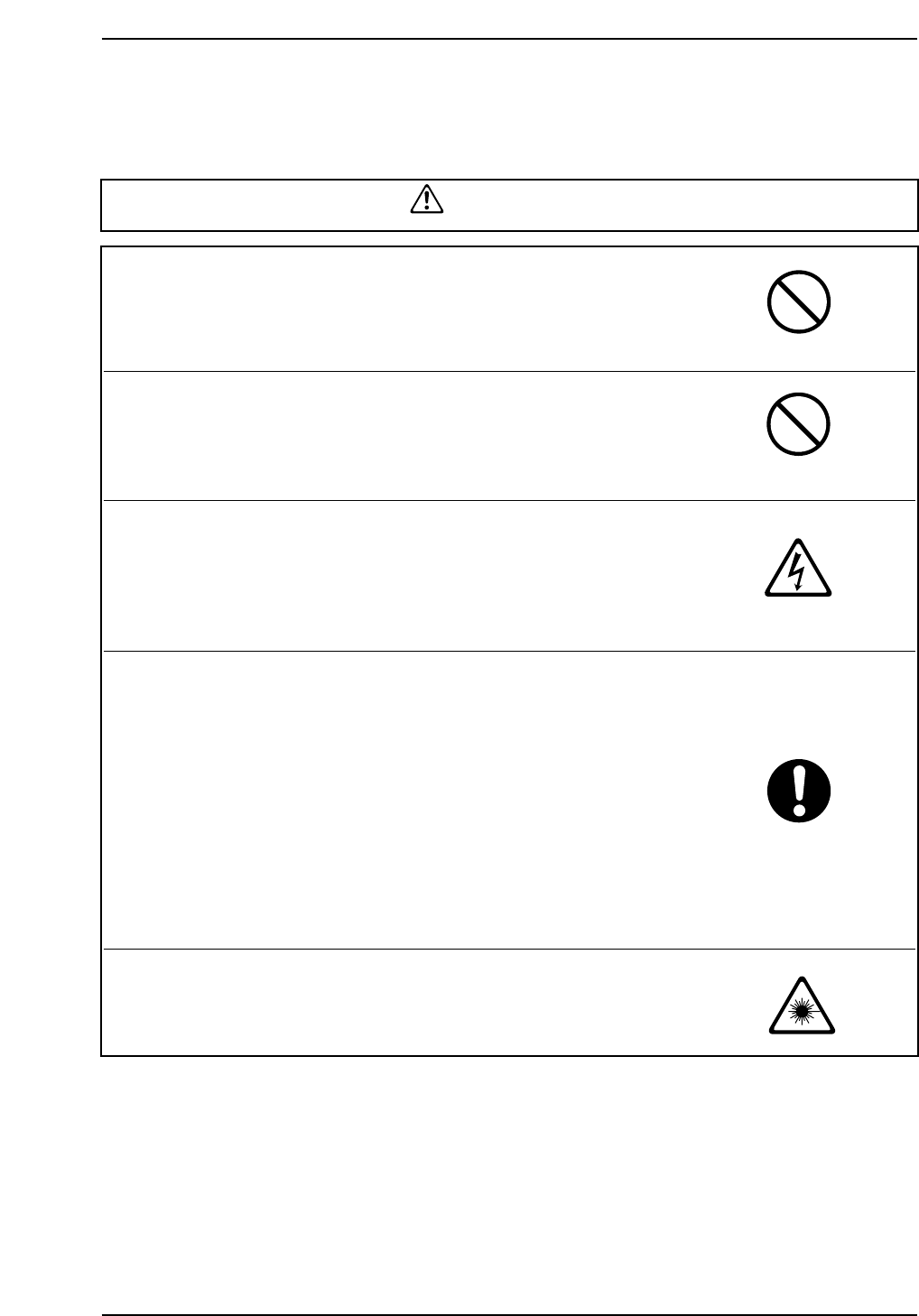
Do not insert hands or other body parts into the
conveyor inlets.
• Body parts may get caught in the machine resulting in injury.
Do not operate the machine when the front/rear cover
has been removed.
• Body parts may get caught in the machine resulting in injury.
Do not perform cam box maintenance with power to the
machine on.
• Injury may result from electric shock if maintenance on the cam
box is carried out with the power to the machine on.
Caution required if cam is not at its origin (0°).
• Operators must ensure the cam is at its origin (0°) prior to carrying
out any operations on the machine.
If the cam is not at its origin, recoil from springs used to drive the
placing heads may cause unexpected movement which is
potentially dangerous for the operator.
If an emergency stop occurs, the machine stops immediately. In
this case there is a strong possibility that the cam will not be at its
origin.
• If the cam is not at its origin when the machine stops, use the cam
handle to return it to its origin.
Do not look into sensors used on the machine.
• There are fiber sensors (class 2) used on the CP-732E. These
sensors can cause eye damage if looked at directly.
4. Safety Labels
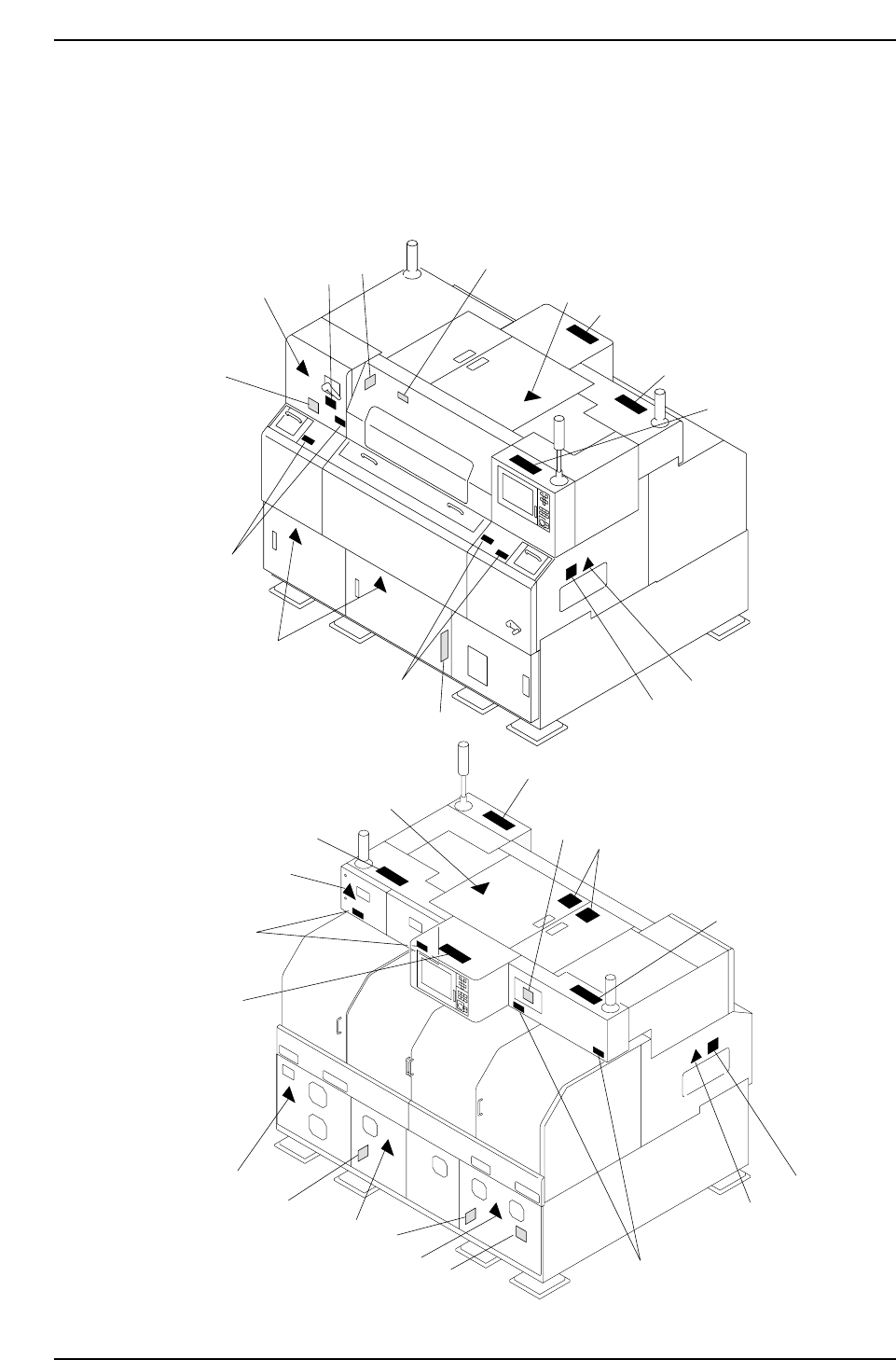
To warn the operator of hazards, safety labels are attached to the machine at the
positions indicated in the figure below.
Familiarize yourself with each label and its message before operating the machine.
1
11
7
7
7
5
4
2
5
5
3
9
2
9
9
6
5
1
8
8
1
1
1
5
1
3
7
7
7
7
10
11
C73S0001
Front Side
Rear Side
Safety Guidelines
Edition 2.0 8 CP-7-series Level 3 Tutorial