CP7 Series Level3 Tutorial Manual.pdf - 第79页
Alternative Method Procedure: 1. Press the EMERGENCY STOP button to release the servo lock. 2. Mount an empty 8 mm tape feeder to the first position on the device table to be calibrated. 3. Clear the EMERGENCY STOP, and …
3.2.3 Pick-up Position Adjustment (T1, T2)
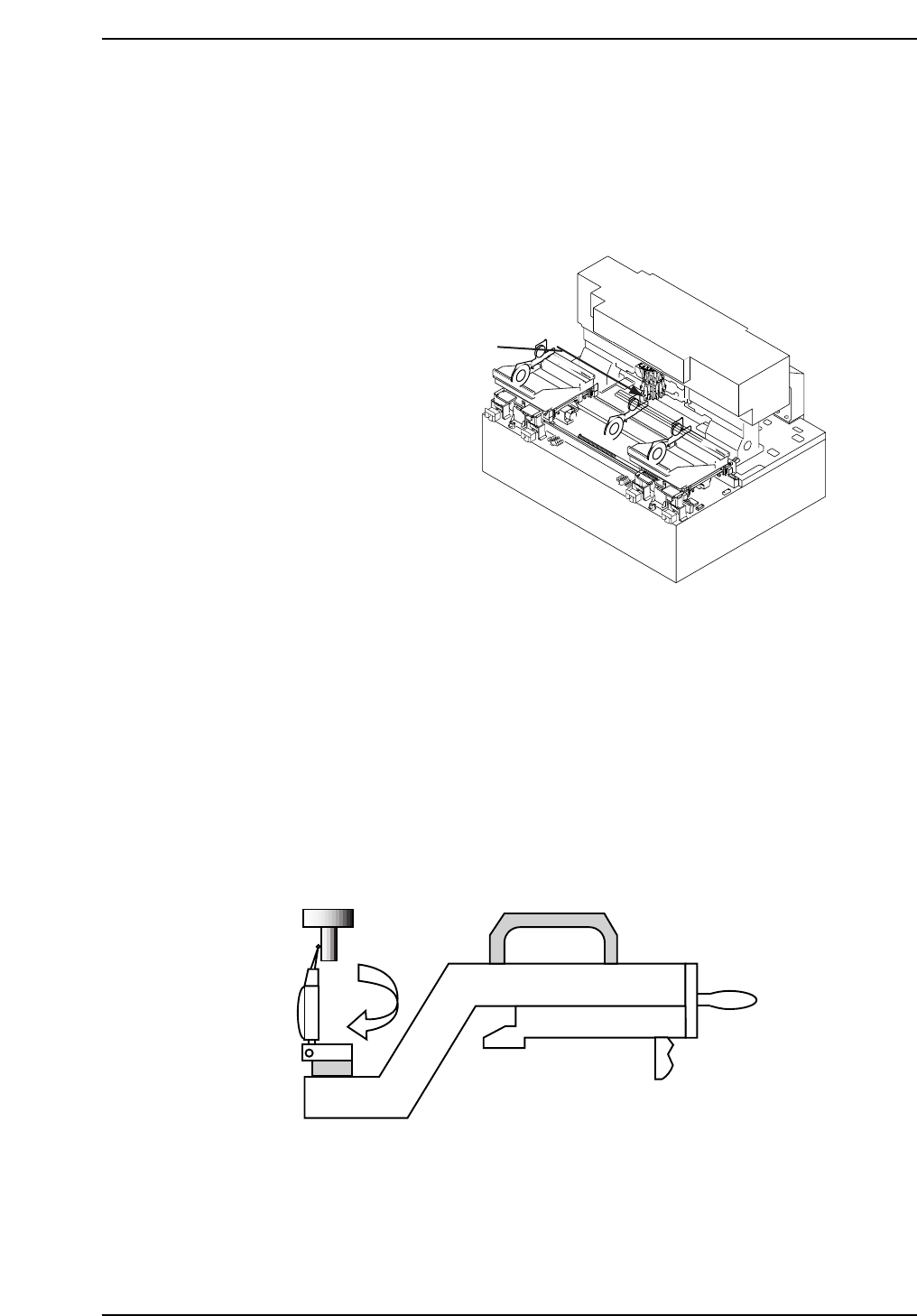
Pick-up position T1 (T2) is the amount of D-axis movement required to move
the first feeder location of each table to align an 8 mm tape feeder to the pick-
up nozzle at station 1.
An incorrect value for pick-up position will result in poor pick-up or nozzle damage.
Procedure:
1. Insert the pick-up position jig in slot 1 on device pallet 1. Remove the
nozzle holder from Head A and attach the centering jig.
2. Activate the pick-up solenoid and inch Head A to station 1, 170°.
3. Inch the jig at feeder slot 1 to the pick-up position and set the dial gauge
needle against the surface of the centering jig.
4. Zero the dial gauge and rotate around the centering jig as shown below.
Inch the pallet in the left and right direction until the dial gauge reads
zero on both sides of the jig. Repeat for T2 on pallet 2.
5. Register the pick-up positions in the machine calibration data using
the following commands:
[MAINTENANCE] - [CALIBRATION] - [PICK-UP REFERENCE].
CP7T33007
T1: Distance from feeder in retract
position to pick-up at station 1
CP7T33006
Chapter 3 3.2 D-Axis Adjustments
Edition 2.0 3-7 CP-7-series Level 3 Tutorial
Alternative Method
Procedure:
1. Press the EMERGENCY STOP button to release the servo lock.
2. Mount an empty 8 mm tape feeder to the first position on the device
table to be calibrated.
3. Clear the EMERGENCY STOP, and inch device pallet 1 (2) to the pick-up
position at station 1.
4. Move Head A to Station 1 and select a 1.3 or 1.8 mm nozzle.
5. Move the device pallet by hand so that the tape feeder lies immediately
below the nozzle at Station 1.
6. Activate the pick-up solenoid using the following commands:
[MAINTENANCE] → [I/O CHECK] → [STANDARD] → [Y031 PICKUP
SOLENOID ENGAGED].
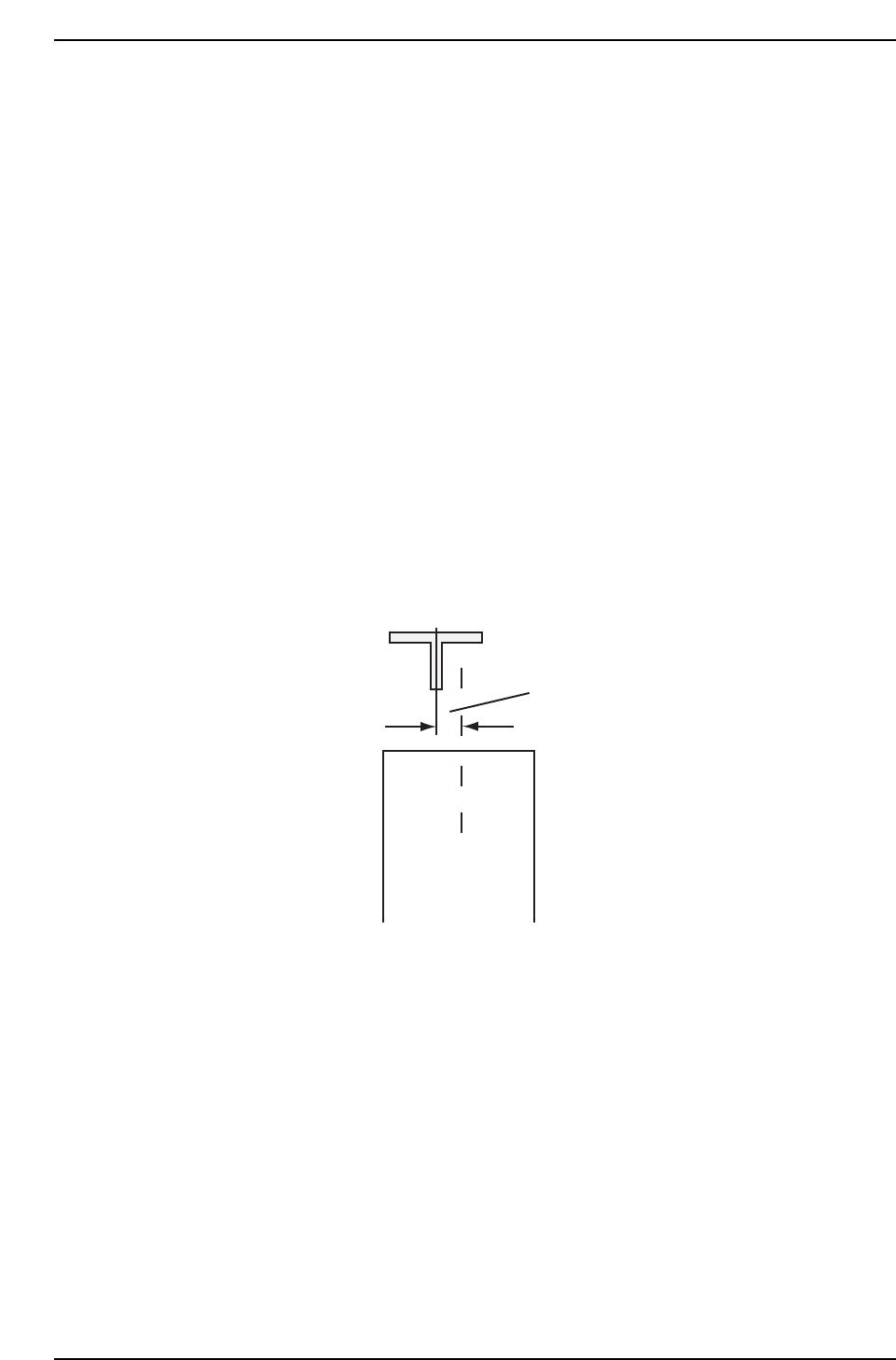
7. Rotate the cam angle to 180° and confirm that the nozzle is directly
above the center of the tape cavity.
8. If not properly aligned, manually rotate the ballscrew until the nozzle is
postioned directly above the center of the cavity.
9. Register this position in machine calibration data using the following
command:
[MAINTENANCE] → [CALIBRATION] → [PICK-UP REFERENCE] →
[SET].
10. Repeat the process for T2.
Should be no space
CP7T33008
Chapter 3 3.2 D-Axis Adjustments
Edition 2.0 3-8 CP-7-series Level 3 Tutorial
CP-732E Calibration Data Servo Count Chart (D1-axis)
CP-732E Calibration Data Servo Count Chart (D2-axis)
Caution
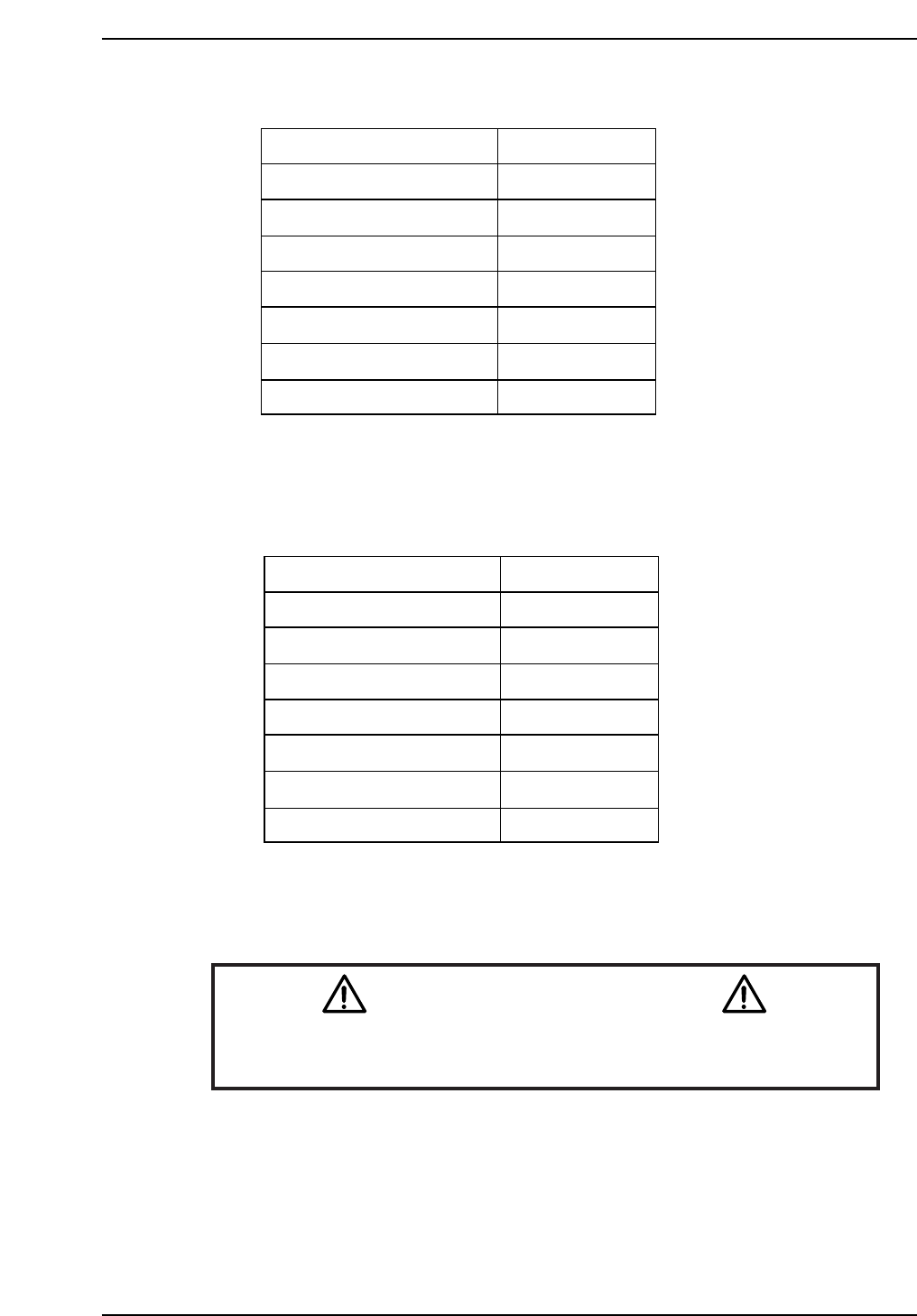
Ensure that new Calibration data is backed-up to the host computer
once the adjustment procedure is complete.
CN002
CP7T33010
Minus mechanical stopper
- OT sensor ON
Max limit pos.D2
D2 Origin
Pickup pos. T2
+ OT sensor ON
Plus mechanical stopper
-5000 ± 50
-1500 ± 50
-1000 ± 50
0 ± 1000
264300
Min limit pos. D2 507000 ± 1000
508500 ± 1000
507500 ± 1000
Plus mechanical stopper
-OT sensor ON
Max limit pos.D1
D1 Origin
Pickup pos. T1
+OT sensor ON
Minus mechanical stopper
5000 ± 50
1500 ± 50
1000 ± 50
0 ± 1000
-504700
Min limit pos. D1 -507000 ± 1000
-508500 ± 1000
-507500 ± 1000
CP7T33009
Chapter 3 3.2 D-Axis Adjustments
Edition 2.0 3-9 CP-7-series Level 3 Tutorial