00190725-01.pdf - 第50页
5.1.19 CONVEY OR BELT WIDT H ADJUST MENT NOTE: For machines up t o and inc luding batc h id entit y n o. 3 the conveyor width is adjustment wit h the main menu displayed (handwheel !). This fun ction allow s you, when r …
• COMPONENT CAMERA HEIGHT
Selecting this menu allows you to determine the height of the centering camera (component camera).
This height serves as the reference value for lowering the Z-axis over the coplanarity laser module.
• EXECUTE THE FOLLOWING POINTS
Selecting this menu option allows you the perform the complete further calibration of the component vision
system after the centering camera height has been determined. The menu options displayed underneath
are now called up in a block (see below).
The PCB and the calibration plate have only to be inserted once at the beginning, and the measurements
are then carried out automatically and in the sequence required.
Individual values can be checked by calling up the menu options individually:
• DETERMINE CALIBRATION FACTORS,
• DETERMINE CAMERA CENTER,
• DETERMINE ROTATION ANGLE,
Prerequisite for each succeeding calibration is always that the calibration factors have already been deter-
mined and are correct. The calibration plate must not be exchanged nor turned.
5.1.17 DETERMINE COPLANARITY COORDINATES
This measuring routines are used determine the exact laser coordinates (X, Y, Z-value of the laser focus).
These coordinates are prerequisite for the accurate coplanarity measurement during the placement cycle.
The laser coordinates determined are written to the MA_ZUSATZ file.
This file is saved during the AutoCal measuring sequence only if a coplanarity laser module has been set up
and activated in the MA-data.
The MA_Zusatz file must therefore be copied only in this case to the work diskette together with the MA_FILE.
The coplanarity laser module should be situated as close to the component camera as possible, however al-
ways on the fixed component table side. The X /Y-ACTUAL position is determined by teaching at the start of
the measuring routine.
Detailed information about the coplanarity laser module, such as e.g. DANGER warnings, requirements to be
fulfilled on the machine and required entries in the MA-data (activation of the "Coplanarity" option) are con-
tained in the "Retrofit Instructions of Coplanarity Laser Module on HS-180".
5.1.18 MEASURE ANY HOLE (REPEATEDLY)
This measuring routine is used for testing purposes and for an accuracy check of the machine in the case of
an error.
You can approach and measure any hole by means of "Teach" (reproducibility during measuring is ± 0.02
mm. After selecting the menu, the submenu providing the possibility for entering the criteria for the measure-
ment appears (see measuring sequence, chap. 7).
User’s Manual AutoCal Program 5 Description of the Menu Options
Software Version 114.xxx 5.1 Description of the Menu Options for HS-180 Placement Stations
5 - 7
5.1.19 CONVEYOR BELT WIDTH ADJUSTMENT
NOTE:
For machines up to and including
batch identity no. 3
the conveyor width is adjustment with the main
menu displayed (handwheel !).
This function allows you, when required, to adjust the conveyor to the PCB width required in the AutoCal
measuring sequence.
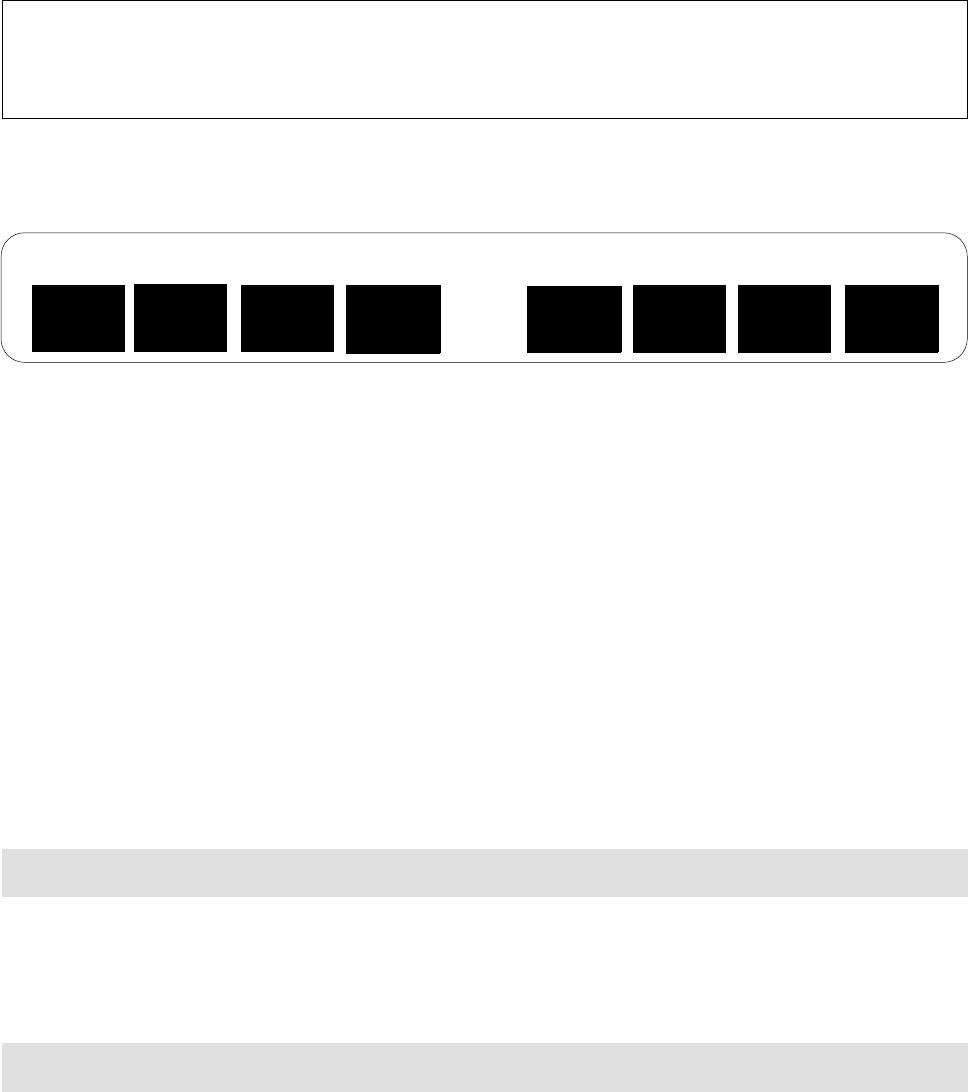
After the menu option has been selected, the following function bar appears on the screen:
Description of the function keys offered on the screen:
— "SLOW / FAST"
(toggle): to select the speed for the width adjustment. Preset: "fast".
— "CONVEYOR <-->"
or
"CONVEYOR ->--<-" =
to start the adjustment (<--> = increase, ->-<- = decrease).
— "STOP"
= to stop the adjustment process.
— "STEP OFF"
= to perform width adjustment in steps.
— "PCB --> EXIT"
= to convey the PCB to the output station, e.g. to check the adjusted width).
— "WIDTH IN MM"
= to enter the desired PCB width (see "Prerequisite" below).
—
"END"
= to return to the main menu.
➤ On machines with automatic width adjustment pay attention to the WORKAROUND → section 12.2
➤
Prerequisite
for the exact adjustment to the width entered (function key F 7) is that "PCB EDGE FIXED
TABLE" has already been determined.
➤ When adjusting the conveyor width, the PCB
must not
be placed above the light barrier as otherwise
width adjustment cannot be carried out.
• When function key F7 is selected, the following prompt is displayed on the screen:
PC-BOARD WIDTH [MM]
• Procedure: input the desired value (= PCB width used) → approach the movable table side → gantry mo-
ves to the appropriate, internally calculated width → width adjustment of the conveyor is started and is
stopped when the Bero on the movable table side is activated.
• If the Bero fails to be activated, the following
error message
is displayed:
CONVEYOR IS AT LIMIT SWITCH
•
Error correction:
Using the appropriate function key (see above) move the conveyor away from the li-
mit switch and correct the error (incorrect sensing distance / defective Bero).
• Subsequently, repeat the adjustment of the conveyor width.
ADJUST CONVEYOR WIDTH TO PCB WIDTH
WIDTH
IN MM
END
PCB -->
EXIT
STEP
OFF
CON
VEYOR
<--> STOP
SLOW
CONVEYOR
>--<
5 Description of the Menu Options User’s Manual AutoCal Program
5.1 Description of the Menu Options for HS-180 Placement Stations Software Version 114.xxx
5 - 8
5.1.20 AXES MOVEMENT MENU
This menu enables you, in the event of an error, to check the movement / positioning of individual axes and
perform the axis adjustment, if required.
After selecting the main menu option, a
submenu
is displayed (see Fig. 1.5) from which you can select the
appropriate axis. Thereafter the function menu of the selected axis is displayed.
The function menu of the Z-axis differs from that of the remaining axes in that it comprises an additional fun-
ction that can be selected (continuous run function with standstill control) as well as the value for the force
that can be edited, as displayed below.
➤ Pay attention to
section 2.3 "Safety Prompts
When Carrying Out the Axes Movement Menu.
•
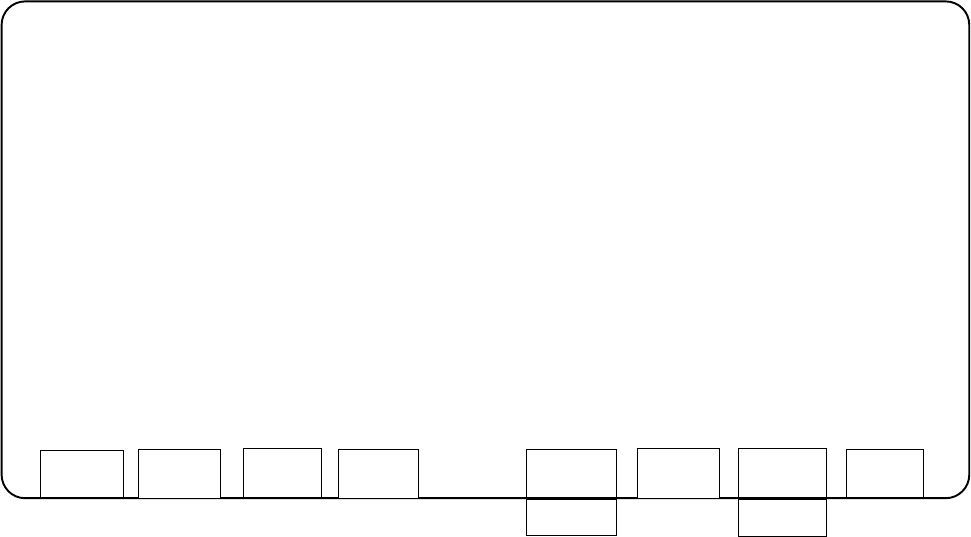
After selecting the Z-axis the following
functions screen
is displayed:
—
The actual position is continuously updated during the performance of the functions for the Z-axis (or X,Y-
axis).
—
For the values Z_min and Z_max the values are displayed that are entered in the machine data for the mi-
nimum and maximum Z-traversing range. This applies also for X_ / Y_min. and X_ / Y_max.
—
For the continuous run of the Y-axis the left table side (Bero) is approached and the possible traversing
range is determined.
—
For the adjustment of an axis you require the documentation for the axis adjustment (adjustment instructions).
SIEMENS CALIBRATION PROGRAM AutoCal 114.xxx
STATION 1 -----------------------------------------------------------------------------------------------------------------------------
SPEED = 1 INITIAL POSITION = 0 (>Z_min)
ACCELERATION = 10 FINAL POSITION = 1000 (<Z_max)
DECELERATION = 10
POWER = 8
CURRENT POSITION = 434
POSSIBLE FUNCTIONS:
f1: EDIT VALUES ABOVE
f3: POSITION AT INITIAL POSITION
f5: CONTINUOUS OPERATION BETWEEN INITIAL AND FINAL POSITION
f7: CONTINUOUS OPERATION WITH STAND STILL CHECK
f8: END
EDIT
POSIT
.
Start
CONT. OP.
START
STOP
SSC
START
STOP
END
User’s Manual AutoCal Program 5 Description of the Menu Options
Software Version 114.xxx 5.1 Description of the Menu Options for HS-180 Placement Stations
5 - 9