00190725-01.pdf - 第52页
• After selecting the Edit function the following Edit screen is displayed: — Here, the paramet ers can be modified locally. — T he values for acceleration and deceleration can not be edited. — T he maximum possible v al…
5.1.20 AXES MOVEMENT MENU
This menu enables you, in the event of an error, to check the movement / positioning of individual axes and
perform the axis adjustment, if required.
After selecting the main menu option, a
submenu
is displayed (see Fig. 1.5) from which you can select the
appropriate axis. Thereafter the function menu of the selected axis is displayed.
The function menu of the Z-axis differs from that of the remaining axes in that it comprises an additional fun-
ction that can be selected (continuous run function with standstill control) as well as the value for the force
that can be edited, as displayed below.
➤ Pay attention to
section 2.3 "Safety Prompts
When Carrying Out the Axes Movement Menu.
•
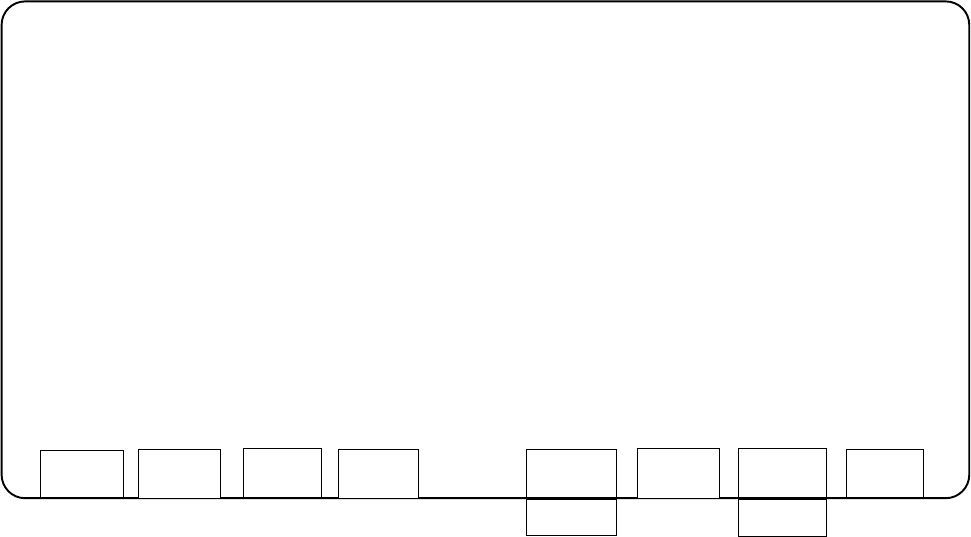
After selecting the Z-axis the following
functions screen
is displayed:
—
The actual position is continuously updated during the performance of the functions for the Z-axis (or X,Y-
axis).
—
For the values Z_min and Z_max the values are displayed that are entered in the machine data for the mi-
nimum and maximum Z-traversing range. This applies also for X_ / Y_min. and X_ / Y_max.
—
For the continuous run of the Y-axis the left table side (Bero) is approached and the possible traversing
range is determined.
—
For the adjustment of an axis you require the documentation for the axis adjustment (adjustment instructions).
SIEMENS CALIBRATION PROGRAM AutoCal 114.xxx
STATION 1 -----------------------------------------------------------------------------------------------------------------------------
SPEED = 1 INITIAL POSITION = 0 (>Z_min)
ACCELERATION = 10 FINAL POSITION = 1000 (<Z_max)
DECELERATION = 10
POWER = 8
CURRENT POSITION = 434
POSSIBLE FUNCTIONS:
f1: EDIT VALUES ABOVE
f3: POSITION AT INITIAL POSITION
f5: CONTINUOUS OPERATION BETWEEN INITIAL AND FINAL POSITION
f7: CONTINUOUS OPERATION WITH STAND STILL CHECK
f8: END
EDIT
POSIT
.
Start
CONT. OP.
START
STOP
SSC
START
STOP
END
User’s Manual AutoCal Program 5 Description of the Menu Options
Software Version 114.xxx 5.1 Description of the Menu Options for HS-180 Placement Stations
5 - 9
•
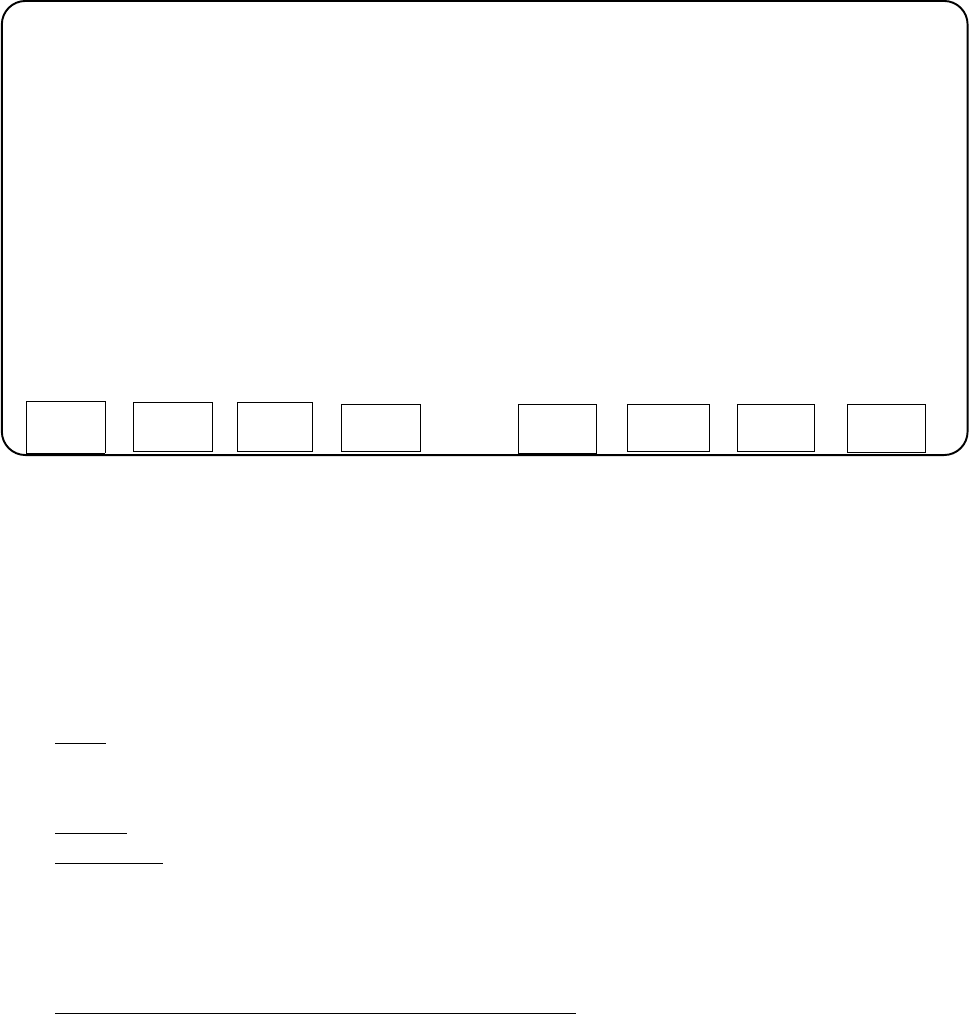
After selecting the Edit function the following Edit screen is displayed:
— Here, the parameters can be modified locally.
— The values for acceleration and deceleration can not be edited.
— The maximum possible value of the speed is taken from the machine data.
— The value range for the force is from 1 to 99.
— For the start and end positions only values within the traversing range, as entered in the machine data,
are possible.
•
Description of the Functional Sequences
—
EDIT: The values are changed in the editor of the continuous run function only temporarily. The origi-
nal MA data entries in the machine data remain unchanged. The AutoCal program uses the default va-
lues for all remaining functions.
—
POSIT.: The selected start position is approached on the basis of the selected parameters.
—
CONT. OP.: When this function is selected, the "START" label in the function key is replaced by
"STOP". The text labels of the other keys are deleted. All axes are made to travel back and forth be-
tween the two positions INITIAL POSITION and FINAL POSITION. Also here the selected parameters
are used. After every traversing operation a defined time span of 0.5 ms elapses which is fixed pro-
grammed in the software. Pressing the STOP button causes the continuous run to be terminated.
—
CONTINUOUS OPERATION WITH STAND STILL CHECK (only Z-axis): Here, the Z-axis travels in
downward direction by means of standstill control and deposits the steel nozzle on the previously loa-
ded PCB. Depositing the nozzle is to be confirmed by pressing <RETURN>. The continuous run with
standstill control starts and can be terminated at any time by pressing "STOP". After the termination,
the head always moves to the 0-count position.
SIEMENS CALIBRATION PROGRAM AutoCal 114.xxx
STATION 1 ---------------------------------------------------------------------------------------------------------------------
-------------------------- 0
SPEED 1 [in m/s^2]
ACCELERATION 10 [in m/s^2]
DECELERATION 10
POWER 8
-------------------------- 0
INITIAL POSITION 0 (>Z_min) [digit]
FINAL POSITION 1000 (<Z_max) [digit]
-------------------------------------------------------------------------------------------------------------------------------------------
MOVE WITH CURSOR KEYS ( ^, v, PREV, NEXT) SELECT WITH <RETURN> KEY
END
5 Description of the Menu Options User’s Manual AutoCal Program
5.1 Description of the Menu Options for HS-180 Placement Stations Software Version 114.xxx
5 - 10
5.1.21 I/O MENU
This menu permits you to set the desired outputs by selecting "TEST OUTPUTS", to toggle the outputs by se-
lecting "Endurance run" and to check the updated inputs in each case on the screen. Selecting "TEST IN-
PUTS" causes all signal state changes of the inputs to be displayed on the screen in an additive process.
WARNING
∆
!
∆
!
Any
concurrent setting
of competing outputs may result in
damage to the machine!
N o (!)
verification by the software is carried out !
•
TEST OUTPUTS
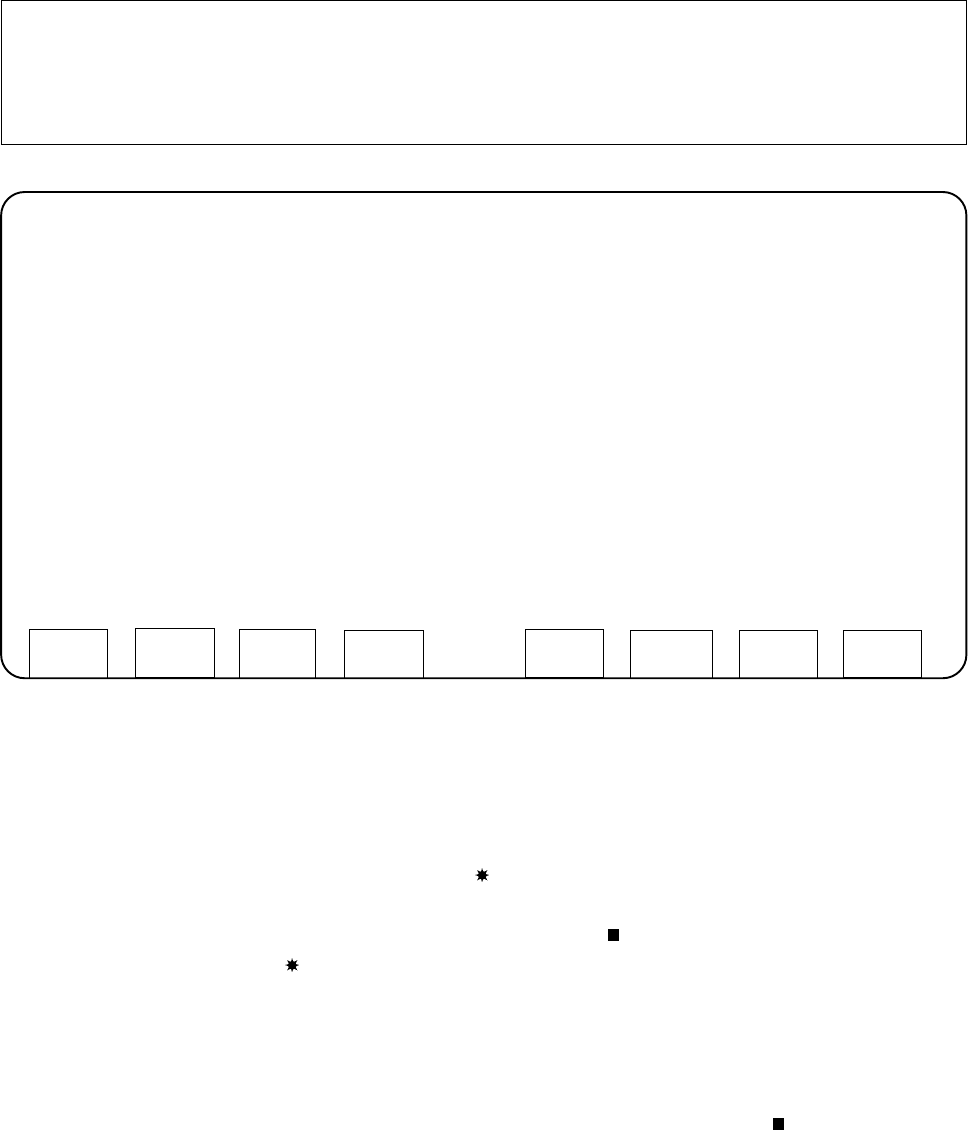
After selecting the "TEST OUTPUTS" function the screen for the inputs and outputs is displayed (see next
page).
—
The signal state of the inputs is continuously monitored and updated on the screen.
Signal state 1 is indicated on the screen by the character enclosed in parentheses.
— At the start, all outputs are set to "ZERO". Using the cursor keys you can move around in the matrix
displayed and select the output. The cursor is identified by the character. Active outputs are marked -
just as the inputs - by the character.
Pay attention to the WARNING, above:
It is possible that several outputs are set simultaneously!
— To "toggle" (signal state change from 1 to 0 or from 0 to 1) the selected output, press the RETURN
key.
— If you actuate "CONT. OP. START" (function key F1) the output identified by the character is
toggled.
SIEMENS CALIBRATION PROGRAM AutoCal 114.xxx
STATION 1 -----------------------------------------------------------------------------------------------------------------------
I/O MENU
TEST INPUTS
TEST OUTPUTS
-------------------------------------------------------------------------------------------------------------------------------------------
MOVE WITH CURSOR KEYS ( ^, v, PREV, NEXT)
SELECT WITH <RETURN> KEY
END
User’s Manual AutoCal Program 5 Description of the Menu Options
Software Version 114.xxx 5.1 Description of the Menu Options for HS-180 Placement Stations
5 - 11