YesAX V3.1.2 - Software User Manual.pdf - 第256页
23 -2 Customer Support The Upgrade Wizard w ill alway s rename the old executable before downloading the newest executable from the web. This allows you to roll-back to a previous version in case the new version is not s…
Customer Support 23-1
23 - Customer Support
Nordson YESTECH is committed to providing excellent customer support after the product is
sold. In addition to phone support and visits, we also utilize Internet technology to help us keep
in contact with our customers.
23.1 Automated Software Upgrade
Nordson YESTECH AXI machines can upgrade to the newest software revisions automatically
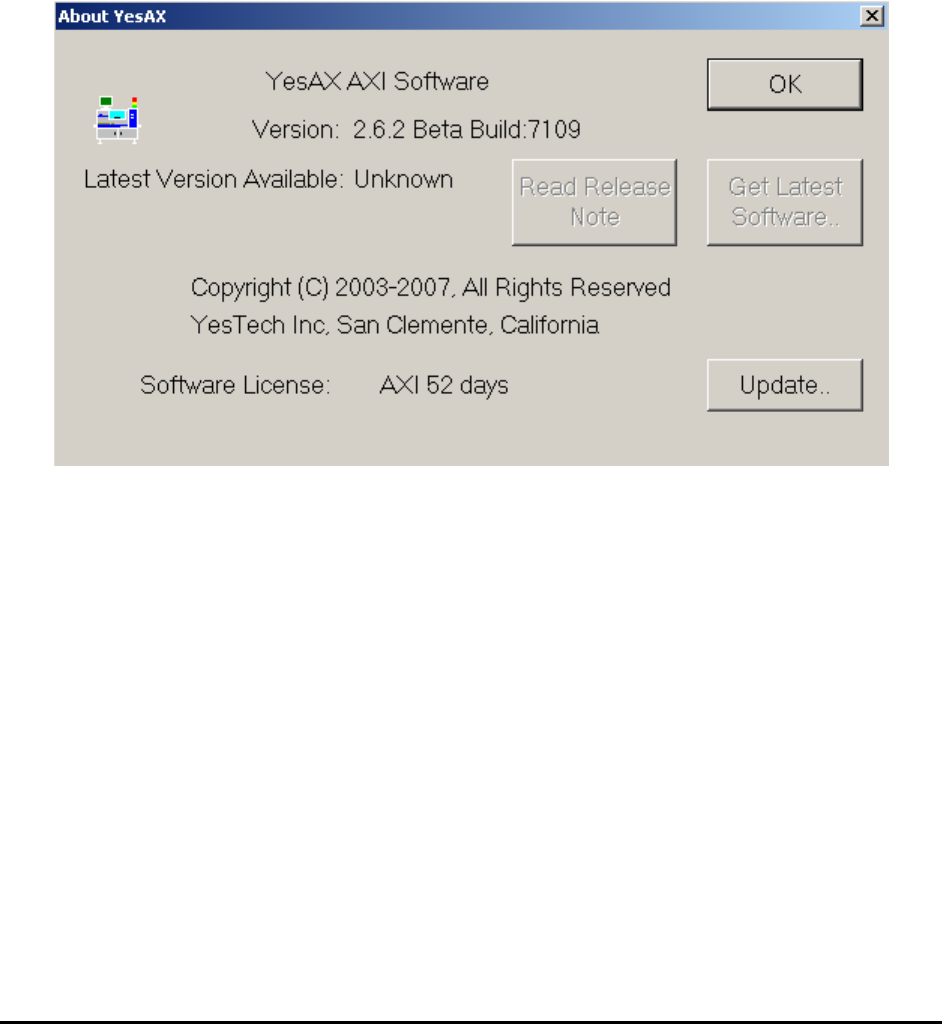
via the Internet. To use this feature, select About YesAX from the Help menu. The About
YesAX dialog displays.
During the initial launch of this dialog the software searches the Web for the latest version of the
YesAX software. If the latest version is higher than the current version the two buttons Read
Release Note and Get Latest Software are enabled. The Read Release Note button retrieves
the latest release notes from the Web and displays them. It is always a good idea to read the
release notes before upgrading the software. If you decide to upgrade, press the Get Latest
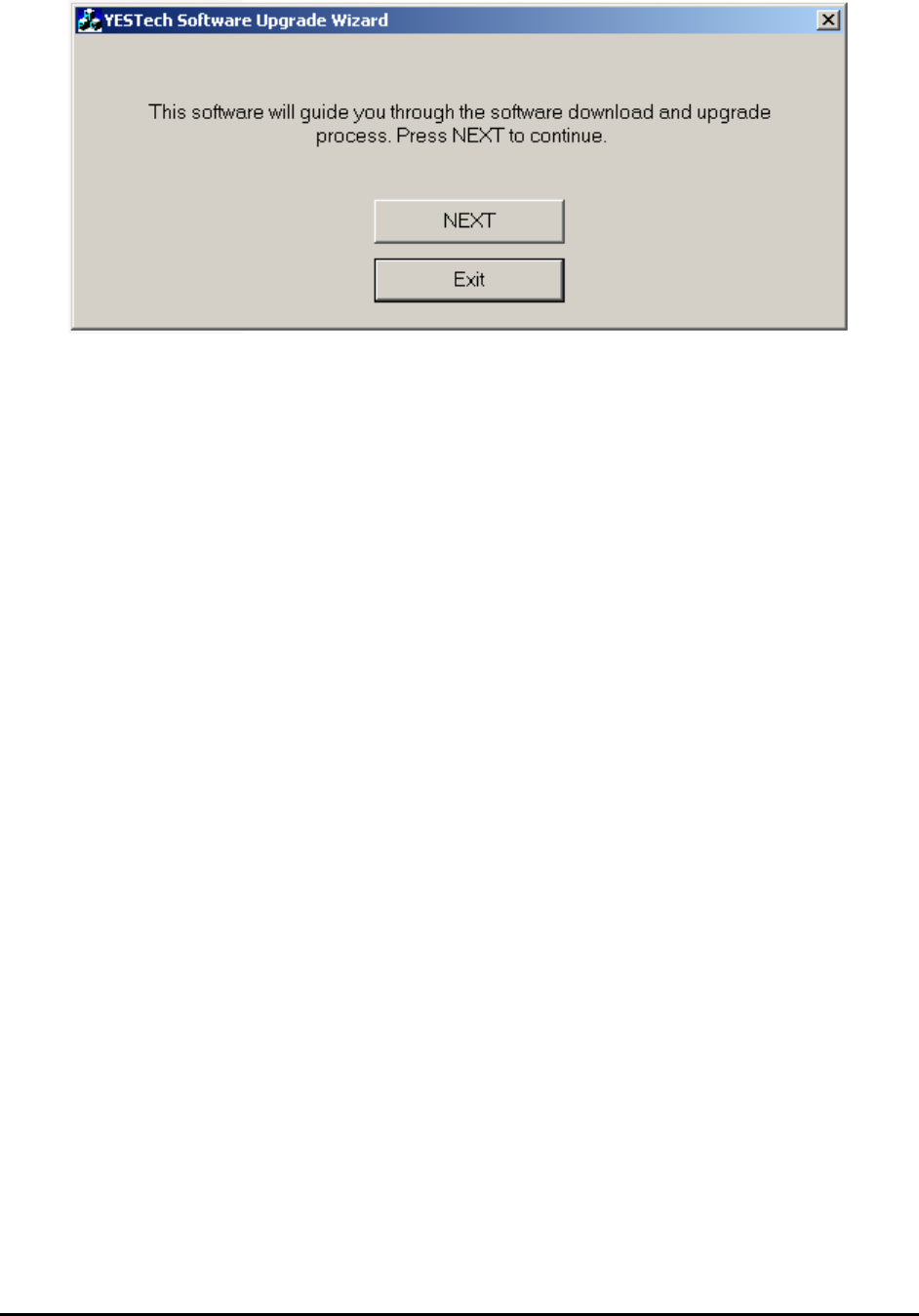
Software button to launch the upgrade wizard. It will guide you through the steps of upgrading
the YesAX software. The following is a screen shot of the Upgrade Wizard Software.
23-2 Customer Support
The Upgrade Wizard will always rename the old executable before downloading the newest
executable from the web. This allows you to roll-back to a previous version in case the new
version is not satisfactory.
23.2 FTP Site
In addition to the automatic software upgrade, an FTP site is setup to exchange information with
the customers. The address of the FTP site is:
Address: ftp://update.yestechinc.com
User Name: carlsbad
Password: nordsonyestech
NOTE
The user name and password may change without notice. Contact Nordson
YESTECH for the current user name and password.
23.3 WebEx
WebEx is the leading web conference service provider. Nordson YESTECH uses WebEx service
to provided world class technical support service to its customers. WebEx allows tech-support
experts at Nordson YESTECH’s main office or any regional offices to remotely control the
customer’s AXI machines via the Internet. It is like having an AXI expert in front of the machine.
This feature is especially useful in situations where details or lengthy instructions are required to
reproduce or resolve the problem. To use this feature, the machine’s computer must have Internet
access.
If you have a problem or a question on the AXI machine, call Nordson YESTECH for tech-
support. Based on the nature of the problem, the tech-support expert at Nordson YESTECH may
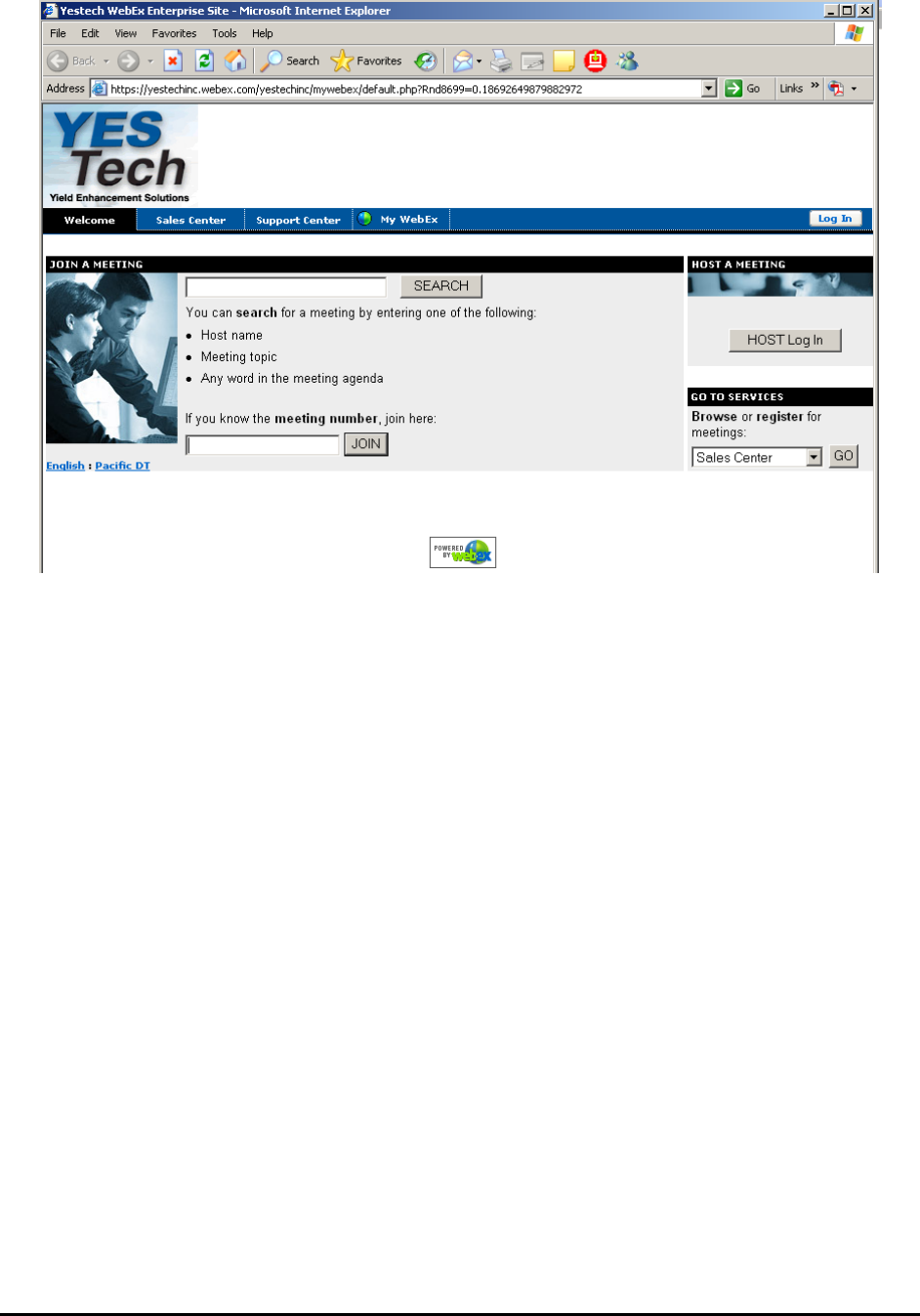
suggest the use of WebEx and provide you with a “meeting number”. At this point, go to the web
address http://yestechinc.webex.com and enter the meeting number. You can also go to the web
address by selecting WebEx YesTech from YesAX’s Help menu.
Customer Support 23-3