YesAX V3.1.2 - Software User Manual.pdf - 第58页
5- 12 Inspection and De fect Revie w Step by S tep
Inspection and Defect Review Step by Step 5-11
5-12 Inspection and Defect Review Step by Step
Recipe Creation Step by Step for 2D Recipes 6-1
6 - Recipe Creation Step by Step for 2D
Recipes
Creating 2D X-ray inspection recipes are very similar to creating AOI inspection recipes. Here
are the basic steps:
6.1 Step1: Prepare CAD data
Although CAD data is not absolutely necessary to create inspection recipes, it certainly helps to
speed up the recipe creation process. First, convert the CAD data to YCD format (Nordson
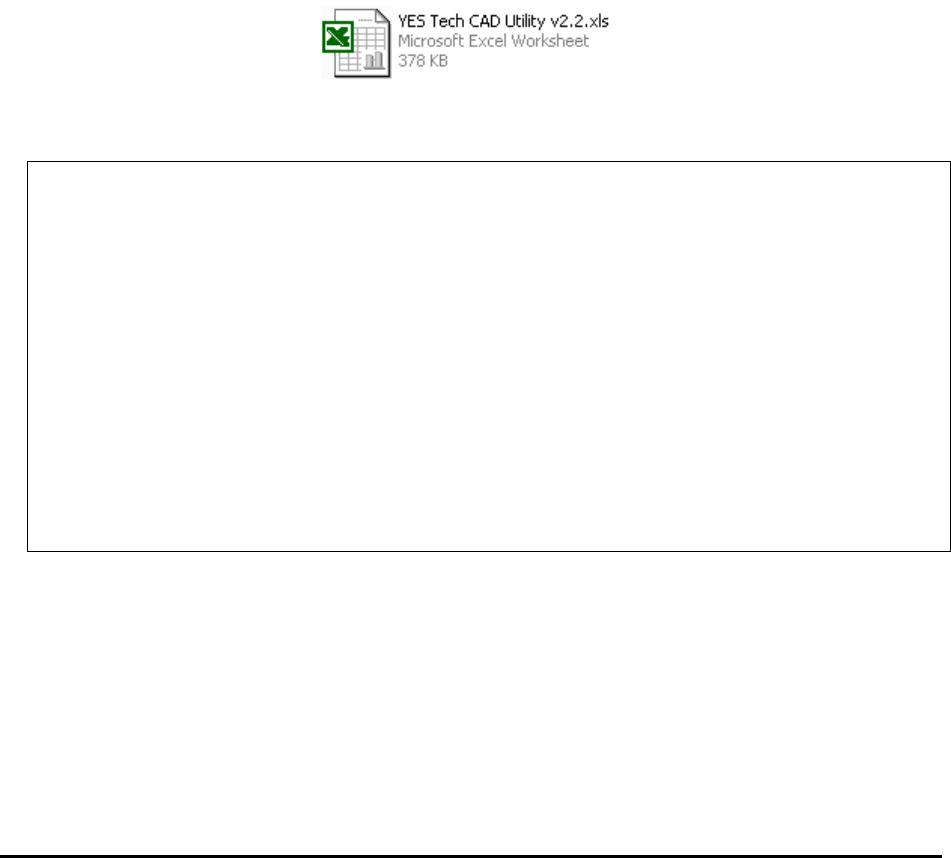
YESTECH Cad Data) before importing to the machine. Microsoft Excel can be used for the
formatting tasks. More specialized CAM software, such as CircuitCAM, can also be used for the
tasks. To facilitate system installation and training, Nordson YESTECH recommends using
Microsoft Office on the computer. Nordson YESTECH supplies a conversion utility in the form
of an Excel macro to convert any column data into YCD format. The utility can be found in the
following folder. C:\Aoi_Data\CAD_Data.
YCD files are ASCII text files. There are two main sections in the file; Header and Part List.
The header section looks like this:
.YESTECH_CAD
[Header]
Version= 1
RecipeName= gdc-060p027002rev_k.rcp
ScaleFactor= 1000.000
InvertXPos= 0
InvertYPos= 0
RotationDir= 1
RotationOffset=0
BoardWidth= 238.154
BoardHeight= 159.513
BoardRotation= 0
PNLib= c:\aoi_data\recipe\gdc-060p027002rev_k\Settings.lib
CentralLib=
PkgLib= C:\AOI_Data\StdPkg\StdPkg_Post.pkg
PkgNameMap=
IsTopSide= 1