YesAX V3.1.2 - Software User Manual.pdf - 第36页
在线预览 YesAX V3.1.2 - Software User Manual.pdf PDF 文档。
Unpacking and Installation 3-5
3.10.1 Seismic Requirements
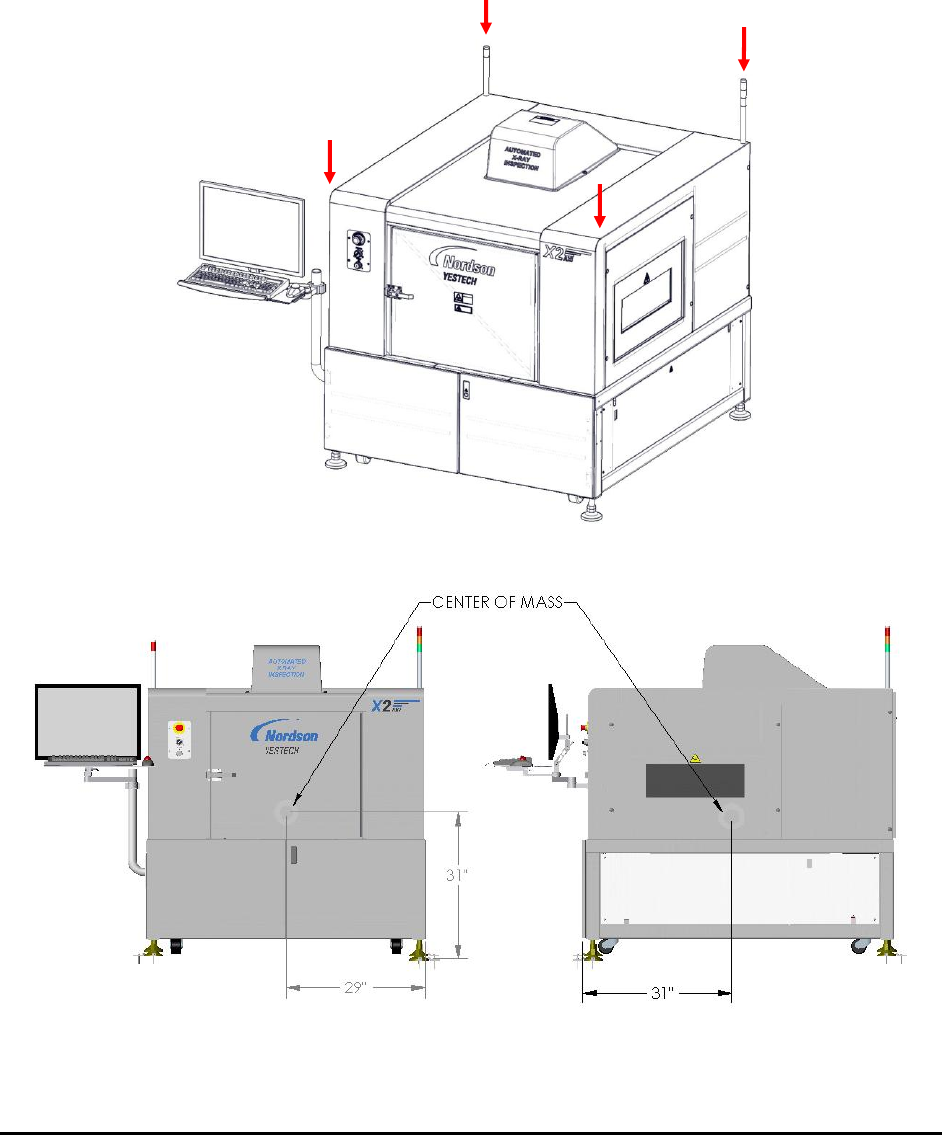
Refer to Nordson YESTECH configuration-specific drawings for weight distribution and center of gravity
attachment requirements for your specific configuration.
Figure 3-2 and Figure 3-3 show the weight distribution and center of mass of the AXI Systems.
Figure 3-2 Weight Distribution (approximate)
Figure 3-3 Center of Mass
560kg (1210 lbs)
560kg (1210 lbs)
560kg (1210 lbs)
561kg (1212 lbs)
User Interface Basics 4-1
4 - User Interface Basics
The software user interface is designed around its users. There are four types of users:
Machine Builder
Nordson YESTECH employees use this mode to calibrate and verify machine
functionality.
Machine QA Person (Maintenance)
Maintenance personnel use this mode to ensure the machine’s hardware integrity and
calibration accuracy.
Inspection Recipe Programmer
Users who create and modify the inspection recipes will use this mode.
Inspection Operator
Users who operate the system and run the inspection recipes will use this mode to
run/inspect boards.
For each user mode the user interface is optimized to allow you to achieve maximum efficiency.
For example, in the builder mode, the primary concern is to identify any problem with the
machine’s electrical or mechanical hardware. In this case the software uses a low level hardware
control interface that allows the user to isolate any problem quickly and take corrective actions.
Also in this mode the software presents comprehensive self test features which objectively
determine machine quality and production readiness.
4.1 Login
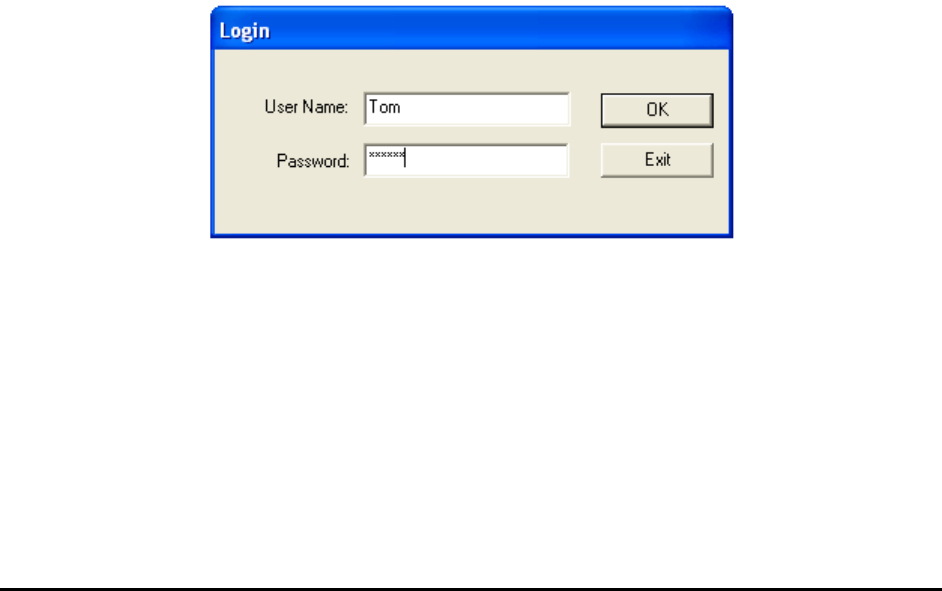
Each user mode is protected by password; a system administrator assigns access privileges to
users based on the activity that user needs to perform. When the software starts, a login prompt
will appear.