YesAX V3.1.2 - Software User Manual.pdf - 第41页
User Interface B asics 4-5 4.4 List View Th e List View window has six tabbed pages: Selected, Part List, Part Lib, Pac kage Lib , Pin Lib and Image Archive . The Selected page lists the selected parts by Reference ID fo…
4-4 User Interface Basics
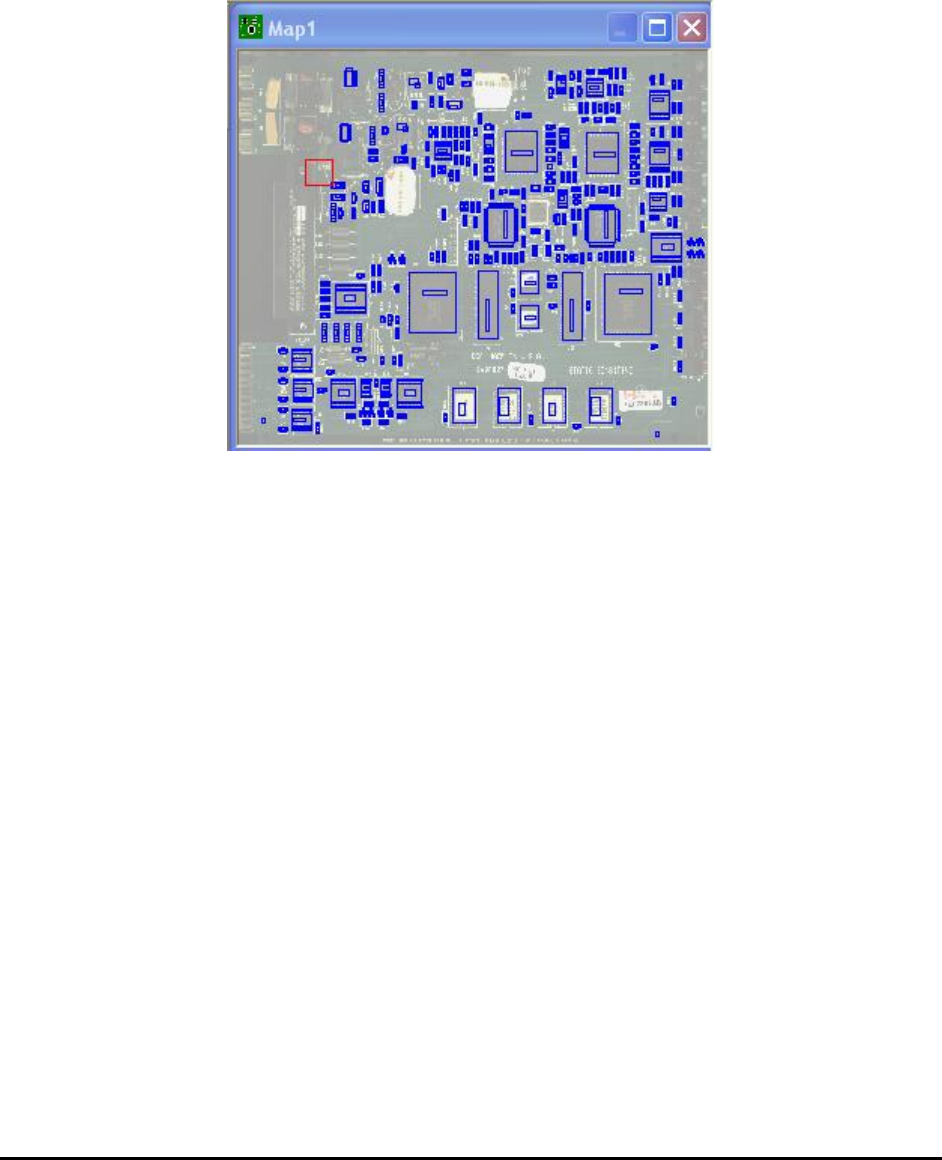
4.3 Map View
The Map View window provides a complete view of the entire PCB. Each time a new part is
trained, a small rectangle will appear on the Map View indicating the part position. A moving
red rectangle marks the current camera position. The Map View is also a navigating tool: double-
clicking the trackball (or mouse) on the map will move the camera to the corresponding position
on the board.
User Interface Basics 4-5
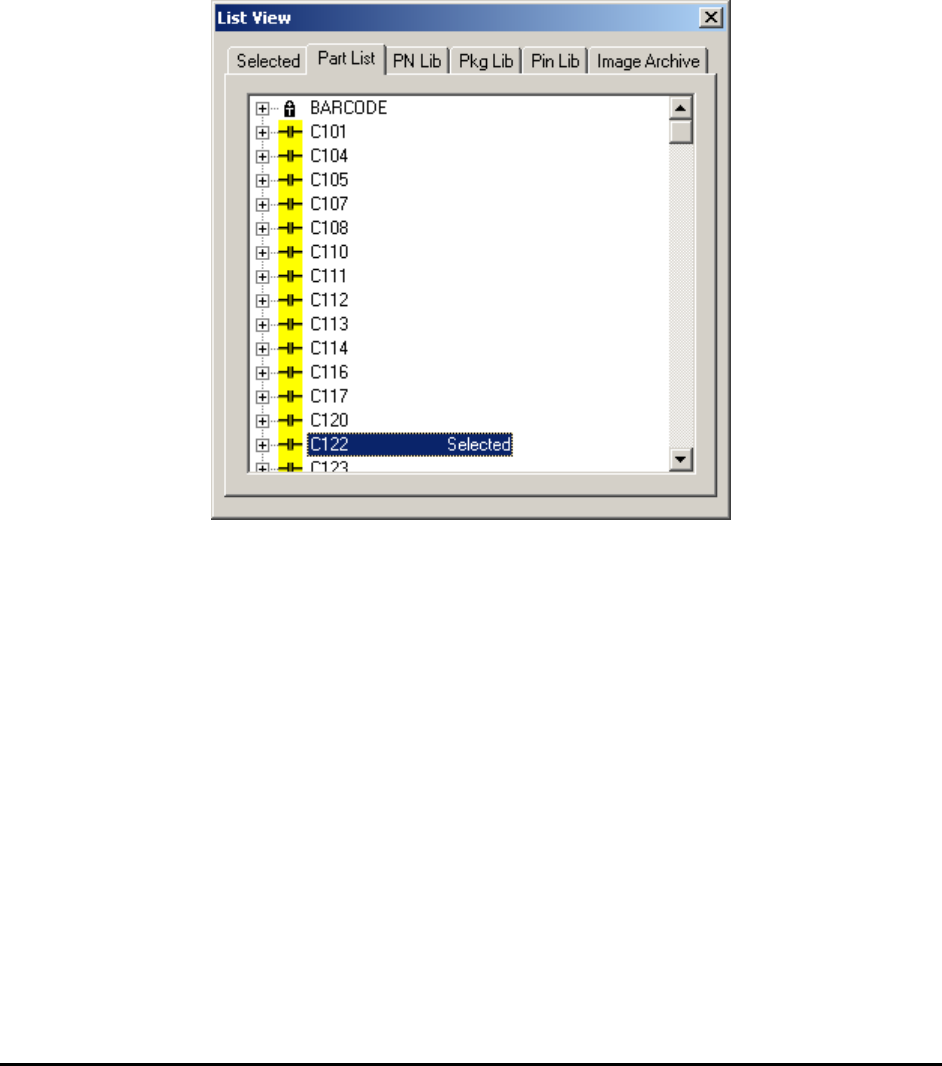
4.4 List View
The List View window has six tabbed pages: Selected, Part List, Part Lib, Package Lib, Pin
Lib and Image Archive. The Selected page lists the selected parts by Reference ID for review
or walk through. The Part List page lists the entire part list of the board by reference ID. The
Part Lib page lists parts by part number. The Package Lib page lists parts by package name.
The Pin Lib page lists pins by pin name. Lastly, the Image Archive page lists the available
Image Set in the Image Archive for the current recipe.
In both the Part List page and Selected pages, the user can move the camera to the part on the
board by double-clicking on the part ID in the list.
4-6 User Interface Basics
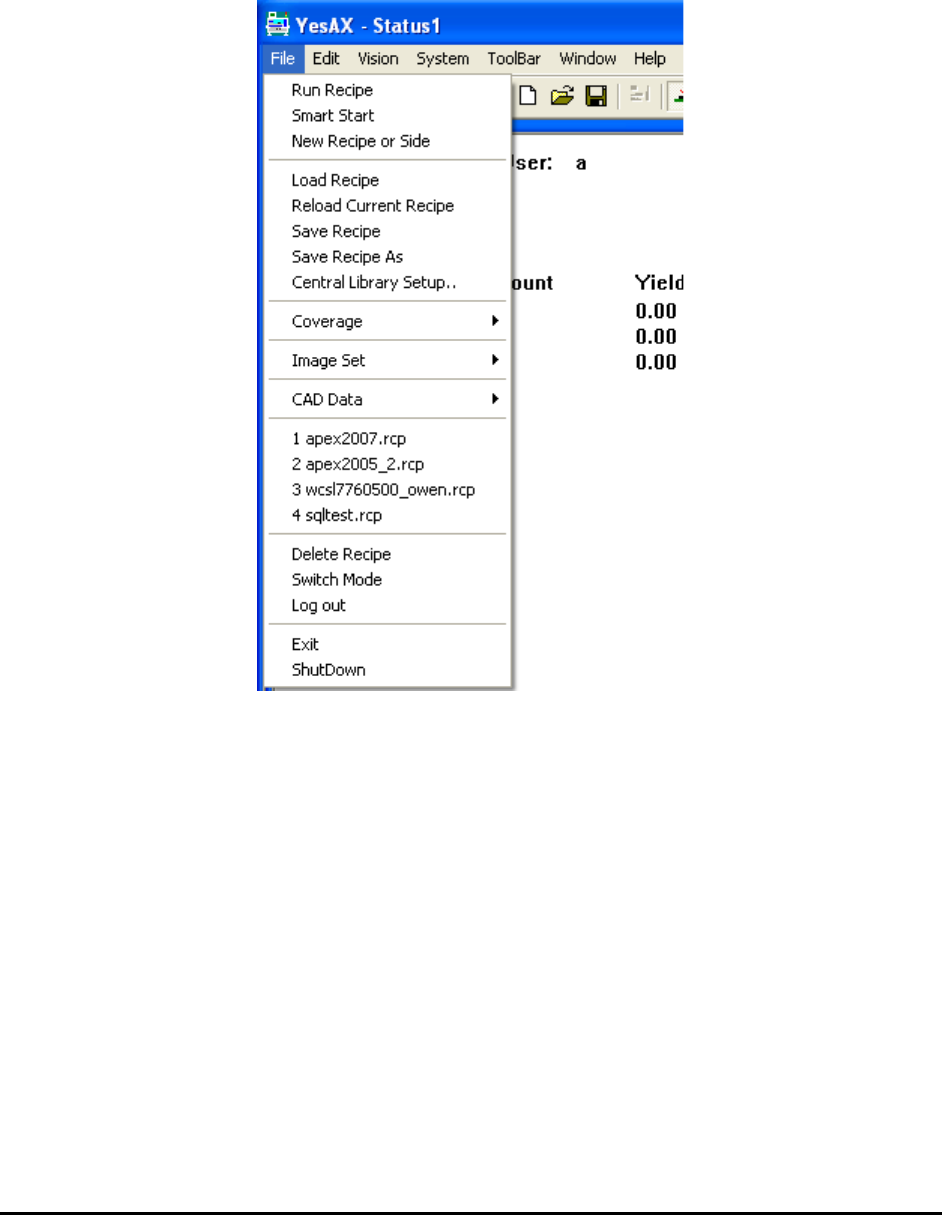
4.5 Main Menu
The Main Menu is customized to the activity mode the user logs into. The Programmer’s main
menu is different from that of the Machine Builder’s. The Recipe Programmer’s main menu is
displayed below.
Most of the main items are either self-explanatory or their functions are explained in the later
sections of this document. The sub-menu ToolBar and Window will be described here. The
ToolBar sub-menu contains all the functions that the ToolBar button provides. Its sole purpose
is to allow you to use a programmable keyboard accelerator to access the functions of the
ToolBar. Programmable keyboards can provide one touch access to all the commonly used
functions of the software. They are commonly used to speed up the defect review process.