YesAX V3.1.2 - Software User Manual.pdf - 第284页
28 -6 Trouble Shoot ing 28.5.1 SPC Data Logging At the end of an inspection, the software may need to send inspec tion data to a database. The error message below may be displayed if one or more field of data is too long…
Trouble Shooting 28-5
Error Message: XMax (YMax) Soft Limit Exceeded
In addition to hard stops (rubber bumpers) and hardware limit switches (optical sensors), the
AXI system also has software limits for XY stage travel. Software limits when triggered will not
allow any attempted move that is outside the travel limits. Hardware limit switches will cause the
stage to stop abruptly at the limit, soft limits on the other hand will have the stage smoothly
decelerate to the limit position. The above error message will display to inform the user that the
software limit has been reached and the move has not been completed.
For soft limits to work properly travel ranges must be determined. If the above error message is
displayed when the stage is not at the limit, then it is possible that the stage travel range is
incorrectly set. To set up travel range, the user can enter the builder mode of the software. From
the Test menu, select Initialize XY Stage. The stage will move to the front left position then
return to the middle position. Initializing the XY stage establishes the front left limit positions.
To determine travel range we also need the back right positions. This is done by selecting Find
Travel Limits from the Test menu.
28.4 While Running a Recipe
An error messages during inspection is caused by the software having problems with the current
inspection box. The error messages may be “Cannot load template #xx” or “MbufCopyColor…”
etc. Identifying the inspection box giving the error message is the first step towards fixing the
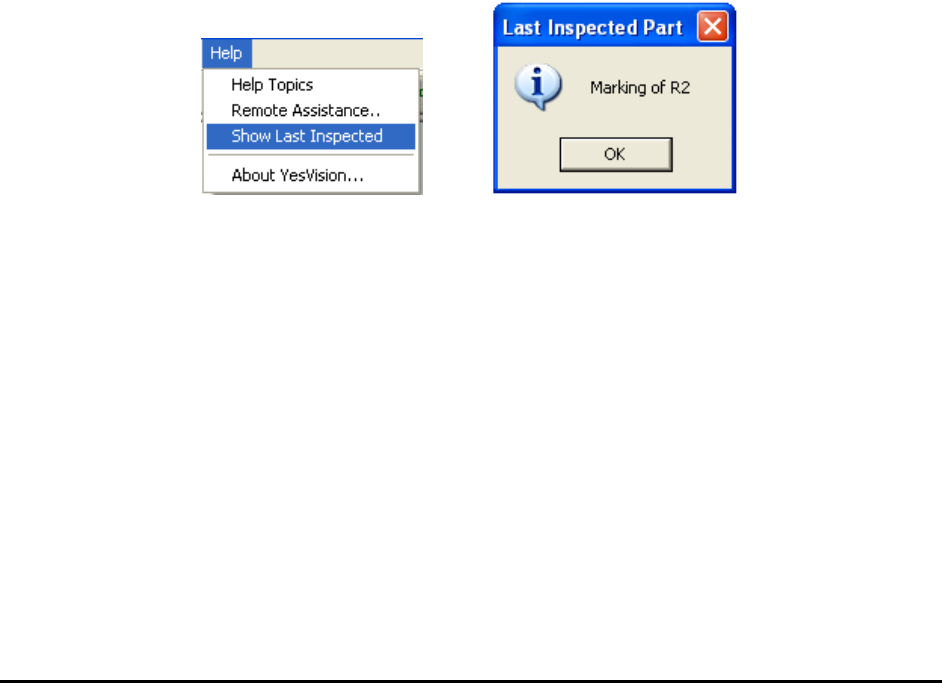
problem. The software has a feature to help the user identify the troublesome inspection box. The
feature is called “Show Last Inspected” and is located in the Help menu.
28.5 At the End of a Inspection
Displaying Defect Report
There are several things the software must do at the end of an inspection. One of that is to
display a defect report for user to preview. The preview function requires a Printer Driver to be
correctly installed. If the user only needs to use the preview function and never need to print out
a hardcopy of a defect report, then a printer is NOT needed. Even without the printer, make sure
a printer driver is properly installed for the preview function to work.
Software hang-up may occur at the end of inspection, if on the AXI computer the default printer
is setup as a network printer, and that printer became un-available.
28-6 Trouble Shooting
28.5.1 SPC Data Logging
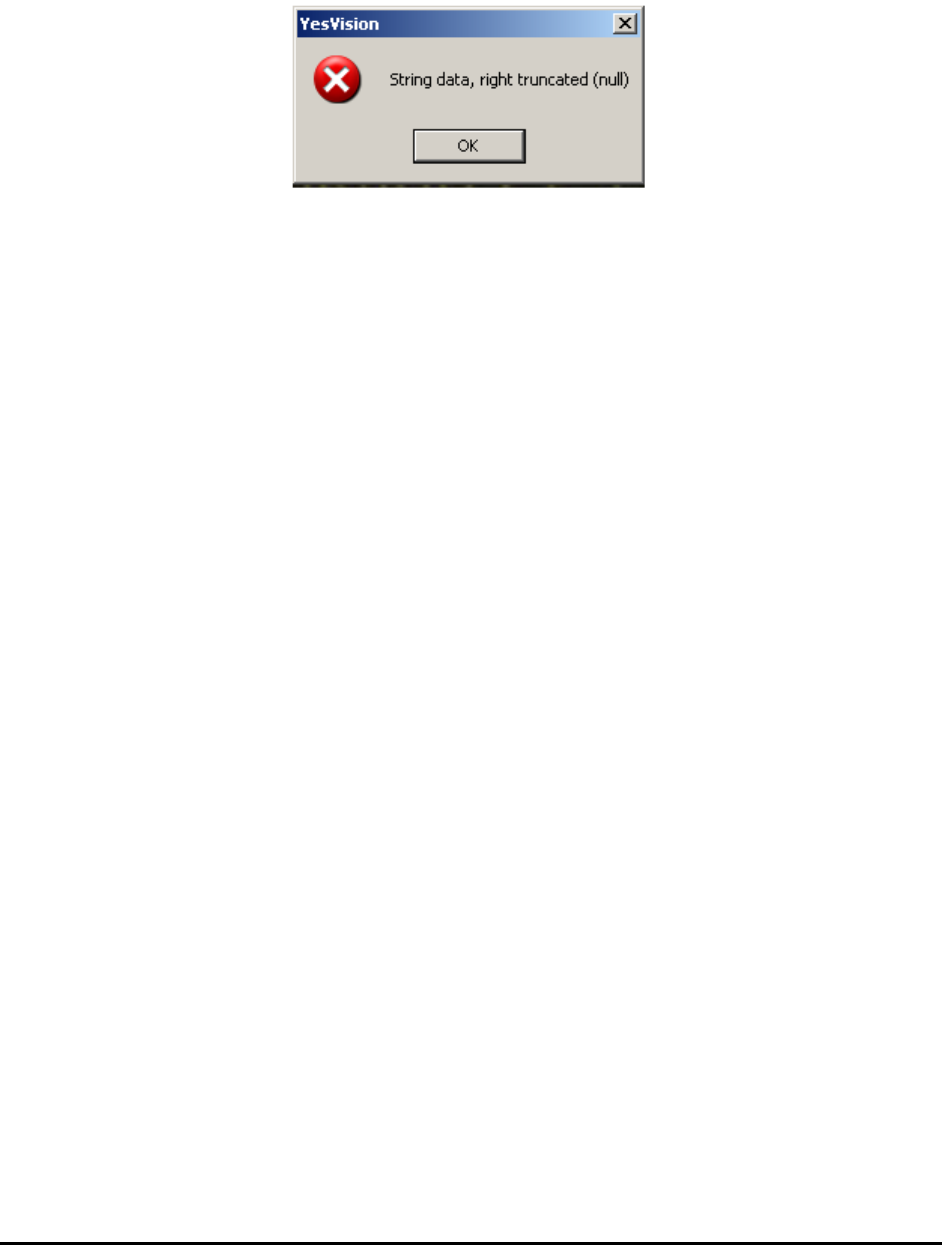
At the end of an inspection, the software may need to send inspection data to a database. The
error message below may be displayed if one or more field of data is too long.
The field can be the Serial number of the board (Max: 30 characters) the Work Order Number
(Max: 20), reference ID (Max: 20), PN (Max: 30) and Package Name (Max: 30). To resolve the
problem, the user should locate the extra long character field and then truncate it.
Specifications 29-1
29 - Specifications
29.1 Overview
The Nordson YESTECH AXI Systems’ facility requirements and specifications are listed in Table 29-1.
These specifications are intended as a convenient reference for installation, system relocation, planning
and operation. Meeting the requirements will ensure reliable operation and safety of the AXI system.
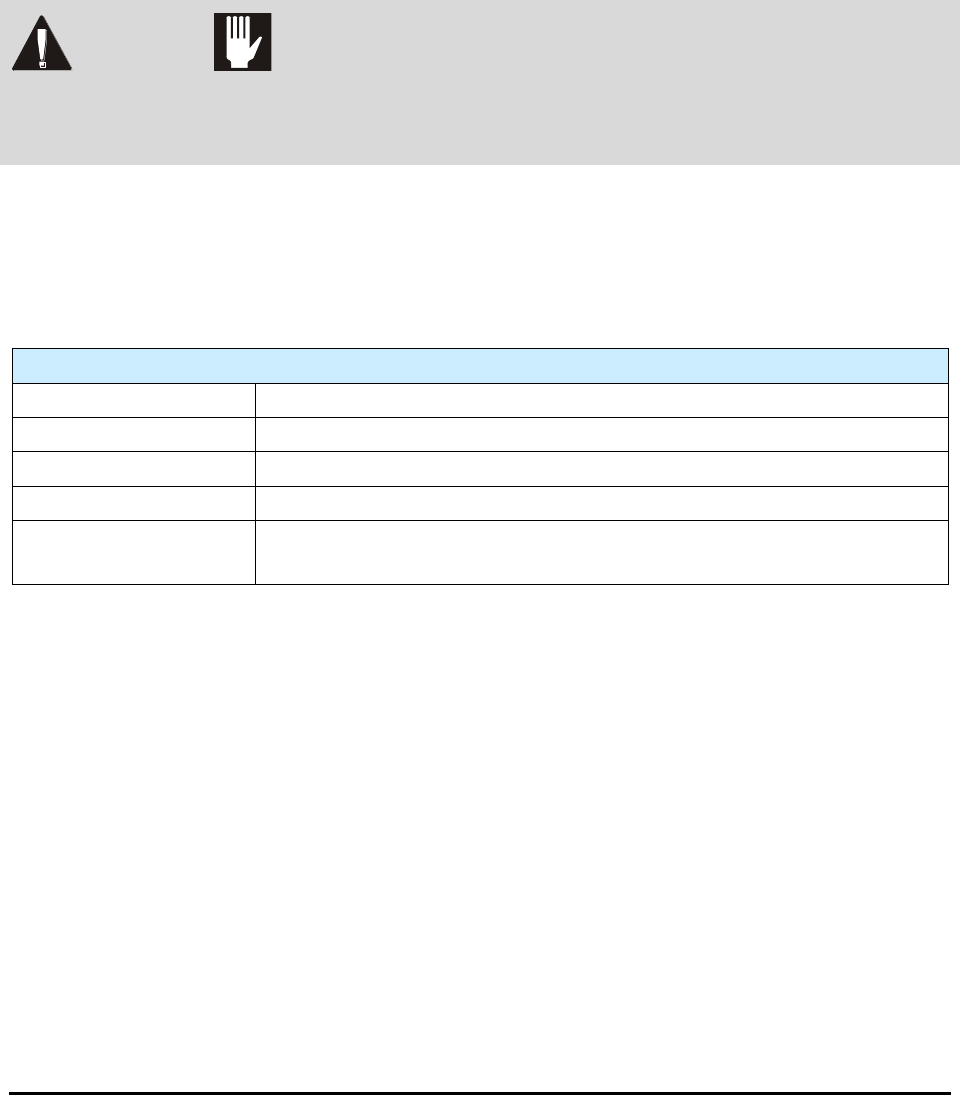
WARNING! CAUTION!
To ensure optimal performance and safety, it is necessary to install the coating
system in a facility that meets the requirements listed in this chapter. If you have
any questions, please contact Nordson YESTECH Technical Support.
29.2 Facility Requirements
The AXI Systems are designed for indoor use only. Table 29-1 provides general facility requirements for
the systems.
Table 29-1 Facility Requirements
Facility Requirements
System Footprint
83” x 83” x 81” (2110mm x 2110mm x 2060mm)
System Weight
4,842 lbs (2241 kg)
Air Input
30 psi MIN., 1/4” air hose. 2 CFM, 100 psi MAX
Main Power Supply
110VAC (220 optional) 50/60 Hz, 15 amps
Short Circuit Current
Rating (SCCR)
10kA