X7056_Operating manual_en.pdf - 第14页
Advice for the Reader Representati on convention s 14 Inspection system X7056 | Operating manual | Version 3.1 Rev.006| 2016-01-06 | 30.009.1930a Symbols The following examples ex plain the symbols used. Safety instructi…

Advice for the Reader
Representation conventions
13
Inspection system X7056 | Operating manual |
Version 3.1 Rev.006| 2016-01-06 | 30.009.1930a
Representation conventions
Important subjects in the operating manual are particularly
emphasized.
This section covers the following themes:
Emphases in text (Page 13)
Symbols (Page 14)
Images (Page 14)
Emphases in text
The following examples explain the emphases used.
WINDOWS, DIALOGS and other MONITOR SCREEN ELEMENTS.
B
UTTONS
Software messages
Files and directory names, user entries, etc.
Source Code
List of preconditions for actions to be executed.
Sub-point of the list
1. Step 1 of an sequence of actions
2. Step 2 of a sequence of actions
Single actions to be executed that are not followed by further
steps
Result of the previous work instruction
Subgoal of work instruction reached.
Goal of work instruction reached.
? Introduction of trouble-shooting.
Description of the cause of the problem
Description of the problem solution.
1 Numbered list.
Unnumbered list
Advice for the Reader
Representation conventions
14
Inspection system X7056 | Operating manual |
Version 3.1 Rev.006| 2016-01-06 | 30.009.1930a
Symbols
The following examples explain the symbols used.
Safety instructions are structured according to the following
scheme.
The following signal words give instruction regarding the severity
of the hazard and risk:
DANGER: indicates a potential hazard with high risk that can
result in death or severe bodily injury when it is not avoided.
WARNING: indicates a potential hazard with medium risk that
can result in death or severe bodily injury when it is not
avoided.
CAUTION: indicates a hazard with minimal risk that can result
in medium or light bodily injury or property damage when it is
not avoided.
NOTICE: indicates a hazard with minimal risk that can result in
property damage when it is not avoided.
Images
Some images of the inspection system or parts of it may in some
cases differ from reality, they only show the basic principle.
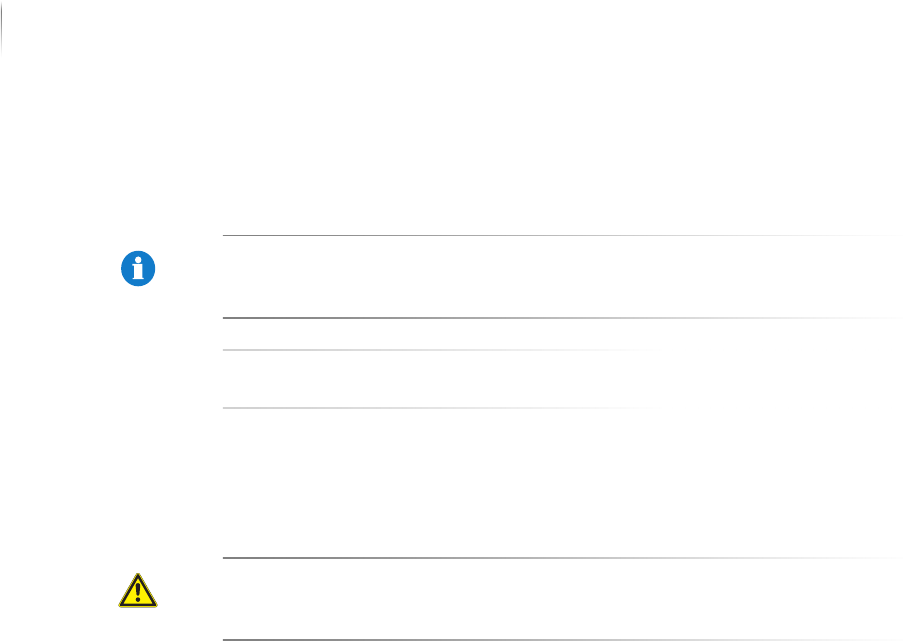
NOTE
This instruction contains useful information.
TIP
This tip contains useful information.
CAUTION
Type and source of the hazard
Explanation of the source of the hazard
Measures to prevent the hazard

Advice for the Reader
Training
15
Inspection system X7056 | Operating manual |
Version 3.1 Rev.006| 2016-01-06 | 30.009.1930a
Training
The Viscom AG offers the following training:
Machine operation and verification station
Basic Programming
Basic Programming AXI
Advanced Programming I
Advanced programming II
Statistical Process Control (SPC)
Calibration
Maintenance and diagnostics
Maintenance and Diagnostics AXI
For further information regarding the training sessions and their
scheduled dates, please contact:
Ms. Elke Herrmann
+49 (0) 89 - 312027-10
muenchen@viscom.de
Information regarding training is also available at the Viscom
website: