X7056_Operating manual_en.pdf - 第228页
Maintena nce Maintainin g the XM 3D cam era techn ology 228 Inspection system X7056 | Operating manual | Version 3.1 Rev.006| 2016-01-06 | 30.009.1930a
Maintenance
Maintaining the XM 3D camera technology
227
Inspection system X7056 | Operating manual |
Version 3.1 Rev.006| 2016-01-06 | 30.009.1930a
Maintaining the XM 3D camera technology
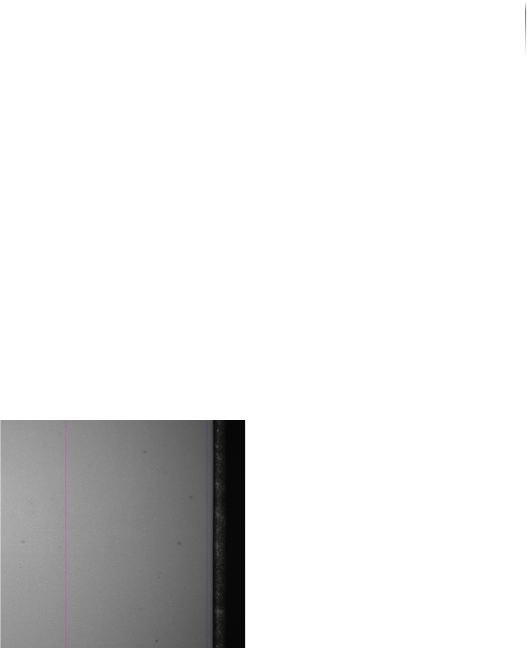
Perform the following work steps:
1. Insert a grayscale value plate into the system.
2. Switch on the level 0 illumination and start the image acquisi-
tion on the Zenith label with the orthogonal camera.
If contamination appears in the camera image, move the gray-
scale value plate and check whether the contamination remains
visible at the same position.
? Does the contamination appear at the same position again?
Contact Viscom Service, see „Viscom Support“ (Page 167).
The XM 3-D camera technology has been maintained.

Maintenance
Maintaining the XM 3D camera technology
228
Inspection system X7056 | Operating manual |
Version 3.1 Rev.006| 2016-01-06 | 30.009.1930a

Decommissioning 229
Inspection system X7056 | Operating manual |
Version 3.1 Rev.006| 2016-01-06 | 30.009.1930a
Decommissioning
This chapter describes the proper way to decommission the inspec-
tion system.
It contains the following sections:
Safety (Page 230)
Take the inspection system out of operation (Page 231)