X7056_Operating manual_en.pdf - 第148页
Operation Safety 148 Inspection system X7056 | Operating manual | Version 3.1 Rev.006| 2016-01-06 | 30.009.1930a Safety Follow these instructions when op erating the inspection system: Check the system regularly for ex…

Operation 147
Inspection system X7056 | Operating manual |
Version 3.1 Rev.006| 2016-01-06 | 30.009.1930a
Operation
This chapter describes the operation of the inspection system.
It contains the following sections:
Safety (Page 148)
Operating the safety features (Page 149)
Switching on the inspection system (Page 154)
Operating the inspection system (Page 155)
Switching off the inspection system (Page 159)

Operation
Safety
148
Inspection system X7056 | Operating manual |
Version 3.1 Rev.006| 2016-01-06 | 30.009.1930a
Safety
Follow these instructions when operating the inspection system:
Check the system regularly for externally perceivable defects
and damages as well as changes in operating behavior.
In case of disruptions of electrical supply and/or damage to the
electrical equipment, immediately shut off the main power and
prevent it from being accidentally restarted.
Promptly report and correct all malfunctions and damage
displayed by the system or noted in any other way.
Each time before the system is switched on, check all safety
features.
The safety circuits protect personnel and may not be be used to
shut off the radiation. Frequently opening the doors under load
burns out the contacts and can also damage the high voltage
generator control electronics.
Only authorized persons may use the key switch.
Whenever work is done that requires access to the inspection
system interior, make absolutely certain that the radiation is
turned off.
High voltage in exposed places. To avoid high voltage, turn off
the X-ray tube through the key switch and set the main switch
to the position OFF.
Operation
Operating the safety features
149
Inspection system X7056 | Operating manual |
Version 3.1 Rev.006| 2016-01-06 | 30.009.1930a
Operating the safety features
This section explains the inspection system's safety features.
The following safety features are described:
STOP mode (Page 149)
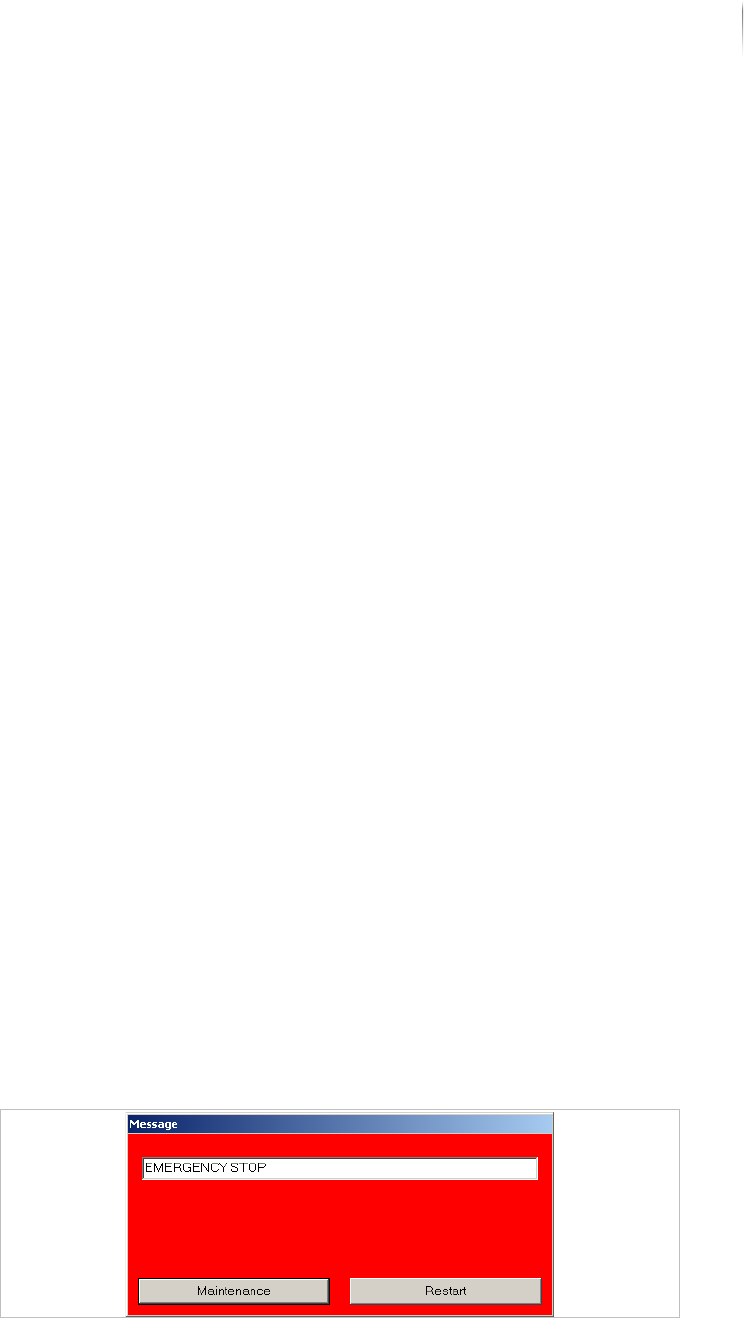
EMERGENCY STOP (Page 150)
Releasing the PCB clamping of the AXI transport track (Page
152)
Protective barrier safety features (Page 153)
STOP mode
The STOP mode switches off the current to the system drive
elements; some system components still carry current. These
components are indicated by safety and warning labels.
The following themes are presented:
Actuating the STOP mode
Ending the STOP mode
Actuating the
STOP mode
To allow safe access into the inspection system for setup, mainte-
nance, or troubleshooting, actuate the STOP mode.
The STOP mode is actuated when
the front lift door
or the front door
or the rear swing doors are opened
This deactivates all hazardous movements of the axes and the
transport system and switches off the X-ray tube. The system
computers remain ready for operation.
Release the PCB clamping manually, see „Releasing the PCB
clamping of the AXI transport track“ (Page 152).
The following message is displayed:
STOP message