1OM-1075-002.pdf - 第15页
2.3 Precautionary Items during Operation 2 . 3 Precautionary Items during Operation • Be sure to turn on the "LOCK" lamp before working. Before operating the machine or performing any maintenance work with the …
2.2 Precautionary Items before Operation
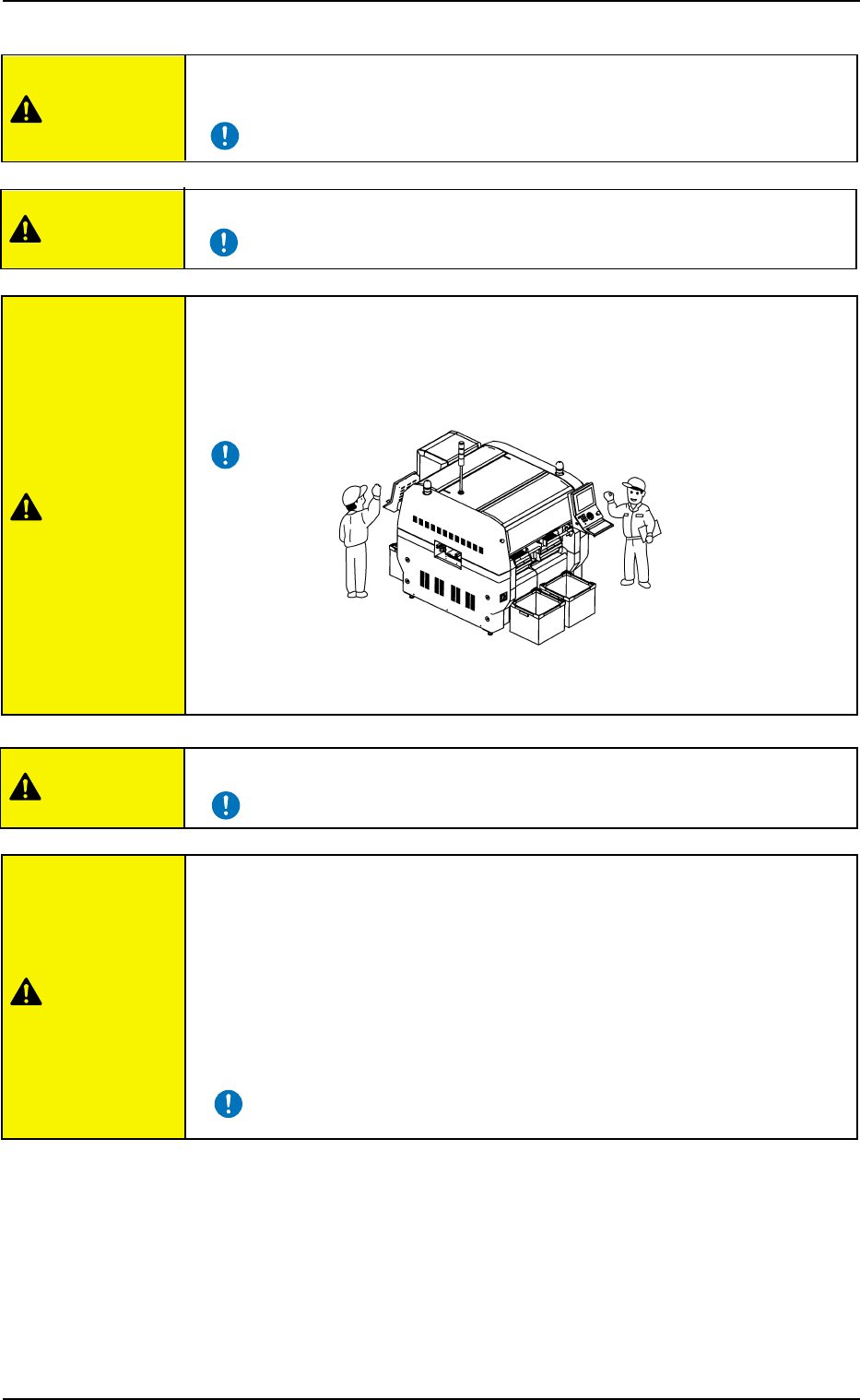
• Only qualified personnel should come within the operating area of the
machine.
• Inspect the devices before starting the automatic operation.
• In principle, the buttons on the operation panel and the keys
on the touch screen must be operated by only one person.
If there are more than one, ensure good communication by giving loud
verbal instructions.
• Do not use any unspecified tape and vibratory stick feeders.
0308-004 1 3
AHB01EOPP
• After the machine has been stopped for a long period of time, follow the
steps below to smoothly start up the machine.
• Secure stable environmental condition (room temperature, etc.) for the
machine.
• Perform a running-in operation for approx. 30 minutes.
Refer to "8. Running-In Operation" in "Section 5" of "Vol. 2: Operation
(Supervisor)" for the detailed information on the running-in operation.
CAUTION
CAUTION
CAUTION
CAUTION
CAUTION
Fig. 1X11
2.3 Precautionary Items during Operation
2.3 Precautionary Items during Operation
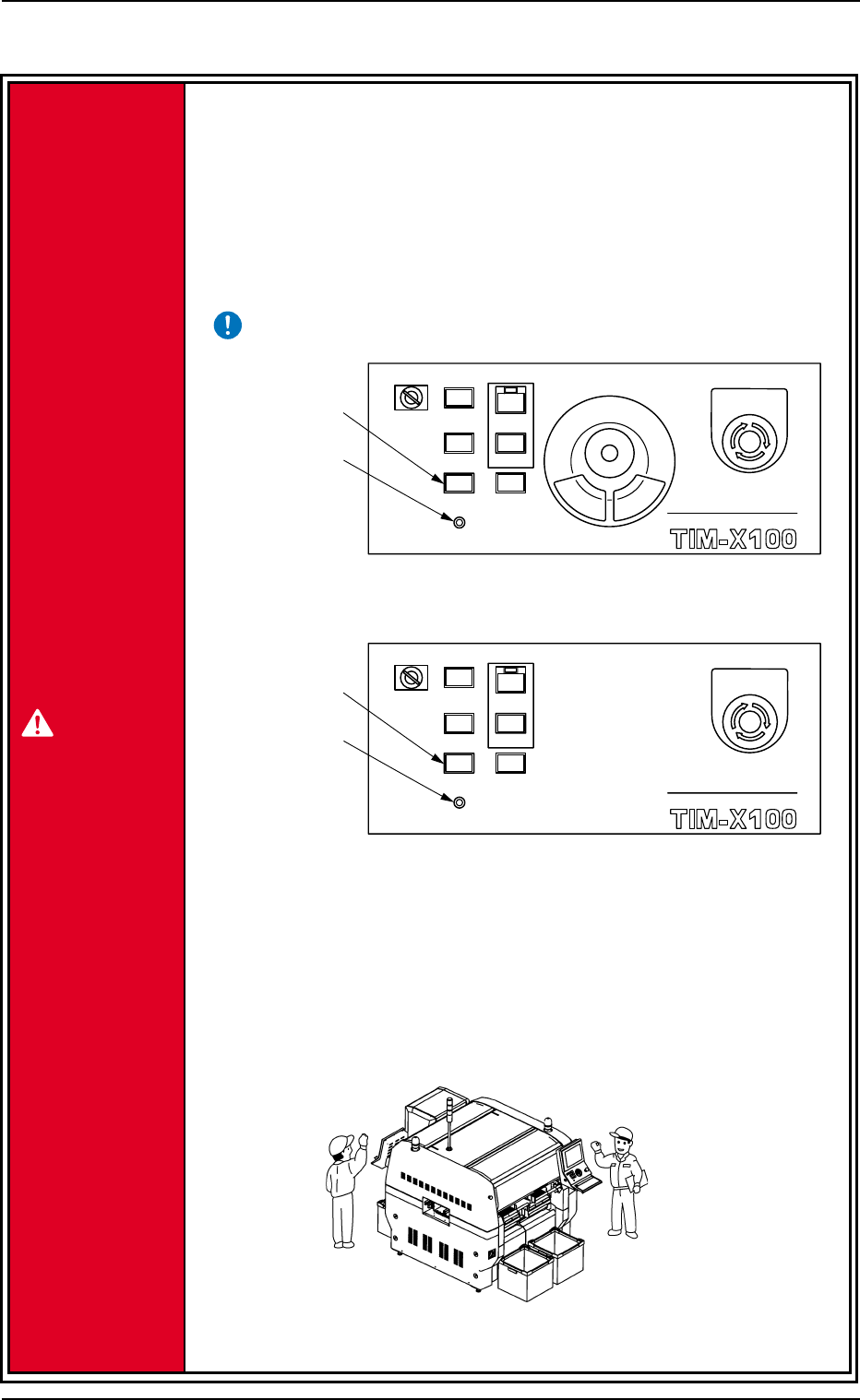
• Be sure to turn on the "LOCK" lamp before working.
Before operating the machine or performing any maintenance work with
the machine being powered up, turn on the [PNL CHANGE] switch and
the "LOCK" lamp on the front or the rear operation panel.
If the "LOCK" lamp (green) on the operation panel is not turned on, the
machine can be operated at any time from both front and rear sides,
endangering the operators around the machine.
• In principle, the buttons on the operation panel must be operated by only
one person.
If there are more than one, ensure good communication by giving loud
verbal instructions.
Fig. 1X11-1
0308-004 1 4
AHB01EOPP
MULTI FUNCTIONAL MOUNTER
STOP
LOCK
OPERATION
RUN SETUP
START
ENABLE
PNL CHANGE
READY
POWER ON
MULTI FUNCTIONAL MOUNTER
OPERATION
RUN SETUP
READY
POWER ON
STOP
LOCK
START
ENABLE
PNL CHANGE
[PNL CHANGE]
Switch
"LOCK" Lamp
"LOCK" Lamp
[PNL CHANGE]
Switch
Rear Operation Panel
Front Operation Panel
EMERGENCY
EMERGENCY
Fig. 1X11-2
DANGER
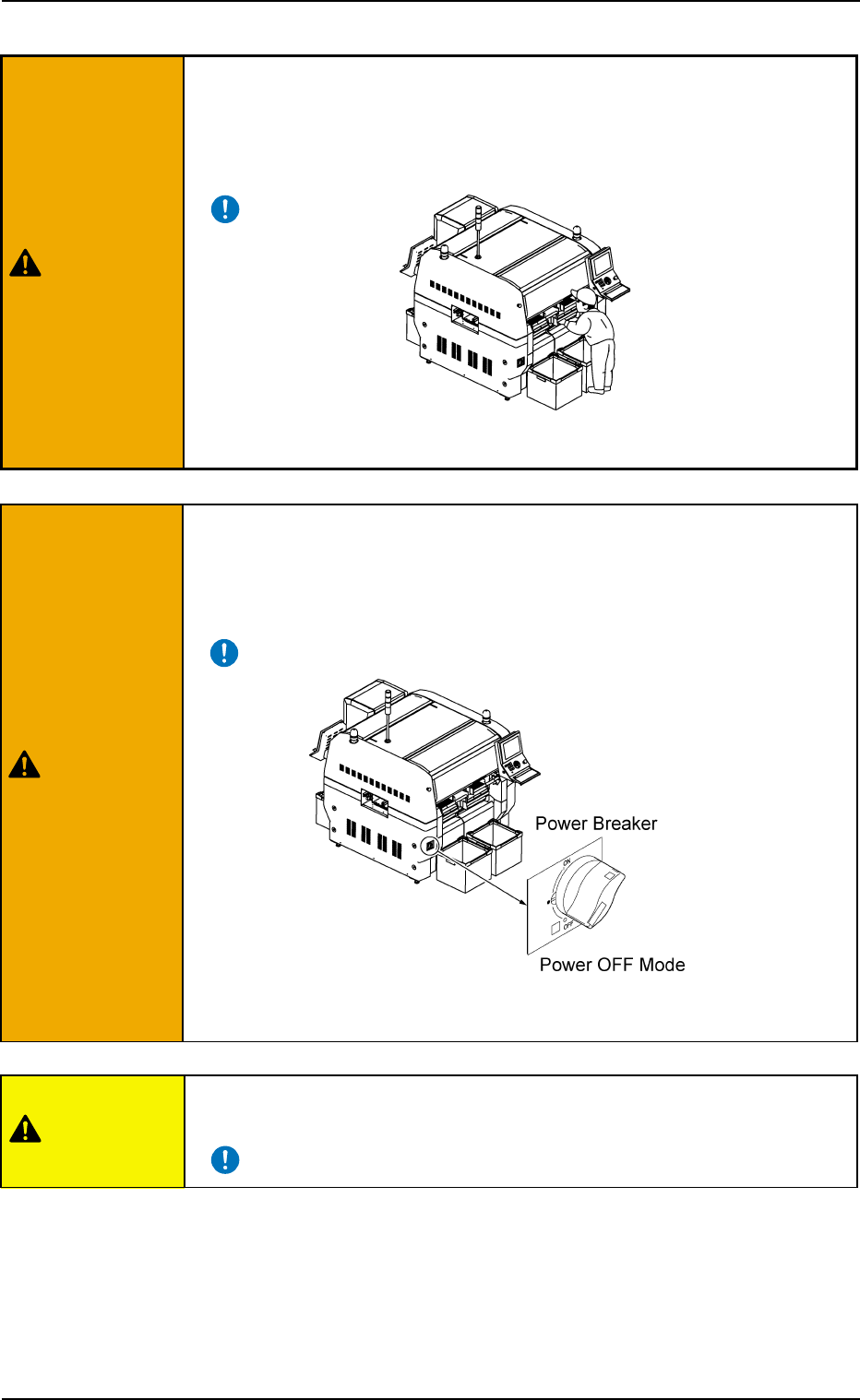
• When the tower light (green) is ON or flickering, it shows that the static
machine is in the "automatic" mode (awaiting mode).
• When there is a problem with the machine, locate the cause and assess
the condition. After the problem has been rectified, turn off power supply
(if required) and follow reset procedures.
Refer to "Vol. 4: Maintenance and Troubleshooting" for details.
• Ensure personnel (part of body and clothes) and foreign objects remain
clear of the moving parts of the machine.
• Keep your face and hands away from any moving parts of the machine
during operation.
Fig. 1X12
2.3 Precautionary Items during Operation
0308-003 1 5 AHB01EOPP
WARNING
WARNING
CAUTION
Fig. 1X13