1OM-1075-002.pdf - 第30页
No . W arning Labels and Description *15 Description • Pay attention to the moving mechanisms. Otherwise, part of your body may be trapped in the moving mechanisms, causing an injury . T able 1X5 3.2 Warning Labels and D…
No. Warning Labels and Description
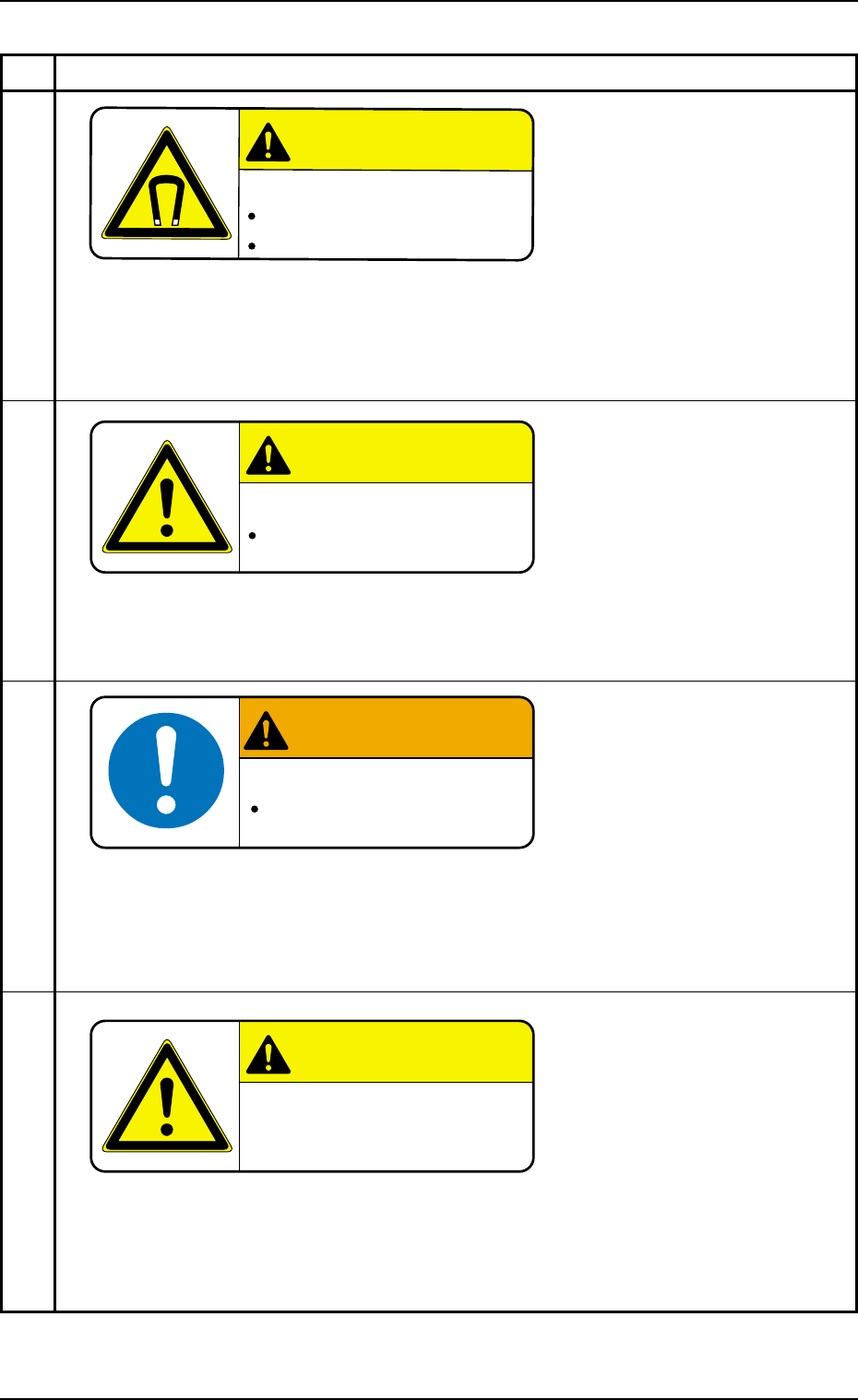
*11
Description
• Do not bring a magnetic card, a watch, etc., close to this. Otherwise, the data of the
magnetic card might be cleared or a watch, etc., may be damaged due to the strong
magnetism.
*12
Description
• Keep the linear guide grooves clear of any object! Otherwise, an object in the groove
may be trapped in the moving mechanisms, causing the machine to be damaged.
*13
Description
• Be sure to practice grounding before power connection.
• Connect a ground wire correctly to avoid any electric shock.
Imperfect grounding will cause an electric shock.
*14
Description
• Keep your head away from any corners such as those of the operation panel.
Otherwise, a corner may hit you on the head, etc., and an injury will result.
Table 1X4
3.2 Warning Labels and Description
0206-003 2 8 AHB01EOPP
CAUTION
CAUTION
Strong Magnetism!
Keep any magnetic card away from this.
Otherwise, the data may be cleared.
A watch, etc., may also be damaged.
WARNING
High Leakage Current!
Earth Connection Essential
before Connecting Supply
CAUTION
CAUTION
Pay attention to the
overhead location and
corners.
CAUTION
CAUTION
Keep Linear Guide Grooves
Clear of Any Object!
An object in the groove may be trapped in
the moving part, causing the machine to be
damaged.
No. Warning Labels and Description
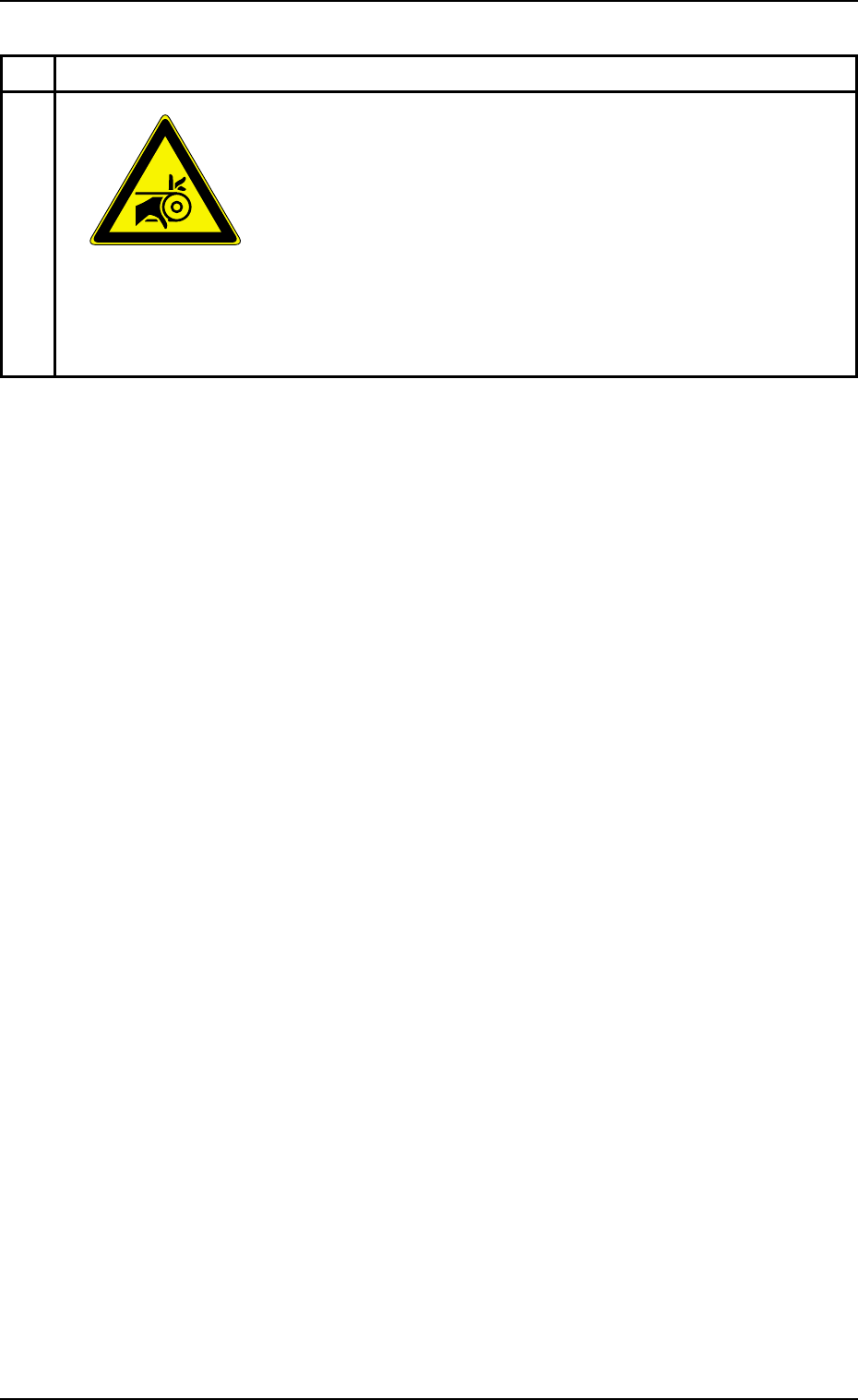
*15
Description
• Pay attention to the moving mechanisms. Otherwise, part of your body may be trapped
in the moving mechanisms, causing an injury.
Table 1X5
3.2 Warning Labels and Description
0206-003 2 9 AHB01EOPP
4. Safety-Related Features
4. Safety-Related Features
This session describes the safety switches and module protection sen-
sors.
4.1 Safety Switches
When an error is detected in the machine, the safety switches and sen-
sors are designed to stop the dangerous moving mechanisms of the
machine. Everything is processed on the machine side (hardware) with-
out using any software application on the computer side.
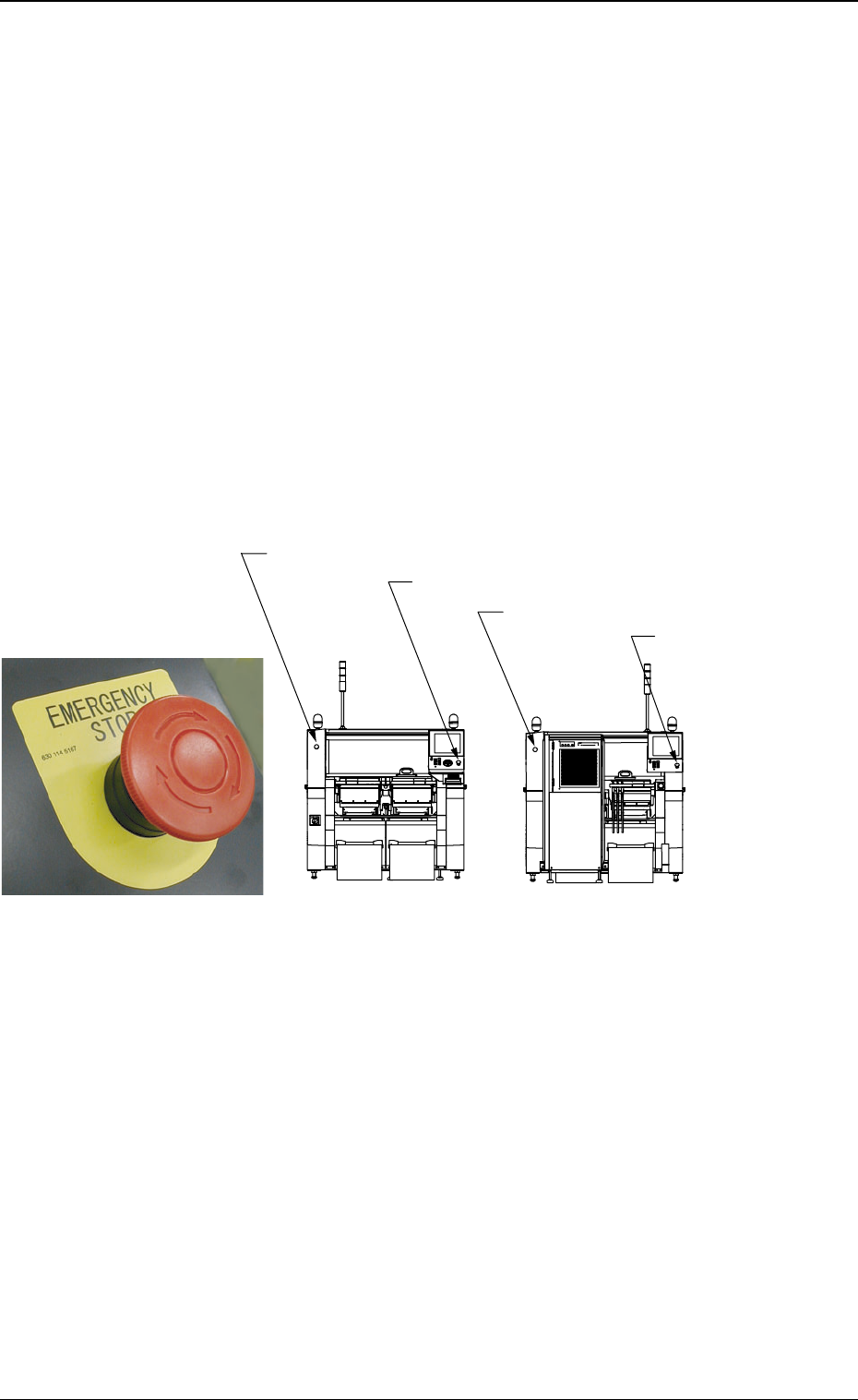
4.1.1 [EMERGENCY STOP] Switches
Press one of the [EMERGENCY STOP] switches to instantaneously
stop the machine in an emergency. Power is shut off and the machine
stops running.
0308-004 3 0 AHB01EOPP
Fig. 1X34
[EMERGENCY STOP] Switch
[EMERGENCY STOP]
Switch (1)
[EMERGENCY STOP] Switch (2)
[EMERGENCY STOP] Switch (4)
[EMERGENCY STOP] Switch (3)
Front Side of Machine
Rear Side of Machine
Fig. 1X35