SYS-CP842-1.1E.pdf - 第149页
4.Commands SYS-CP842-1.1E 140 CP-842E / CP-842ME System Reference Maintenance Configuration (Continued) C73SC008E-4 Loader Machine Configuration Data (Continued) Loader Settings Off On Set → Numeric Keypad Panel Unloadi…
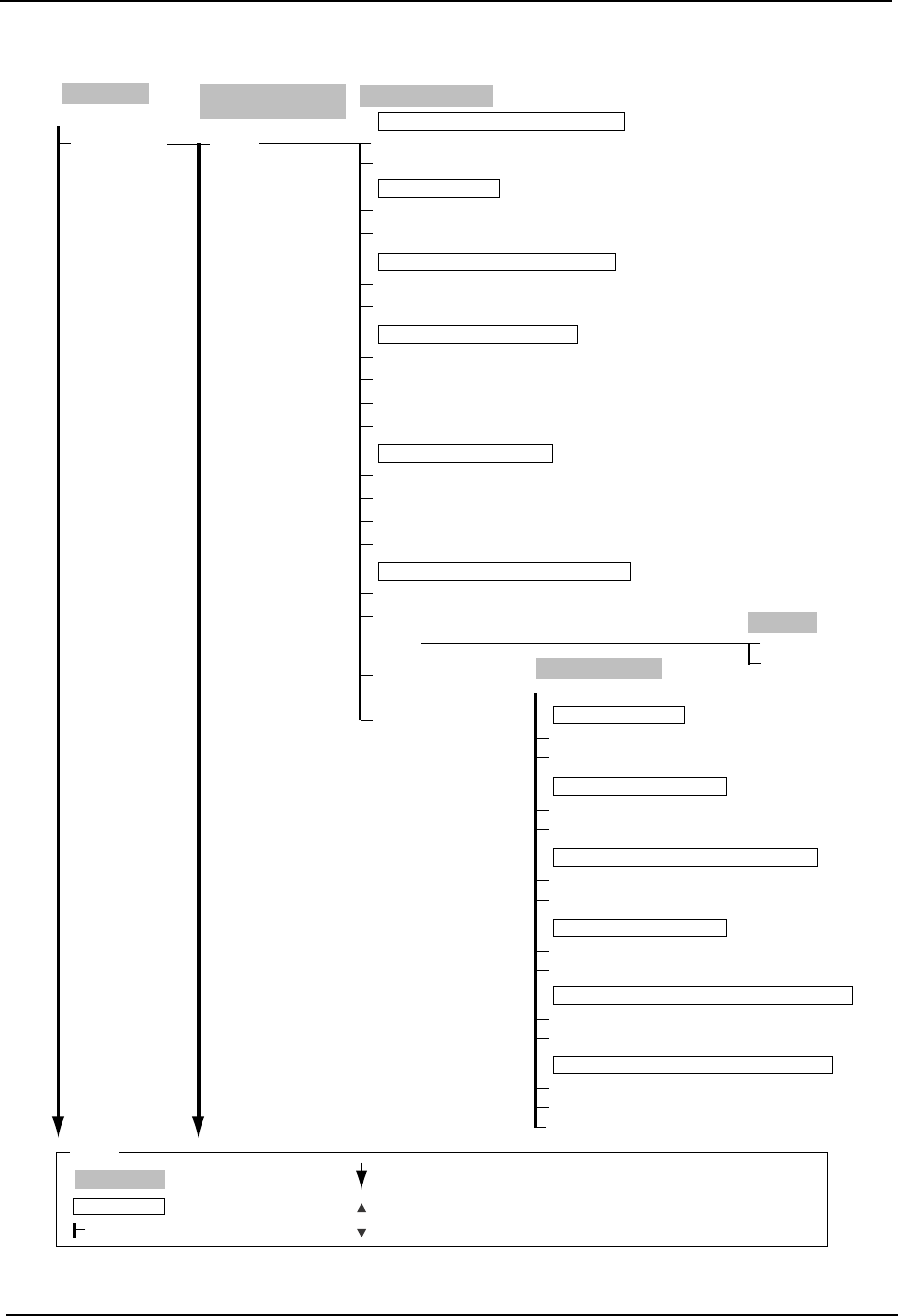
SYS-CP842-1.1E 4.Commands
CP-842E / CP-842ME System Reference 139
Maintenance
Configuration
(Continued)
Basic
Machine Configuration
Data
C73SC008E-3
Question
Cancel
OK
Basic Configuration
Off
On
On
Off
Close
Use Global Skip Marks
Off
On
Must perform device status with program change
Parts Out
None
Vision Error
Pick-up Miss
Forced Device Check Trigger Conditions
Parts Out
Part Data
Vision Error
Pick-up Miss
Use Alternative Feeder Conditions
Ignore after → Virtual Keyboard
Ignore between → Virtual Keyboard
Special
Configuration Data
Reset
Set the device comment "Ignore between" wildcard.
Auto Display of Mark Editor After Mark Read Error
Standard Function
Vacuum Backup Function
Max Cam Speed → Numeric Keypad
On
Close
Use the parts set switch dialog box "automatic start" function?
Yes
Off
Use the Tape End Check Sensor?
Yes
No
Will the D-axis advanced positioning function be used?
Yes
No
Reference pin usage supported?
Yes
No
No
When confirm to GS Mark, Skip to production that board?
Yes
No
Production
Operation Mode
: Command name
: Screen name
Production
: Command group
: Continued on the next page
: Press to scroll upwards
Legend
: Press to scroll downwards
( )
: General description
[ ]
: Push button
→
: Displays separate dialog box
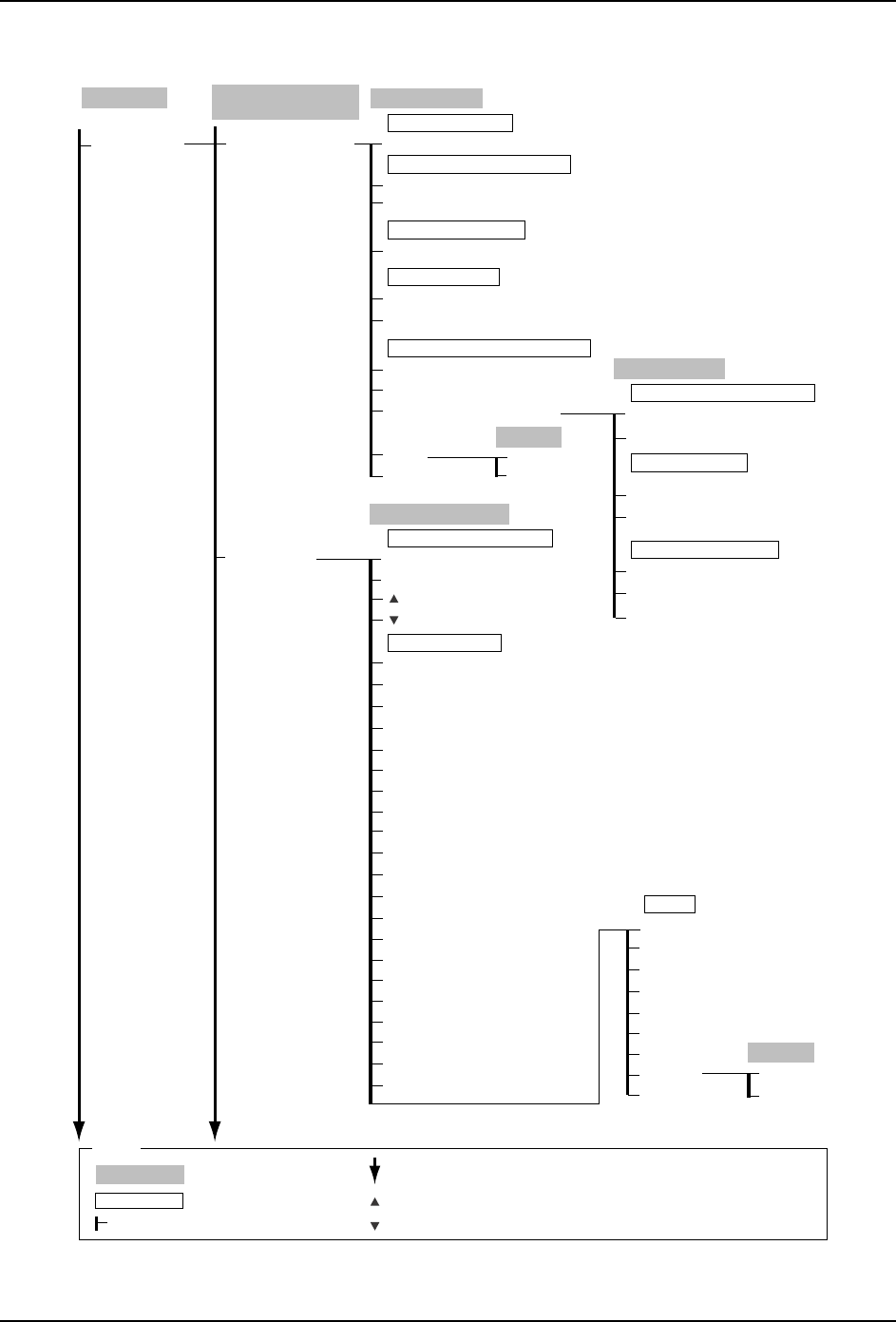
4.Commands SYS-CP842-1.1E
140 CP-842E / CP-842ME System Reference
Maintenance
Configuration
(Continued)
C73SC008E-4
Loader
Machine Configuration
Data
(Continued)
Loader Settings
Off
On
Set
→ Numeric Keypad
Panel Unloading Time-out Monitoring
Set → Numeric Keypad
Unloading Time-out Limit
Right to Left
Left to Right
Panel Flow Direction
Ignore
Machine Specific Settings
Reset
Accept
Close
Panel Request Signal From Next Machine
Loading Time-out Limit
Question
OK
Cancel
Loader Function
Disabled
Enabled
Enable
Disable
Close
Panel Uploading Timer
No
Yes
Enable 2-panel production?
Run In-Conveyor After Panel Arrival
Signal Tower
Question
OK
Cancel
Signal Tower Display
Waiting to unload to next stage
In production
Parts out warning
Slots with parts out exist
Statistical warning issued
Machine error stopped
Machine stopped due to no parts
Displaying mesage from host
Spare table change
Non-stop loader runing
Non-production processing
Machine stopped due to vision error
Awaiting previous stage panel
Awaiting operation (Servo ON)
Awaiting operator confirmation
Changeover by operator
Automatic Operation ready
Production stopped temporarily
Machine changeover
Conveying panel
Awaiting operation (Servo OFF)
ON
OFF
Close
Signal Tower Display
Red: Flash
Yellow: Flash
Green: Flash
Red: Light
Yellow: Light
Green: Light
Reset All
Buzzer
Settings
Stop error buzzer at control panel.
Production
Operation Mode
: Command name
: Screen name
Production
: Command group
: Continued on the next page
: Press to scroll upwards
Legend
: Press to scroll downwards
( )
: General description
[ ]
: Push button
→
: Displays separate dialog box
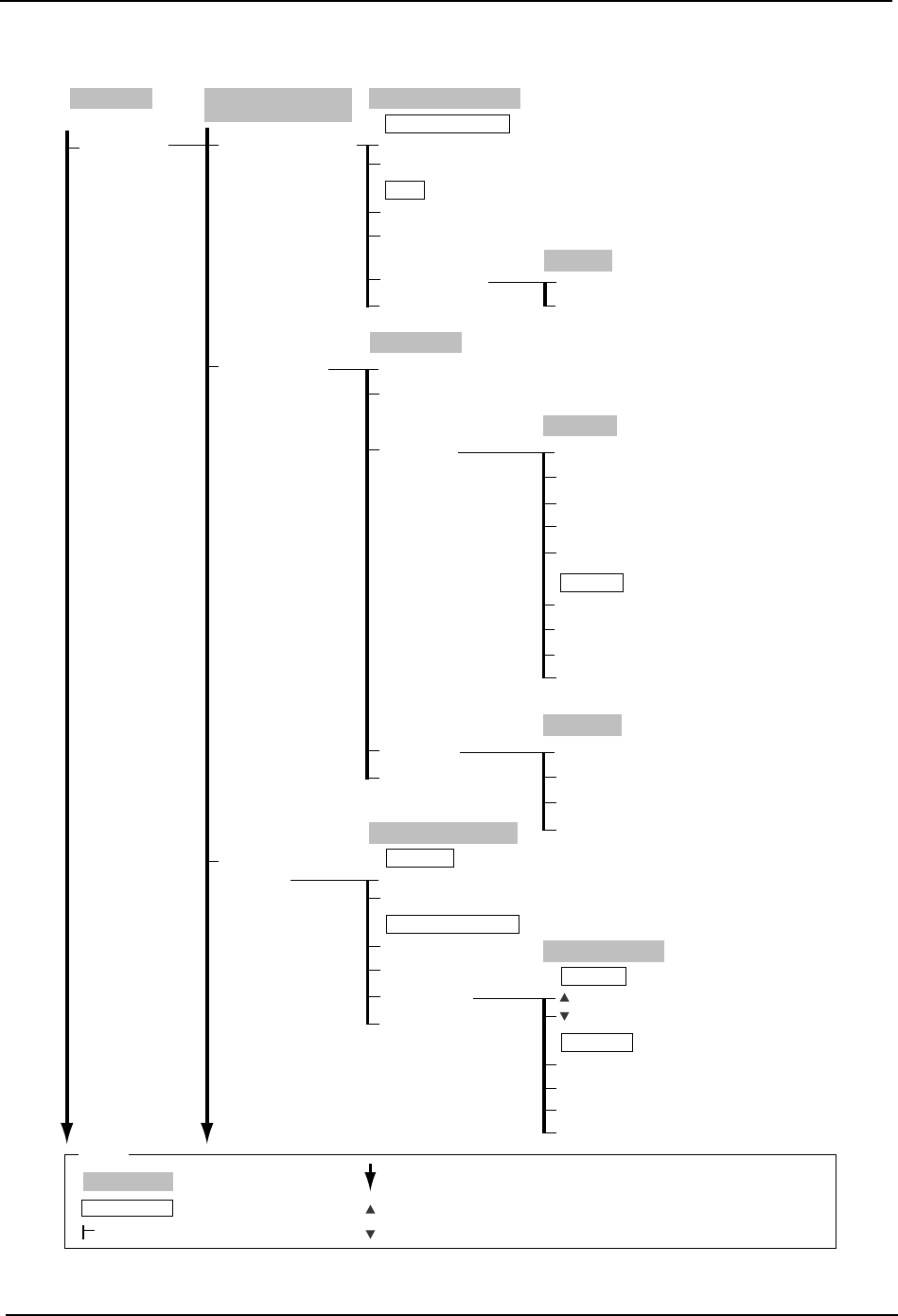
SYS-CP842-1.1E 4.Commands
CP-842E / CP-842ME System Reference 141
Maintenance
Configuration
(Continued)
C73SC008E-5
Machine Configuration
Data (Continued)
Automatic Conveyor
Width
Mail Settings
Trace Output
Settings
Auto Conveyor Change
Not Use
Use
Maximum Value → Numeric Keypad
Minimum Value → Numeric Keypad
Width
Error no.
Parameter
Time to Mail Delivery → Numeric Keypad
Comments
Counter Origin
Close
Automatic Width Change
Question
OK
Cancel
Trace Output Settings
Floppy Disk
Hard Disk
Yes
No
Close
Send Trace Data by Mail
Trace Acquisition
Destination
Trace Acquisition
Hard Disk
Floppy Disk
Output Media
Send Mail
Trace Data
Mail Settings
Mail Trace
Mail Error
Close
Mail Server Name (SMTP) → Virtual Keyboard
Return-Address
→ Virtual Keyboard
Mail Error
Comment → Virtual Keyboard
Subject → Virtual Keyboard
Ignore Error Codes
Close
Mail to → Virtual Keyboard
Clear Address
Mail Trace
Machine Ser. No. → Numeric Keypad
Close
Close
Mail to → Virtual Keyboard
Subject
→ Virtual Keyboard
Production
Operation Mode
: Command name
: Screen name
Production
: Command group
: Continued on the next page
: Press to scroll upwards
Legend
: Press to scroll downwards
( )
: General description
[ ]
: Push button
→
: Displays separate dialog box