SYS-CP842-1.1E.pdf - 第64页
SYS-CP842-1.1E 3.Machine System CP-842E / CP-842ME System Reference 55 Specifying Pick-up Off sets at the Machine When a part cannot be successfully picked up us ing standar d pick-up position offsets, the operator can m…
3.Machine System SYS-CP842-1.1E
54 CP-842E / CP-842ME System Reference
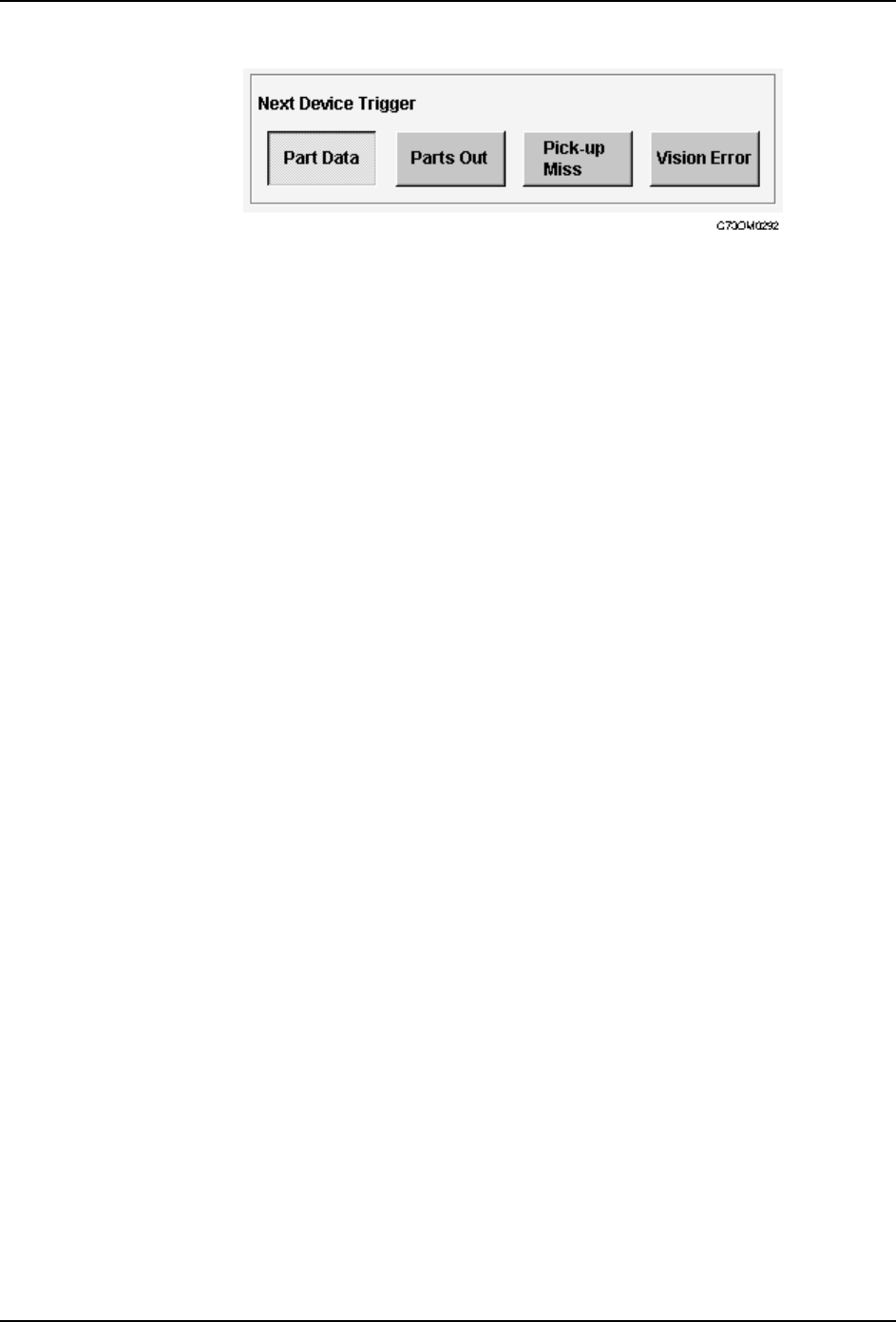
3. Press [Close] to enter the settings and return to the [Basic Configuration] screen.
SYS-CP842-1.1E 3.Machine System
CP-842E / CP-842ME System Reference 55
Specifying Pick-up Offsets at the Machine
When a part cannot be successfully picked up using standard pick-up position offsets, the
operator can manually specify the offset at the machine.
Procedure
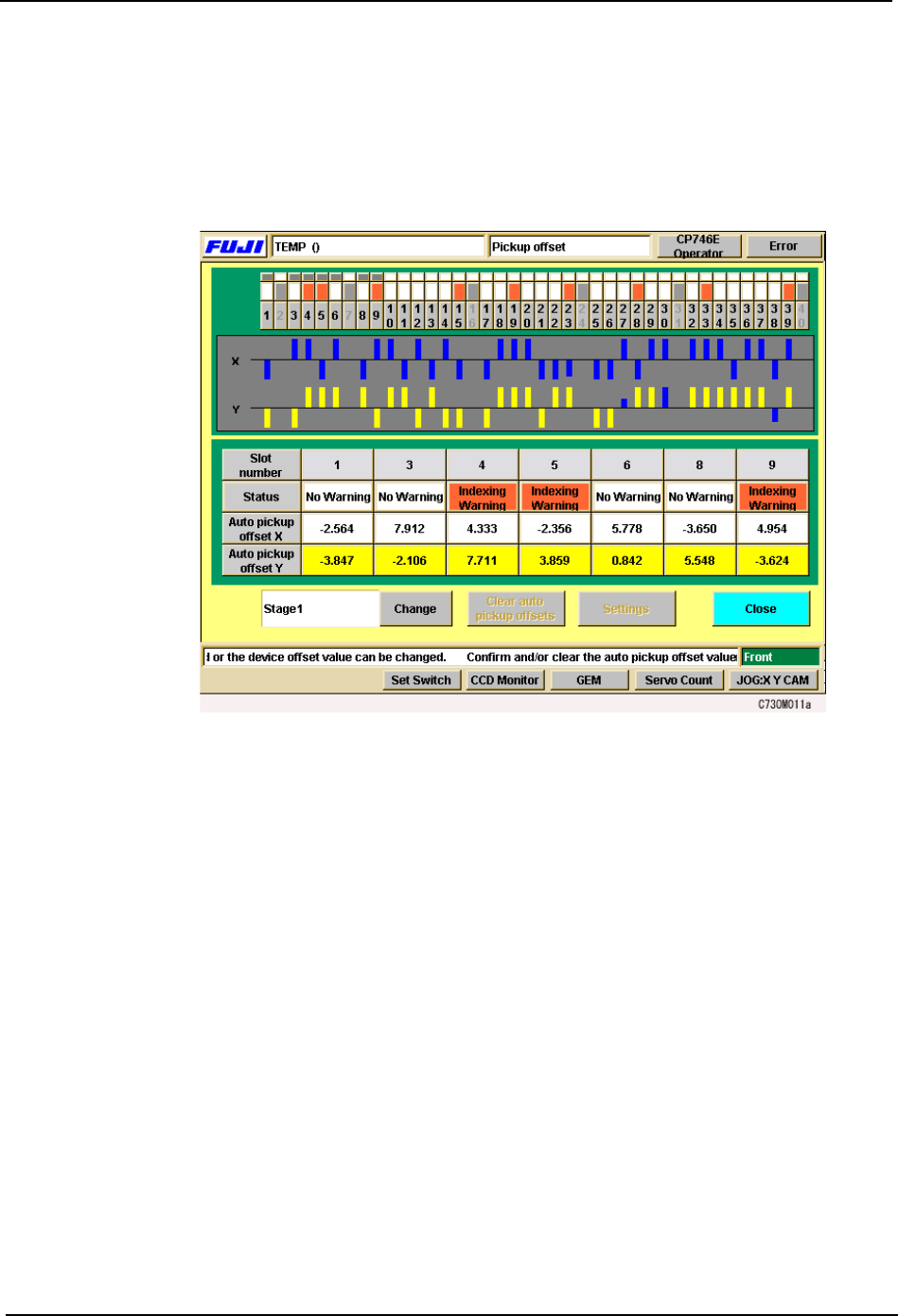
1. Press [Device Offsets] at the [Main] screen. The [Device Offsets] screen displays.
2. The XY orientation of the pick up position can be changed on the CP-842E/842ME.
Under each slot number, the slot warning status and X and Y auto pick up offset values
display. Select a slot number on the device table displayed at the top of the screen to
display information for that slot (for CP-842ME, 1 to 40, for CP-842E, 1 to 70). Press
[Change] to toggle the display between Stage 1 and Stage 2.
Note: Y pick up offsets cannot be edited manually.
3. To clear auto pick up offsets, select [Auto pick up offset X] or [Auto pick up offset Y] for
the corresponding slot and push [Clear auto pick up offsets].
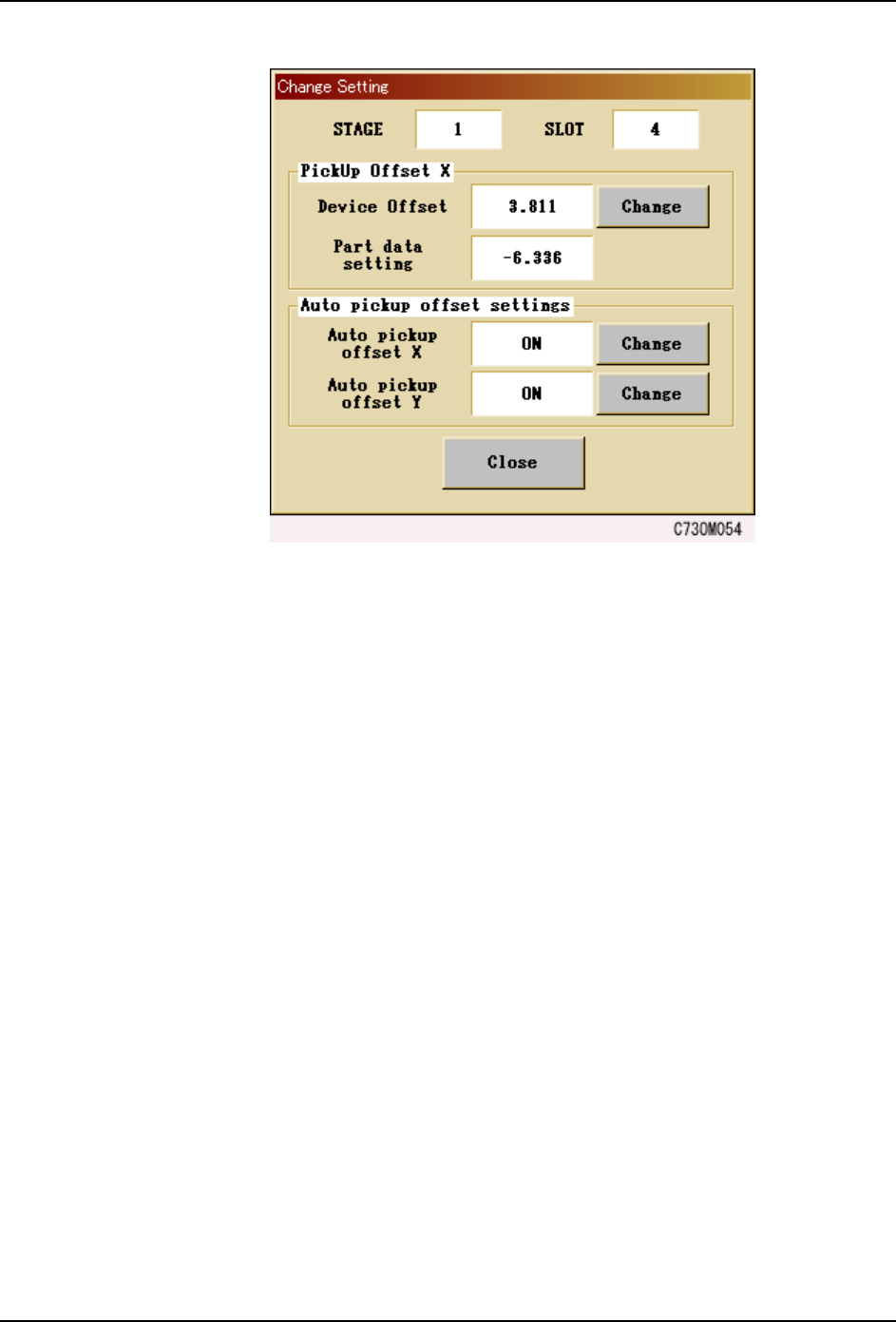
4. To manually change the X auto pick up offset values, select the slot number of the slot
to be changed, press [Settings] and the window shown below displays. Push [Change]
and enter the offset values via the numerical pad that displays.
3.Machine System SYS-CP842-1.1E
56 CP-842E / CP-842ME System Reference
Note: Pick up offset values set in part data and Auto pick up offset Y values cannot be changed manually.
5. Whenever the auto pick up offset function for X or Y needs to be enabled or disabled,
press the [Change] button next to the [Auto pick up offset X] or [Auto pick up offset Y]
buttons. Select [OK] on the confirmation window that displays.
Note: When the [Auto pick up offset X] function is enabled, placing positions are reevaluated and the
necessary auto pick up offsets are performed, even when pick up offset values have been set in part
data.