SYS-CP842-1.1E.pdf - 第16页
SYS-CP842-1.1E 1.Safety Guideline CP-842E / CP-842ME System Reference 7 Check the machine mo nitor and the target axes while manually operati ng the machine. • When operating the machine, ca refully follow th e instructi…
1.Safety Guideline SYS-CP842-1.1E
6 CP-842E / CP-842ME System Reference
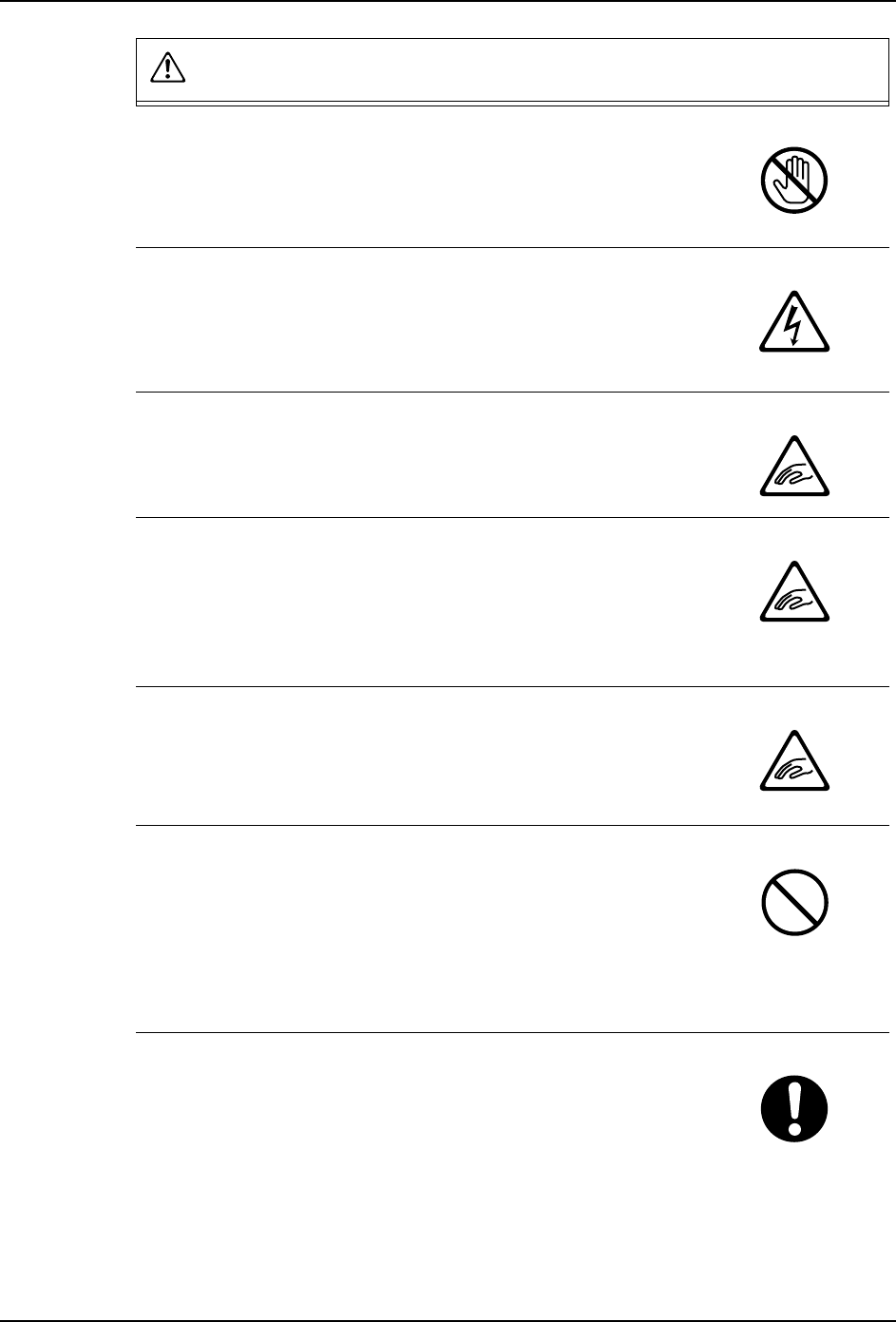
Always turn the 200 V power supply off when cleaning or
lubricating the machine.
• When the 200 V power supply to the machine is turned on, the
servo amps will be activated. In this condition the machine
may unexpectedly begin to move.
Do not insert or remove connectors while power is being
supplied to the machine.
• Removing or inserting connectors while power is supplied to
the machine may not only cause damage to the machine, but
may also cause electrical shock.
Stay clear from the machine when it is being lifted.
• Never put hands or feet under the machine when the machine
is being raised by means of a jack or other device for leveling
or transport.
Do not wear gloves made of cloth when operating the
machine.
• Rubber gloves will tear when caught by the machine and
prevent hands from being drawn into the machine. Gloves
made of cotton or similarly strong material may cause hands
to be drawn into the machine.
Long hair should be tied back.
• Long hair may get caught in running machines.
• Hair should be kept short or tied back so that it does not get
caught in the machine.
Turn off the air supply when carrying out maintenance on
cylinders, valves, and filters.
• Removing cylinders, valves, or filters without turning the air
supply off, may cause parts or particles to be propelled into
the eyes.
• Be sure to turn off the air supply when carrying out
maintenance on cylinders, valves, and filters.
Be sure to wear protective glasses when removing parts
from the machine.
• Be sure to wear protective glasses when removing or
replacing parts.
WARNING
SYS-CP842-1.1E 1.Safety Guideline
CP-842E / CP-842ME System Reference 7
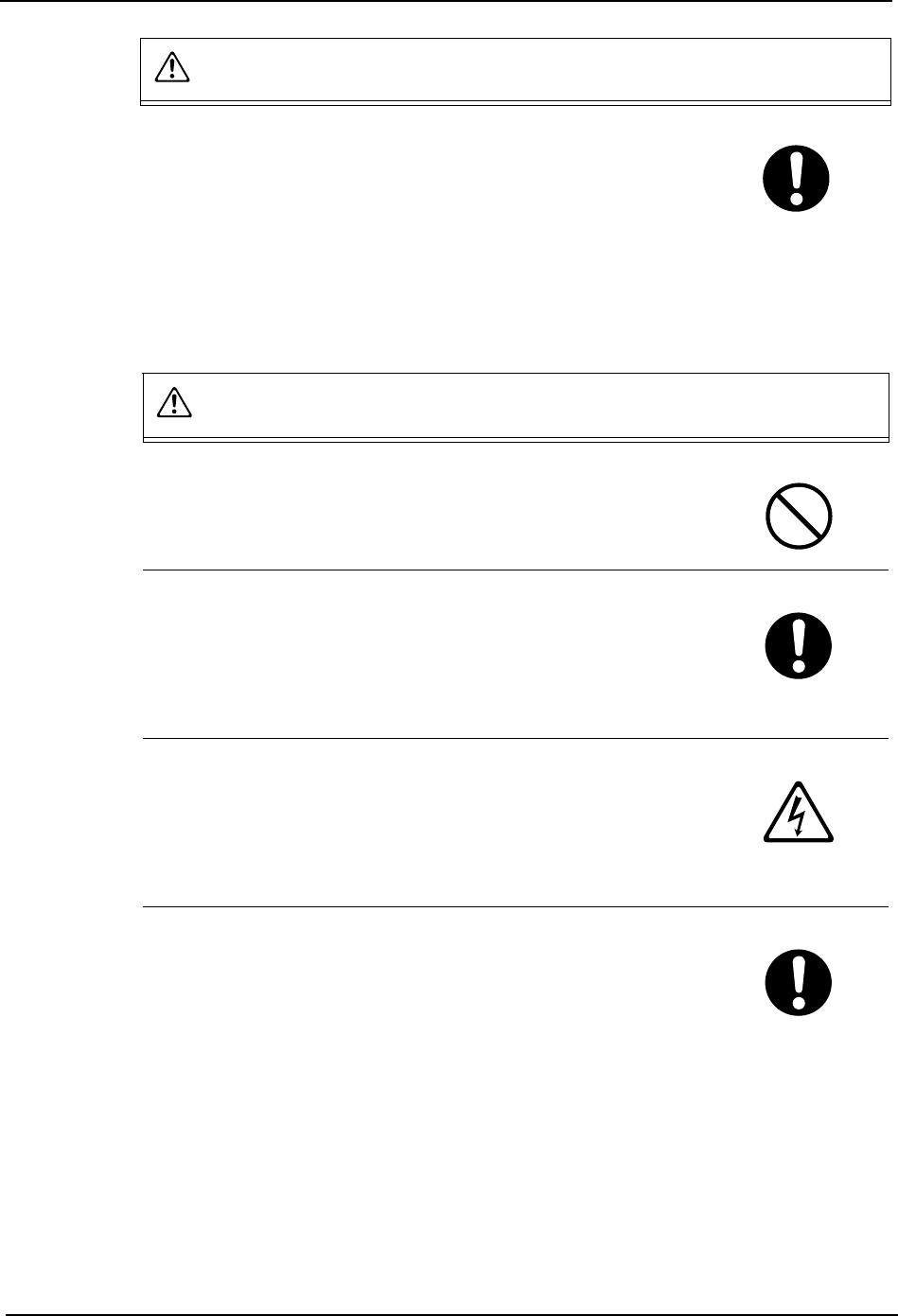
Check the machine monitor and the target axes while
manually operating the machine.
• When operating the machine, carefully follow the instructions
that are displayed at the machine display.
• Operating the machine without looking at the machine display
may lead to operating errors or result in damage to the
machine or products.
CAUTION
Do not operate the machine after removing or disabling
sensors.
• Removing or disabling sensors will disarm the interlock,
leading to collisions and damage to the machine.
Confirm the operational status at the machine messages for
machines that support automatic changeover.
• On machines equipped with an automatic changeover system,
it is difficult to ascertain the changeover status from the front of
the machine during operation in production mode. Follow the
instructions that display at the machine monitor
Do not touch the servo amp power terminal for at least five
minutes after turning off the power.
• The servo amp retains a high voltage even after the power has
been turned off. Always wait at least five minutes, and ensure
that the CHARGE lamp is off, before undertaking any work that
may result in contact with the servo amp terminal.
Ensure to use the handle when opening or closing the safety
doors, fences or covers.
• Opening or closing the safety doors, fences or covers without
using the handle may result in injury to the hand.
• Opening or closing the safety doors, fences or covers with
force, without using the handle may result in damage to the
machine.
WARNING
1.Safety Guideline SYS-CP842-1.1E
8 CP-842E / CP-842ME System Reference
1.3 Safety Rules for Individual Machine Types
1.3.1 CP-842E/842ME
WARNING
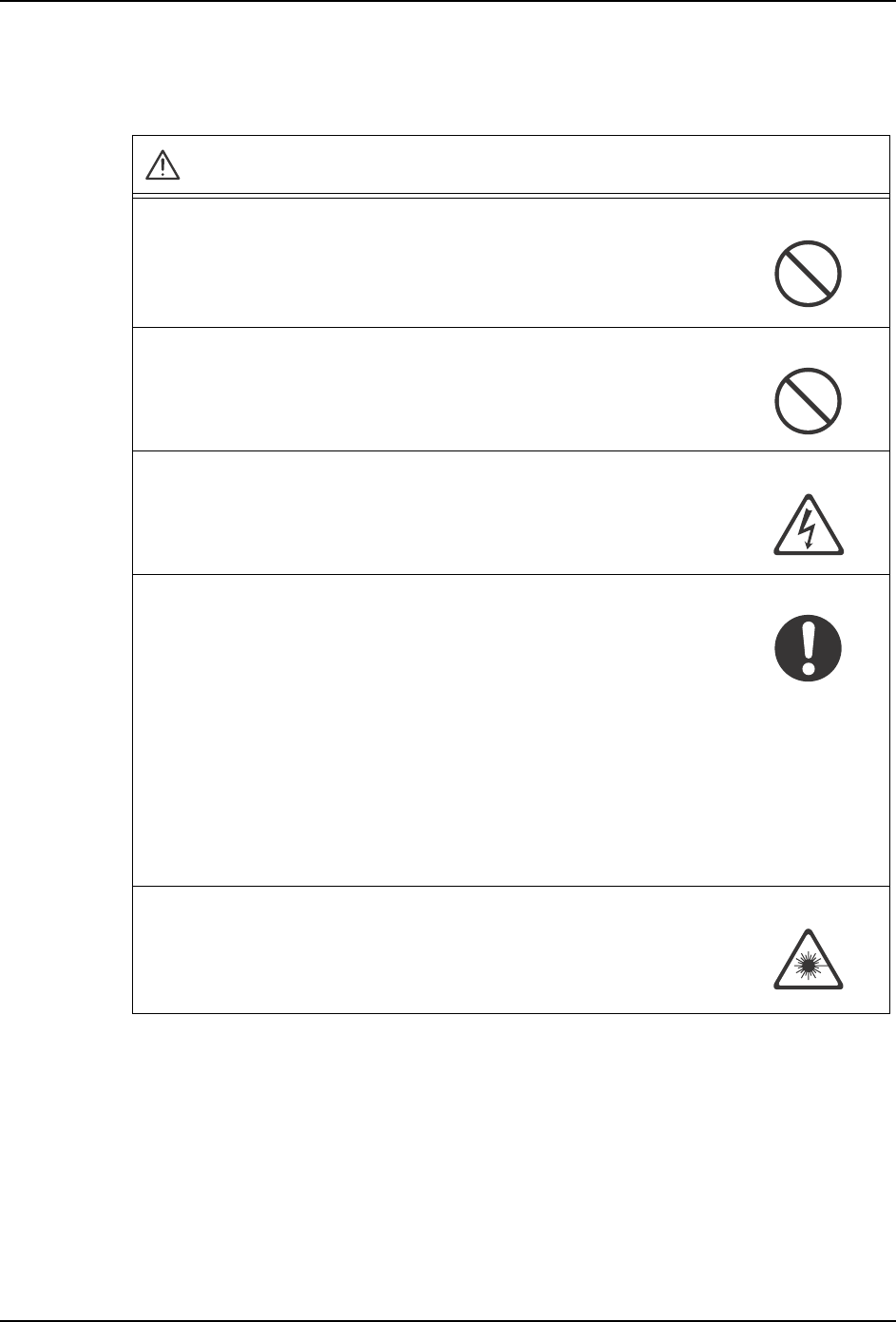
Do not insert hands or other body parts into the conveyor inlets.
Body parts may get caught in the machine resulting in injury.
Do not operate the machine when the front/rear cover has been
removed.
Body parts may get caught in the machine resulting in injury.
Do not perform cam box maintenance with power to the machine on.
Injury may result from electric shock if maintenance on the cam box
is carried out with the power to the machine on.
Caution required if cam is not at its origin (0°).
1. Operators must ensure the cam is at its origin (0°) prior to
carrying out any operations on the machine.
If the cam is not at its origin, recoil from springs used to drive the
placing heads may cause unexpected movement which is
potentially dangerous for the operator.
If an emergency stop occurs, the machine stops immediately. In
this case there is a strong possibility that the cam will not be at its
origin.
2. If the cam is not at its origin when the machine stops, use the
cam handle to return it to its origin.
Do not stare into the laser beam.
(On machine fittied with laser type fiber sensors (class 2))
Exercise extreme caution when working in areas where there is a
risk of eye damage from the laser beams.