SYS-CP842-1.1E.pdf - 第219页
6.System Installation and Upgrade SYS-CP842-1.1E 210 CP-842E / CP-842ME System Reference PhoenixBIOS Setup Utility Main System Time: System Date: Legacy Diskette A: Primary Master Primary Slave Secondary Master Secondary…

SYS-CP842-1.1E 6.System Installation
and Upgrade
CP-842E / CP-842ME System Reference 209
6. System Installation and Upgrade
System installation and upgrade procedures are described in this part.
6.1 System Installation
The following procedure should be followed when installing both the system and application
software.
Note: Always transmit Proper data to the host computer before installing the system software. All data is
cleared from the machine during installation.
6.1.1 BIOS Settings
Verify the BIOS settings as described below before reinstalling Windows NT and the
system applications.
1. Connect the keyboard to the connector at the front of the machine.
2. Turn the machine power on. When the message Press <F2> to enter SETUP displays,
press the [F2] key on the keyboard to display the BIOS setting screen.
a. Use the left and right arrow keys to switch between menu screens.
b. Use the up and down arrow keys to select the desired item.
c. Press [ENTER] to display submenus. (At the System Date and System Time
settings, the [ENTER] key is used to switch between the Hour, Minute, and Second
settings.)
d. Use the [-]/[+] keys or the SPACE key to change setting values shown in brackets.
e. To return to the [Main] menu, press the ESC key.
An explanation of the necessary settings follows.
6.System Installation
and Upgrade SYS-CP842-1.1E
210 CP-842E / CP-842ME System Reference
PhoenixBIOS Setup Utility
Main
System Time:
System Date:
Legacy Diskette A:
Primary Master
Primary Slave
Secondary Master
Secondary Slave
Cache Memory
Boot Options
System Memory:
Extended Memory:
[16 : 17 : 18]
[04 / 12 / 2000]
[Disabled]
[6007Mb]
[None]
[CD-ROM]
[None]
640 KB
261120 KB
Advanced Power BIOS Boot Exit
UBE Shadow Control
Menu
Submenu item
CP7S5001
Item
Time, minute, second
Month, day, year

SYS-CP842-1.1E 6.System Installation
and Upgrade
CP-842E / CP-842ME System Reference 211
[Main] Screen
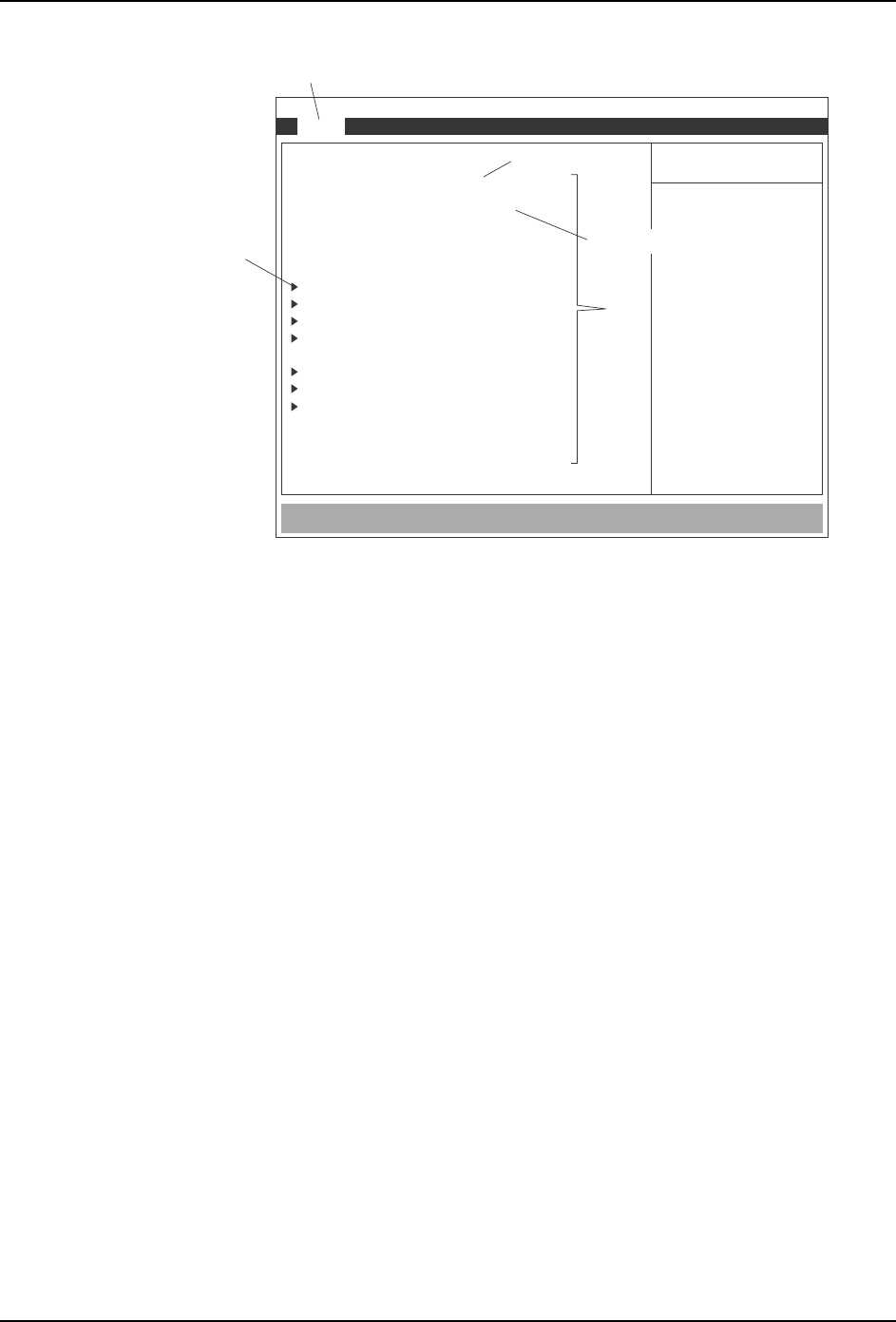
Set the [Main] screen items as shown below.
• System Time and System Date
Select this item and input the current time and date using the [TAB] key to move between
items. Time is input from the left in 24 hour mode. The date order is month, day, year.
To specify the [Primary Master], [Primary Slave], [Secondary Master], and [Secondary
Slave] settings, go to the sub-menu by selecting the desired item and pressing [Enter].
If the power switches on when the initial Type setting item is set to Auto, the hard disk will
be recognized, and the correct settings will be specified automatically.
Note: *:When the machine is equipped with the optional floppy disk drive the item Legacy
Diskette A must be set to 1.44/1.25MB 3 1/2.
Legacy Diskette A: Disabled*
Primary Master 6007 MB (Hard disk size)
Primary Slave None
Secondary Master CD-ROM
Secondary Slave None
Cache Memory Leave as default.
Boot Options
UBE Shadow Control