SYS-CP842-1.1E.pdf - 第40页
SYS-CP842-1.1E 3.Machine System CP-842E / CP-842ME System Reference 31 3. Machine System This part explains the machine functions acce ssed using the touch scre en, and how to use them. 3.1 Basic Operation The machine an…

2.The Machine SYS-CP842-1.1E
30 CP-842E / CP-842ME System Reference
MEMO:
SYS-CP842-1.1E 3.Machine System
CP-842E / CP-842ME System Reference 31
3. Machine System
This part explains the machine functions accessed using the touch screen, and how to use
them.
3.1 Basic Operation
The machine and its functions are controlled by means of the command hierarchy operated
using the touch panel. This chapter explains the functions operated using the touch panel
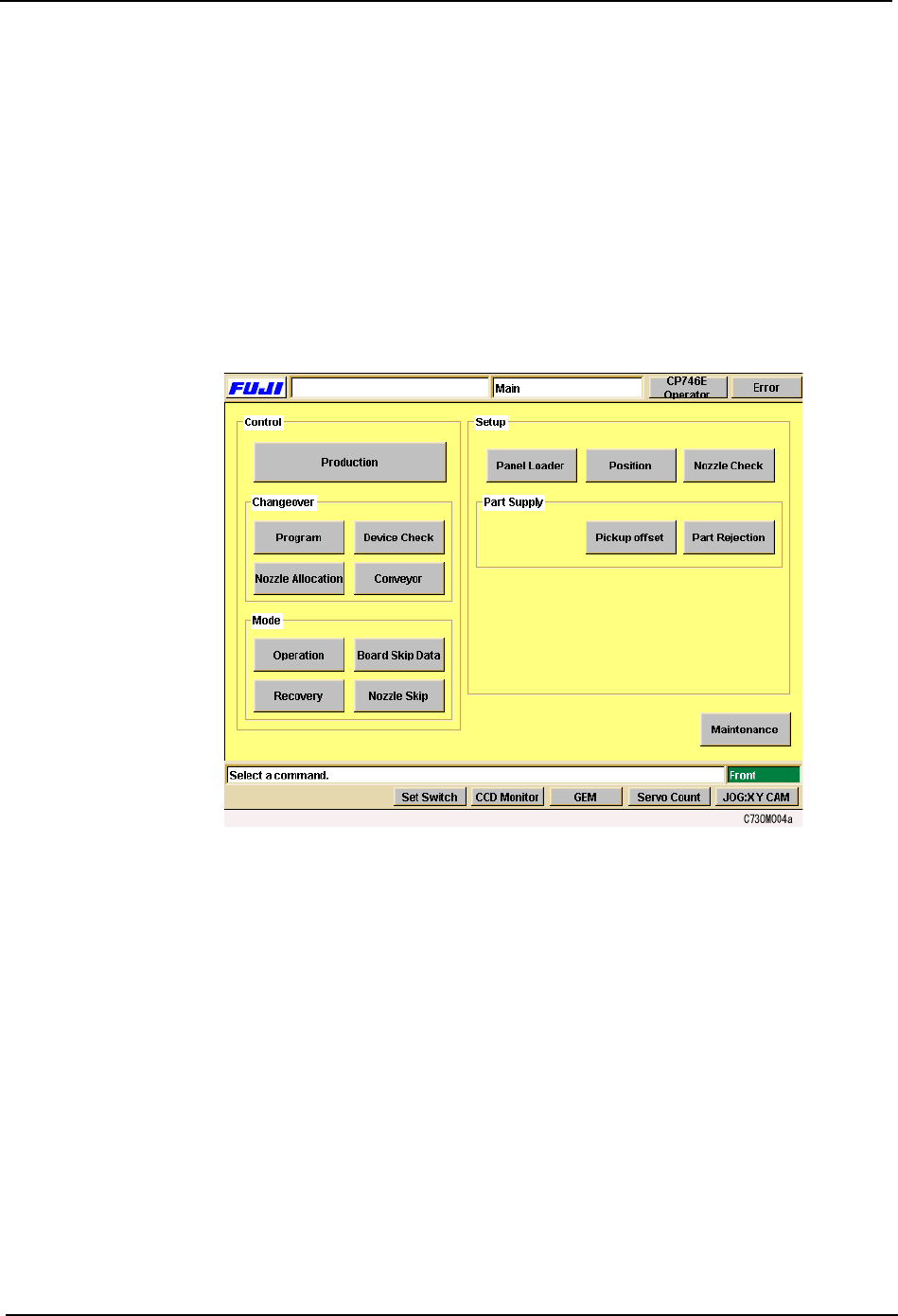
and how to use them. The [Main] screen shown below is where all operation of the machine
begins. This screen displays after the machine is started up and the operator has logged
on to the system.
3.Machine System SYS-CP842-1.1E
32 CP-842E / CP-842ME System Reference
3.1.1 Getting Started
Starting the Machine and Displaying the [Main] Screen
Although most of the explanations in this chapter start from the [Main] screen, this is not the
first screen that displays when the machine is started. Carry out the following procedure to
start the machine and display the [Main] screen.
Procedure
1. Start the host system connected to the machine.
2. Set the circuit breaker on the machine to the ON position.
3. Open the transformer box cover and turn on the UPS (Uninterrupted PowerSupply)
switch. The POWER ON lamp lights.
4. Press the EMERGENCY STOP button.
Caution: For safety reasons, the EMERGENCY STOP button should always be pressed before turning on the
power to the machine.
5. Push the SYSTEM ON button to start the machine.
6. The machine boots up and the red [Error] screen displays, release the EMERGENCY
STOP button which was pushed in.
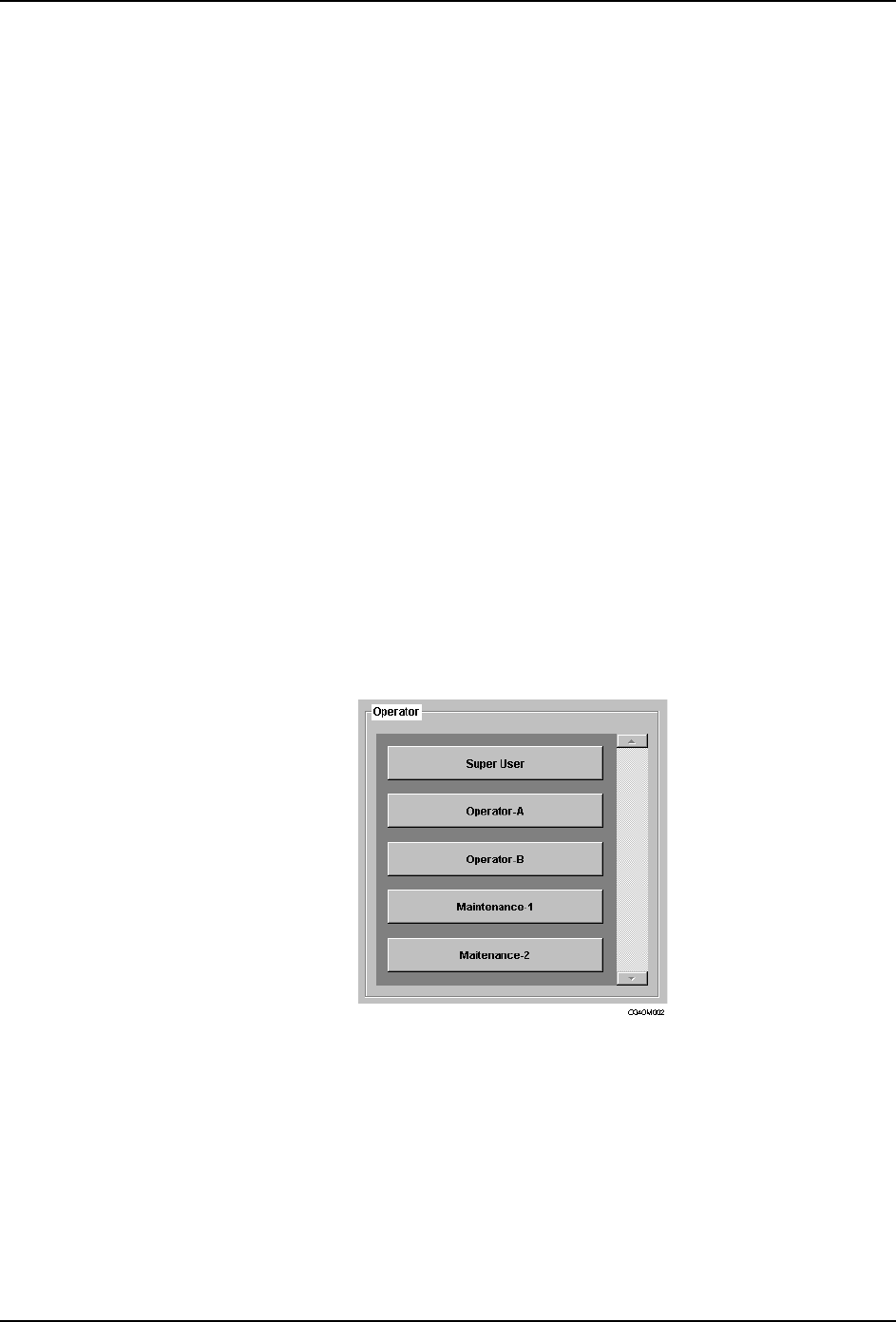
7. Push the READY ON button and select your user name from the list which displays. You
will be requested to enter your password using the virtual keyboard which displays.
After entering your password, press [Enter] to log on.
8. The [Main] screen displays.