FlexTRAK 2MB Material Handler Addendum Rev 05.pdf - 第82页
FlexTRAK Series 2MB Mater ial Handler Adden dum Tour of HMI Softw are for the Material Handler 5-16 © 2023 Nordson Corporation The Shuttle Mo ve screen opens (Figure 5-10). Shuttle Move commands are described in T able 5…
FlexTRAK Series 2MB Material Handler Addendum Tour of HMI Software for the Material Handler
© 2023 Nordson Corporation 5-15
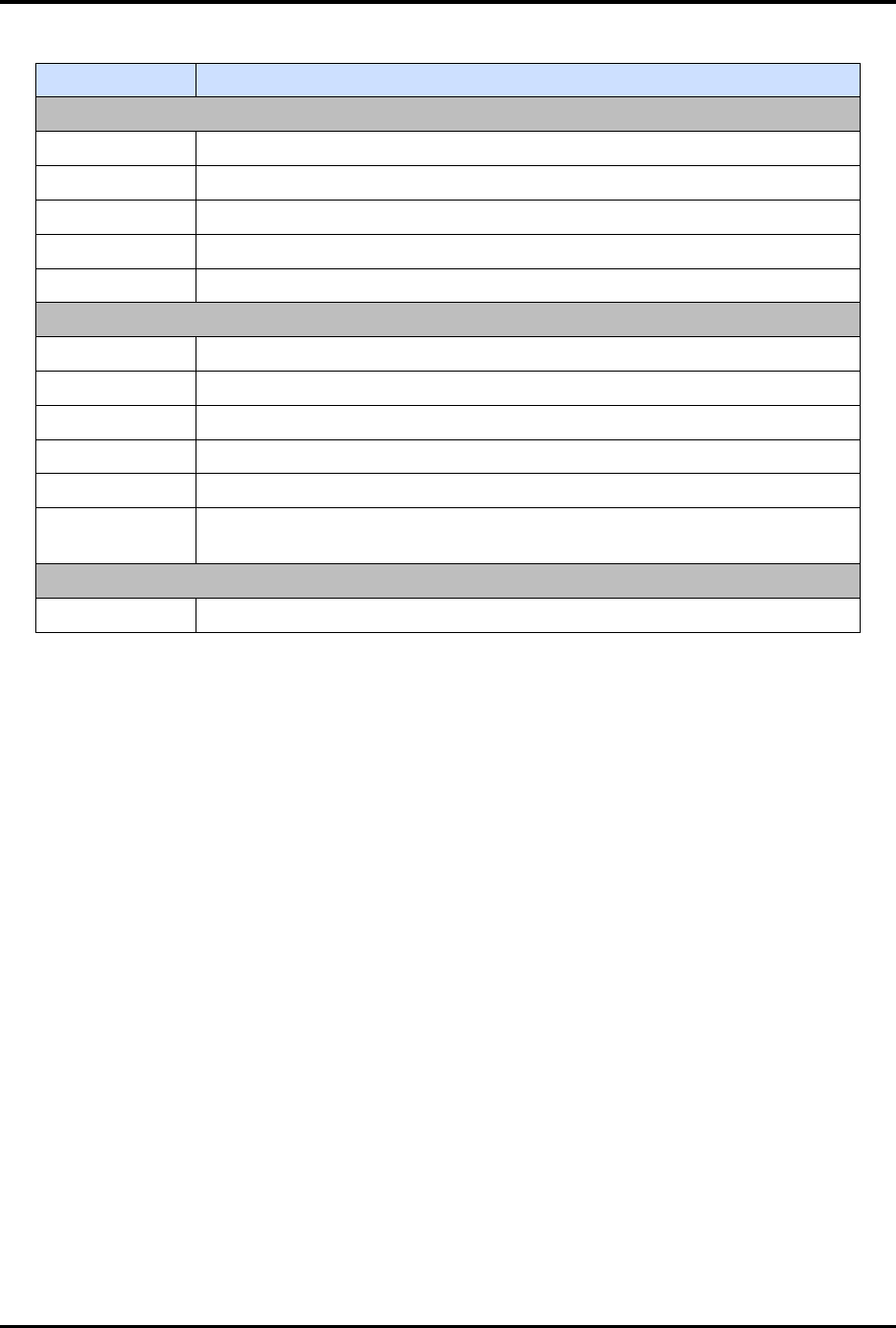
Table 5-11 Sequencing Screen Controls and Indicators
Control Description
Conveyor
STATUS Displays the status of the conveyor.
L1 LOAD Displays the status of the Lane 1 Load Position.
L1 UNLD Displays the status of the Lane 1 Unload Position
L2 LOAD Displays the status of the Lane 2 Load Position.
L2 UNLD Displays the status of the Lane 2 Unload Position.
Shuttler
STATUS Displays the status of the shuttle.
SWAP Displays the status of the shuttle swap position
PICK CONV Displays the status of the pick conveyor position.
PICK CHAMB Displays the status of the pick chamber position.
PLACE CONV Displays the status of the place conveyor position.
PLACE
CHAMB
Displays the status of the place chamber position.
Chamber
STATUS Displays the status of the chamber.
5.5.1.3 Shuttler Move
Shuttler Move allows you to manually manipulate the shuttler system.
To access shuttler move commands:
1. Touch the MAINTENANCE button on the MH Overview screen to access maintenance
commands.
„ The Maintenance Master screen opens (Figure 5-5).
2. Touch the SHUTTLER button.
„ The Axis Status screen opens (Figure 5-6).
3. Touch the SHUTTLE MOVE button.
FlexTRAK Series 2MB Material Handler Addendum Tour of HMI Software for the Material Handler
5-16 © 2023 Nordson Corporation
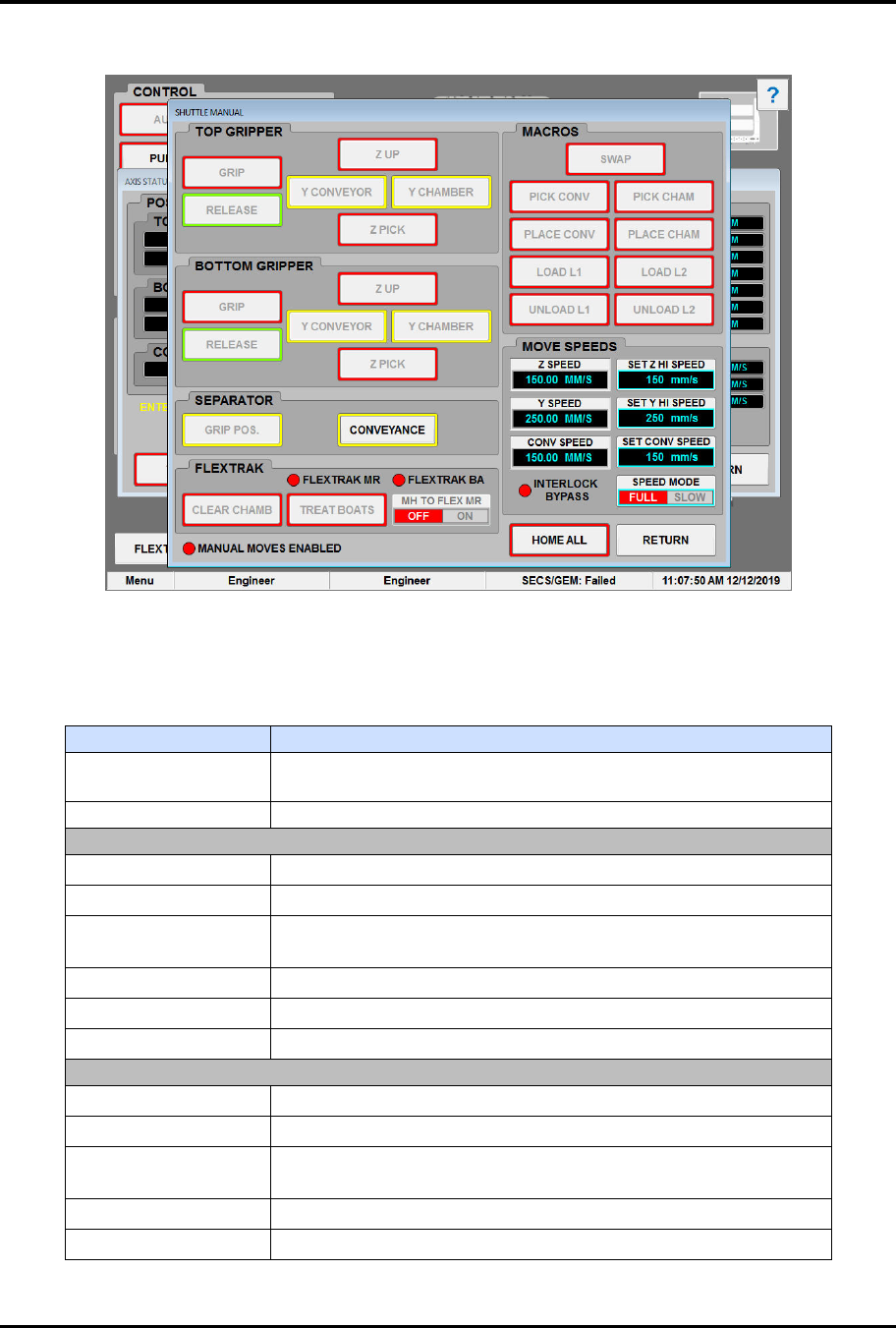
The Shuttle Move screen opens (Figure 5-10). Shuttle Move commands are described in Table 5-12.
Figure 5-10 Shuttle Move Screen - Manual Enabled
?
NOTE Buttons with a yellow border indicate the interlocks are met.
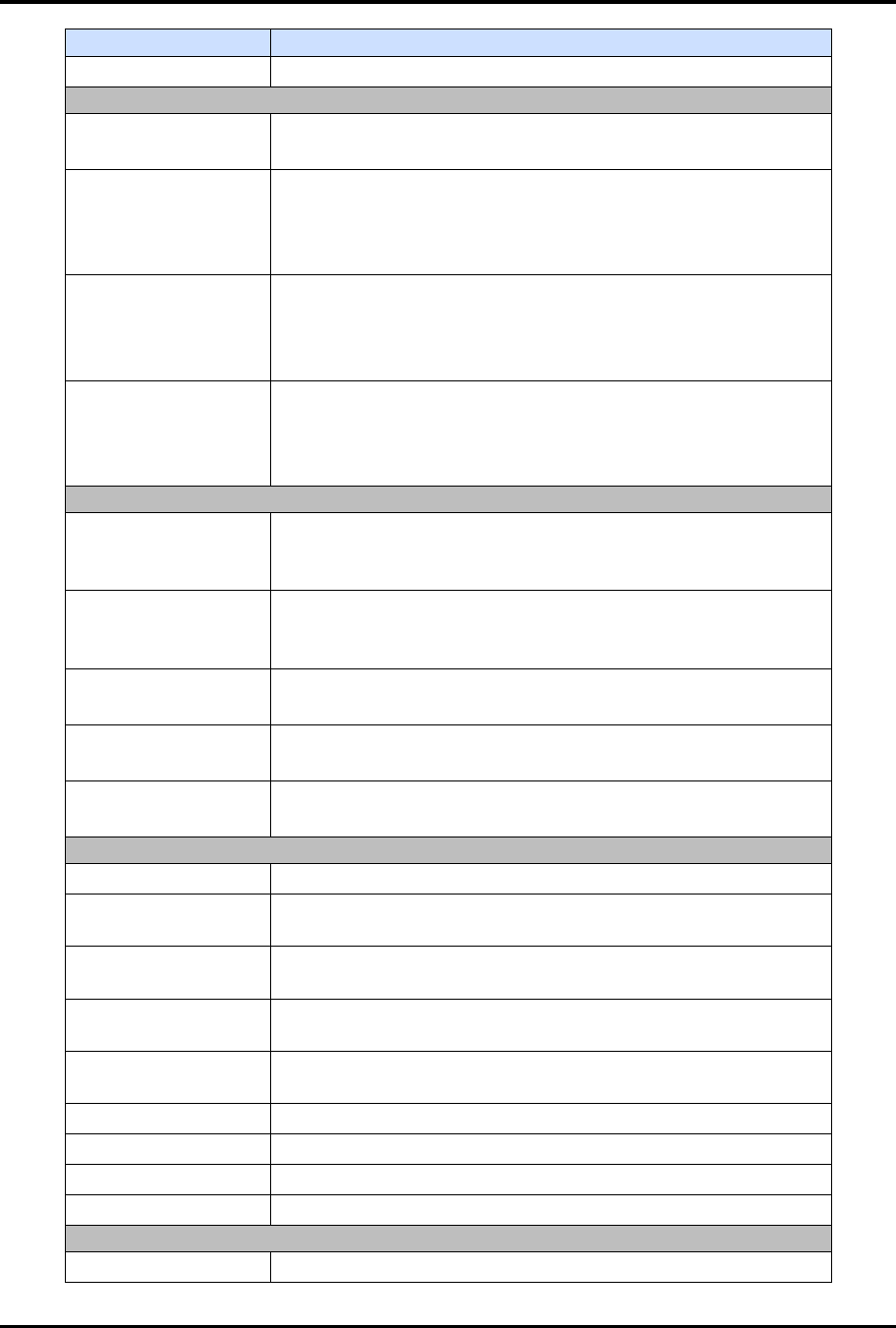
Table 5-12 Shuttle Move Commands
Control
Description
MANUAL MOVES
ENABLED
Displays the status of Manual mode. The radio button is red
when not active and green when active.
HOME ALL
Touch to home the top gripper, bottom
gripper, and conveyor.
TOP GRIPPER
GRIP Click to close the top gripper.
RELEASE Click to open the top gripper.
Z UP
Click to move the top gripper to the upper Z limit (swap
position).
Y CONVEYOR*
Click to move the top gripper to the conveyor.
Y CHAMBER* Click to move the top gripper to the chamber.
Z PICK Click to move the top gripper to the pick position.
BOT GRIPPER
GRIP Click to close the bottom gripper.
RELEASE Click to open the bottom gripper.
Z UP
Click to move the bottom gripper to the upper Z limit (swap
position).
Y CONVEYOR* Click to move the bottom gripper to the conveyor.
Y CHAMBER* Click to move the bottom gripper to the chamber.
FlexTRAK Series 2MB Material Handler Addendum Tour of HMI Software for the Material Handler
© 2023 Nordson Corporation 5-17
Control
Description
Z PICK Click to move the bottom gripper to the pick position.
SEPARATOR
GRIP POS.*
Touch to position Lane 2 so the gripper assembly can
pick/place process carriers on or off the conveyor belt.
CONVEYANCE*
Visible only when single infeed option is not selected.
Touch to position Lane 2 to be in line with the upstream and
downstream conveyors to allow the transfer of process carriers
in and out of the FlexTRAK-2MB system.
LANE 1
Visible only when single infeed option is selected.
Touch to position Lane 1 in line with the upstream and
downstream conveyor. Allows the transfer of process carriers in
and out of lane 1.
LANE 2
Visible only when single infeed option is selected.
Touch to position Lane 2 in line with the upstream and
downstream conveyor. Allows the transfer of process carriers in
and out of lane 2.
FLEXTRAK
FLEXTRAK MR
FlexTRAK To Material Handler Machine Ready - Reflects the
current state of the internal SMEMA signal between the MH and
the FlexTRAK system.
FLEXTRAK BA
FlexTRAK To Material Handler Board Available - Reflects the
current state of the internal SMEMA signal between the MH and
the FlexTRAK system.
CLEAR CHAMBER
Click CLEAR CHAMB to clear the material handler tracking
information for the FlexTRAK chamber.
TREAT BOATS
Click TREAT BOATS to initiate a single plasma process that
will run the current recipe loaded.
MH to FLEX MR
Toggles the Material Handler to FlexTRAK Machine Ready
signal ON/OFF.
MACROS
SWAP Swaps gripper assembly positions.
PICK CONV
Directs the gripper positioned at the conveyor to pick process
carrier(s) from the conveyor.
PICK CHAM
Directs the gripper positioned at the chamber to pick process
carrier(s) from the chamber.
PLACE CONV
Directs the gripper positioned at the conveyor to place the
process carrier(s) on the conveyor.
PLACE CHAM
Directs the gripper positioned at the chamber to place the
process carrier(s) in the chamber.
LOAD L1 Turns conveyor ON to accept a process carrier in Lane 1.
LOAD L2 Turns conveyor ON to accept a process carrier in Lane 2.
UNLOAD L1 Turns conveyor ON to unload a process carrier in Lane 1.
UNLOAD L2 Turns conveyor ON to unload a process carrier in Lane 2.
MOVE SPEEDS
Z SPEED Displays the current set value of both gripper Z-axes.