FlexTRAK 2MB Material Handler Addendum Rev 05.pdf - 第92页
FlexTRAK Series 2MB Mater ial Handler Adden dum Tour of HMI Softw are for the Material Handler 5-26 © 2023 Nordson Corporation Control Description LANE 2 DS MR Indicates the status of the Lane 2 DS MR sens or. A red ligh…
FlexTRAK Series 2MB Material Handler Addendum Tour of HMI Software for the Material Handler
© 2023 Nordson Corporation 5-25
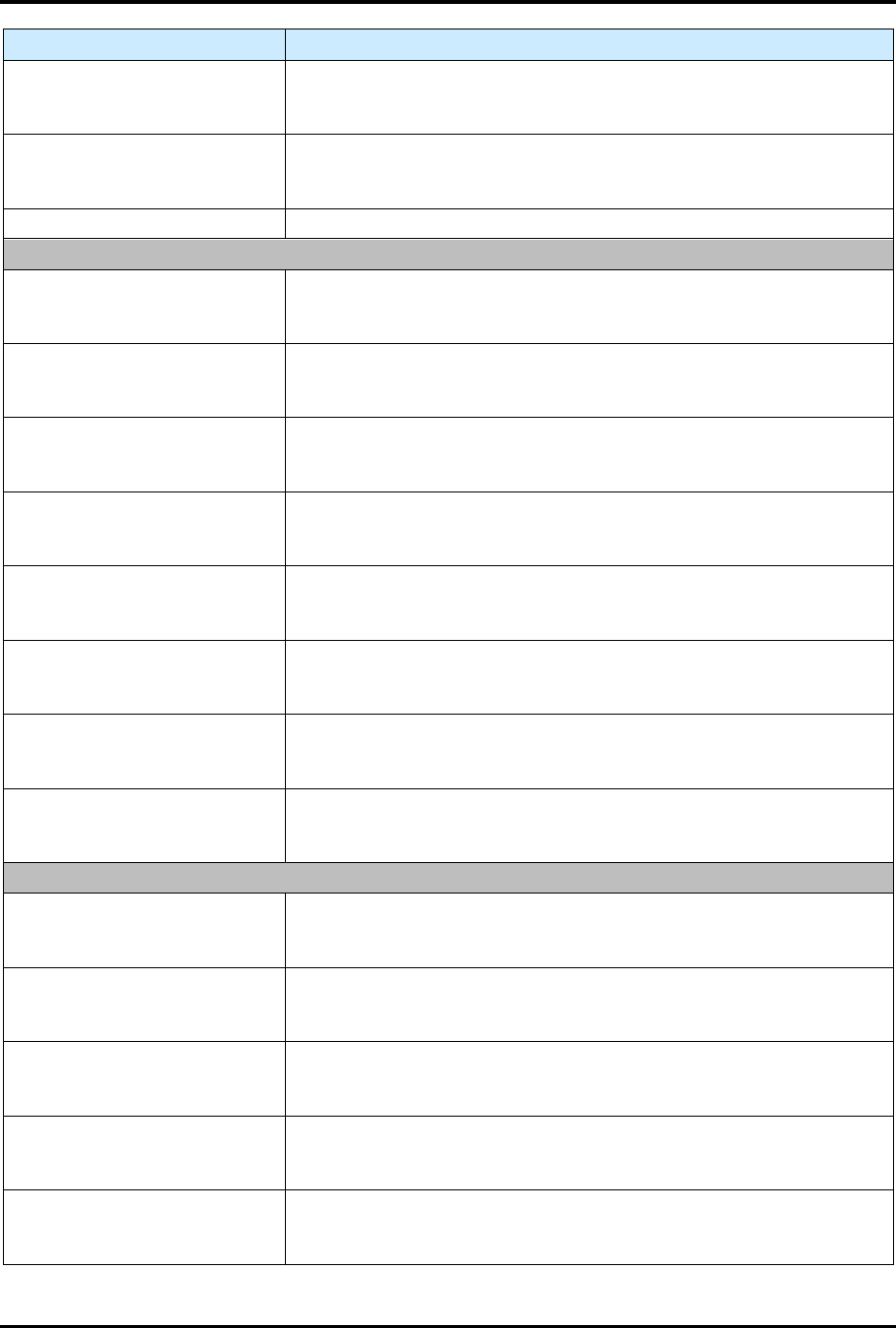
Control Description
GRIP CLOSED TOP
Indicates the status of the Grip Closed Top sensor. A red light means
the I/O point is off (open/disconnected), and a green light means that
it is on (closed/connected).
GRIP OPEN TOP
Indicates the status of the Grip Open Top sensor. A red light means
the I/O point is off (open/disconnected), and a green light means that
it is on (closed/connected).
NOT USED This signal is unused.
SLOT 3 A0-A7
GRIP DETECT B1 LFT
Indicates the status of the Grip Detection B1 Left sensor. A red light
means the I/O point is off (open/disconnected), and a green light
means that it is on (closed/connected).
GRIP DETECT B1 RIT
Indicates the status of the Grip Detection B1 Right sensor. A red light
means the I/O point is off (open/disconnected), and a green light
means that it is on (closed/connected).
GRIP CLOSED BOT
Indicates the status of the Grip Closed Bottom sensor. A red light
means the I/O point is off (open/disconnected), and a green light
means that it is on (closed/connected).
GRIP OPEN BOT
Indicates the status of the Grip Open Bottom sensor. A red light
means the I/O point is off (open/disconnected), and a green light
means that it is on (closed/connected).
INTERLOCK BYPASS
Indicates the status of the Interlock Bypass sensor. A red light means
the I/O point is off (open/disconnected), and a green light means that
it is on (closed/connected).
E-STOP INTERLOCK
Indicates the status of the E-Stop Interlock Bypass sensor. A red light
means the I/O point is off (open/disconnected), and a green light
means that it is on (closed/connected).
COUNTERBAL HI PR
Indicates the status of the Counterbalance High PR sensor. A red
light means the I/O point is off (open/disconnected), and a green light
means that it is on (closed/connected).
COUNTERBAL LO PR
Indicates the status of the Counterbalance Low PR sensor. A red light
means the I/O point is off (open/disconnected), and a green light
means that it is on (closed/connected).
SLOT 3 B0-B7
FLEXTRAK MR
Indicates the status of the FlexTRAK MR sensor. A red light means
the I/O point is off (open/disconnected), and a green light means that
it is on (closed/connected).
FLEXTRAK BA
Indicates the status of the FlexTRAK BA sensor. A red light means
the I/O point is off (open/disconnected), and a green light means that
it is on (closed/connected).
FLEXTRAK CHAM CLR
Indicates the status of the FlexTRAK Chamber Clear sensor. A red
light means the I/O point is off (open/disconnected), and a green light
means that it is on (closed/connected).
LANE 1 DS MR
Indicates the status of the Lane 1 DS MR sensor. A red light means
the I/O point is off (open/disconnected), and a green light means that
it is on (closed/connected).
LANE 1 US BA
Indicates the status of the Lane 1 US BA sensor. A red light means
the I/O point is off (open/disconnected), and a green light means that
it is on (closed/connected).
FlexTRAK Series 2MB Material Handler Addendum Tour of HMI Software for the Material Handler
5-26 © 2023 Nordson Corporation
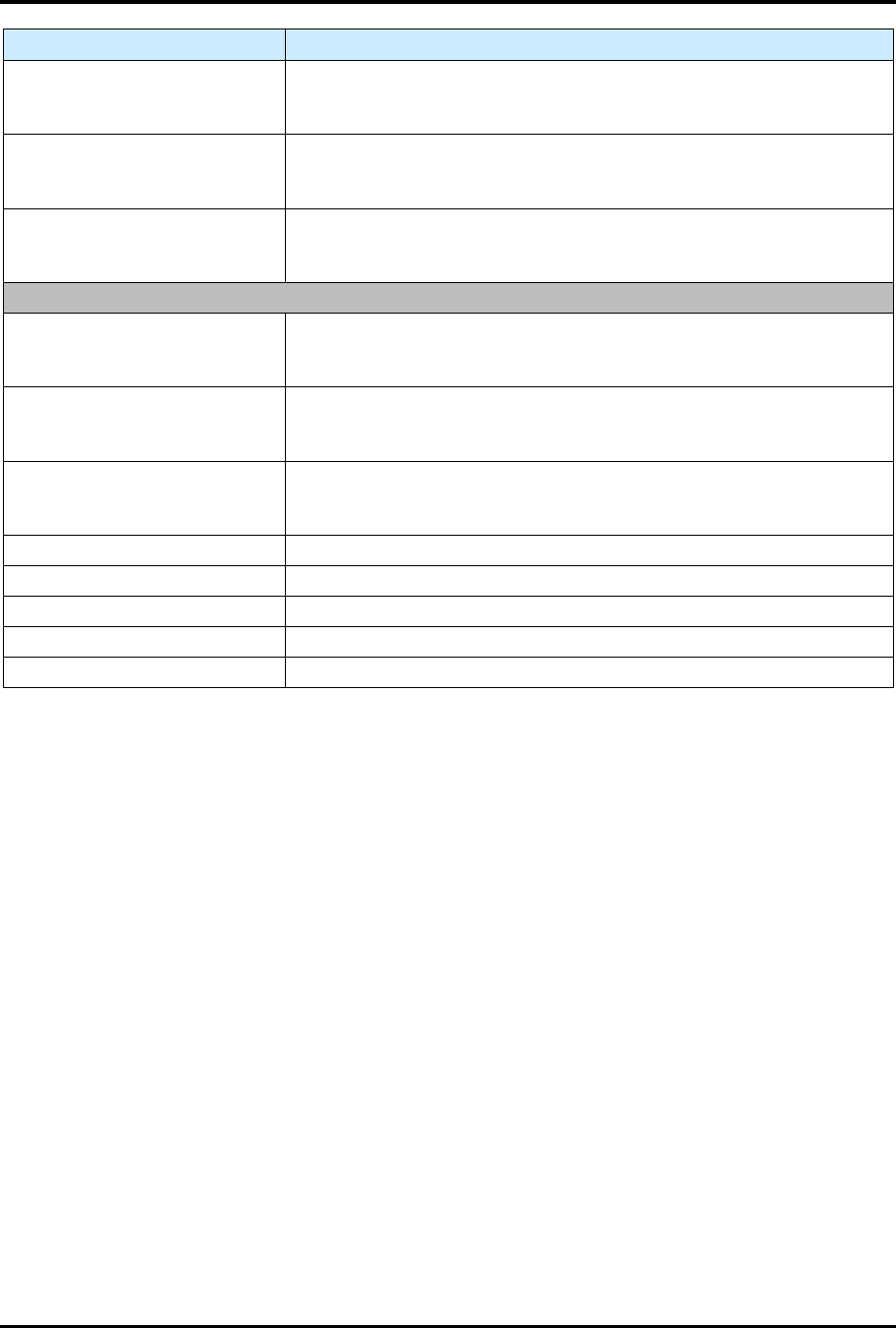
Control Description
LANE 2 DS MR
Indicates the status of the Lane 2 DS MR sensor. A red light means
the I/O point is off (open/disconnected), and a green light means that
it is on (closed/connected).
LANE 2 US BA
Indicates the status of the Lane 2 US BA sensor. A red light means
the I/O point is off (open/disconnected), and a green light means that
it is on (closed/connected).
GRIP DETECT T2 LFT
Indicates the status of the Grip Detection T2 Left sensor. A red light
means the I/O point is off (open/disconnected), and a green light
means that it is on (closed/connected).
SLOT 3 C0-C7
GRIP DETECT T2 RIT
Indicates the status of the Grip Detection T2 Right sensor. A red light
means the I/O point is off (open/disconnected), and a green light
means that it is on (closed/connected).
GRIP DETECT B2 LFT
Indicates the status of the Grip Detection B2 Left sensor. A red light
means the I/O point is off (open/disconnected), and a green light
means that it is on (closed/connected).
GRIP DETECT B2 RIT
Indicates the status of the Grip Detection B2 Right sensor. A red light
means the I/O point is off (open/disconnected), and a green light
means that it is on (closed/connected).
NOT USED This signal is unused.
NOT USED This signal is unused.
NOT USED This signal is unused.
NOT USED This signal is unused.
NOT USED This signal is unused.
5.5.3 Digital Output Status Screen
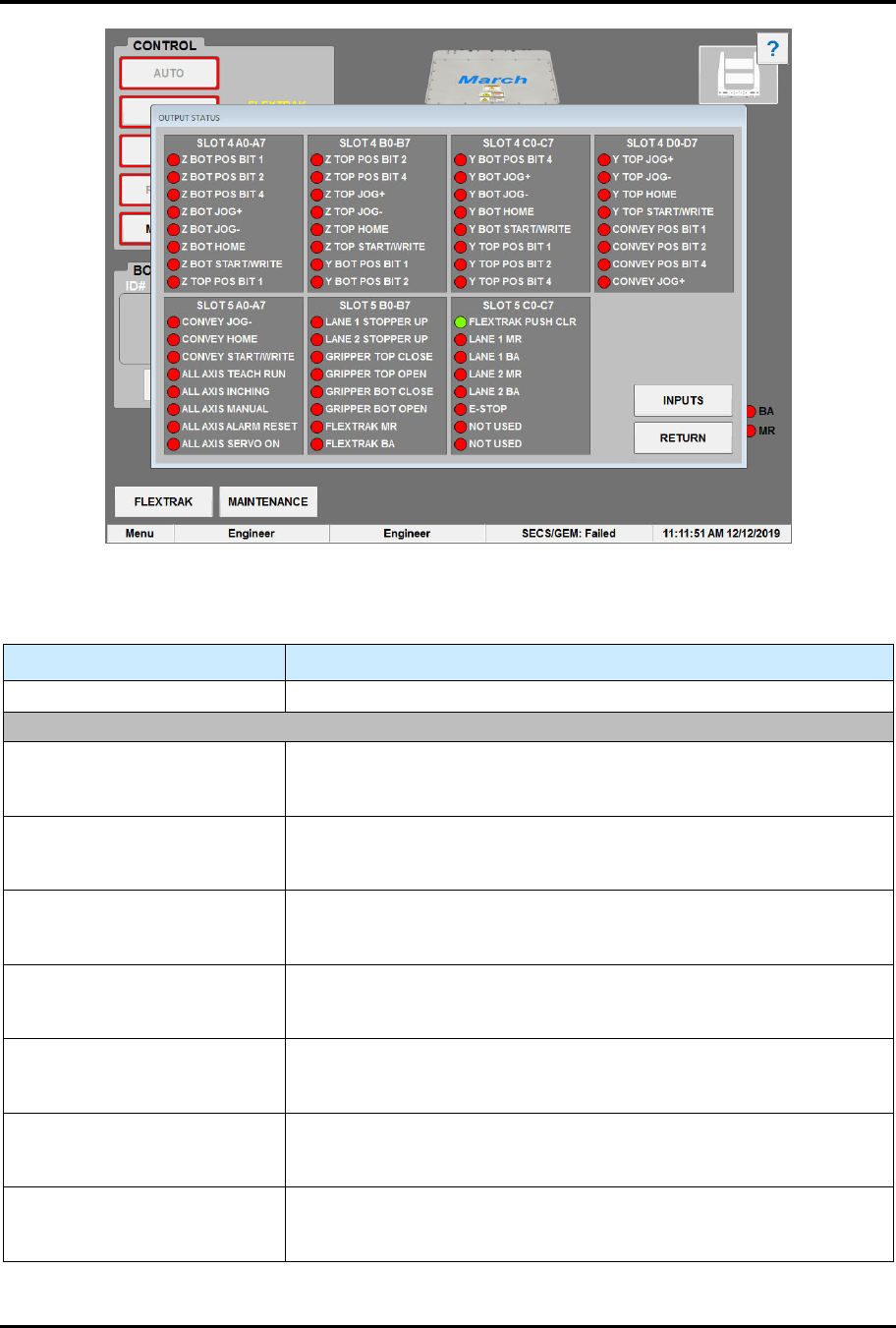
During operation, you can view the status of all digital output points of the material handler’s I/O on the
Output Status screen (Figure 5-13). The Output Status screen can also be useful during troubleshooting to
check if a sensor is active and lit. A red light means the I/O point is OFF (open/disconnected), and a green
light means that it is ON (closed/connected). See Table 5-15 for descriptions of the Output Status screen
controls and indicators.
To access the input status screen:
1. Touch the MAINTENANCE button on the MH Overview screen to access maintenance
commands.
„ The Maintenance Master screen opens (Figure 5-5).
2. Touch the DIGITAL OUTPUTS button.
„ The Output Status screen opens (Figure 5-13).
FlexTRAK Series 2MB Material Handler Addendum Tour of HMI Software for the Material Handler
© 2023 Nordson Corporation 5-27
Figure 5-13 Output Status Screen
Table 5-15 Output Status Screen Point Descriptions
Control Description
INPUTS Touch to switch to the Digital Input Status screen (Figure 5-12).
SLOT 4 AO-A7
Z BOT POS BIT 1
Indicates the status of the Z-axis Bottom Position Bit 1 sensor. A red
light means the I/O point is off (open/disconnected), and a green light
means that it is on (closed/connected).
Z BOT POS BIT 2
Indicates the status of the Z-axis Bottom Position Bit 2 sensor. A red
light means the I/O point is off (open/disconnected), and a green light
means that it is on (closed/connected).
Z BOT POS BIT 4
Indicates the status of the Z-axis Bottom Position Bit 4 sensor. A red
light means the I/O point is off (open/disconnected), and a green light
means that it is on (closed/connected).
Z BOT JOG+
Indicates the status of the Z-axis Bottom Jog+ sensor. A red light
means the I/O point is off (open/disconnected), and a green light
means that it is on (closed/connected).
Z BOT JOG -
Indicates the status of the Z-axis Bottom Jog- sensor. A red light
means the I/O point is off (open/disconnected), and a green light
means that it is on (closed/connected).
Z BOT HOME
Indicates the status of the Z-axis Bottom Home sensor. A red light
means the I/O point is off (open/disconnected), and a green light
means that it is on (closed/connected).
Z BOT START / WRITE
Indicates the status of the Z-axis Bottom Start/Write sensor. A red
light means the I/O point is off (open/disconnected), and a green light
means that it is on (closed/connected).