FlexTRAK 2MB Material Handler Addendum Rev 05.pdf - 第96页
FlexTRAK Series 2MB Mater ial Handler Adden dum Tour of HMI Softw are for the Material Handler 5-30 © 2023 Nordson Corporation Control Description ALL AXIS MANUAL Indicates the status of the All Axis Manual se nsor. A re…
FlexTRAK Series 2MB Material Handler Addendum Tour of HMI Software for the Material Handler
© 2023 Nordson Corporation 5-29
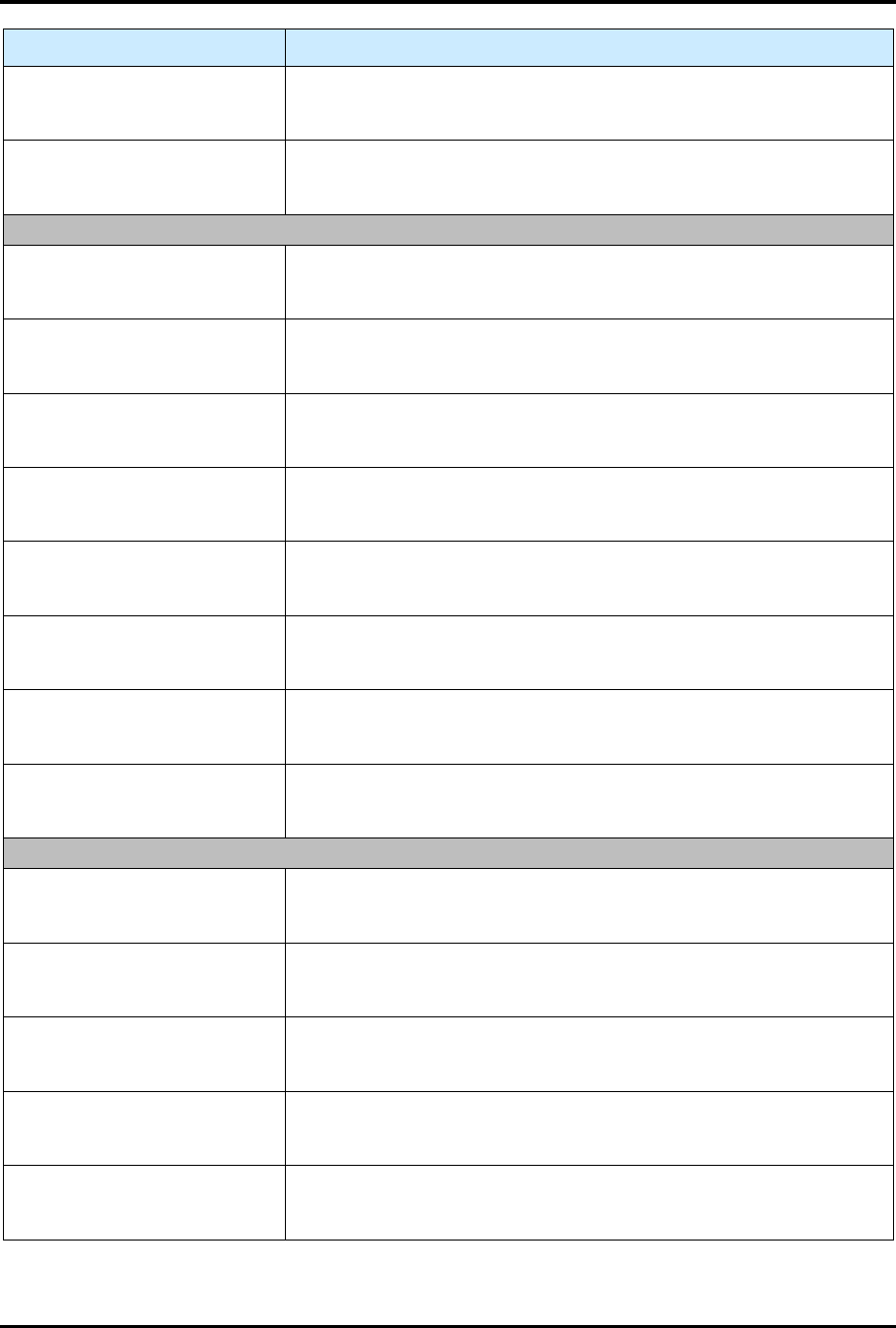
Control Description
Y TOP POS BIT 2
Indicates the status of the Y-axis Bottom Position Bit 2 sensor. A red
light means the I/O point is off (open/disconnected), and a green light
means that it is on (closed/connected).
Y TOP POS BIT 4
Indicates the status of the Y-axis Bottom Position Bit 4 sensor. A red
light means the I/O point is off (open/disconnected), and a green light
means that it is on (closed/connected).
SLOT 4 DO-D7
Y TOP JOG+
Indicates the status of the Y-axis Top Jog+ sensor. A red light means
the I/O point is off (open/disconnected), and a green light means that
it is on (closed/connected).
Y TOP JOG -
Indicates the status of the Y-axis Top Jog- sensor. A red light means
the I/O point is off (open/disconnected), and a green light means that
it is on (closed/connected).
Y TOP HOME
Indicates the status of the Y-axis Top Home sensor. A red light
means the I/O point is off (open/disconnected), and a green light
means that it is on (closed/connected).
Y TOP START / WRITE
Indicates the status of the Y-axis Top Start/Write sensor. A red light
means the I/O point is off (open/disconnected), and a green light
means that it is on (closed/connected).
CONVEY BOT POS BIT 1
Indicates the status of the Conveyor Bottom Position Bit 1 sensor. A
red light means the I/O point is off (open/disconnected), and a green
light means that it is on (closed/connected).
CONVEY BOT POS BIT 2
Indicates the status of the Conveyor Bottom Position Bit 2 sensor. A
red light means the I/O point is off (open/disconnected), and a green
light means that it is on (closed/connected).
CONVEY BOT POS BIT 4
Indicates the status of the Conveyor Bottom Position Bit 4 sensor. A
red light means the I/O point is off (open/disconnected), and a green
light means that it is on (closed/connected).
CONVEY BOT JOG+
Indicates the status of the Conveyor Bottom Jog + sensor. A red light
means the I/O point is off (open/disconnected), and a green light
means that it is on (closed/connected).
SLOT 5 AO-A7
CONVEY BOT JOG -
Indicates the status of the Conveyor Bottom Jog - sensor. A red light
means the I/O point is off (open/disconnected), and a green light
means that it is on (closed/connected).
CONVEY BOT HOME
Indicates the status of the Conveyor Bottom Home sensor. A red light
means the I/O point is off (open/disconnected), and a green light
means that it is on (closed/connected).
CONVEY BOT START /
WRITE
Indicates the status of the Conveyor Bottom Start/Write sensor. A red
light means the I/O point is off (open/disconnected), and a green light
means that it is on (closed/connected).
ALL AXIS TEACH RUN
Indicates the status of the All Axis Teach Run sensor. A red light
means the I/O point is off (open/disconnected), and a green light
means that it is on (closed/connected).
ALL AXIS INCHING
Indicates the status of the All Access Inching sensor. A red light
means the I/O point is off (open/disconnected), and a green light
means that it is on (closed/connected).
FlexTRAK Series 2MB Material Handler Addendum Tour of HMI Software for the Material Handler
5-30 © 2023 Nordson Corporation
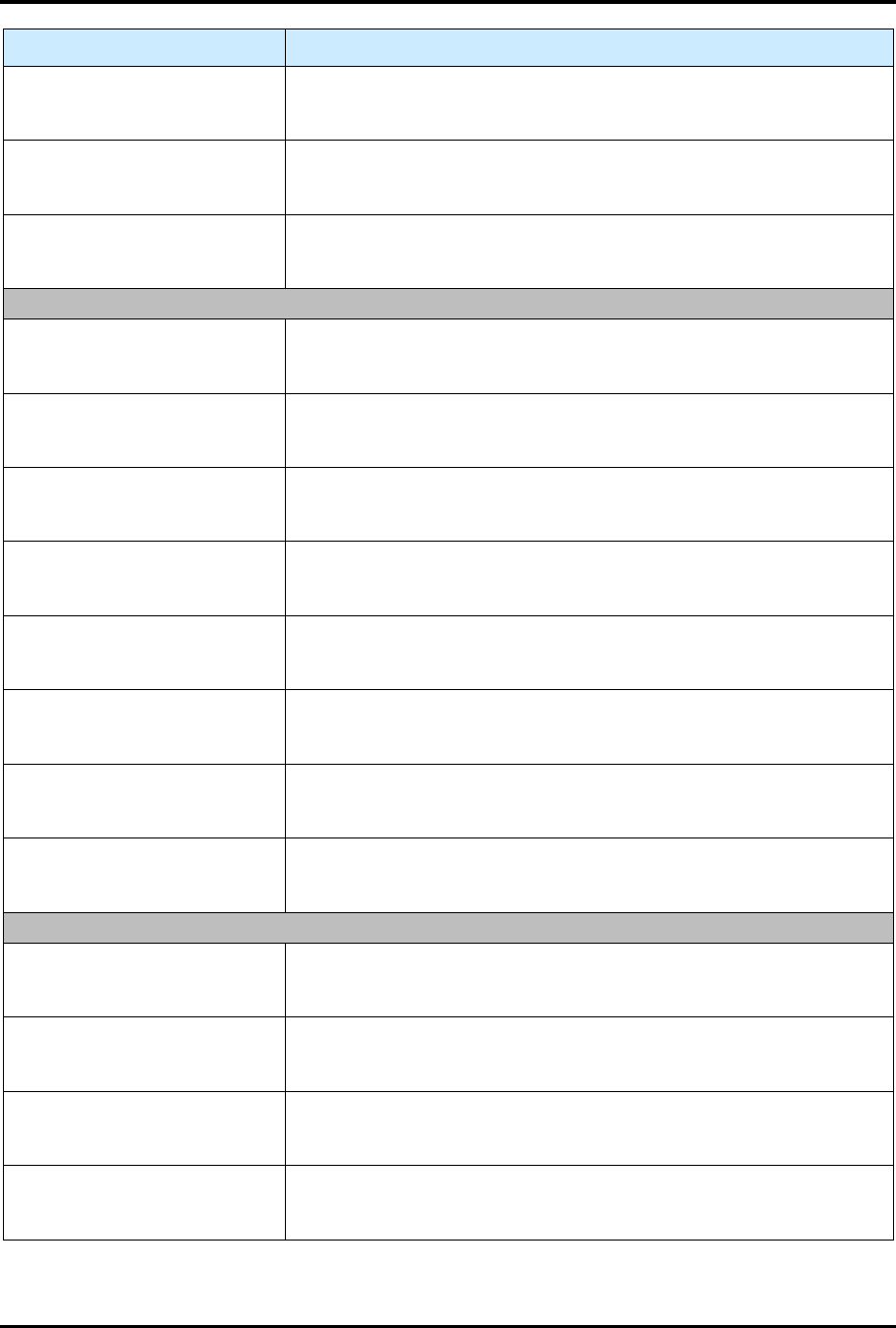
Control Description
ALL AXIS MANUAL
Indicates the status of the All Axis Manual sensor. A red light means
the I/O point is off (open/disconnected), and a green light means that
it is on (closed/connected).
ALL AXIS ALARM RESET
Indicates the status of the All Axis Alarm Reset sensor. A red light
means the I/O point is off (open/disconnected), and a green light
means that it is on (closed/connected).
ALL AXIS SERVO ON
Indicates the status of the All Axis Servo On sensor. A red light
means the I/O point is off (open/disconnected), and a green light
means that it is on (closed/connected).
SLOT 5 BO-B7
LANE 1 STOPPER UP
Indicates the status of the Lane 1 Stopper Up sensor. A red light
means the I/O point is off (open/disconnected), and a green light
means that it is on (closed/connected).
LANE 2 STOPPER UP
Indicates the status of the Lane 2 Stopper Up sensor. A red light
means the I/O point is off (open/disconnected), and a green light
means that it is on (closed/connected).
GRIPPER TOP CLOSE
Indicates the status of the Gripper Top Close sensor. A red light
means the I/O point is off (open/disconnected), and a green light
means that it is on (closed/connected).
GRIPPER TOP OPEN
Indicates the status of the Gripper Top Open sensor. A red light
means the I/O point is off (open/disconnected), and a green light
means that it is on (closed/connected).
GRIPPER BOT CLOSE
Indicates the status of the Gripper Bottom Close sensor. A red light
means the I/O point is off (open/disconnected), and a green light
means that it is on (closed/connected).
GRIPPER BOT OPEN
Indicates the status of the Gripper Bottom Open sensor. A red light
means the I/O point is off (open/disconnected), and a green light
means that it is on (closed/connected).
FLEXTRAK MR
Indicates the status of the FlexTRAK MR sensor. A red light means
the I/O point is off (open/disconnected), and a green light means that
it is on (closed/connected).
FLEXTRAK BA
Indicates the status of the FlexTRAK BA sensor. A red light means
the I/O point is off (open/disconnected), and a green light means that
it is on (closed/connected).
SLOT 5 CO-C7
FLEXTRAK PUSH CLR
Indicates the status of the FlexTRAK Pusher Clear sensor. A red light
means the I/O point is off (open/disconnected), and a green light
means that it is on (closed/connected).
LANE 1 MR
Indicates the status of the Lane 1 MR sensor. A red light means the
I/O point is off (open/disconnected), and a green light means that it is
on (closed/connected).
LANE 1 BA
Indicates the status of the Lane 1 BA sensor. A red light means the
I/O point is off (open/disconnected), and a green light means that it is
on (closed/connected).
LANE 2 MR
Indicates the status of the Lane 2 MR sensor. A red light means the
I/O point is off (open/disconnected), and a green light means that it is
on (closed/connected).
FlexTRAK Series 2MB Material Handler Addendum Tour of HMI Software for the Material Handler
© 2023 Nordson Corporation 5-31
Control Description
LANE 2 BA
Indicates the status of the Lane 2 BA sensor. A red light means the
I/O point is off (open/disconnected), and a green light means that it is
on (closed/connected).
E STOP
Indicates the status of the E-Stop sensor. A red light means the I/O
point is off (open/disconnected), and a green light means that it is on
(closed/connected).
NOT USED This signal is unused.
NOT USED This signal is unused.
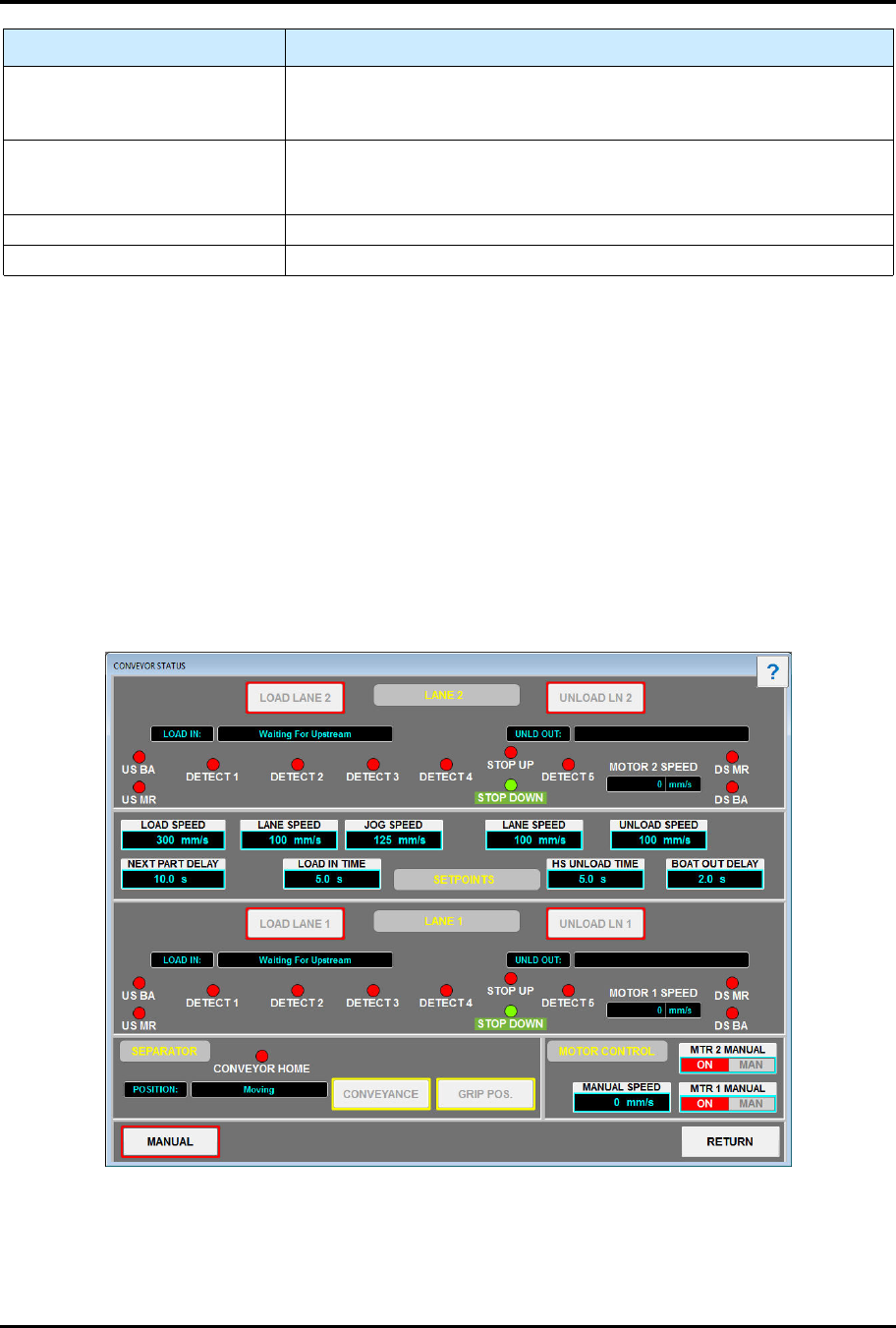
5.5.4 Conveyor Status Screen
The Conveyor Status screen (Figure 5-14) displays all operational aspects of the conveyor system. See
Table 5-16 for descriptions of the Conveyor Status screen controls and indicators. See Table 5-16 for
descriptions of the Conveyor Status screen controls and indicators.
To access the input status screen:
1. Touch the MAINTENANCE button on the MH Overview screen to access maintenance
commands.
„ The Maintenance Master screen opens (Figure 5-5).
2. Touch the CONVEYOR button.
„ The Conveyor Status screen opens (Figure 5-14).
Figure 5-14 Conveyor Status Screen