Spectrum+Operating+Manual.pdf - 第51页
S2-9 XXX Se ri es Dispensing Sys te m IOM Man ual Safety © 2023 Nordson Co rporat ion 2-19 2.16 Ligh t Be acon The l ight b eacon is a device th a t di spla ys system stat us and c an warn the operator when fault co ndit…
S2-9XXX Series Dispensing System IOM Manual Safety
2-18 © 2023 Nordson Corporation
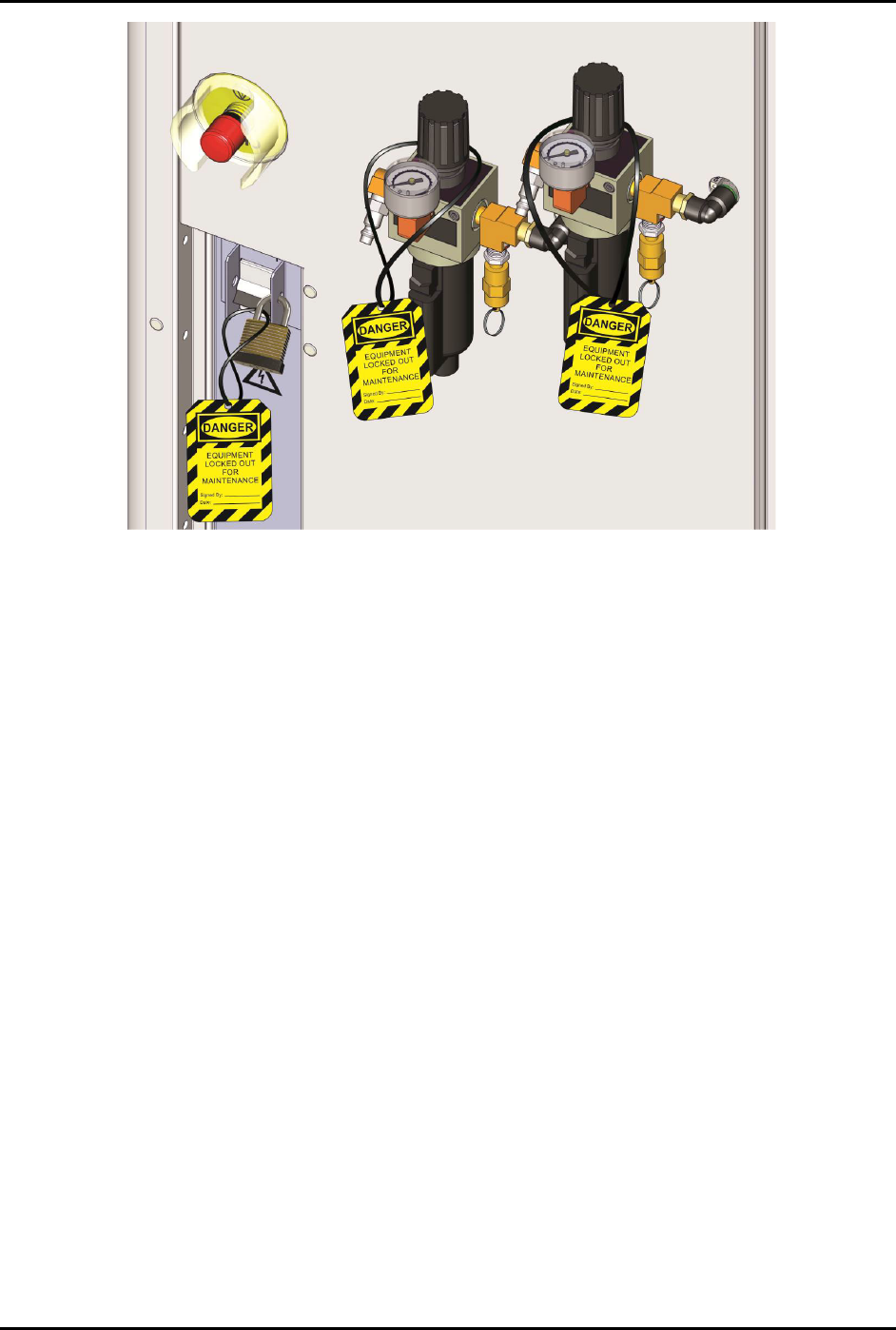
Figure 2-13 Electrical/Pneumatical Lockout/Tagout
S2-9XXX Series Dispensing System IOM Manual Safety
© 2023 Nordson Corporation 2-19
2.16 Light Beacon
The light beacon is a device that displays system status and can warn the operator when fault conditions
exist. The beacon has red, yellow, green, and blue lights that can be solid or flashing. The beacon also has
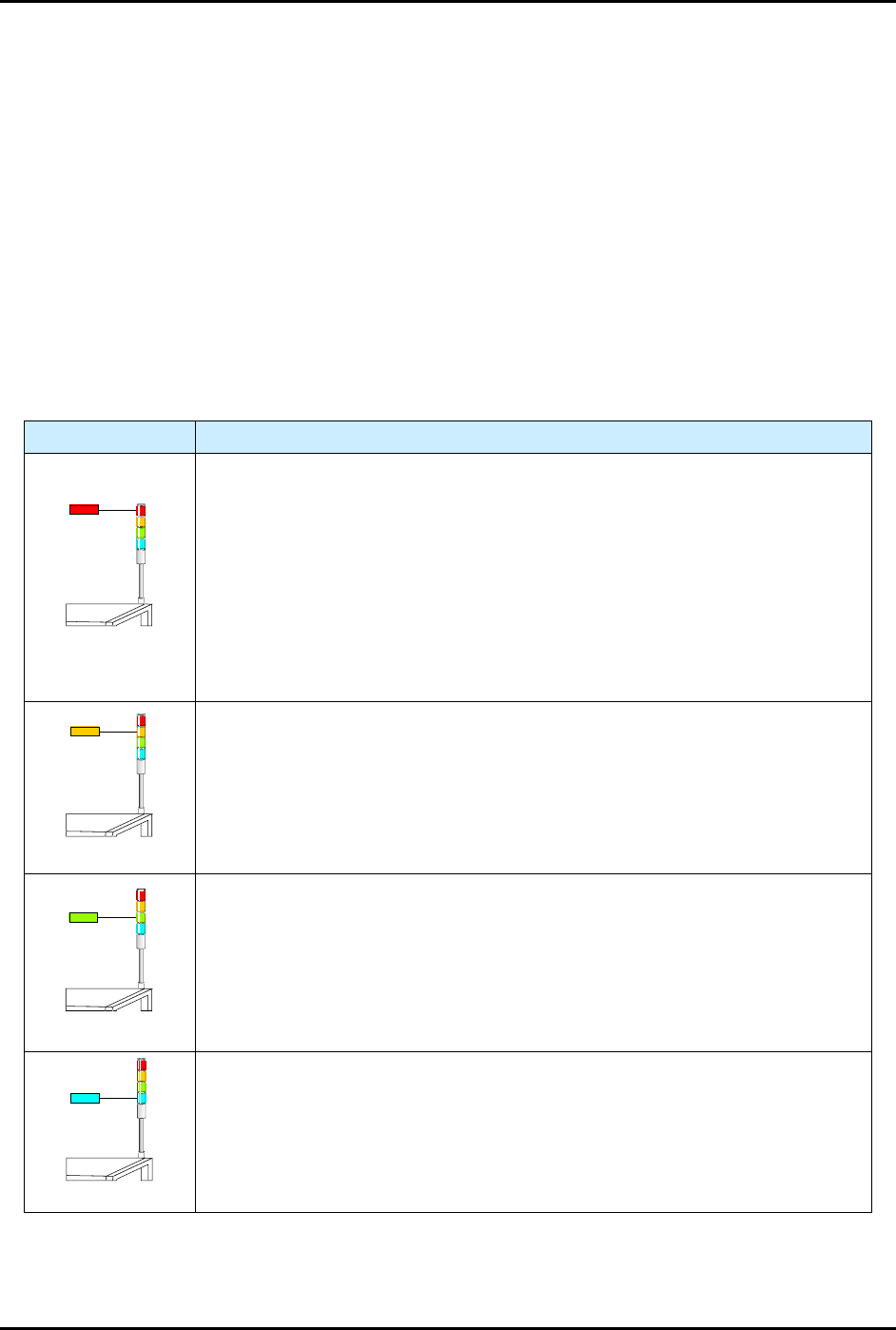
an audible alarm. Table 2-4 provides possible reasons for each color indication.
Software and hardware share control of the beacon lights. Sometimes, hardware-driven displays override
those caused by software conditions and sometimes software-driven displays override. Safety critical
conditions always have priority. Flashing light software commands have priority over solid light
commands.
NOTE Light beacon action can be custom configured using the beacon control feature. Refer to
the Fluidmove User Guide or Fluidmove Online Help for details.
See Section 7 - Troubleshooting for suggested recovery from common fault conditions.
Table 2-3 Light Beacon Color Indications
Beacon Color System Status
RED
ALERT
All motion, outputs, dispensing valve, and motion controls are disabled until
the fault is cleared.
One of the following conditions may exist:
A. Solid - Emergency stop condition or heater error.
B. Flashing - General error or vision error. Software driven error message is
displayed on the computer monitor.
C. Solid or Flashing - Software has been configured to display a solid or
flashing red light.
YELLOW
CAUTION
System in a low power state or lacks sufficient air pressure.
One of the following conditions may exist:
A. Solid - Front door is open (Interlock activated).
B. Solid or Flashing - Software has been configured to display a solid or
flashing yellow light.
GREEN
OPERATION
One of the following conditions may exist:
A. Solid - The system is fully operational with the front door closed.
B. Solid or Flashing - Software has been configured to display a solid or
flashing green light.
BLUE
USER DEFINED
A. Solid - Software has been configured to display a solid blue light.
B. Flashing - Software has been configured to display a flashing blue light.