3OM-1050-002.pdf - 第109页
(2) When a parameter is entered through keyboard navigation and the [Enter] key is pressed, it is set in the text box. Fig. 3B141 • How to enter a string of characters A string of characters can be entered by selecting a…
How to enter a parameter through keyboard navigation
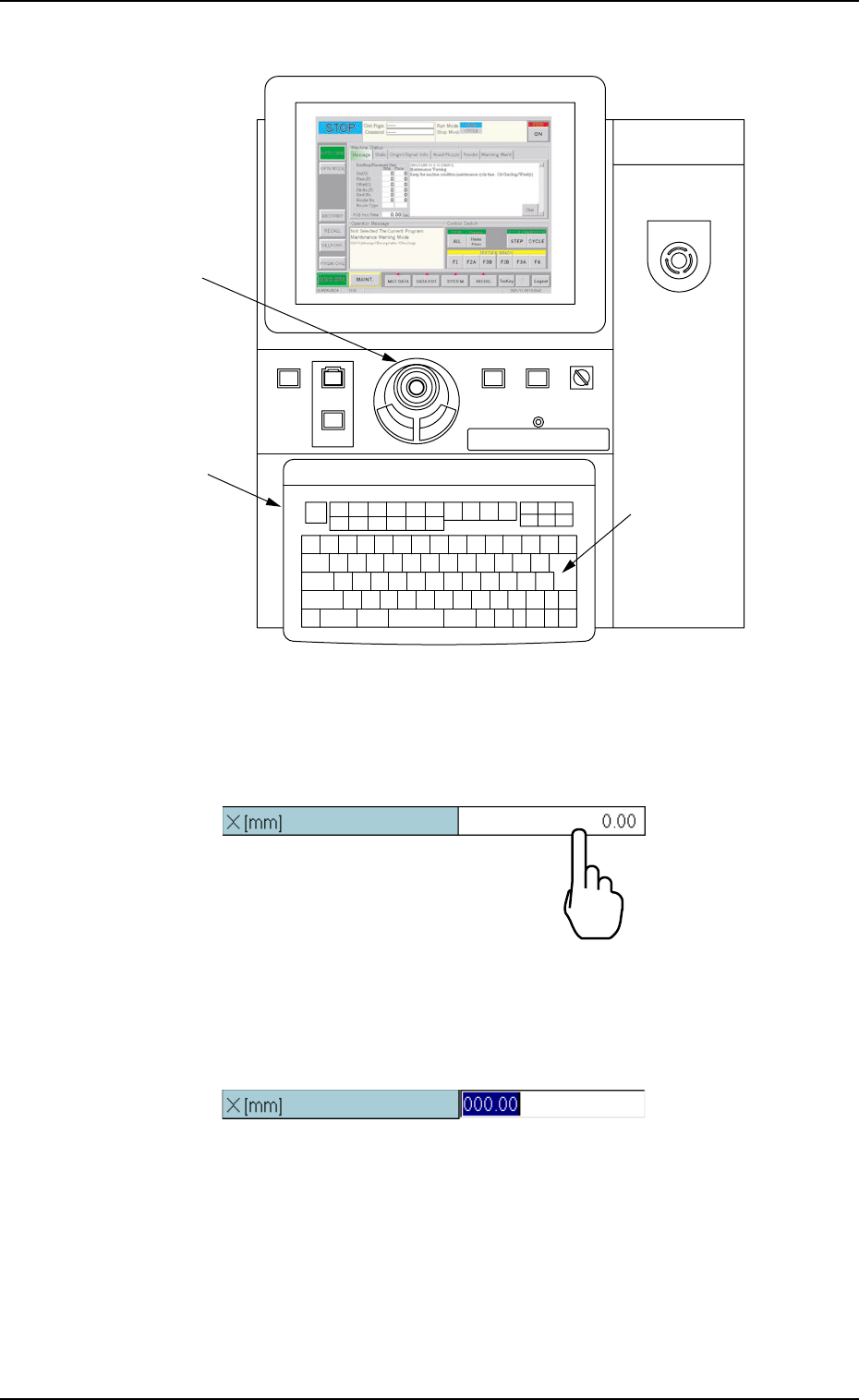
Fig. 3B138 Keyboard and Pointing Device
(1) To enter a parameter, press the text box quickly twice.
Or, double-click the text box with the pointing device.
Fig. 3B139
The text box is set ready for data entry.
Fig. 3B140
0307-005 2-87
AFO01EDTP
219'410
5612
56#46 '0#$.'
4705'672
12'4#6+10
.1%-
20.%*#0)'
Pointing Device
Keyboard
[ENTER] Key
'/'4)'0%;
4.1 Basic Operations in Edit Windows
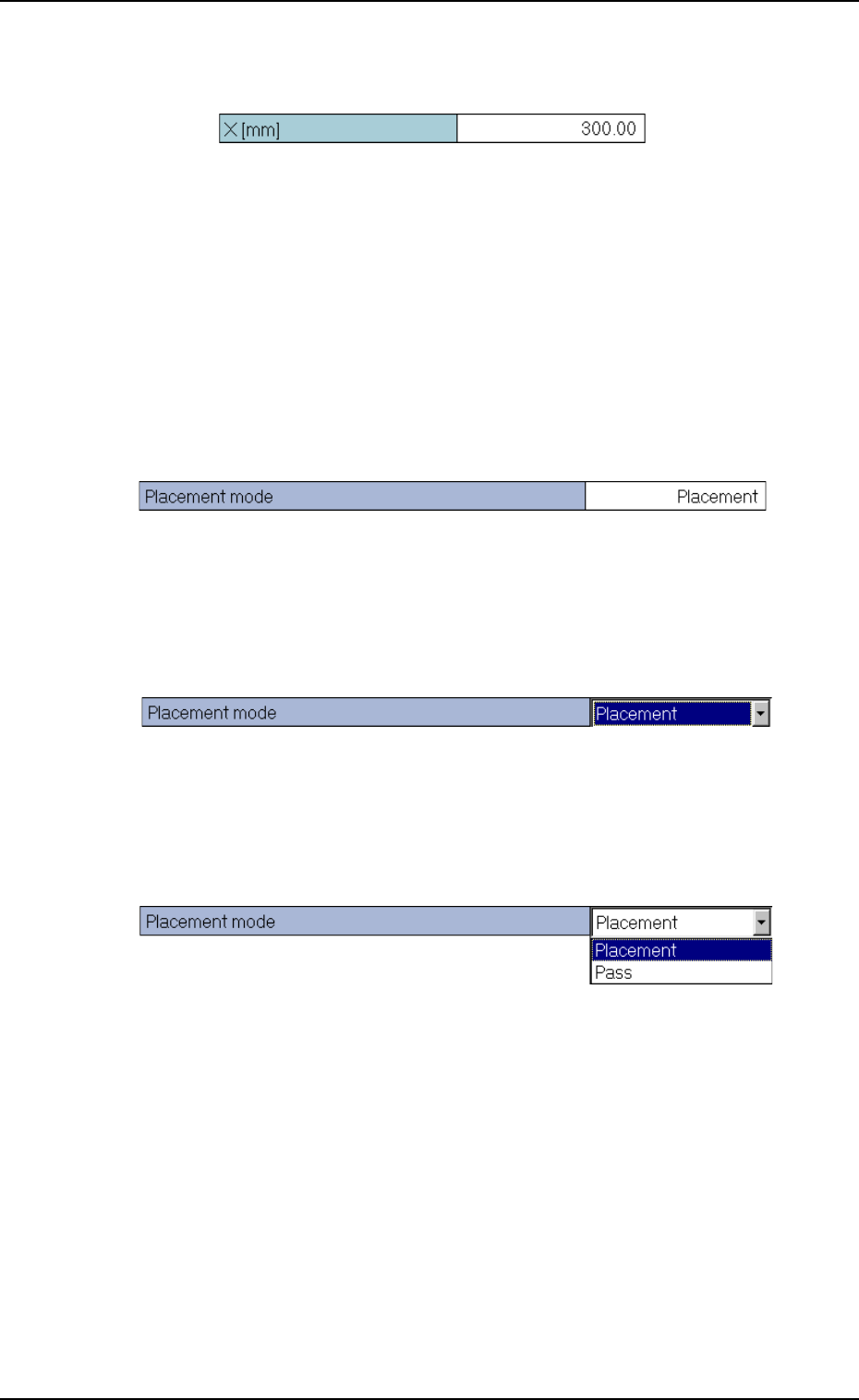
(2) When a parameter is entered through keyboard navigation and the
[Enter] key is pressed, it is set in the text box.
Fig. 3B141
• How to enter a string of characters
A string of characters can be entered by selecting an item from the
drop-down list.
Selection of Option in Drop-Down List
(1) To enter a string of characters, press the text box quickly twice. Or,
double-click the text box with the pointing device.
Fig. 3B142
The text box is changed to a combo box that has a down arrow on
the right side.
Fig. 3B143
(2) Press the down arrow. Or, click the down arrow with the pointing
device. The drop-down list box opens.
Fig. 3B144
0110-003 2-88
AFO01EDTP
4.1 Basic Operations in Edit Windows
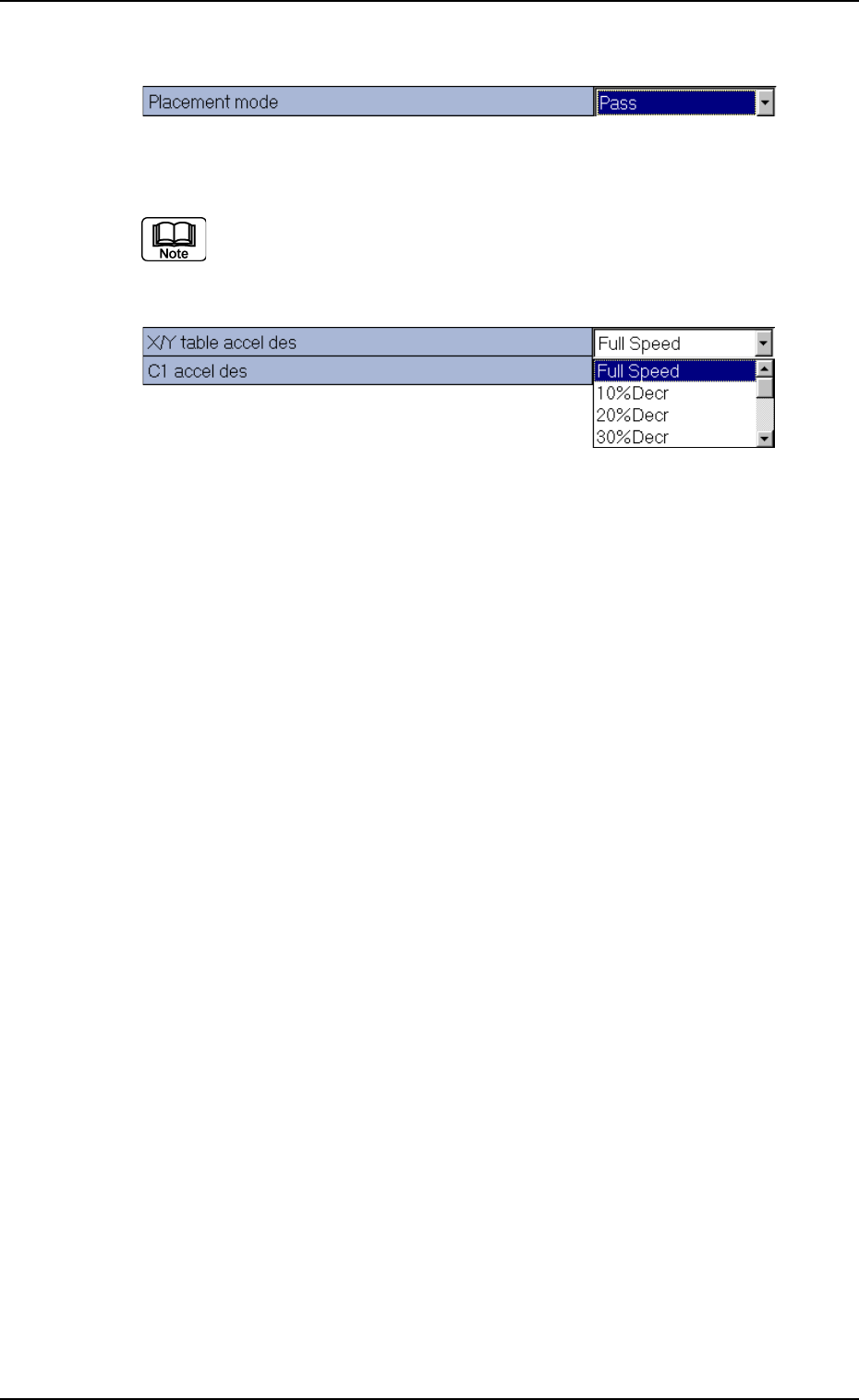
(3) When the desired option in the list is pressed, it is set in the text box.
Fig. 3B145
When there are many options, a scrollbar appears beside the
list. To make more options visible, scroll down the list and se-
lect the desired option.
Fig. 3B146
How to enter a parameter through keyboard navigation
A pattern program name, component IDs, and comments, etc., can be
entered through keyboard navigation.
(1) When a text box in which a pattern program name, a component ID,
and a comment, etc., is pressed quickly twice, it is set ready for
data entry. Or, double-click the text box with the pointing device.
(2) When a parameter is entered through keyboard navigation and the
[Enter] key is pressed, it is set in the text box.
0110-003 2-89
AFO01EDTP
4.1 Basic Operations in Edit Windows