3OM-1050-002.pdf - 第134页
Section 3 Component Library 0307-004 3 - A AFO01EDTP This section describes the outline of the component library and how to navigate in each window . Refer to another instruction manual "COMPONENT LIBRARY (TCM-X Ser…
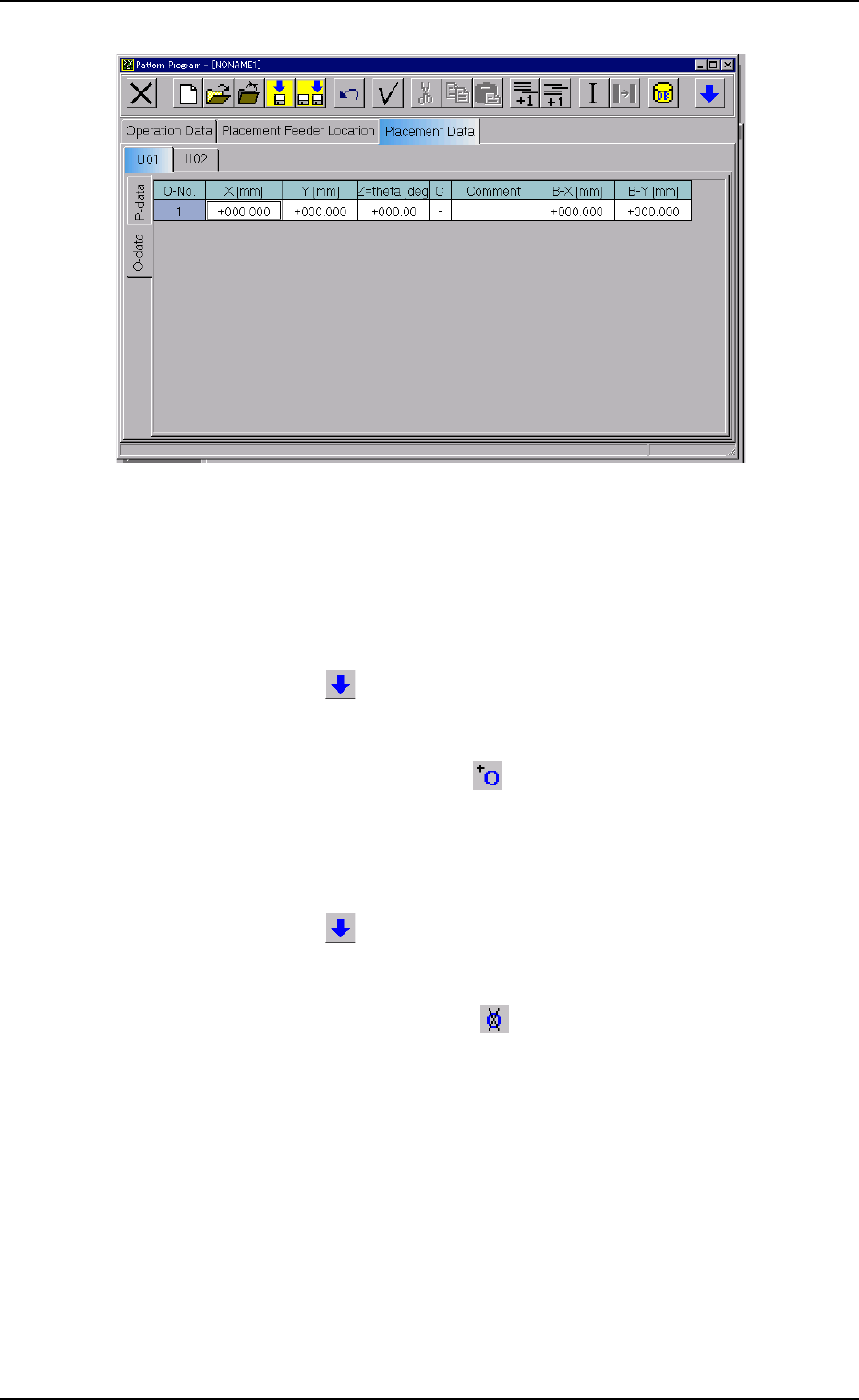
Fig. 3B163 "O-data" Tab Sheet
• Operation Procedure
New Creation of "O-data" Tab
(1) When the second toolbar is not visible, press the [Open 2nd.
Toolbar] icon
[ ] to make the second toolbar visible.
(2) Select the "U#" tab where an "O-data" tab should be added with
the touch screen or pointing device.
(3) When the [Add O-Data] icon
[ ] is selected, a new "O-data"
tab is added.
Deletion of "O-data" Tab
(1) When the second toolbar is not visible, press the [Open 2nd.
Toolbar] icon
[ ] to make the second toolbar visible.
(2) Select the "U#" tab where an "O-data" tab should be deleted with
the touch screen or pointing device.
(3) When the [Delete O-Data] icon (
) is selected, the selected "O-
data" tab is deleted.
0301-006 2-109 AFO01EDTP
4.4 "Placement Data" Tab

Section 3
Component Library
0307-004 3-A AFO01EDTP
This section describes the outline of the component library
and how to navigate in each window.
Refer to another instruction manual "COMPONENT LIBRARY
(TCM-X Series)" for the description and creation of compo-
nent library data.

01 10-003 3 - B AFO01EDTP