3OM-1050-002.pdf - 第150页
: Close When pressed, this closes the active file of the component ID data. : Save When pressed, this saves the edited data, replacing the existing file with the current one. When a new file is created, it will be saved …
3. "Component Library" Edit Window
3.1 Toolbar and Icons
This session describes the toolbar and icons in the "Component Li-
brary" edit window.
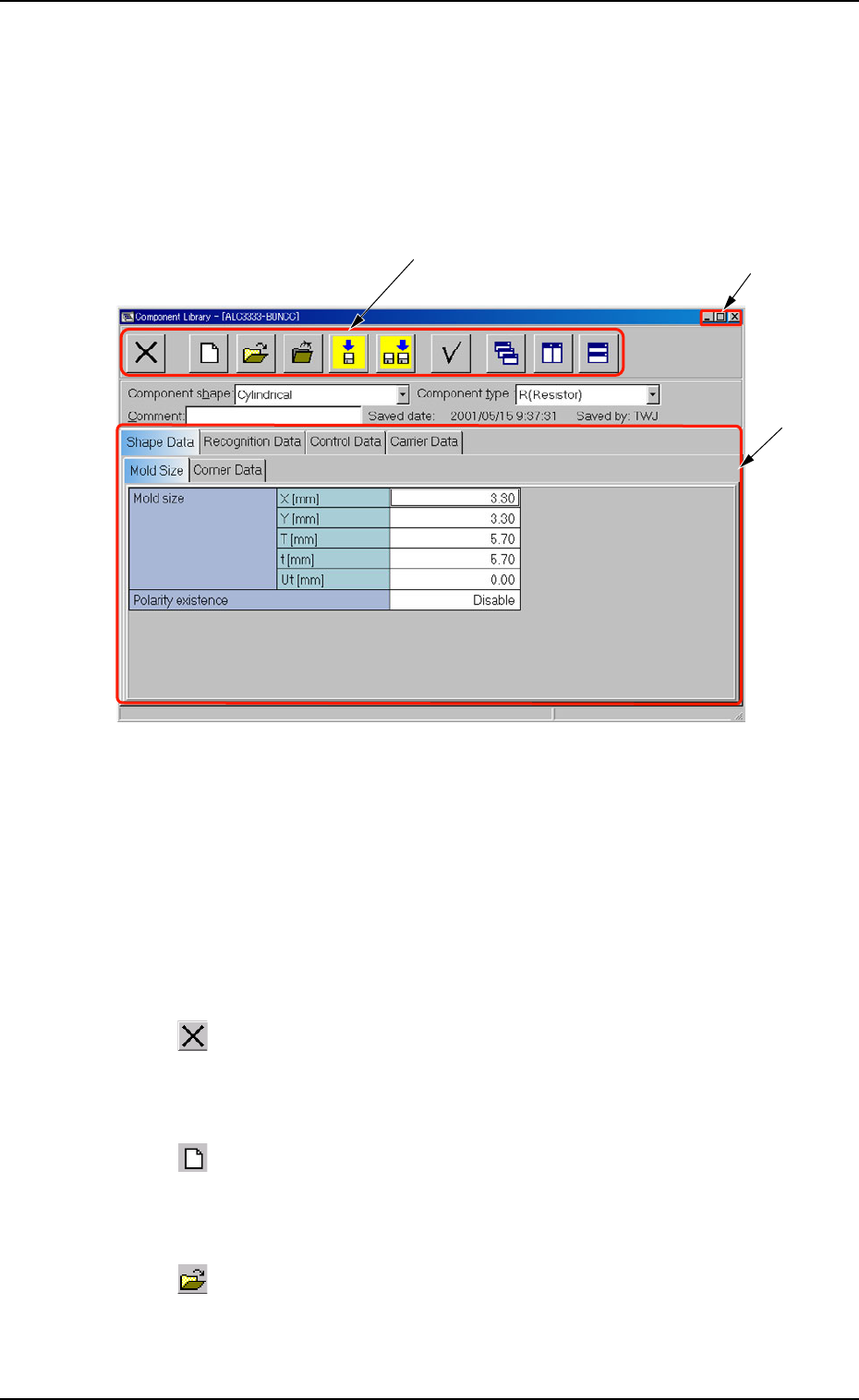
Fig. 3C7 "Component Library" Edit Window
• Composition of "Component Library" Edit Window
*1 Toolbar
This toolbar is provided with a collection of icons that can be imple-
mented as operation commands in the "Component Library" edit
window.
: Exit
When pressed, this closes the "Component Library" edit
window.
: New
When pressed, this creates a new component ID, using
the data for the component ID in the list.
: Open File
When pressed, this opens the "The List of component ID"
window.
01 10-003 3-13
AFO01EDTP
*3
*2
*1
3.1 Toolbar and Icons
: Close
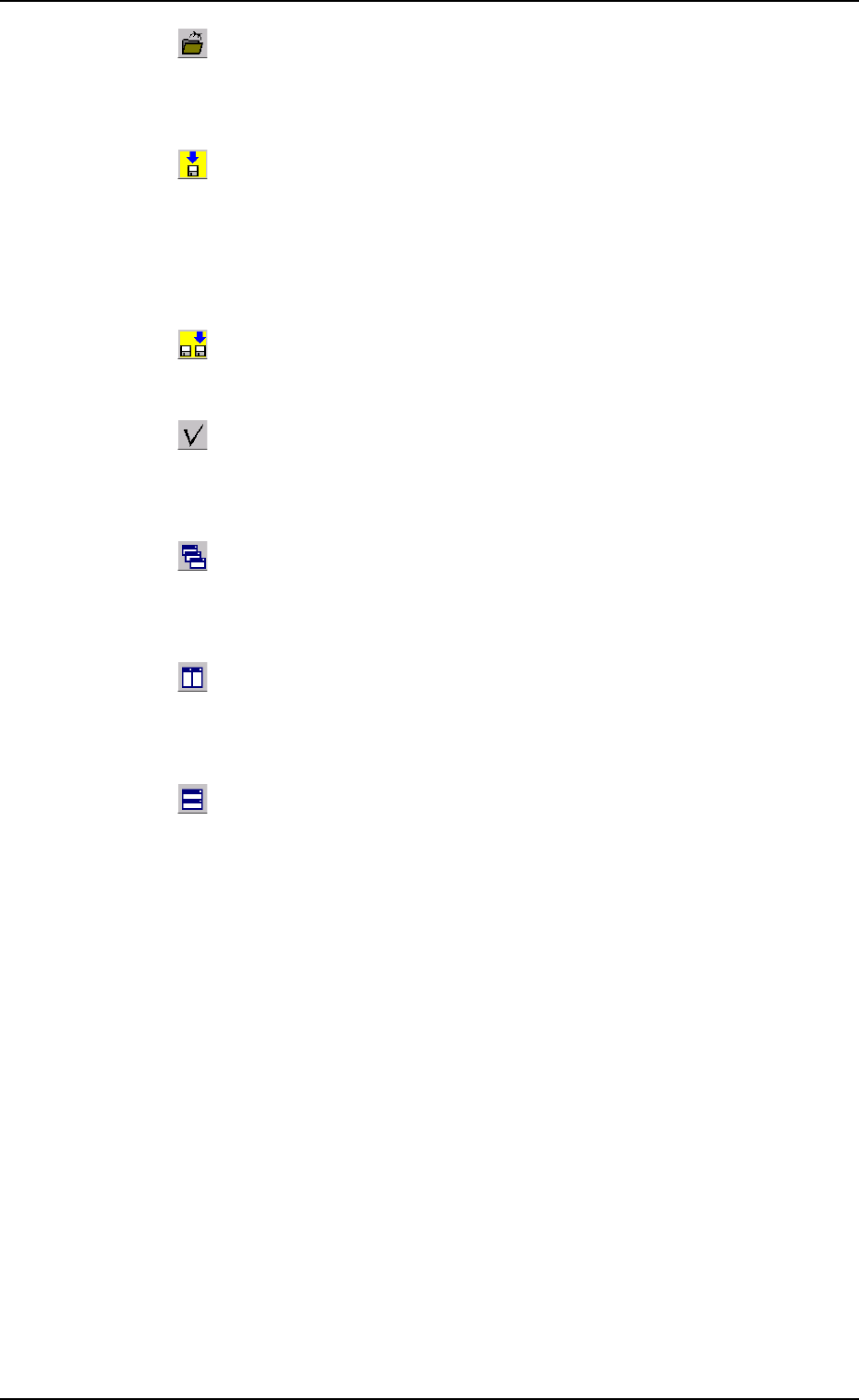
When pressed, this closes the active file of the component
ID data.
: Save
When pressed, this saves the edited data, replacing the
existing file with the current one.
When a new file is created, it will be saved with a new file
name.
: Save As
When pressed, this saves the edited data with a new name.
: Check
When pressed, this checks if there is any deficiency in the
data of the selected component ID.
: Cascade
When pressed, this overlays the selected windows (com-
ponent ID files) so that you can see each title bar.
: Tile Vertically
When pressed, this re-arranges the selected windows side
by side.
: Tile Horizontally
When pressed, this re-arranges the selected windows up
and down.
01 10-003 3-14 AFO01EDTP
3.1 Toolbar and Icons
*2 [Minimize], [Maximize], [Restore], and [Close] Buttons
[Minimize] Button (
)
Minimizing a window hides an edit window.
The contents (parameters) of the minimized window are kept un-
changed.
To open the hidden window, press the [DATA EDIT] button on the
menu bar and select "CMPNT LBRY" from the menu.
[Maximize] Button (
)
When an edit window is not at its maximum size, this button ap-
pears in the window’s upper-right corner.
When pressed, this enlarges the edit window to its maximum size.
[Restore] Button (
)
When an edit window is already at its maximum size, the [Maxi-
mize] button switches to the [Restore] button, which returns the
window to its previous size.
[Close] Button ( )
When pressed, this closes the active edit window.
*3 Edit Sheet
This sheet enables the operator to edit the parameters of the se-
lected component ID.
01 10-003 3-15
AFO01EDTP
3.1 Toolbar and Icons