Dek-265GSX-User-Manual.pdf.pdf - 第101页
4. Load the solder paste onto the screen. 5. Lower the front printhead cover. 6. Press the System button. 7. Select Continue (F1). Continue 8. Select Exit (F8). Exit Software Version 6 User Manual 1.85 MACHINE PROGRAMMIN…
STAGE 8
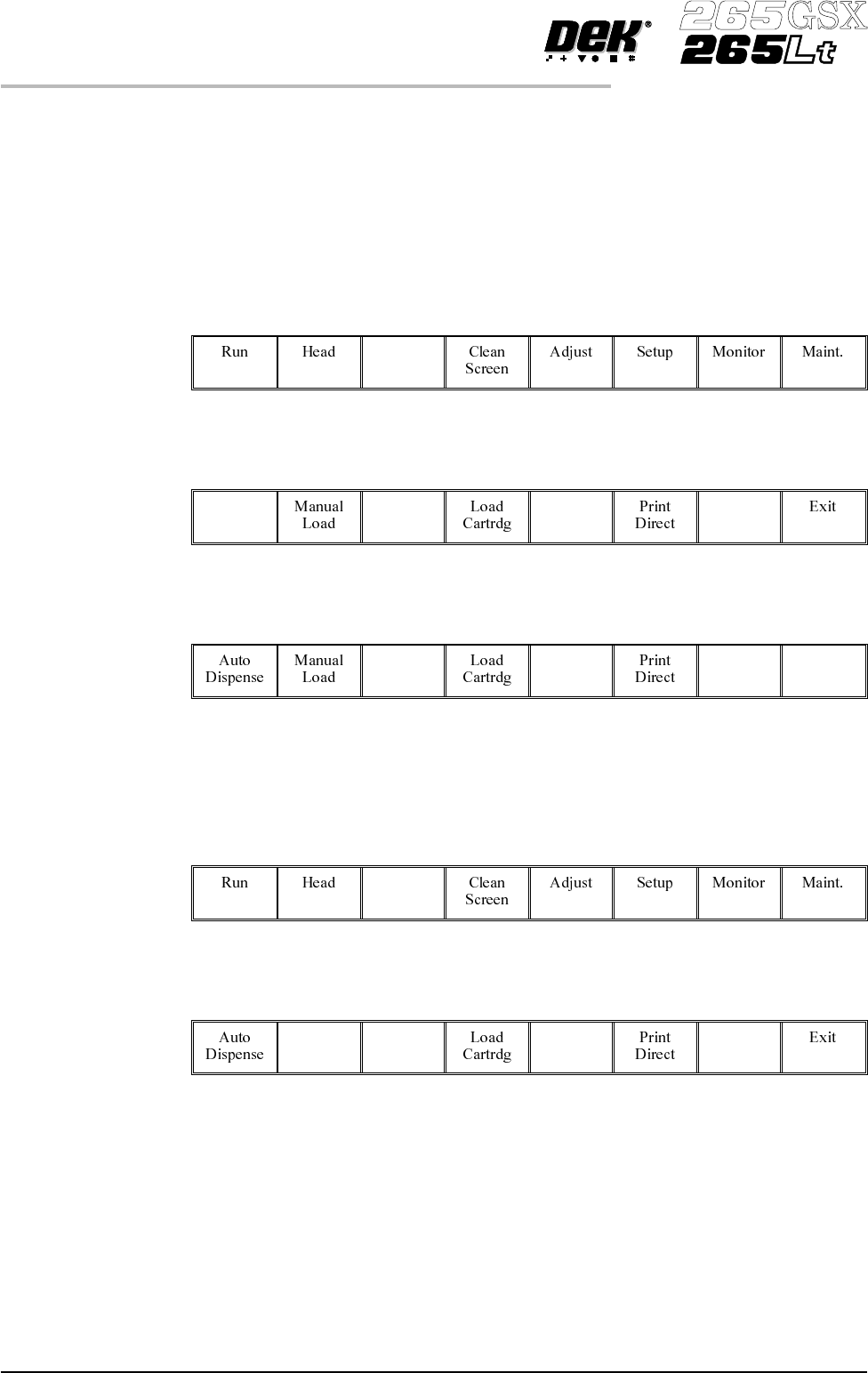
Load Paste, Run a Product in Step Mode
If using squeegees with paste dispenser continue with Section Auto Paste
Dispense. If using squeegees without paste dispenser go to Section Manual
Paste Load. If using ProFlow go to Section Run a Product in Step Mode.
Auto Paste Dispense 1.
Select Paste Load (F3).
Paste
Load
2.
Select Auto Dispense (F1).
Auto
Dispense
3.
Select Exit (F8).
Exit
4. Go to Section Run a Product in Step Mode.
Manual Paste Load 1.
Select Paste Load (F3).
Paste
Load
2.
Select Manual Load (F2).
Manual
Load
3. Lift the front printhead cover.
1.84 User Manual Software Version 6
MACHINE PROGRAMMING
STAGE 8
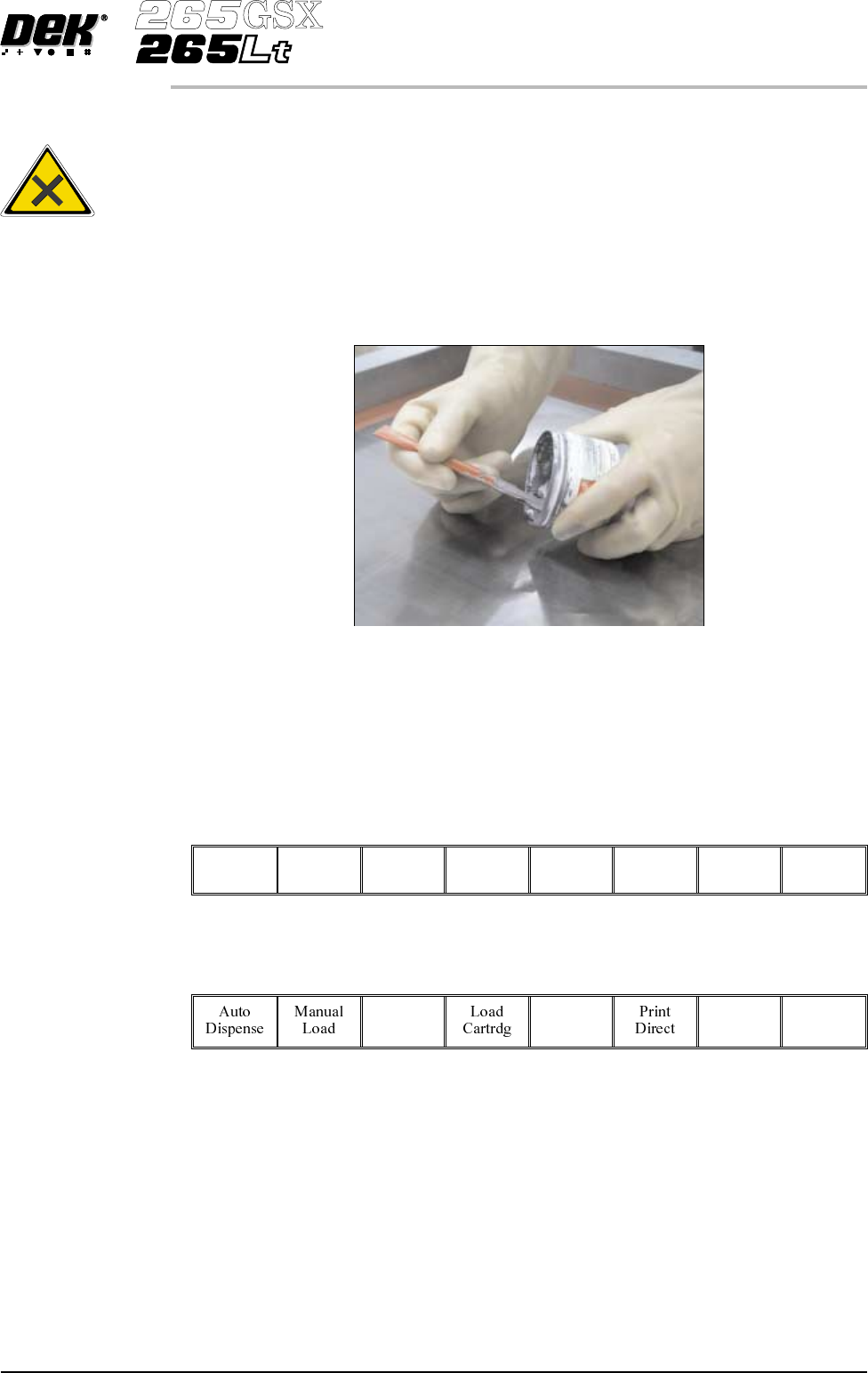
4. Load the solder paste onto the screen.
5. Lower the front printhead cover.
6.
Press the System button.
7.
Select Continue (F1).
Continue
8.
Select Exit (F8).
Exit
Software Version 6 User Manual 1.85
MACHINE PROGRAMMING
STAGE 8
WARNING
SOLDERPASTEANDSOLVENTS. WHENUSINGORHANDLINGAN
Y
SOLDER PASTE OR SOLVENT FORMULATION THE
MANUFACTURERS' RECOMMENDED SAFETY PRECAUTIONS
MUSTBESTRICTLYADHEREDTO.
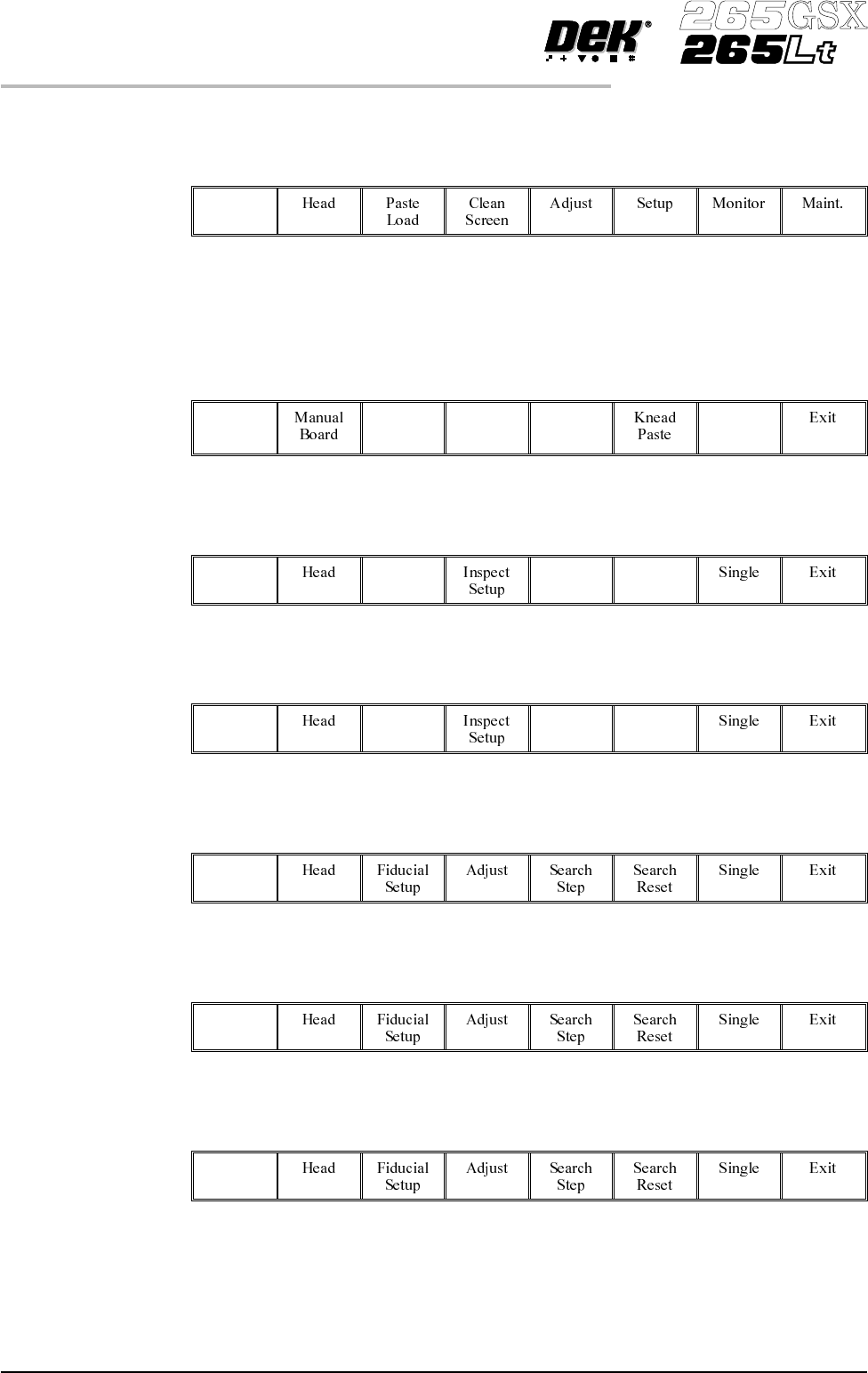
Run a Product in Step Mode
1.
Select Run (F1).
Run
2. Load a board on to the conveyor.
3.
Select Auto Board (F1).
Auto
Board
4.
Select Step (F1).
Step
5.
Select Step (F1).
Step
6.
Select Step (F1).
Step
7.
Select Step (F1).
Step
8.
Select Step (F1).
Step
1.86 User Manual Software Version 6
MACHINE PROGRAMMING
STAGE 8