Dek-265GSX-User-Manual.pdf.pdf - 第353页
7. If the set preference is set to warn, the following window is displayed: The tricoloured beacon shows amber/green. 8. Select Confirm (F1). Confirm 9. Select End Run (F1). End Run 10. Go to Step 17. 11. If the set pref…
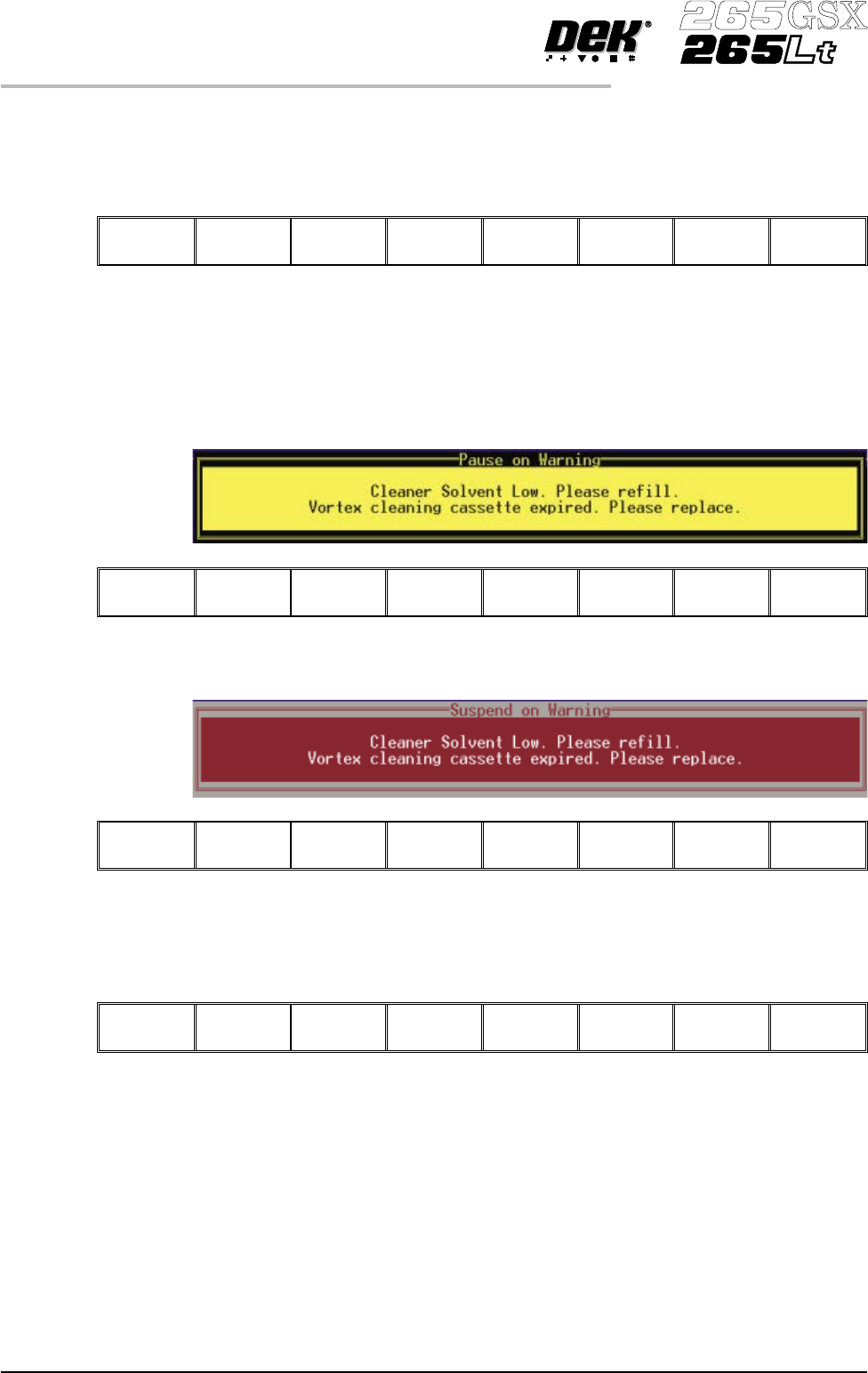
The tricoloured beacon shows amber/green.
2.
Select Confirm (F1).
Confirm
3. Go to Step 17.
4. If the set preference is set to pause, the following window and menu bar is
displayed:
Cancel
If the set preference is set to suspend, the following window and menu bar is
displayed:
Cancel
In both cases the tricoloured beacon shows red.
5.
Select Cancel (F8).
Cancel
6. Go to Step 17.
Replenishment During a Print Run:
If the set preference is set to warn, continue with Step 7. If the set preference is
set to pause go to Step 11. If the set preference is set to suspend go to Step 15.
9.38 User Manual Software Version 6
CONSUMABLE REPLENISHMENTS
VORTEX UNDERSCREEN CLEANER
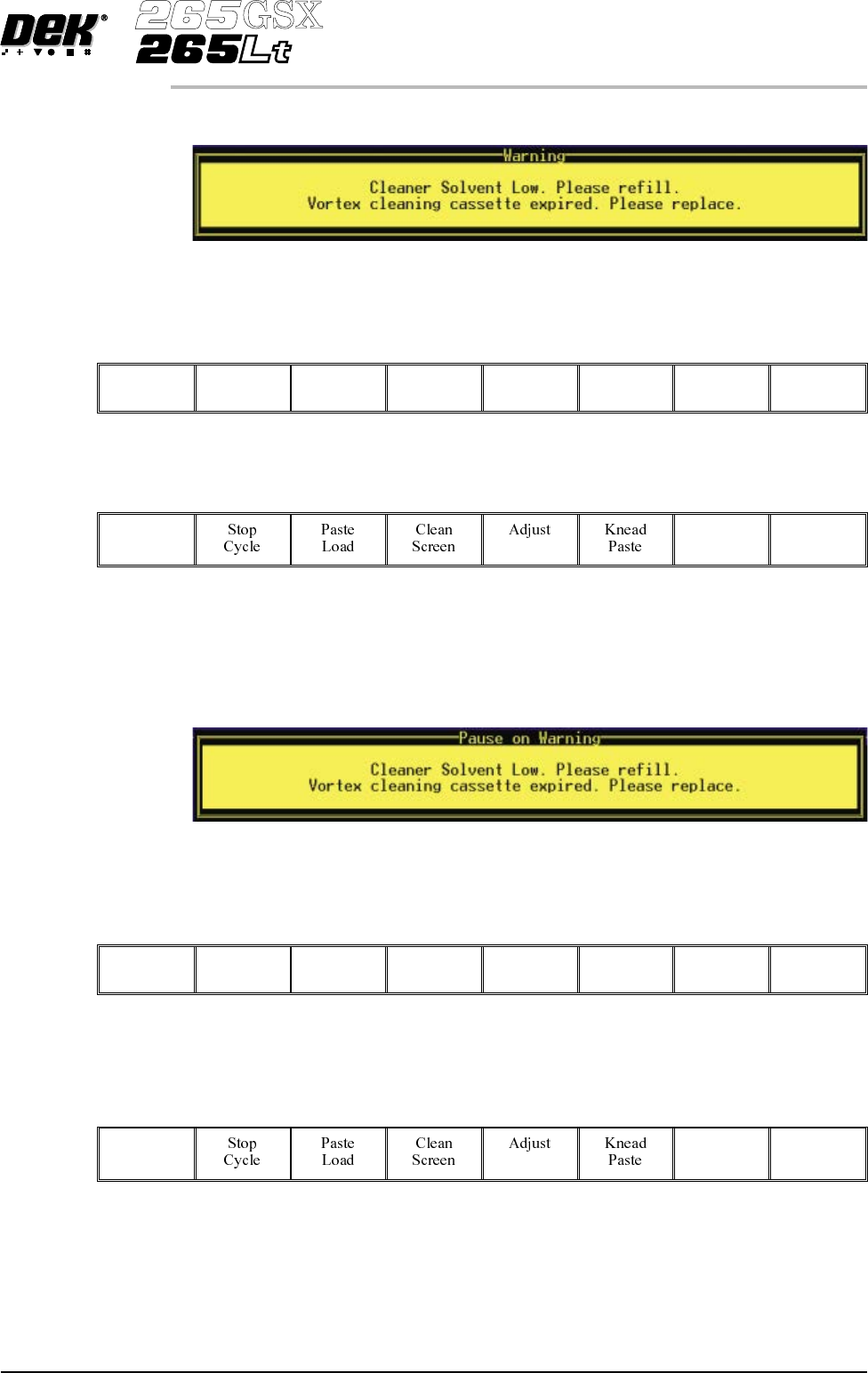
7. If the set preference is set to warn, the following window is displayed:
The tricoloured beacon shows amber/green.
8.
Select Confirm (F1).
Confirm
9.
Select End Run (F1).
End
Run
10. Go to Step 17.
11. If the set preference is set to pause, the following window is displayed:
The tricoloured beacon shows red.
12.
Select Defer (F8).
Defer
The print run continues.
13.
Select End Run (F1).
End
Run
14. Go to Step 17.
Software Version 6 User Manual 9.39
CONSUMABLE REPLENISHMENTS
VORTEX UNDERSCREEN CLEANER
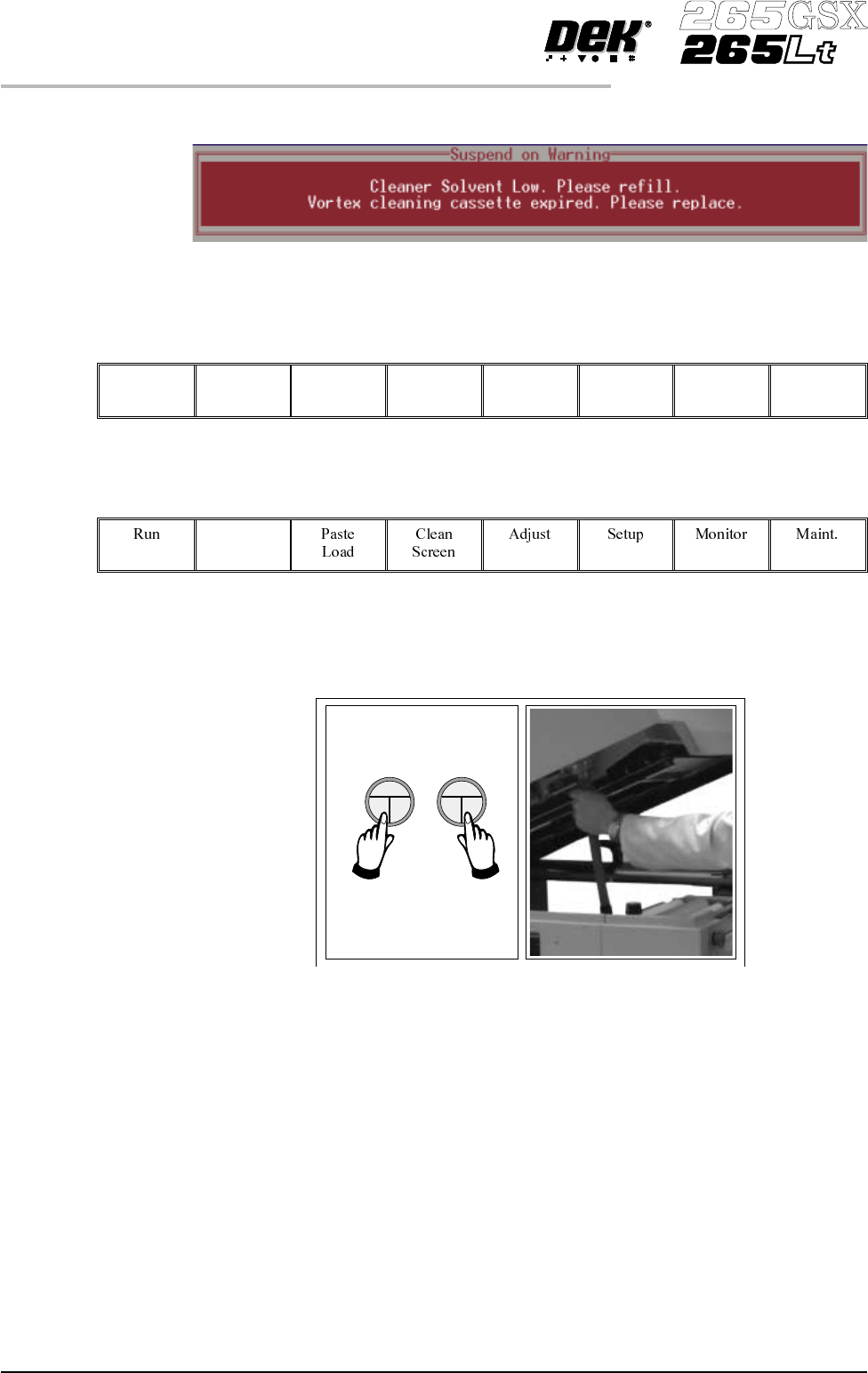
15. If the set preference is set to suspend, the following window is displayed:
The tricoloured beacon shows red.
16.
Select End Run (F8).
End
Run
17.
Press Head (F2).
Head
The message ‘Raise Head using 2-button Control’ is displayed.
18. Raise the printhead using two button control. Fit the printhead support.
9.40 User Manual Software Version 6
CONSUMABLE REPLENISHMENTS
VORTEX UNDERSCREEN CLEANER