Dek-265GSX-User-Manual.pdf.pdf - 第206页
Inputs - PCIB40#5 Group 2 Inputs - PCIB40#5 Group 3 Inputs - PCIB40#5 Group 4 5.12 User Manual Software Version 6 DIAGNOSTICS SYSTEM
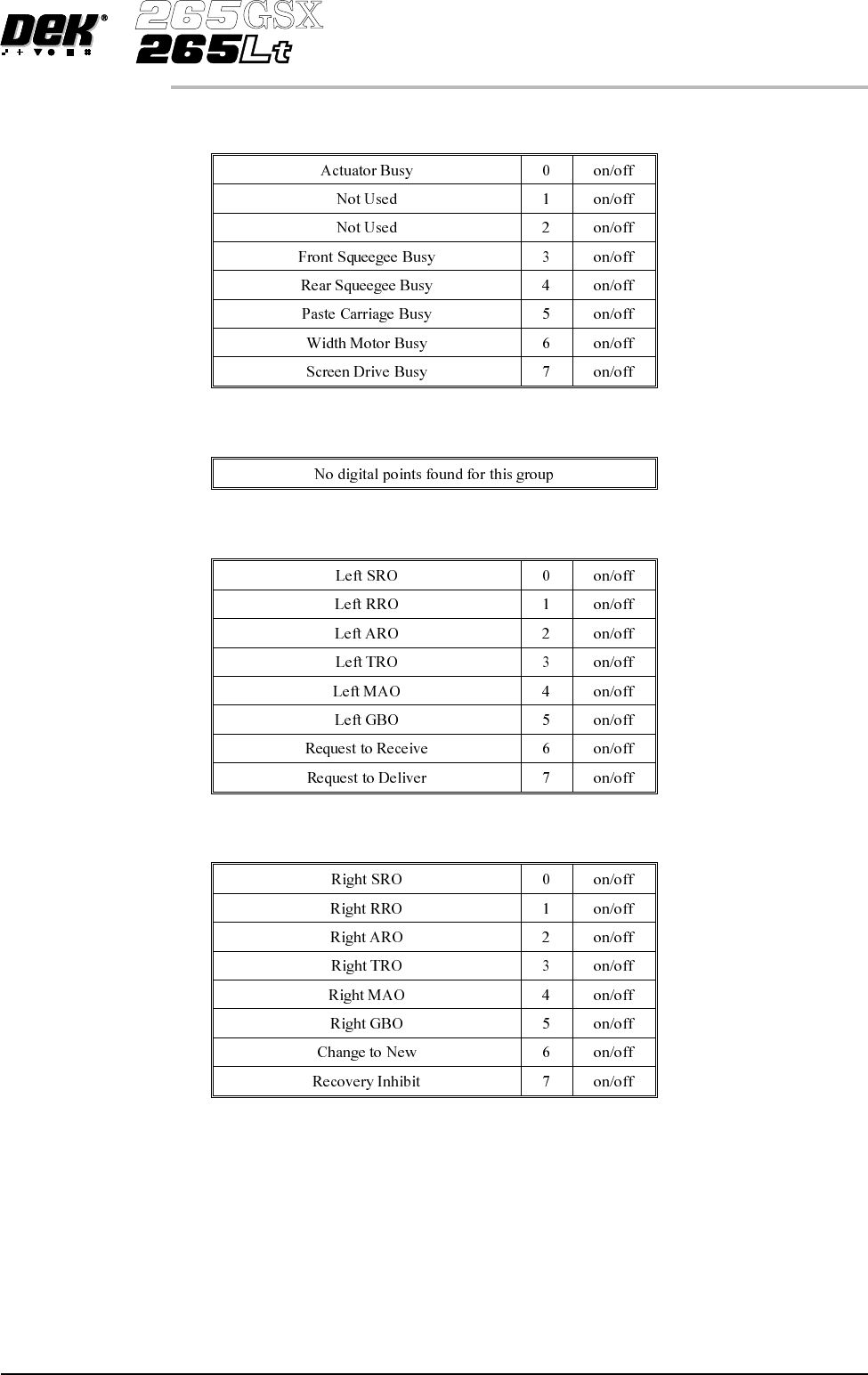
Inputs - PCIB40#4 Group 3
Inputs - PCIB40#4 Group 4
Outputs - PCIB40#5 Group 0
Outputs - PCIB40#5 Group 1
Software Version 6 User Manual 5.11
DIAGNOSTICS
SYSTEM
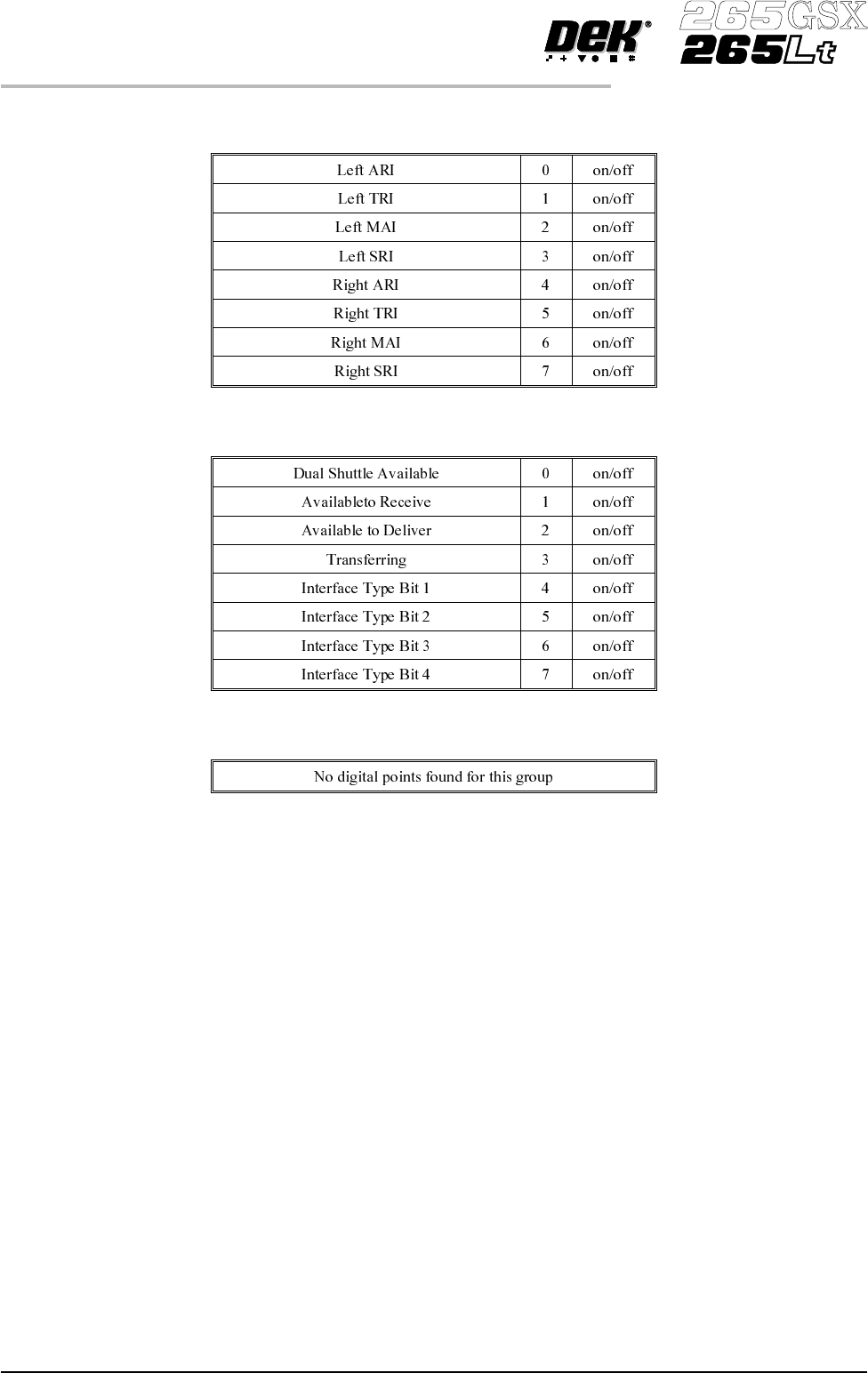
Inputs - PCIB40#5 Group 2
Inputs - PCIB40#5 Group 3
Inputs - PCIB40#5 Group 4
5.12 User Manual Software Version 6
DIAGNOSTICS
SYSTEM

Analogue Input
Status
Selecting this option displays a window showing the analogue output of the load
cell amplifier card of the squeegee pressure mechanism.
Analogue Input Values
Tri-colour Beacon Selecting any one of the three colours toggles them between on and off.
Data Logging Selecting this function alternately enables and disables data logging during
diagnostic operation.
Change Edit
Password
Selection of this option prompts the operator to enter a new password.
Change Diagnostic
Password
Selecting this option either allows a password to be inputted or changes an
existing password. This password protection inhibits unauthorized entry into
diagnostics.
Change DOS
Password
Selecting this option either allows a password to be inputted or changes an
existingpassword. Thispassword protection inhibits unauthorized exit to DOS.
Change Adjust
Password
Selecting this option allows a password to be inputted or changes an existing
password. This password protection inhibits unauthorized adjustments.
Change Fiducial
Set Up Pasword
Selecting this option allows a password to be inputted or changes an existing
password. This password protectioninhibits unauthorized entry into the fiducial
set up.
Change Network
Auto-login
Password
Selecting this option allows a password to be inputted or changes an existing
password. This password protection inhibits unauthorised access to the
network.
Terminate Control
and Return to DOS
Selecting this option terminates the machine and returns to the DOS prompt.
Software Version 6 User Manual 5.13
DIAGNOSTICS
SYSTEM