Dek-265GSX-User-Manual.pdf.pdf - 第194页
在线预览 Dek-265GSX-User-Manual.pdf.pdf PDF 文档。

CHAPTER 5
DIAGNOSTICS
DIAGNOSTICS
INTRODUCTION The diagnostic function is an aid to the user to allow individual access and
control to motors and modules. It allows the user to control the sequence of the
machine so that a particular module can be exercised.
To enter the diagnostic mode the key switch on the Main Control Unit must be
inserted and turned clockwise. This enables the Maint option to appear on the
Menu Bar:
Maint.
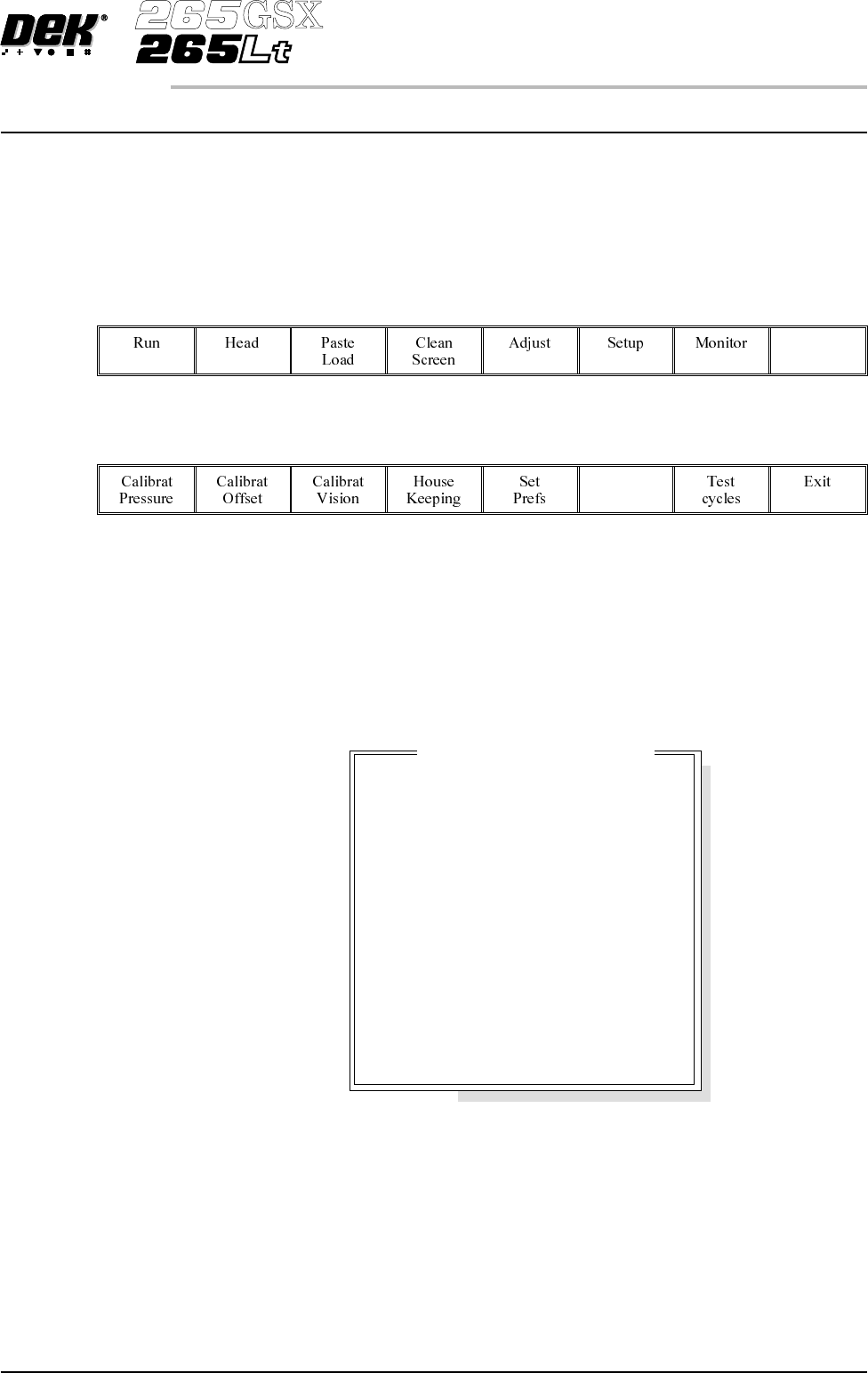
Press the Maint button and the Menu Bar changes displaying the Diagnostic
option.
Diagnost
Press the Diagnostic button and the message ‘System Power Down’ is
displayed on the screen, presssing the ‘System’ button, enters into the main
diagnostic menu. If a password exists a window displays the message
‘Diagnostic Password’. If the password is incorrect control displays the
message ‘Invalid password entered’ and return to the previous menu. If the
correct password is entered or no password exists a pop up window displays the
following:
Software Version 6 User Manual 5.1
DIAGNOSTICS
INTRODUCTION
Mo
d
u
l
eD
i
agnost
i
cPage
System
Print Head
Print Carriage
ProFlow / Squeegee
Camera Axes
Rail System
Paste Dispense System
Screen Alignment
Screen Change
Screen Cleaner
Rising Table
Foreign Machine Interface
Autoflex Tooling