Dek-265GSX-User-Manual.pdf.pdf - 第234页
FOREIGN MACHINE INTERFACE Selecting this diagnostics module opens the following window: The menu bar changes to the following: Toggle activates the diagnostic function, as selected by the highlight bar, switching between…

Toggle Table Brake The brake fitted to the rising table can be toggled between on and off using this
option. On is displayed when the brake is on.
Toggle Vacuum
Tooling Valve
Enables the vacuum tooling valve to be toggled between on and off to facilitate
setup and maintenance.
Cycle Rising Table Selecting this option first checks that both the camera carriage and the screen
cleaner unit are home, if either are not a message is displayed “Home Camera
and/or Screen Cleaner first”. Only if both are home, a continuous cycle starts
driving the rising table to print height, dwelling for 2 seconds, driving the table
down to its datum height, dwelling for 2 seconds and repeating the cycle until
stop is pressed or the set cycle count has been reached (50).
Rail Lifted Left Continuously displays the current status of the rail lifted left sensor. Off is
displayed when the rail has been lifted.
Rail Lifted Right Continuously displays the current status of the rail lifted right sensor. Off is
displayed when the rail has been lifted.
Table at Home Continuously displays the current status of the home interlock sensor, On is
displayed when the rising table is in the home position.
Cycle Count Displays the count when the module is being cycled.
Software Version 6 User Manual 5.39
DIAGNOSTICS
RISING TABLE
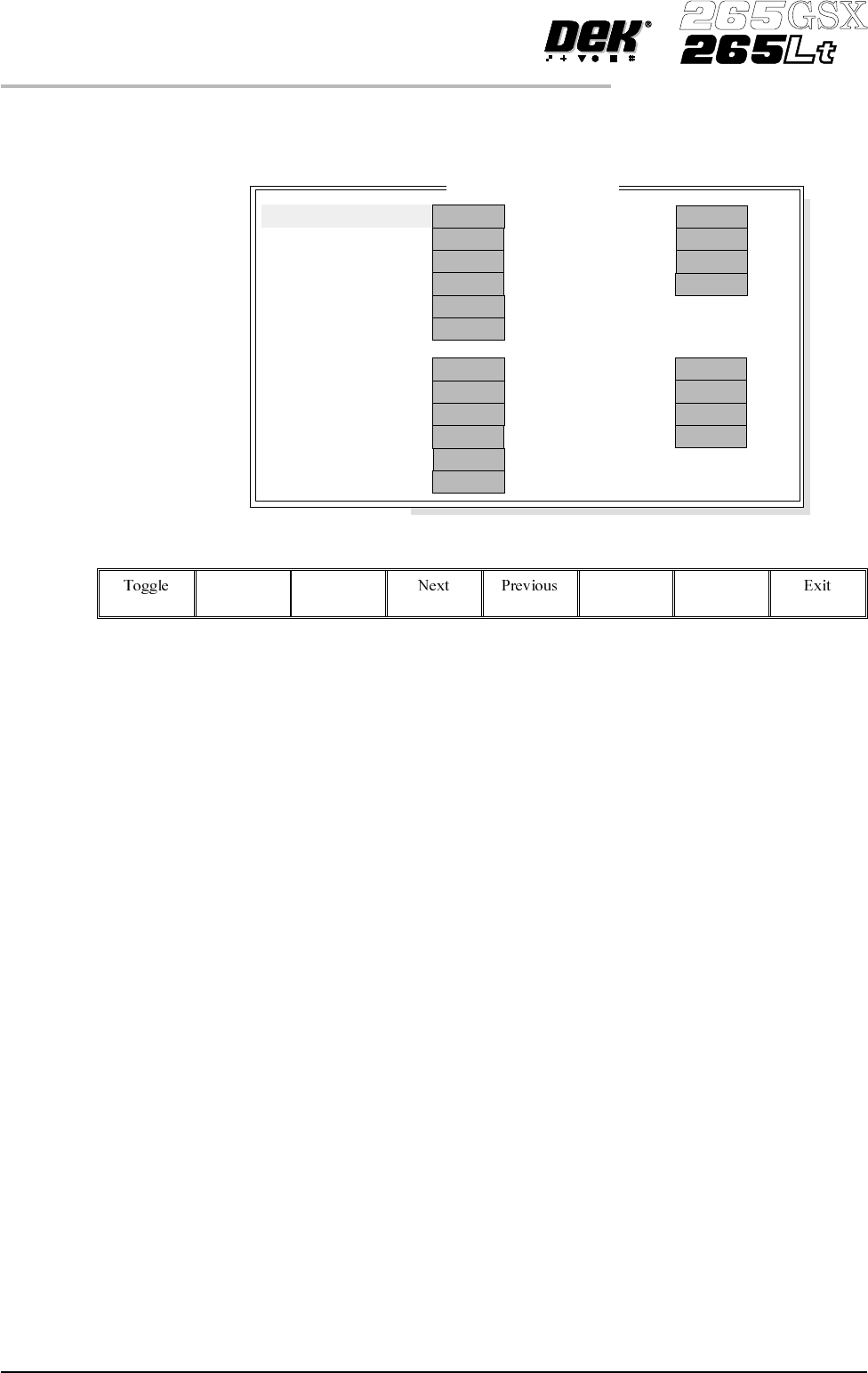
FOREIGN MACHINE INTERFACE
Selecting this diagnostics module opens the following window:
The menu bar changes to the following:
Toggle activates the diagnostic function, as selected by the highlight bar,
switching between clear and set. Clear indicates that no signal is sent or
received, set indicates that a signal is present.
Next/Previous keys move the highlight bar up and down the list of selectable
diagnostic functions.
Exit returns operation to the module diagnostics page.
NOTE
This diagnostic can only be run when the machine is connected to an upline and
downline machine.
Toggle Left SRO Selecting this diagnostic function sends a Send Request Out (SRO) signal to the
upline machine.
Toggle Left RRO Selecting this diagnostic function sends a Receive Request Out (RRO) signal to
the upline machine.
Toggle Left ARO Selecting this diagnostic function sends an Acknowledge Request Out (ARO)
signal to the upline machine.
Toggle Left TRO Selecting this diagnostic function sends a Transfer Request Out (TRO) signal to
the upline machine.
Toggle Left MAO Selecting this diagnostic function sends a Machine Available Out (MAO) signal
to the upline machine.
5.40 User Manual Software Version 6
DIAGNOSTICS
FOREIGN MACHINE INTERFACE
FMI D
i
agnost
i
cs
CLEAR
CLEAR
CLEAR
CLEAR
CLEAR
CLEAR
Toggle Left
SRO
RRO
ARO
TRO
MAO
GBO
CLEAR
CLEAR
CLEAR
CLEAR
CLEAR
CLEAR
Toggle Right
SRO
RRO
ARO
TRO
MAO
GBO
Left
Right
CLEAR
CLEAR
CLEAR
CLEAR
ARI
TRI
MAI
SRI
CLEAR
CLEAR
CLEAR
CLEAR
ARI
TRI
MAI
SRI

Toggle Left GBO Selecting this diagnostic function sends a Good Board Out (GBO) signal to the
upline machine.
Toggle Right SRO Selecting this diagnostic function sends a Send Request Out (SRO) signal to the
ddownline machine.
Toggle Right RRO Selecting this diagnostic function sends a Receive Request Out (RRO) signal to
the downline machine.
Toggle Right ARO Selecting this diagnostic function sends an Acknowledge Request Out (ARO)
signal to the downline machine.
Toggle Right TRO Selecting this diagnostic function sends a Transfer Request Out (TRO) signal to
the downline machine.
Toggle Right MAO Selecting this diagnostic function sends a Machine Available Out (MAO) signal
to the downline machine.
Toggle Right GBO Selecting this diagnostic function sends a Good Board Out (GBO) signal to the
downline machine.
Left ARI This diagnostic function continuously displays whether the upline machine is
sending an Acknowledge Request In (ARI) signal.
Left TRI This diagnostic function continuously displays whether the upline machine is
sending a Transfer Request In (TRI) signal.
Left MAI This diagnostic function continuously displays whether the upline machine is
sending a Machine Available In (MAI) signal.
Left SRI This diagnostic function continuously displays whether the upline machine is
sending a Send Request In (SRI) signal.
Right ARI This diagnostic function continuously displays whether the downline machine is
sending an Acknowledge Request In (ARI) signal.
Right TRI This diagnostic function continuously displays whetherthe downline machine is
sending a Transfer Request In (TRI) signal.
Right MAI This diagnostic function continuously displays whether the downline machineis
sending a Machine Available In (MAI) signal.
Right SRI This diagnostic function continuously displays whether the downline machine is
sending a Send Request In (SRI) signal.
Software Version 6 User Manual 5.41
DIAGNOSTICS
FOREIGN MACHINE INTERFACE