Dek-265GSX-User-Manual.pdf.pdf - 第66页
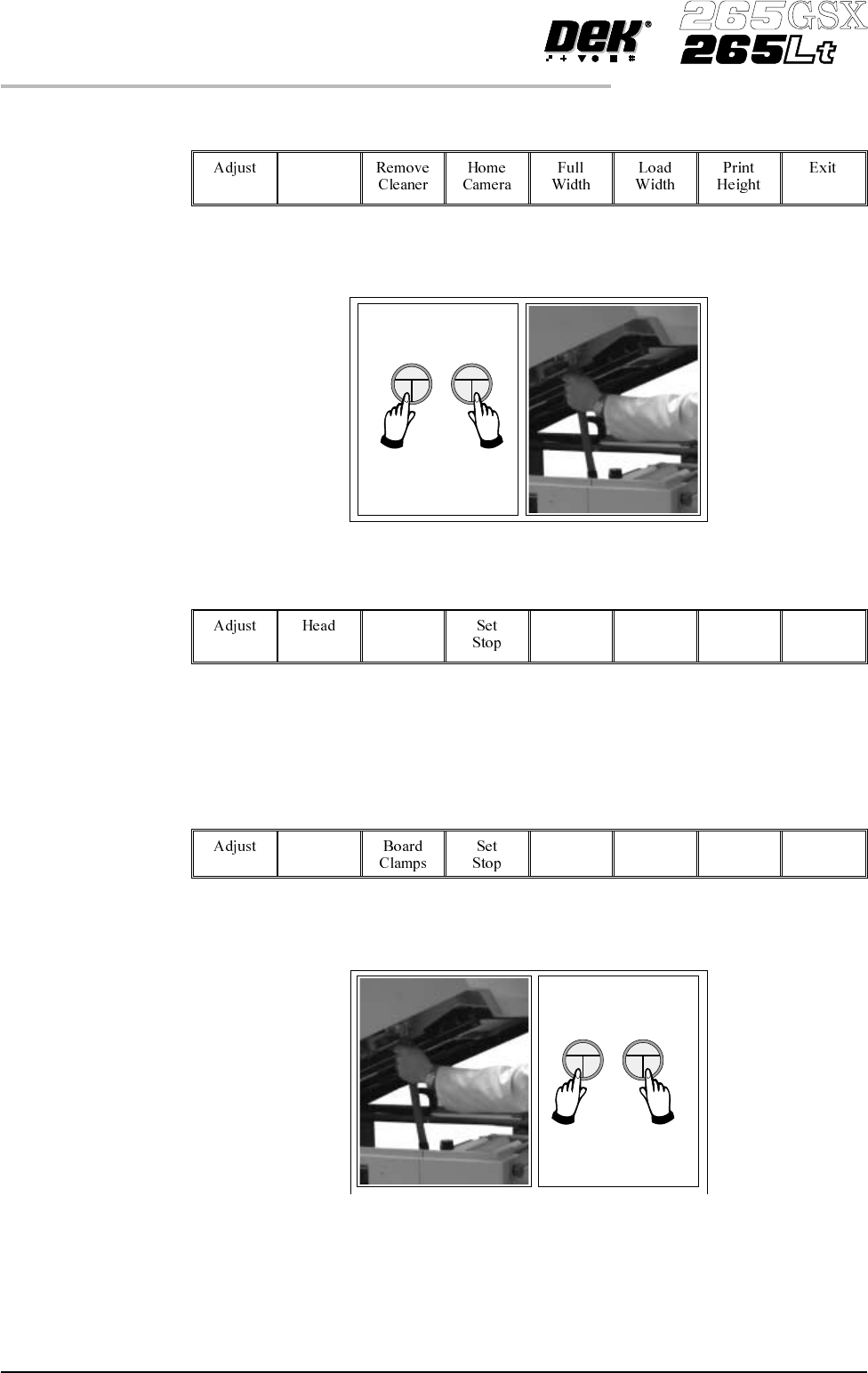
33. Select Raise Head (F2). Raise Head 34. Raise the printhead using two button control. Fit the head prop. 35. Select Board Clamps (F3), to open the clamps. Board Clamps 36. Remove the board from the rails. 37. Select H…
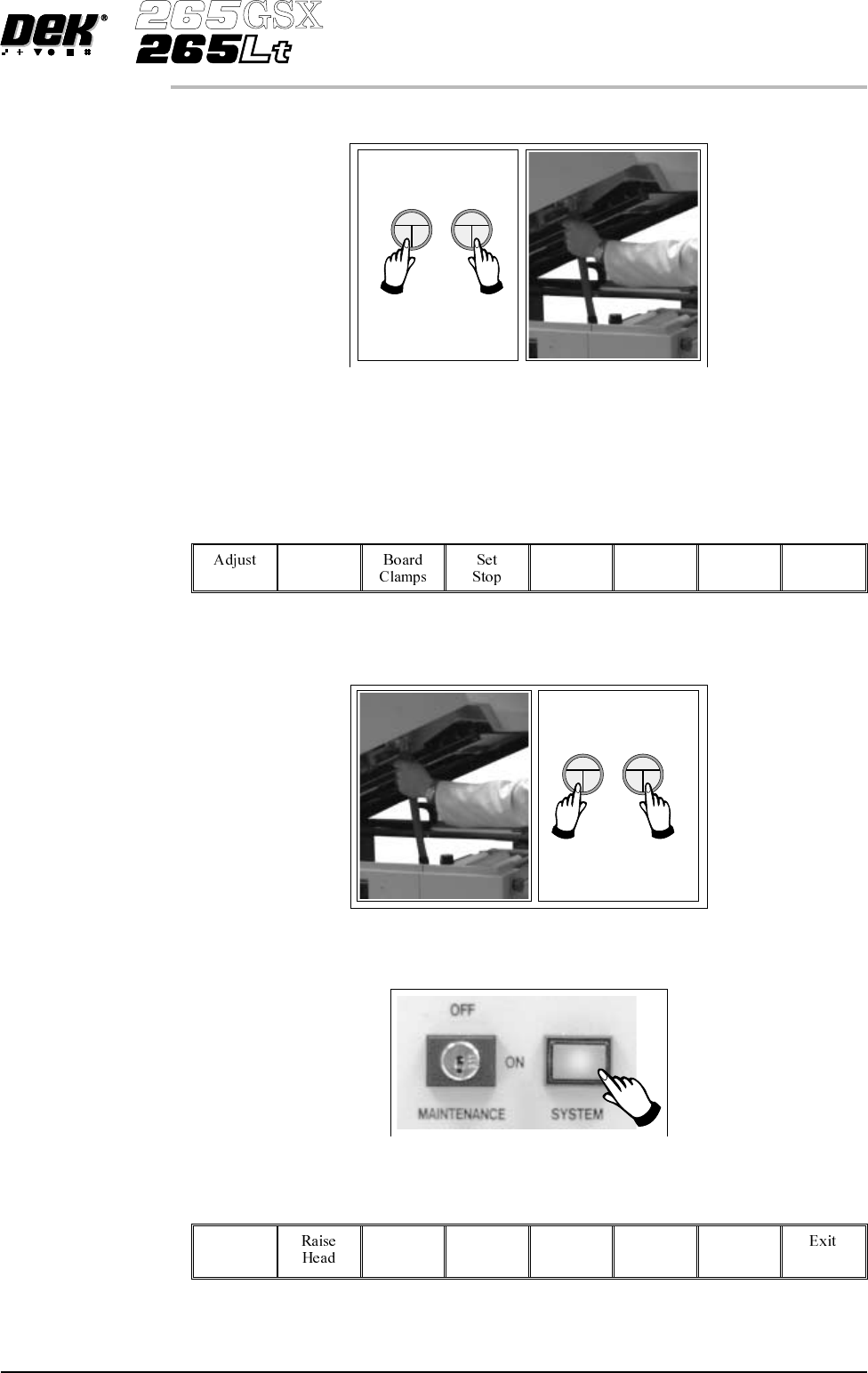
27. Raise the printhead using two button control. Fit the head prop.
28. Check that the setup of the tooling is adequate for the board, adjust as
necessary.
29.
Select Head (F2).
Head
30. Remove the head prop. Lower the printhead using two button control.
31.
Press the System button.
32.
Select Home Position (F7).
Home
Position
Software Version 6 User Manual 1.49
MACHINE PROGRAMMING
STAGE 6D
33.
Select Raise Head (F2).
Raise
Head
34. Raise the printhead using two button control. Fit the head prop.
35.
Select Board Clamps (F3), to open the clamps.
Board
Clamps
36. Remove the board from the rails.
37.
Select Head (F2).
Head
38. Remove the head prop. Lower the printhead using two button control.
1.50 User Manual Software Version 6
MACHINE PROGRAMMING
STAGE 6D
39.
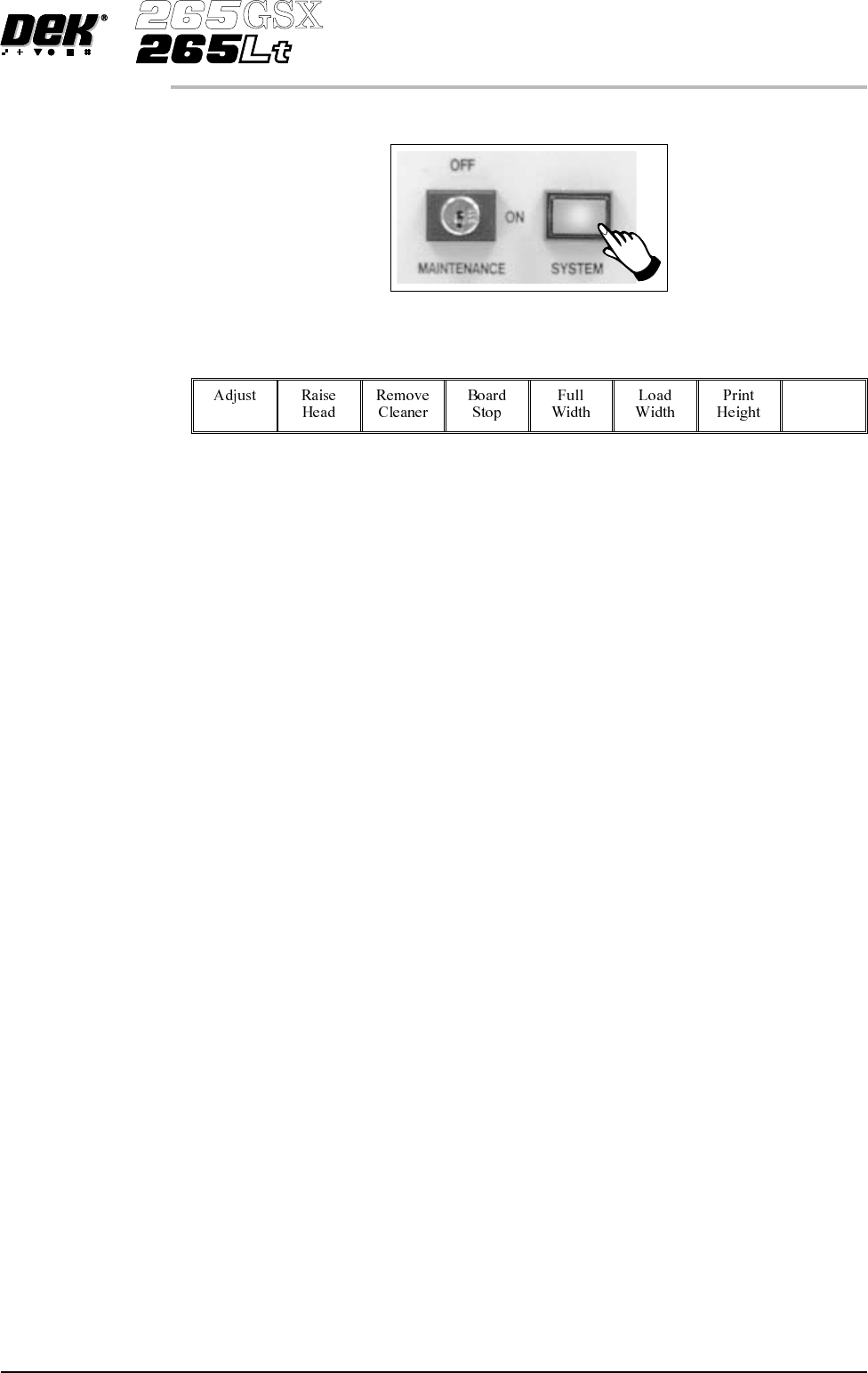
Press the System button.
40.
Select Exit (F8).
Exit
41. Go to Stage 7.
Software Version 6 User Manual 1.51
MACHINE PROGRAMMING
STAGE 6D