Dek-265GSX-User-Manual.pdf.pdf - 第245页
BATCH LIMIT To set the batch limit proceed as follows: 1. Select Batch Limit . Batch Limit The Batch Count Limit window is displayed as follows: 2. Using the Incr. and Decr. keys as required set the batch limit. Incr. De…
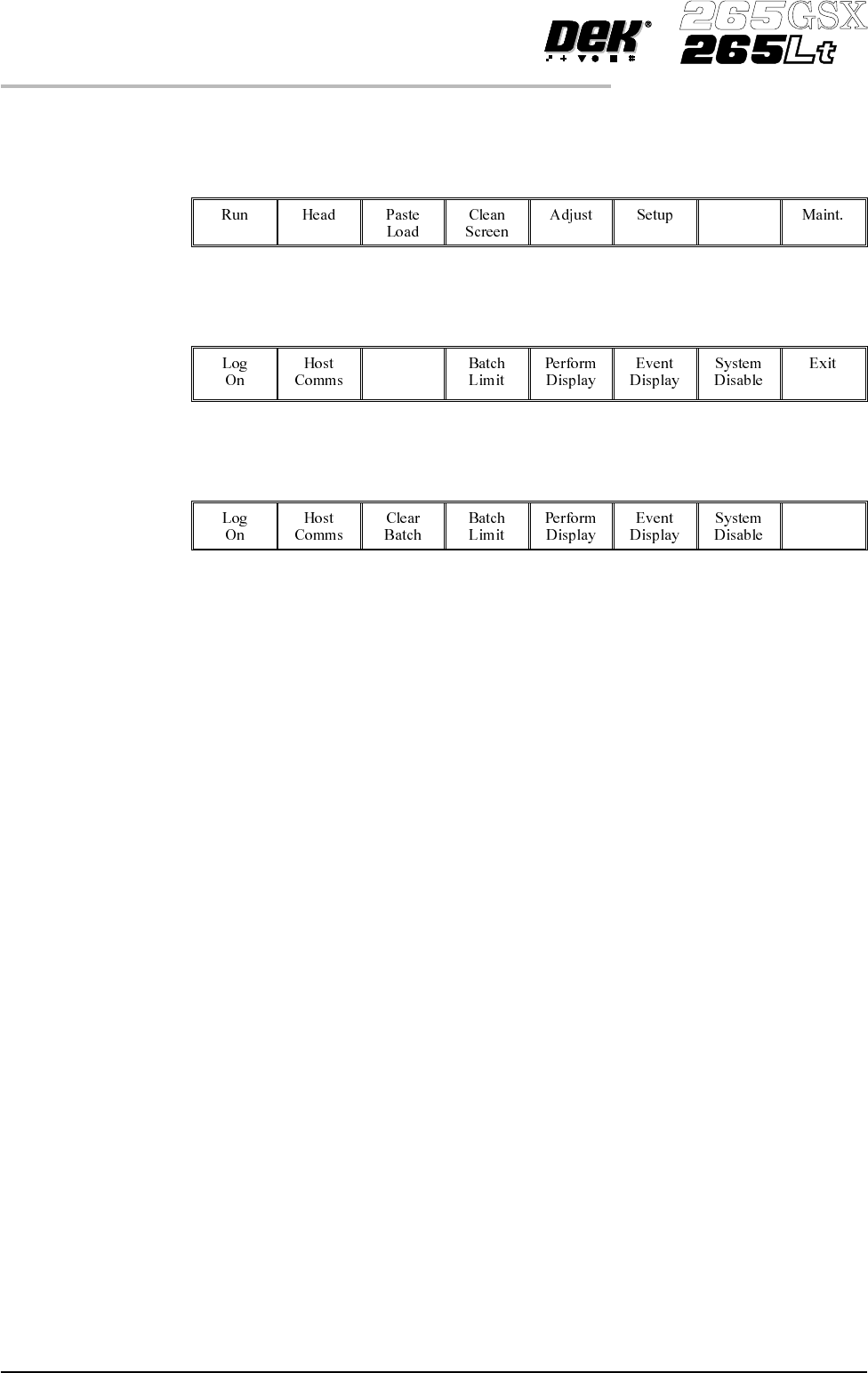
CLEAR BATCH Allows the user to reset cycle time, batch count, board count and throughput
information on the status page. To reset the batch proceed as follows:
1.
Press Monitor.
Monitor
2.
Press Clear Batch.
Clear
Batch
3.
Press Exit.
Exit
6.4 User Manual Software Version 6
MONITOR
CLEAR BATCH
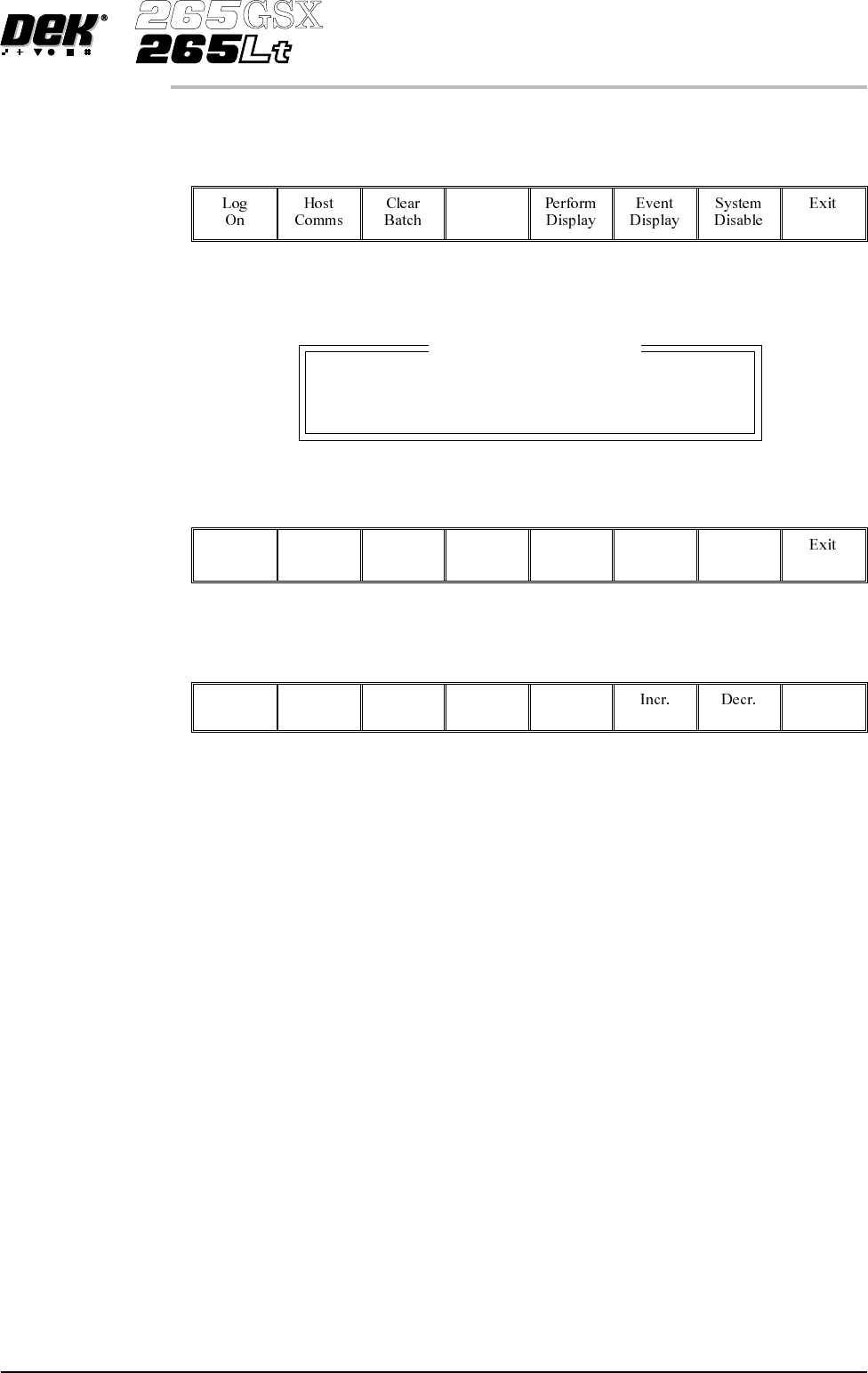
BATCH LIMIT To set the batch limit proceed as follows:
1.
Select Batch Limit.
Batch
Limit
The Batch Count Limit window is displayed as follows:
2.
Using the Incr. and Decr. keys as required set the batch limit.
Incr. Decr.
3.
Select Exit.
Exit
Software Version 6 User Manual 6.5
MONITOR
BATCH LIMIT
Batch Count Limit
Batch Limit 0
PERFORM DISPLAY
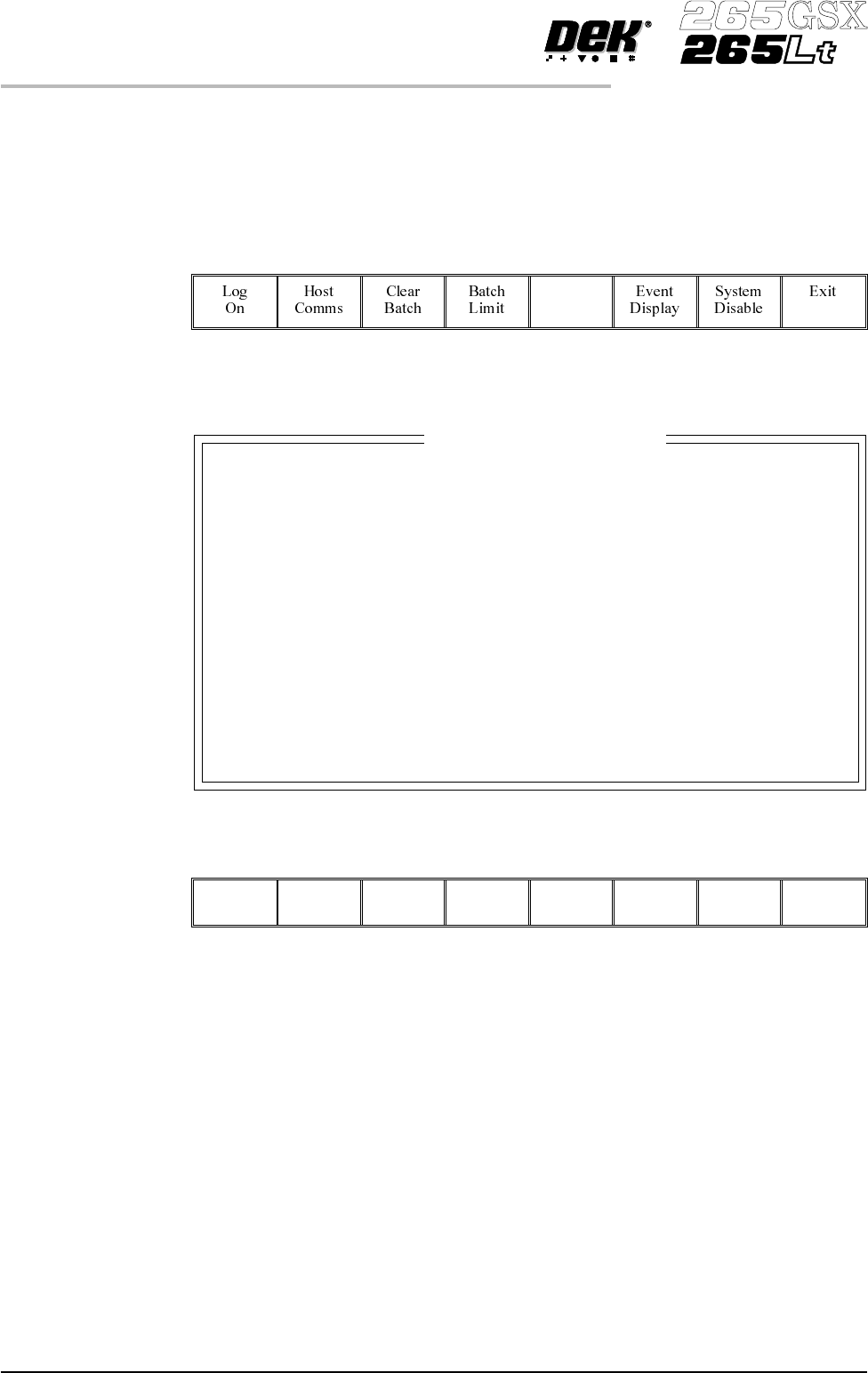
Displays machine performance information in a tabular format. To view the
performance information proceed as follows:
1.
Select Perform Display.
Perform
Display
The Performance Information window is displayed as follows:
2.
Select Exit.
Exit
6.6 User Manual Software Version 6
MONITOR
PERFORM DISPLAY
Current Status
Batch
0
0
Session
Total
1786
09:17:54
0:00:00
0:00:00
0:00:00
0:00:00
0:00:00
0:00:00 0:00:00
0:00:00
0:00:00
0:00:00
0:01:37
0:01:32
2:14:24
0:31:32
22:07:46
22:10:19
0:26:05
18:43:41
09:15:54
Start Time
Board Count
Wait Time
Down Time
Recovery Time
Maintenance Time
Setup Time
Run Time
Wait
:
Performance Information