Dek-265GSX-User-Manual.pdf.pdf - 第165页
When enabled, if Run (F1) is pressed on the menu bar and a service is due, the amber light on the tricolour beacon is illuminated. The following window is displayed: The message in the window varies dependent upon the ty…
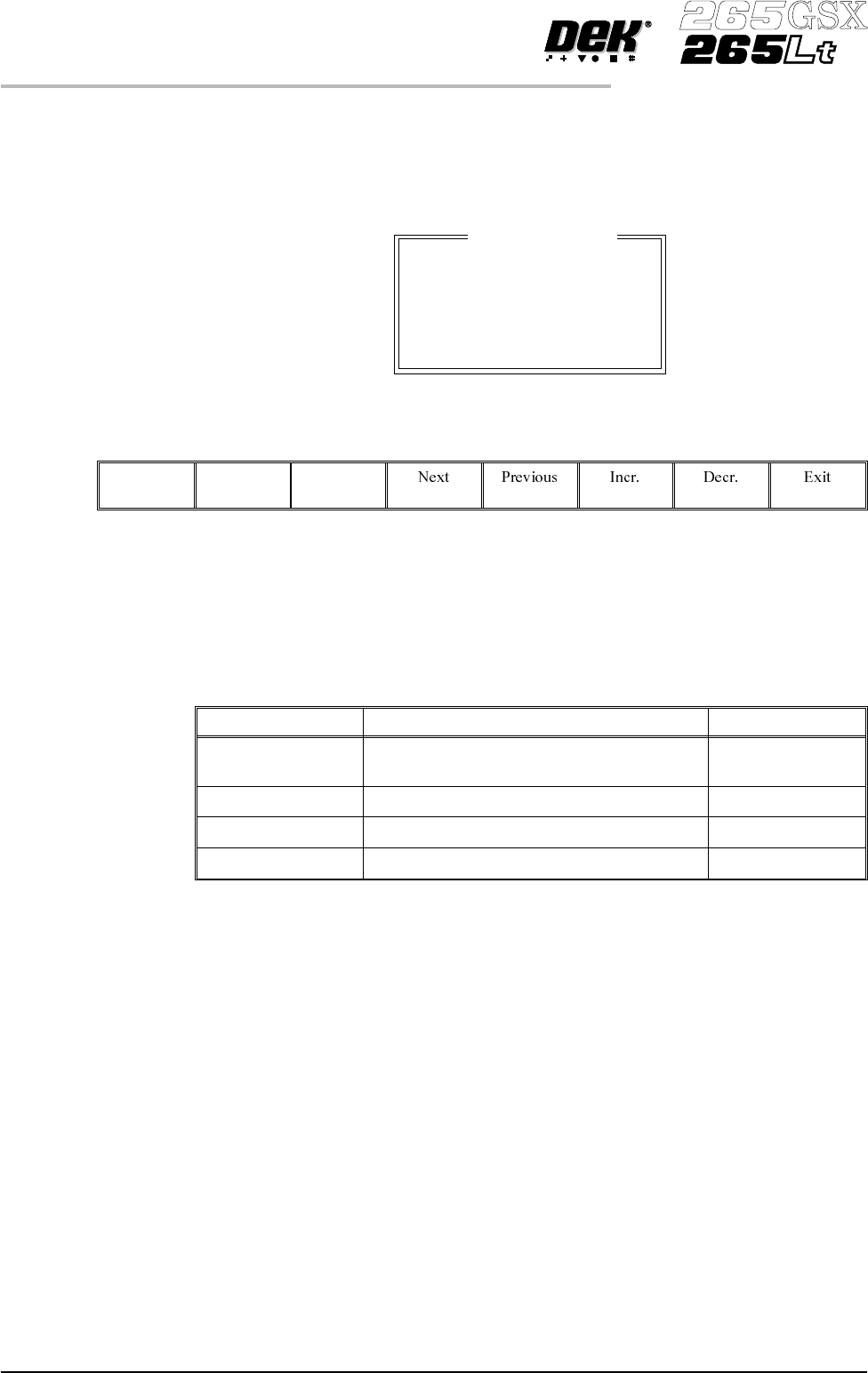
SPC Port Config This preference allows the user to set the configuration of the SPC port output
rate and data format.
Selecting the Incr. or Decr. buttons whilst this preference is highlighted opens a
further parameter window.
The menu bar changes to:
The Next and Previous keys move the cursor between the parameters.
The Incr. and Decr. keys change the value of the highlighted parameter.
The Exit key returns to the set preferences menu.
The four adjustable parameters have the following ranges:
Parameter Options Default
Baud Rate 110, 300, 600, 1200, 2400, 3600, 4800, 9600,
14400, 19200, 28800, 38400
9600
Word Length 5, 6, 7, 8 8
Parity ODD, EVEN, NONE, MARK, SPACE NONE
Stop Bits 1, 2 1
NOTE
The faster the baud rate the faster information transfer occurs.
SPC data is output when any of the following occur:
• SPC output cycle (as per Output Rate)
• Alignment Inspection Cycle
• 2D Inspection Cycle
Machine Location This allows the operator to enter text to uniquely identify the machine. Output is
via GEM, Host Comms and SPC.
Maint. Monitoring This preference, when enabled, provides an indication to the operator when a
preventive maintenance service is due. Options are:
Enabled; Disabled
2.30 User Manual Software Version 6
SET PREFERENCES
PREFERENCES
SPC Output
BAUD RATE
WORD LENGTH
PARITY
STOP BITS
9600
8
None
1
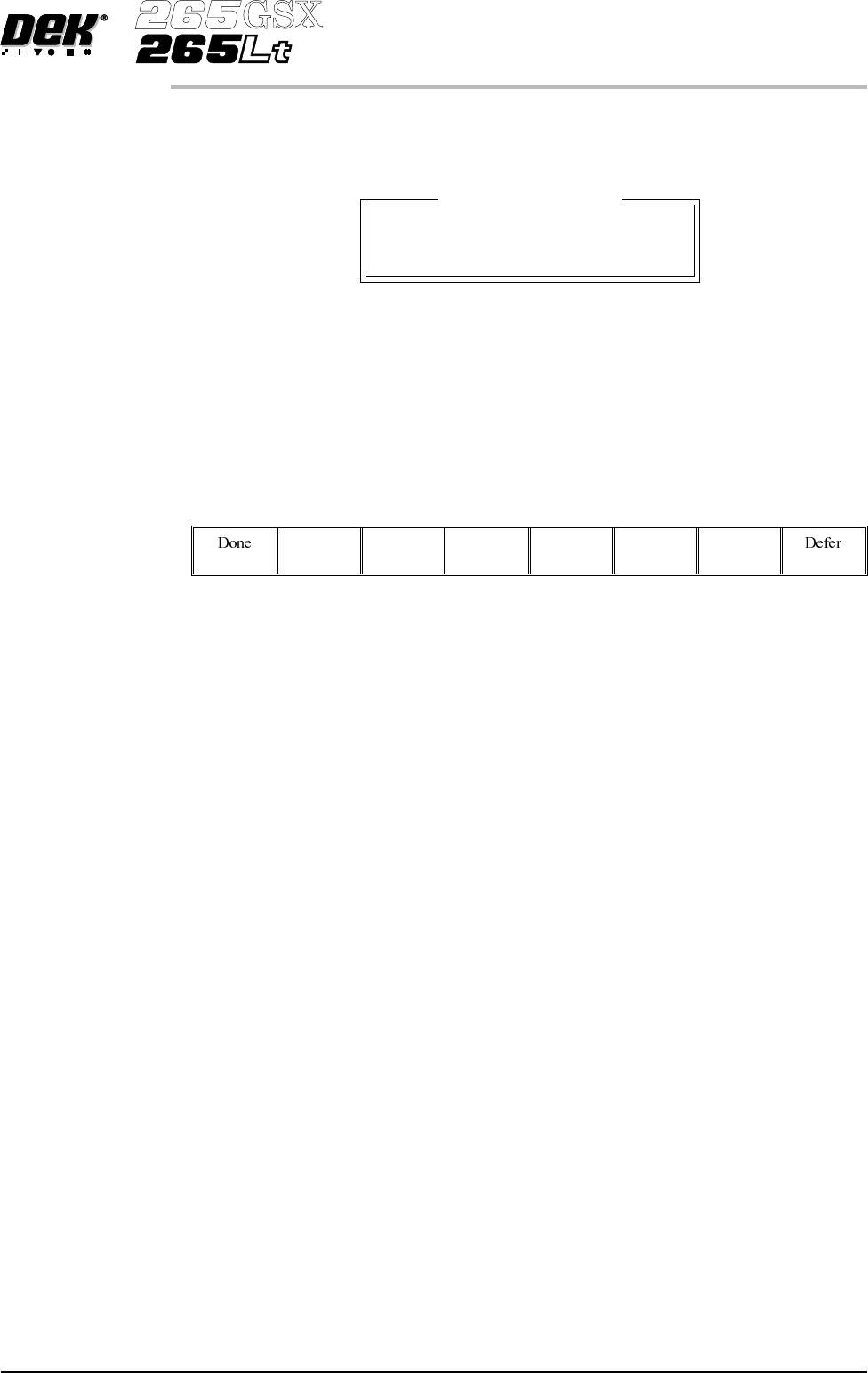
When enabled, if Run (F1) is pressed on the menu bar and a service is due, the
amber light on the tricolour beacon is illuminated. The following window is
displayed:
The message in the window varies dependent upon the type of service due. If a
period of one month or 45,000 cycles has elapsed, the message is as shown
above. If a period of six months or 260,000 cycles has elapsed, the message is
‘Six Monthly service is due’. If a period of one year or 520,000 cycles has
elapsed, the message is ‘Yearly service is due’.
The menu bar changes to the following:
The Done key updates the maintenance monitor data file, named service.dat, as
follows:
The service cycle counter is reset to zero.
The service number is incremented.
The last service date is reset to the current date.
The warning window is cleared, the amber beacon changes to green and the
printing run commences.
The Defer key does not update the maintenance monitor data file.
The warning window is cleared, the amber beacon changes to green and the
printing run commences. As the file has not been updated, the next time the Run
key is pressed the maintenance monitor window is displayed again. This routine
continues until the Done key is pressed.
If Maintenance Monitoring is disabled, left disabled for several service periods,
either calender or cycle or both, and enabled again:
Thenext time Run is pressed, the maintenancemonitor software determineshow
many service periods have been exceeded. From this information it determines
if any higher order servicing has been missed during the disabled period. If a
higher order service would have become due during the disabled period, that
service message is displayed.
Vacuum Hold Time This parameter introduces a time delay between raising the table to flex print
height and initiating Flatten Vac Delay.
Min 0.0 sec
Max 5.0 secs
Increment 0.1 sec.
Software Version 6 User Manual 2.31
SET PREFERENCES
PREFERENCES
Maintenance Monitor
Monthly service is due

2.32 User Manual Software Version 6
SET PREFERENCES
PREFERENCES