Dek-265GSX-User-Manual.pdf.pdf - 第249页
CHAPTER 7 HOUSE KEEPING
SYSTEM DISABLE
To disable the system software proceed as follows:
1.
Select System Disable.
System
Disable
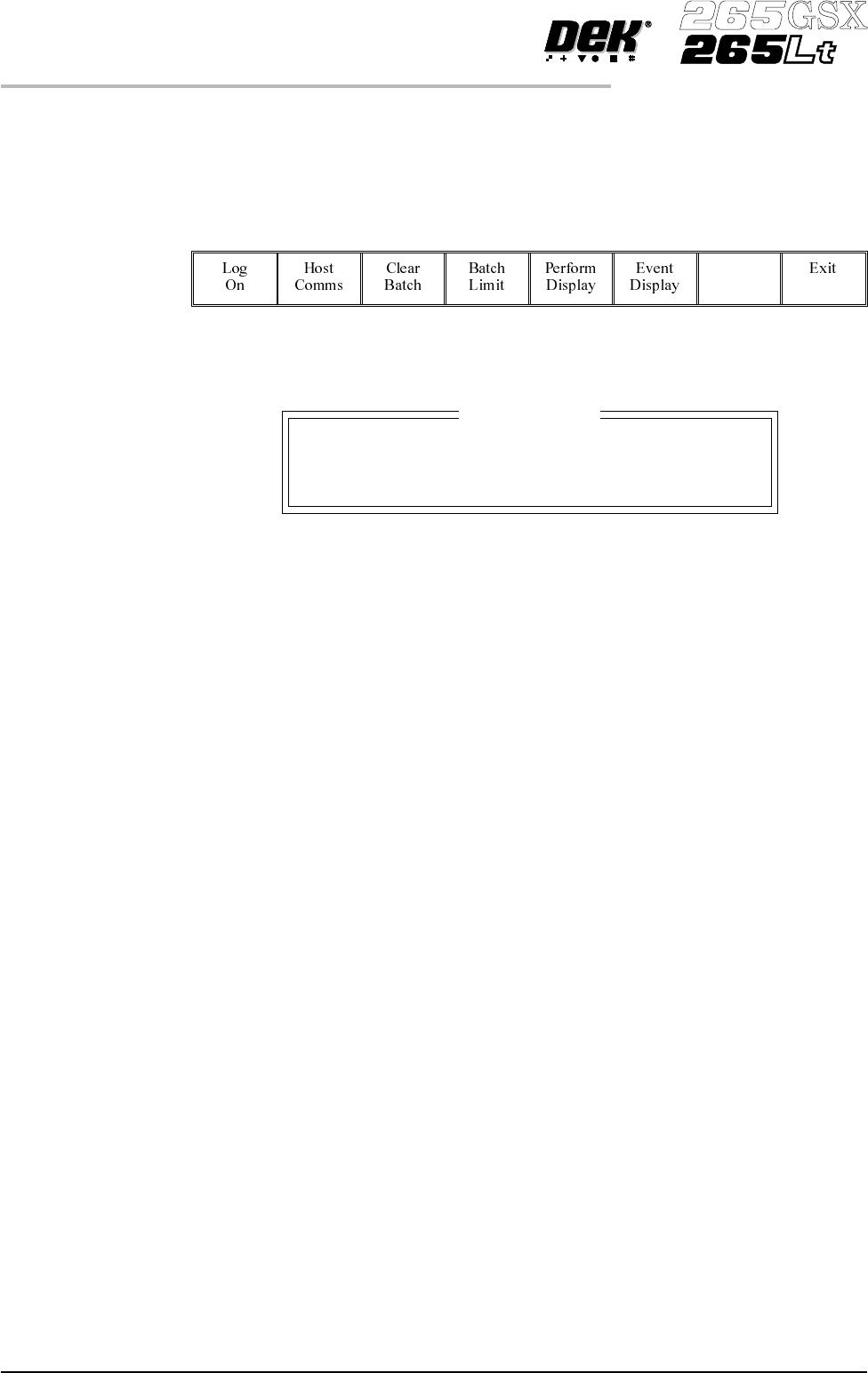
The System Error window is displayed as follows:
2.
Press the System button to re-initiate the system.
6.8 User Manual Software Version 6
MONITOR
SYSTEM DISABLE
System Error
System Power Down

CHAPTER 7
HOUSE KEEPING