Dek-265GSX-User-Manual.pdf.pdf - 第231页
RISING TABLE The Rising Table diagnostic module contains the following: The menu bar changes to the following: Run Diagnost activates the diagnostic function, as selected by the highlight bar. Next/Previous keys move the…

Toggle Pinch Valve Selecting this option alternately energizes the solvent valve displaying On
status, and de-energizes the valve displaying Off status.
Toggle Paper Feed Selecting this diagnostic function alternately switches the paper feed motor on
and off, displaying its current status. This function is not displayed if the Vortex
under screen cleaner is fitted.
Toggle Vacuum Selecting this option alternately energizes the vacuum pump displaying On
status, and de-energizes the pump displaying Off status.
Toggle Vacuum
Valve
Selecting this option alternately energizes the vacuum valve displaying On
status, and de-energizes the valve displaying Off status.
Toggle Solvent Feed
/Tank Pressure
Selecting this option alternately energizes the pneumatic valve allowing air
pressure to the tank displaying On status, and de-energizes the valve displaying
Off status.
Toggle Screen
Cleaner Home
Clamp
Selecting this option alternately energizes the home clamp electro-magnet
displayingOn status, and de-energizes the electro-magnet displaying Off status.
Cycle Pinch Valve Selecting this option continuously opens and closes the solvent valve for the
number of cycles specified in the Adjust Page.
Cycle Clean Blade Selecting this option continuously raises and lowers the body assembly for the
number of cycles specified in the Adjust Page.
Cleaner Paper Low
/Advance
This diagnostic function continuously displays the status of the cleaner paper
low/advance sensor. This function is not displayed if the Vortex under screen
cleaner is fitted.
Cycle Vacuum
Valve
Selecting this option continuously opens and closes the vacuum valve for the
number of cycles specified in the Adjust Page.
Cleaner Solvent
Low
This option displays the cleaner solvent low sensor status.
Pinch Valve Fitted This option displays the solvent valve fitted status.
Cycle Count This option displays the cycles carried out and cycles to go.
5.36 User Manual Software Version 6
DIAGNOSTICS
SCREEN CLEANER
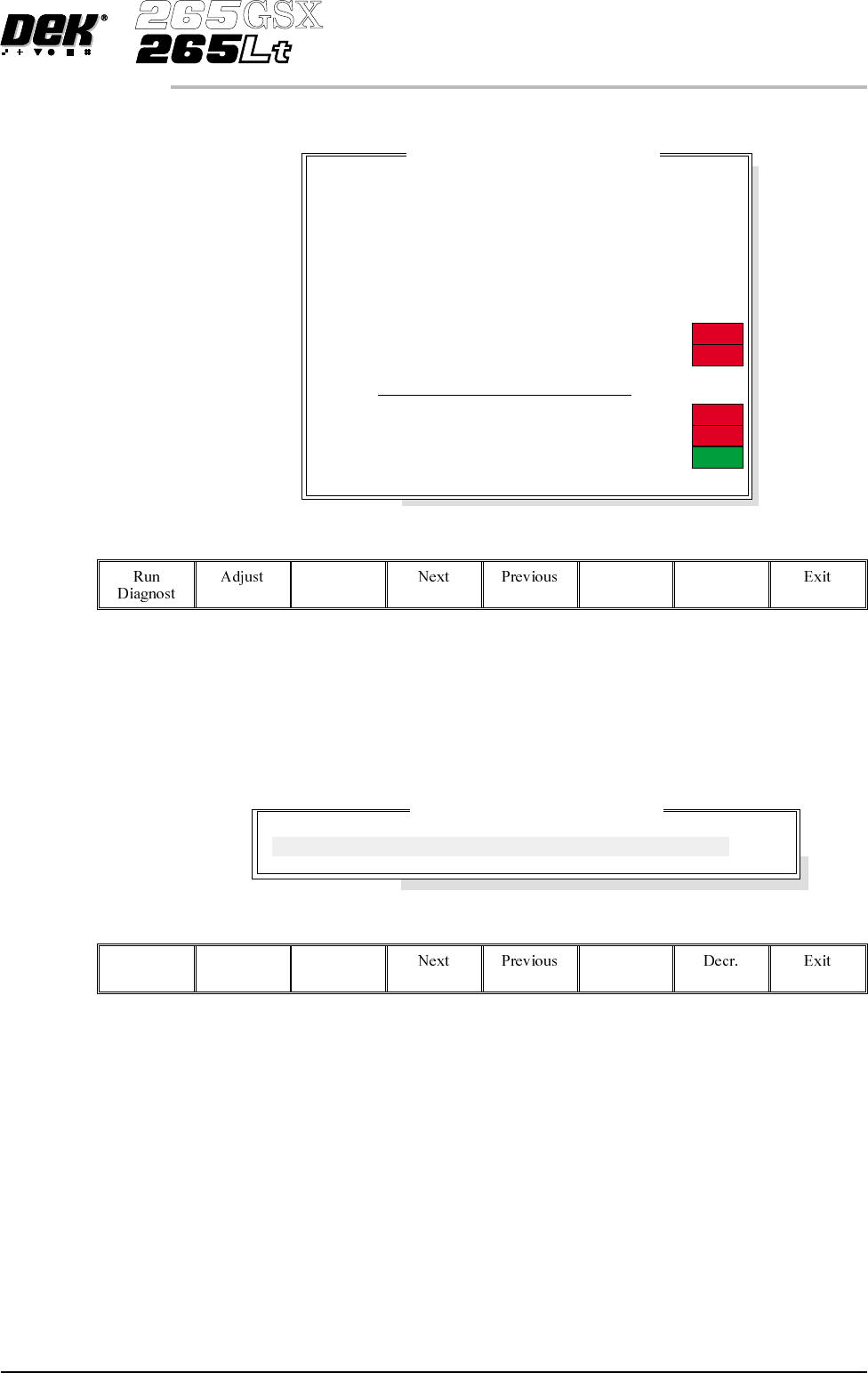
RISING TABLE The Rising Table diagnostic module contains the following:
The menu bar changes to the following:
RunDiagnost activates the diagnostic function, as selected by thehighlightbar.
Next/Previous keys move the highlight bar up and down the list of selectable
diagnostic functions.
Exit returns operation to the module diagnostics page.
Adjust opens the following window:
The menu bar changes to the following:
Incr.
Next/Previous keys have no function in this application.
Incr./Decr. keys change the value of the cycle count.
Exit returns operation to the rising table diagnostics page.
Home Rising Table Selecting this option drives the rising table down until it reaches the datum
position as indicated by its home sensor.
Raise Table to
Vision Height
Selecting this option drives the rising table to the height set by the vision height
parameter.
Software Version 6 User Manual 5.37
DIAGNOSTICS
RISING TABLE
R
i
s
i
ng Ta
bl
eD
i
agnost
i
cs
Home Rising Table
Raise Table to Vision Height
Raise Table to Print Height
Restore Default Heights
Set Reference Vision Height
Set Reference Print Height
Drive Table using Jog Buttons
Toggle Table Brake
Toggle Vacuum Tooling Valve
Cycle Rising Table
Rail Lifted Left
Rail Lifted Right
Table at Home
Cycle Count
ON
OFF
OFF
OFF
OFF
Table Cycle Test Parameters
CYCLE COUNT
50.0
Cycles
Raise Table to Print
Height
Selecting this option first checks that both the camera carriage and the screen
cleaner unit are home, if either are not at home the message “Home Camera
and/or Screen Cleaner first” is displayed. If both are home, the rising table
drives up to the height set by the print height parameter.
Restore Default
Heights
Selecting this option restores the vision height to the default of 50 mm and the
print height to the default of 127 mm.
Set Reference
Vision Height
The function of this option is to set the rising table so that it views the board
fiducials in focus. This is achieved by driving the table up or down while
viewing the vision monitor until the fiducial is in focus. Pressing Calibrate
Vision Height changes the menu Bar showing the option Confirm. Pressing
Confirm sets the current height of the rising table, updating the printer
configuration file.
Set Reference Print
Height
The function of this option is to set the print height so that no gap exists between
the screen and board. This is achieved by driving the table up till the board
clamp just touches the screen.
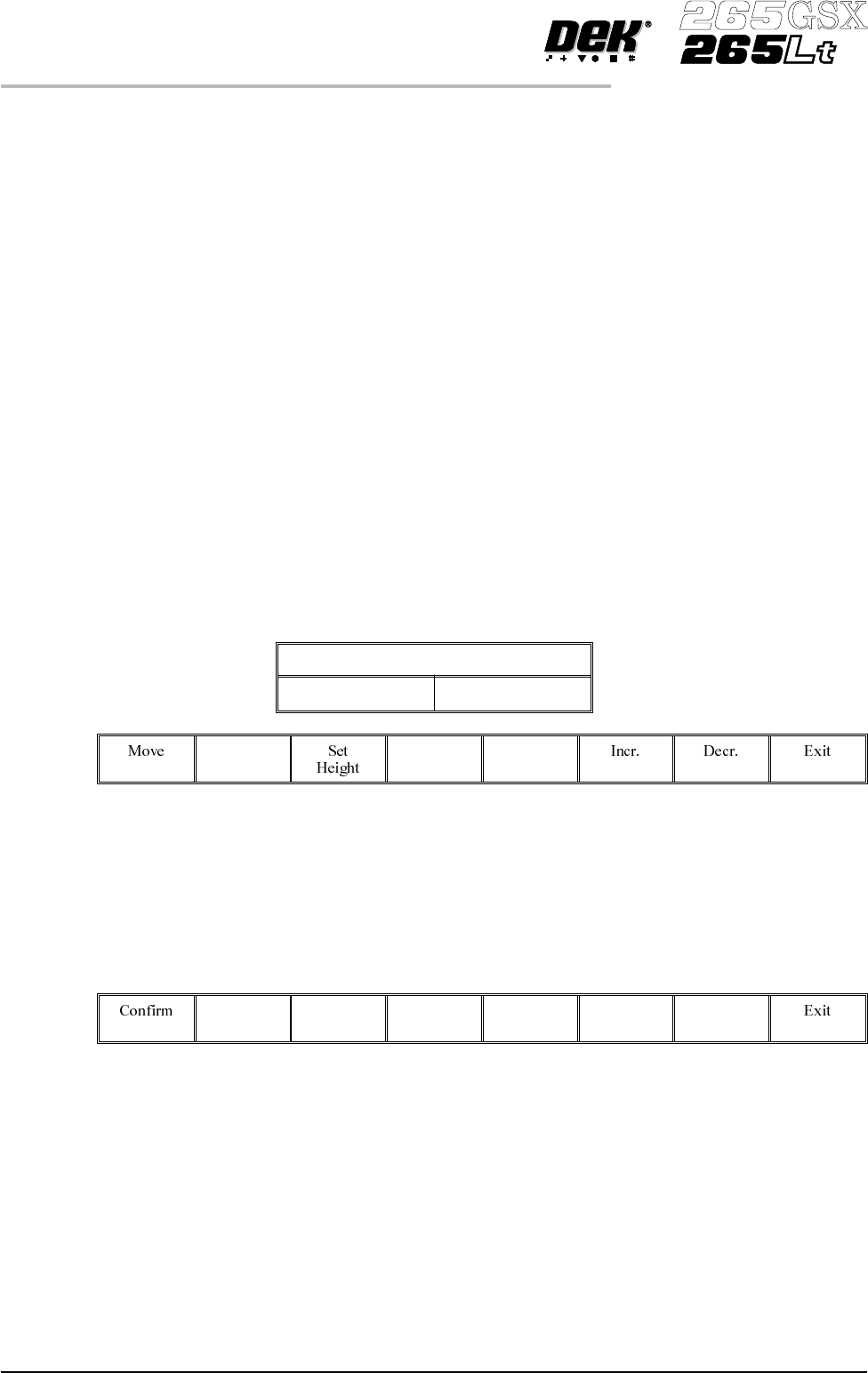
Selecting this option displays the following window and menu bar:
Table Print Height Calibration
Print Height 128.6mm
Selecting Move locks the lid bolt, moves the table to the height displayed, and
unlocks the lid bolt.
Selecting Exit exits this menu without any changes.
Selecting the Incr. and Decr. buttons allows adjustment of the print height
parameter:
Pressing Set Height changes the menu bar showing the option Confirm.
Pressing Confirm shows the following message, set the current height of the
rising table and update the printer configuration file:
‘This will alter the printer configuration file - please confirm’
Pressing Exit returns to the previous menu without changes to the configuration
file.
Drive Table using
Jog Buttons
Selecting this option enables the right jog button to drive the rising table up at
slow speed and the left jog button drives the table down, stopping immediately
the button is released.
5.38 User Manual Software Version 6
DIAGNOSTICS
RISING TABLE