Dek-265GSX-User-Manual.pdf.pdf - 第178页
Upload a Product Data File To upload a product data file from the Host proceed as follows: 1. Select Host Comms . Host Comms The Host Communications window is displayed as follows: 2. Select Transfer To Host . Transfer T…
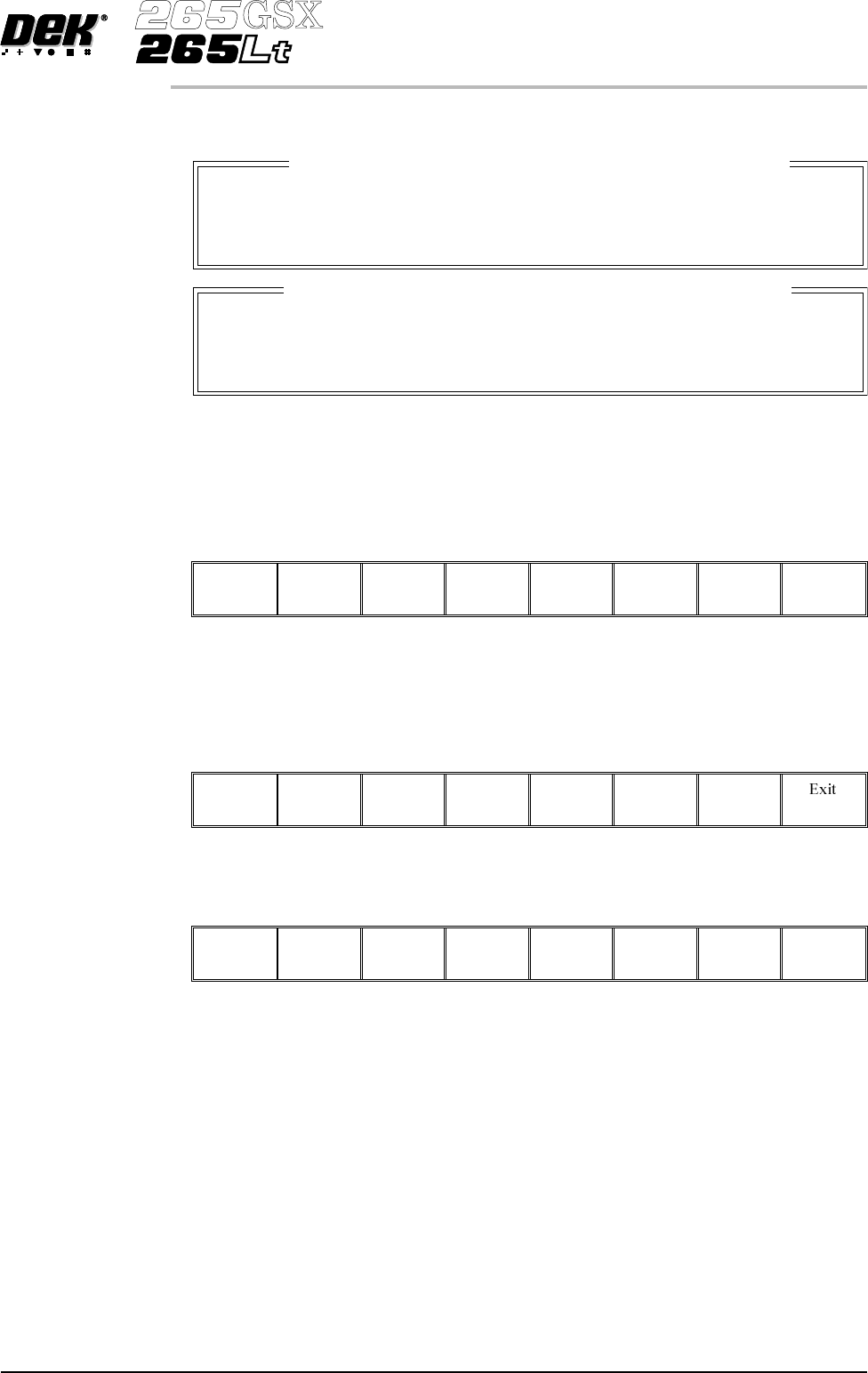
The terminal services message windows are displayed as follows:
The most recent message from the Host is displayed in the upper window.
If a new message arrives while the window is open, the upper window displays
the new message and the Ack Message key is visible. Select Ack Message to
acknowledge to the Host that the message has been received.
Ack
Message
3. To send a message to the Host, type the message using the keyboard, the
message appears in the lower window.
4.
SelectSend Message to send the message in the lowerwindowtotheHost.
Send
Message
5.
Select Exit.
Exit
Software Version 6 User Manual 3.9
HOST COMMUNICATIONS
HOST COMMS
Message From GEM Host
Message Time: 12:27:56
Message to GEM Host Message Time: 12:27:56
_
Upload a
Product Data File
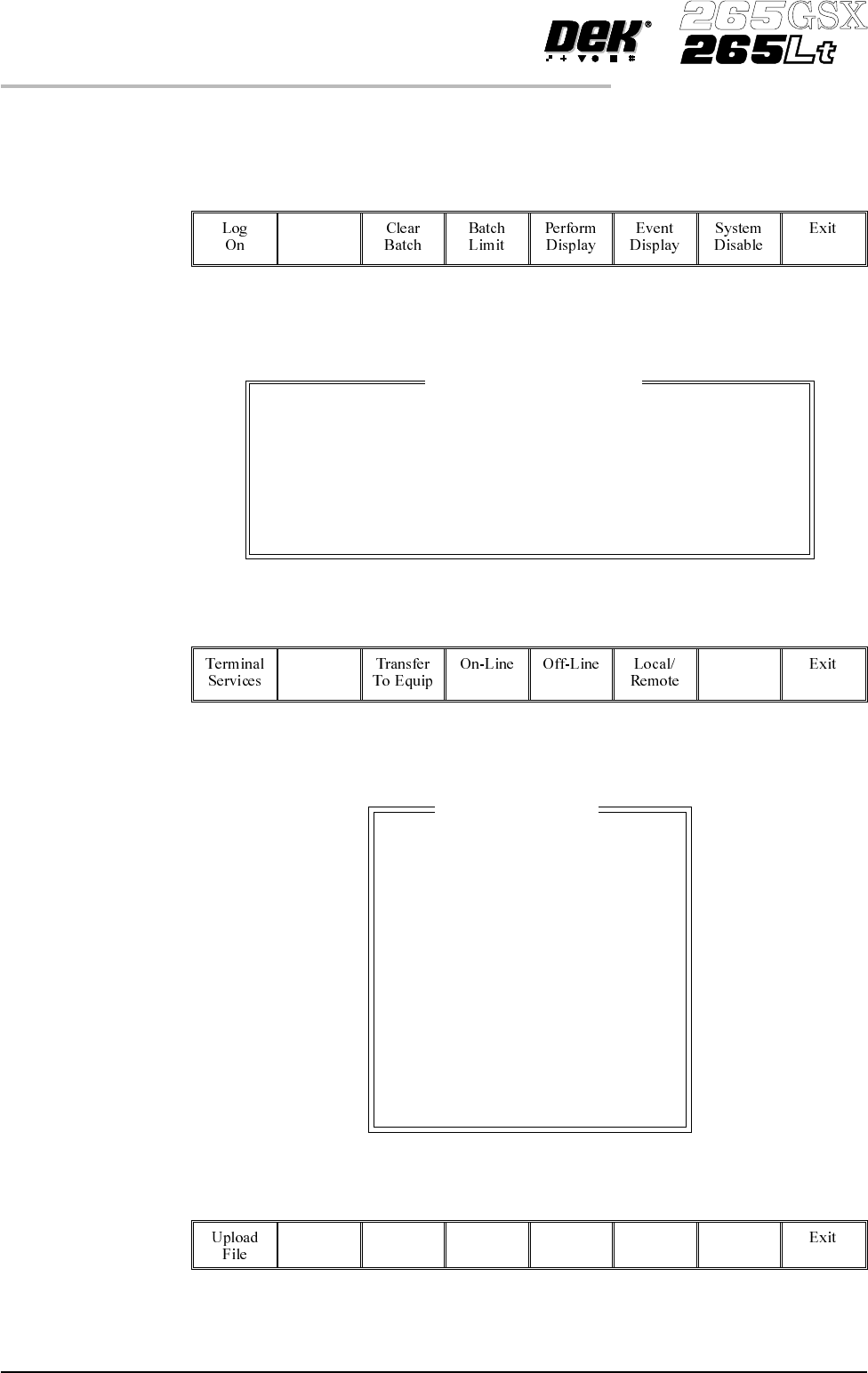
To upload a product data file from the Host proceed as follows:
1.
Select Host Comms.
Host
Comms
The Host Communications window is displayed as follows:
2.
Select Transfer To Host.
Transfer
To Host
The Upload Data File window is displayed as follows:
3.
Using the Left, Right, Up and Down keys, highlight the required data file.
Left Right Up Down
3.10 User Manual Software Version 6
HOST COMMUNICATIONS
HOST COMMS
Host Communications
Communications Protocol
Communications:
Equipment Control
On-Line Control
GEM
Enabled-Communications
On-Line
Remote
Upload Data File
CALIBRA
CIRCLE
CROSS
DEFAULT
DEK04
HASH
NEWFILE
NEWFILE2
ODDFILE
SQUARE
TEST
TEST2
TEST3
TRIANGL
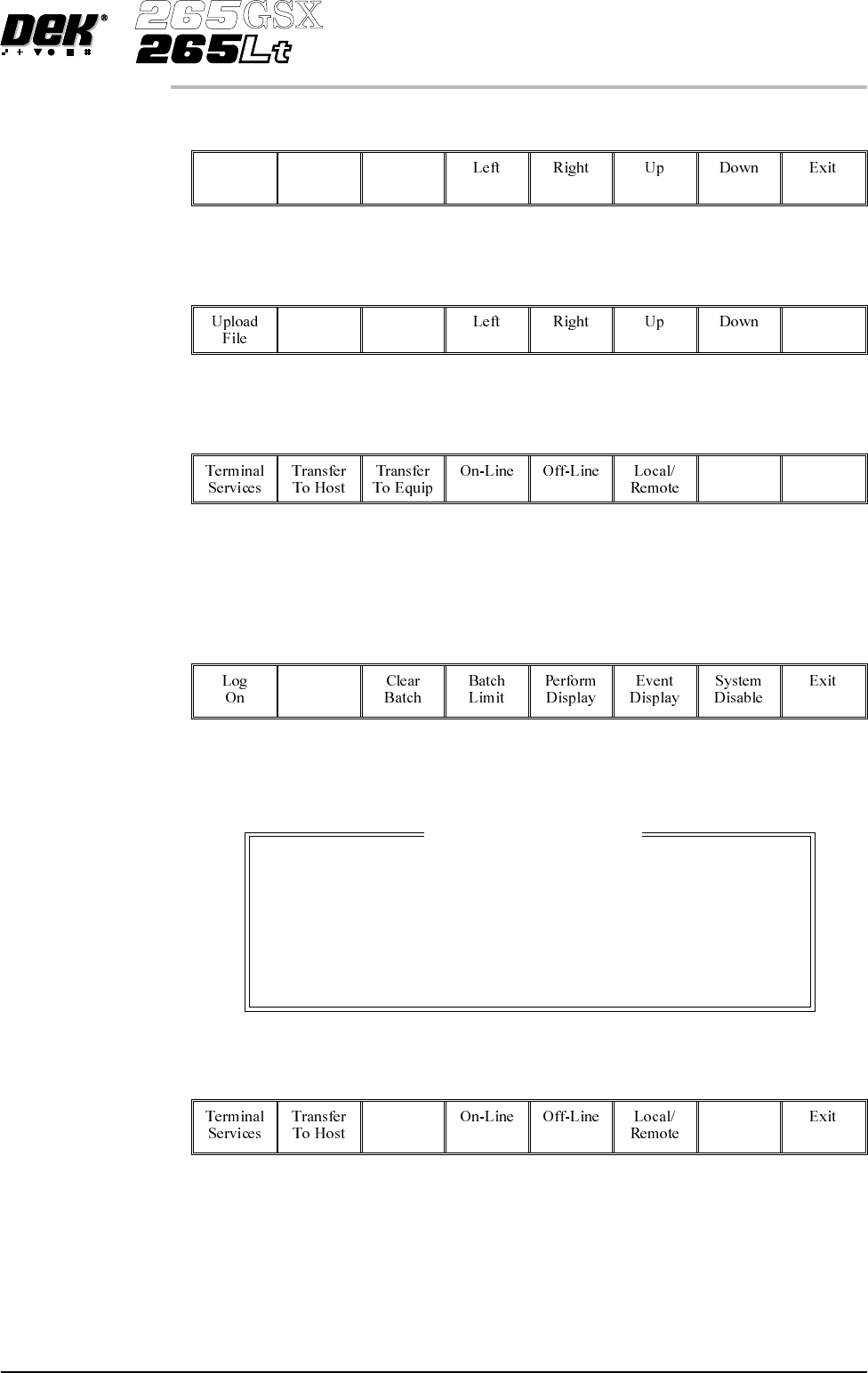
4.
Select Upload File, the chosen product data file is transferred to the Host.
Upload
File
5.
Select Exit.
Exit
6.
Select Exit.
Exit
Download a
Product Data File
To download a product data file from the Host proceed as follows:
1.
Select Host Comms.
Host
Comms
The Host Communications window is displayed as follows:
2.
Select Transfer To Equip.
Transfer
To Equip
Software Version 6 User Manual 3.11
HOST COMMUNICATIONS
HOST COMMS
Host Communications
Communications Protocol
Communications:
Equipment Control
On-Line Control
GEM
Enabled-Communications
On-Line
Remote