Dek-265GSX-User-Manual.pdf.pdf - 第79页
A close up view of the Fine Pitch Autoflex Matrix window is displayed: NOTE The figures down the right hand side of the template correspond to the figures on the MMI matrix and represent the distance from the front edge …
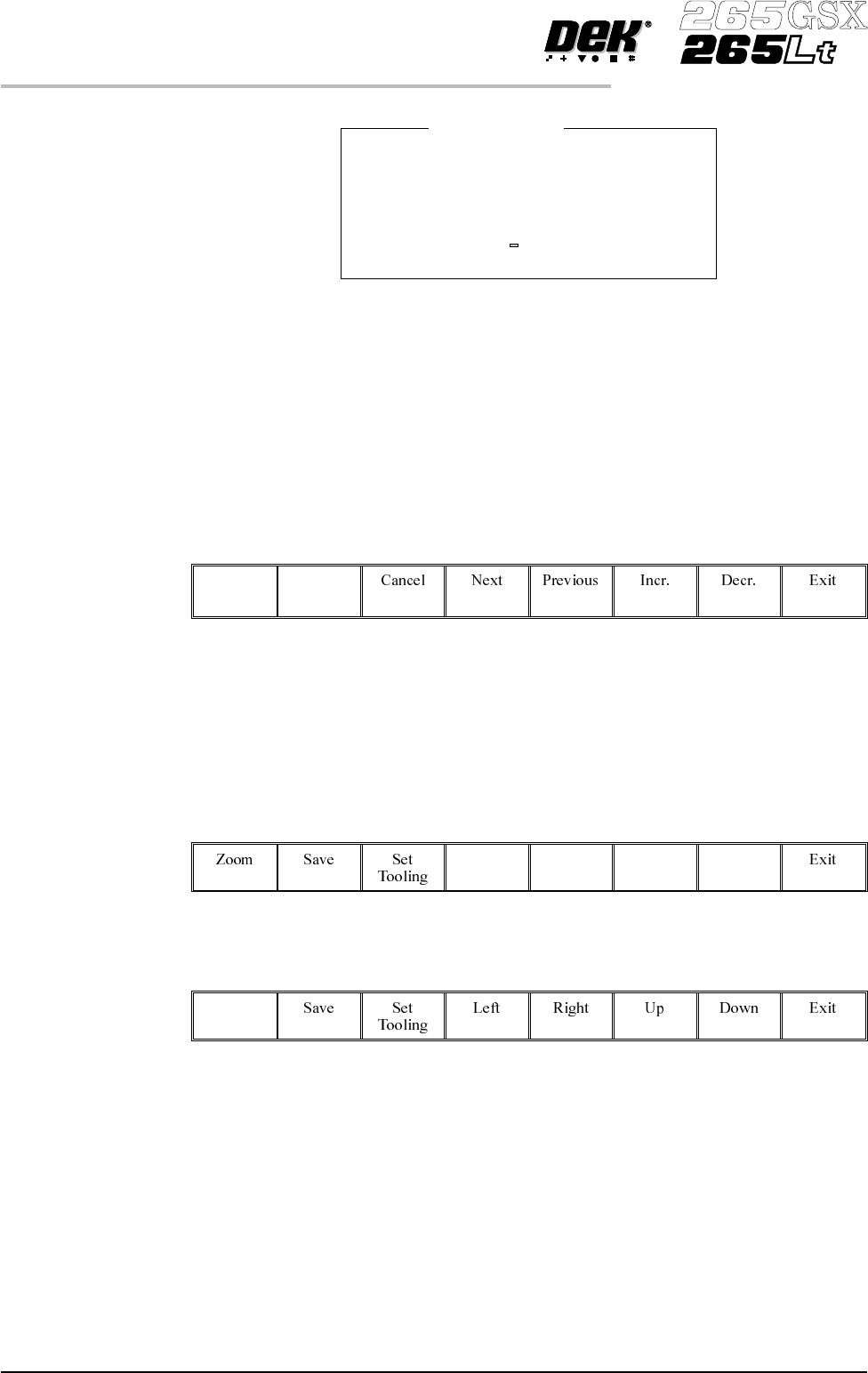
(ii). Using the numeric keypad enter the new value.
(iii). Press Enter on the keyboard.
(iv). Repeat Steps 8, 9a or 9b for each parameter.
10.
Select either Lower Block (F1) or Raise Block (F2) as required.
Lower
Block
Raise
Block
11. Go to Step 27.
Toggling State of Individual Pins
12.
UsetheLeft,Right,UpandDownkeys(F4-F7),topositionthehighlighted
cursor over the required section.
Left Right Up Down
13.
Select Zoom (F1).
Zoom
1.62 User Manual Software Version 6
MACHINE PROGRAMMING
STAGE 6F
Block Origin X
Minimum Value 0.0000 mm
Maximum Value 152.0000 mm
Increment 0.5000 mm
Current Value 0.0000 mm
Enter New Value mm
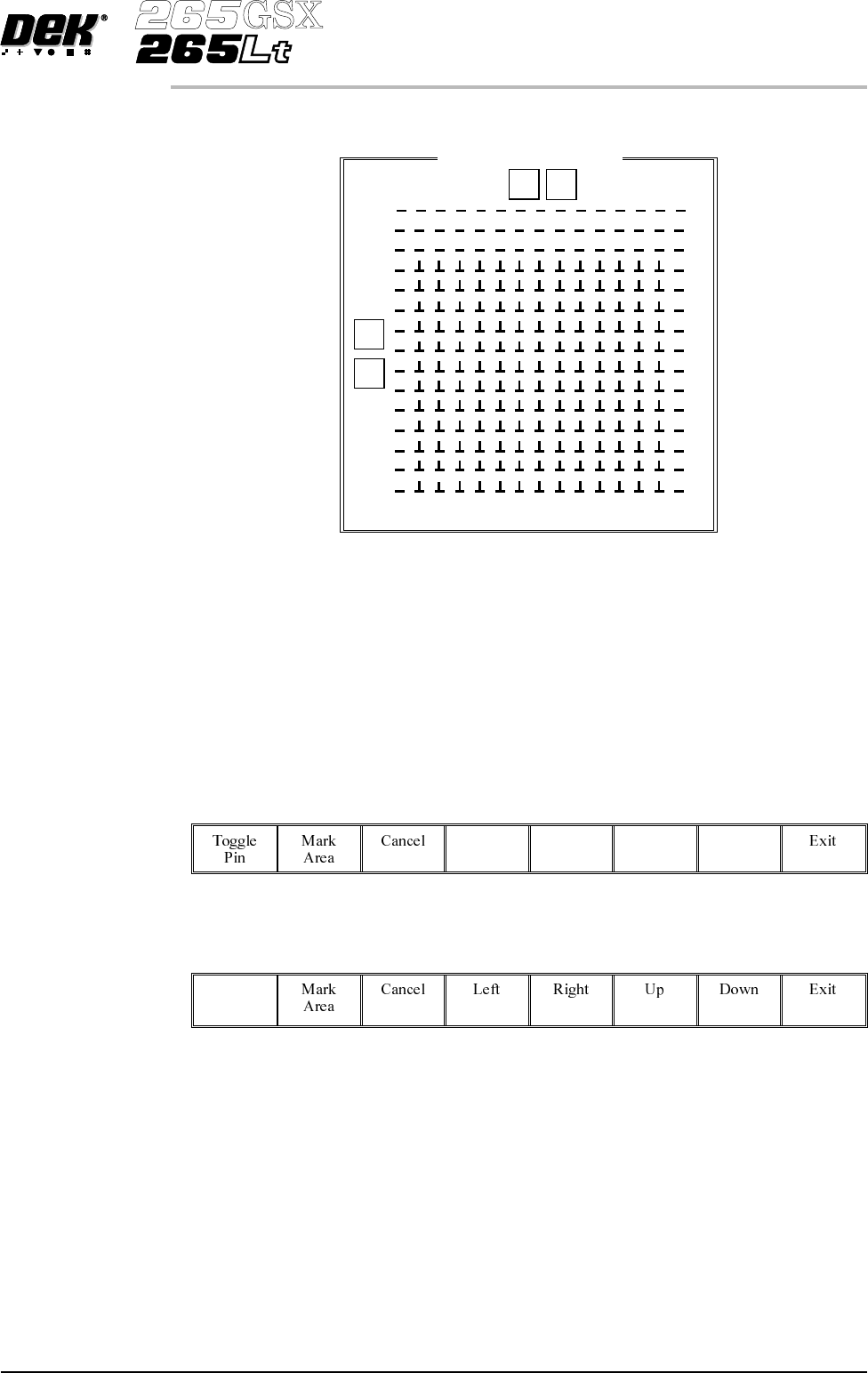
A close up view of the Fine Pitch Autoflex Matrix window is displayed:
NOTE
The figures down the right hand side of the template correspond to the figures on
the MMI matrix and represent the distance from the front edge of the board. The
figures across the top of the template are referenced to the centreline of the
board, where as the MMI matrix is referenced to the fiducial reference point on
the front edge of the board.
14.
Use the Left, Right, Up and Down keys (F4 - F7), to highlight the required
pin.
Left Right Up Down
15.
Select Toggle Pin (F1).
Toggle
Pin
16. Repeat Steps 14-15 for any other pins.
17. Go to Step 26.
Software Version 6 User Manual 1.63
MACHINE PROGRAMMING
STAGE 6F
Fine Pitch Autoflex Matrix
77.0
14.5
168.5
0 154
9
J
92.5
Toggling State of Pins in an Area
18.
UsetheLeft,Right,UpandDownkeys(F4-F7),topositionthehighlighted
cursor over the required section.
Left Right Up Down
19.
Select Zoom (F1).
Zoom
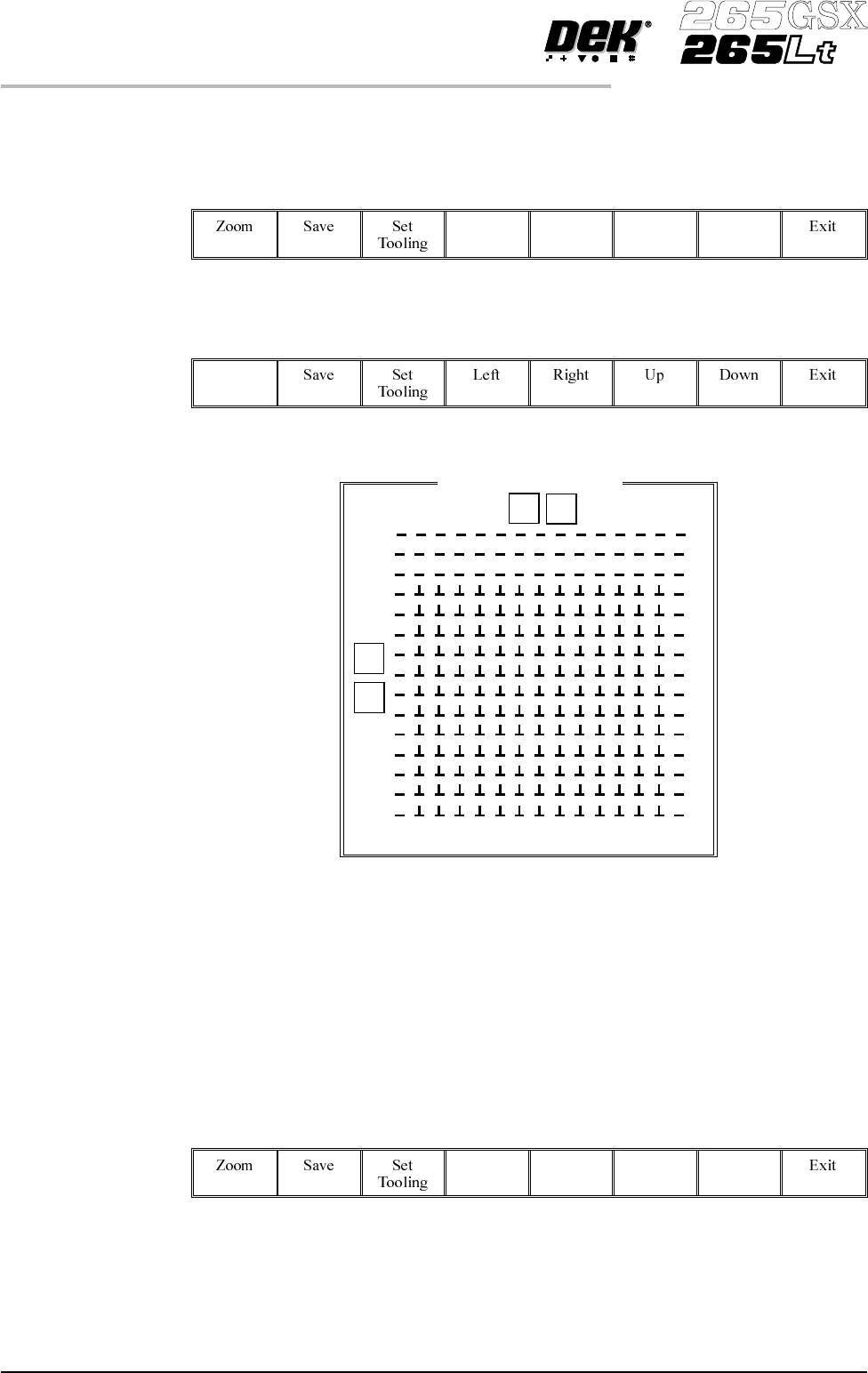
NOTE
The figures down the right hand side of the template correspond to the figures on
the MMI matrix and represent the distance from the front edge of the board. The
figures across the top of the template are referenced to the centreline of the
board, where as the MMI matrix is referenced to the fiducial reference point on
the front edge of the board.
20.
Use the Left, Right, Up and Down keys (F4 - F7), to position the cursor at
one corner of the required area.
Left Right Up Down
1.64 User Manual Software Version 6
MACHINE PROGRAMMING
STAGE 6F
Fine Pitch Autoflex Matrix
77.0
14.5
168.5
0 154
9
J
92.5