Dek-265GSX-User-Manual.pdf.pdf - 第154页
The following window and menu bar is displayed: 14. Select Edit Data (F2). Edit Data 15. Using the keyboard, carefully enter the first group of 8 alphanumeric characters and select Enter on the keyboard. 16. Select Next …
6.
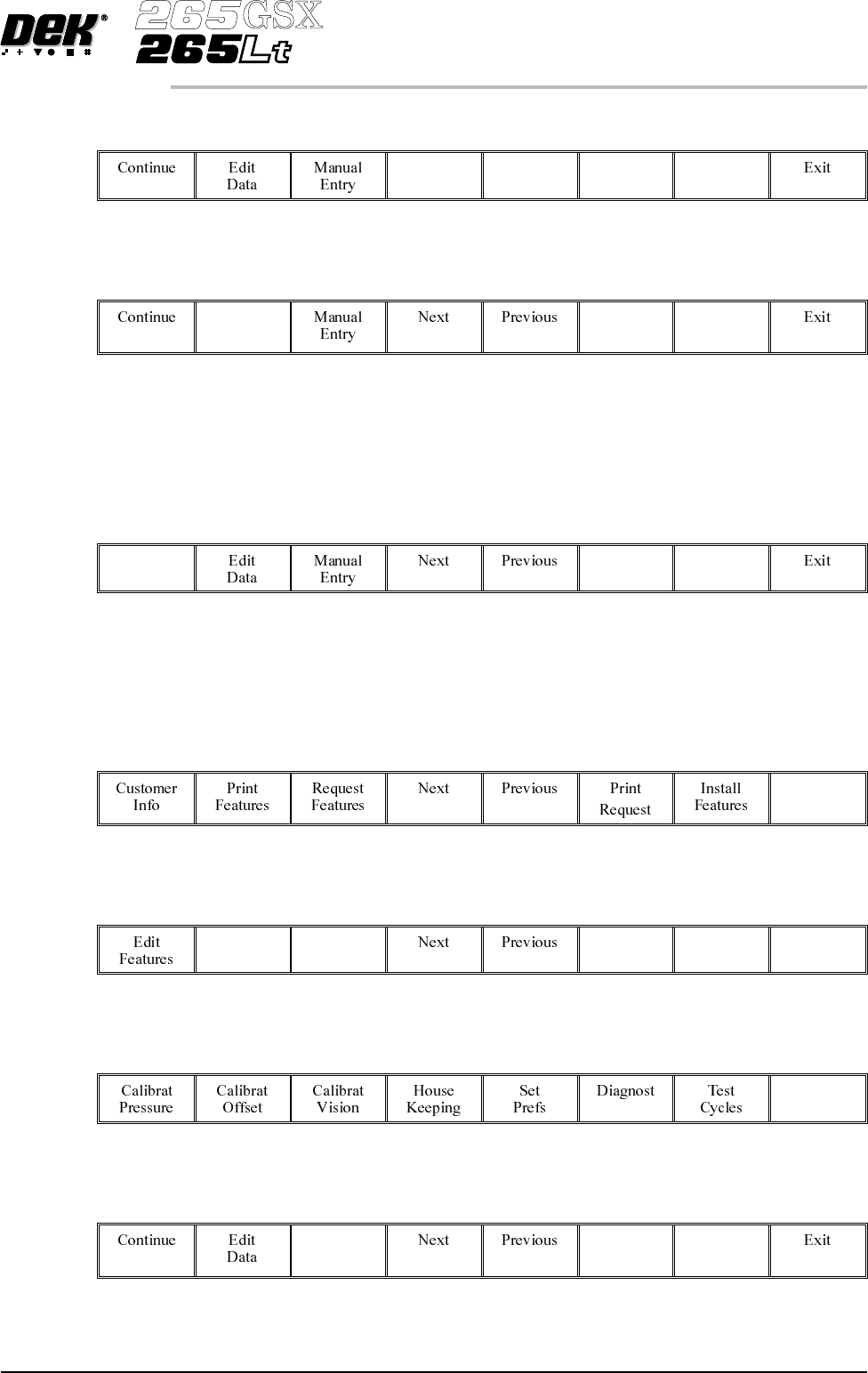
Select Next and Previous (F4 -F5) to highlight the required field.
Next Previous
7.
Select Edit Data (F2).
Edit
Data
8. Using the keyboard enter the required information into the highlighted field.
On completion, select Enter on the keyboard.
9.
Select Continue (F1).
Continue
NOTE
If the installation is successful the feature appears in the Features Licensed
window.
10.
Select Exit (F8).
Exit
11.
Select Exit (F8).
Exit
12.
Select Exit (F8).
Exit
13.
Select Manual Entry (F3).
Manual
Entry
Software Version 6 User Manual 2.19
SET PREFERENCES
PREFERENCES
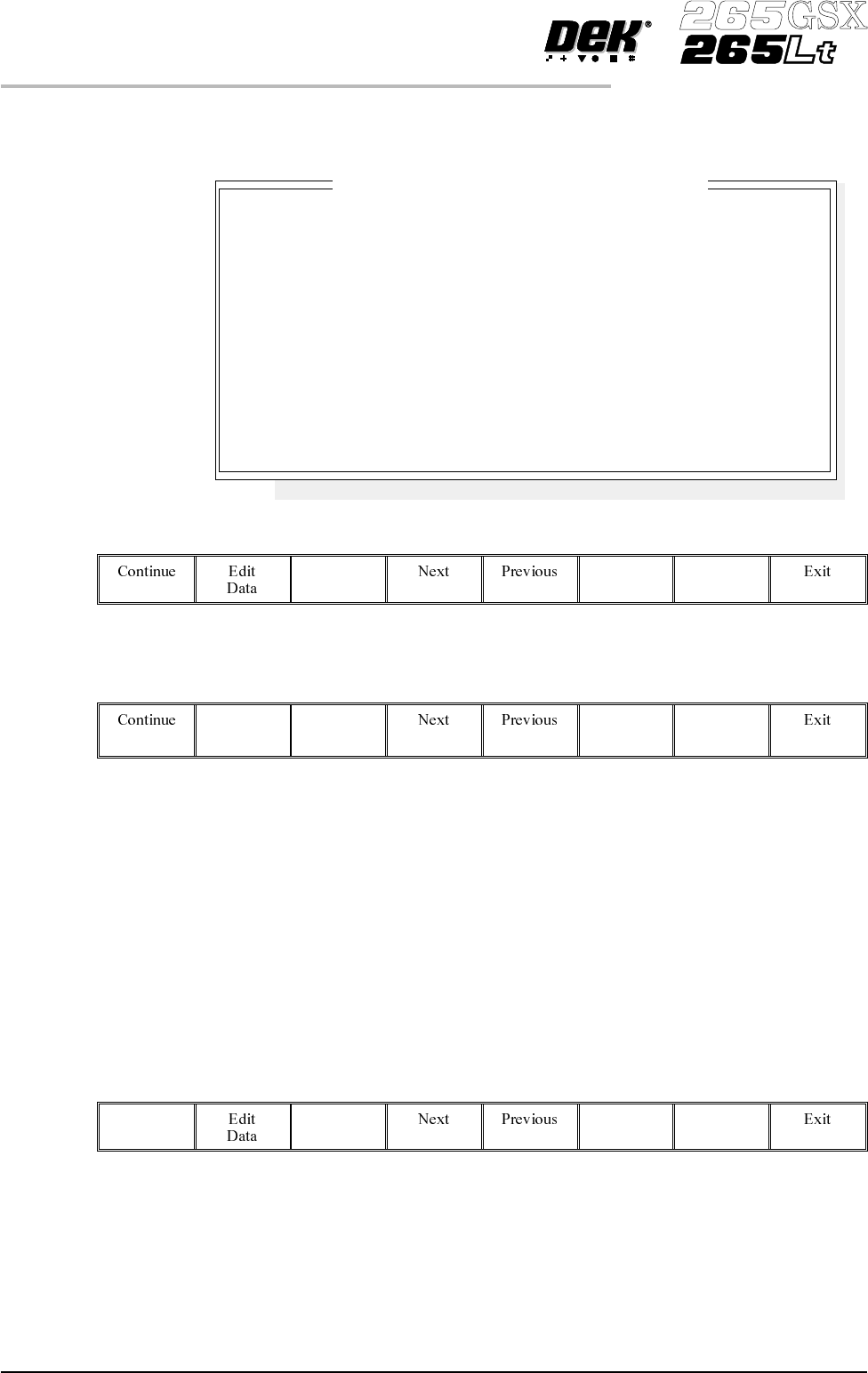
The following window and menu bar is displayed:
14.
Select Edit Data (F2).
Edit
Data
15. Using the keyboard, carefully enter the first group of 8 alphanumeric
characters and select Enter on the keyboard.
16.
Select Next (F4) to enter the next group of alphanumeric characters in the
installation instructions.
17. Repeat Steps 14 - 16 for the remaining groups of alphanumeric characters.
18.
Select Continue (F1).
Continue
2.20 User Manual Software Version 6
SET PREFERENCES
PREFERENCES
Enter License Installation Instructions
1.
2.
3.
4.
5.
6.
7.
8.
Please enter the 8 Licensing Instructions EXACTLY as they
are written as 8 groups of 8 characters each.
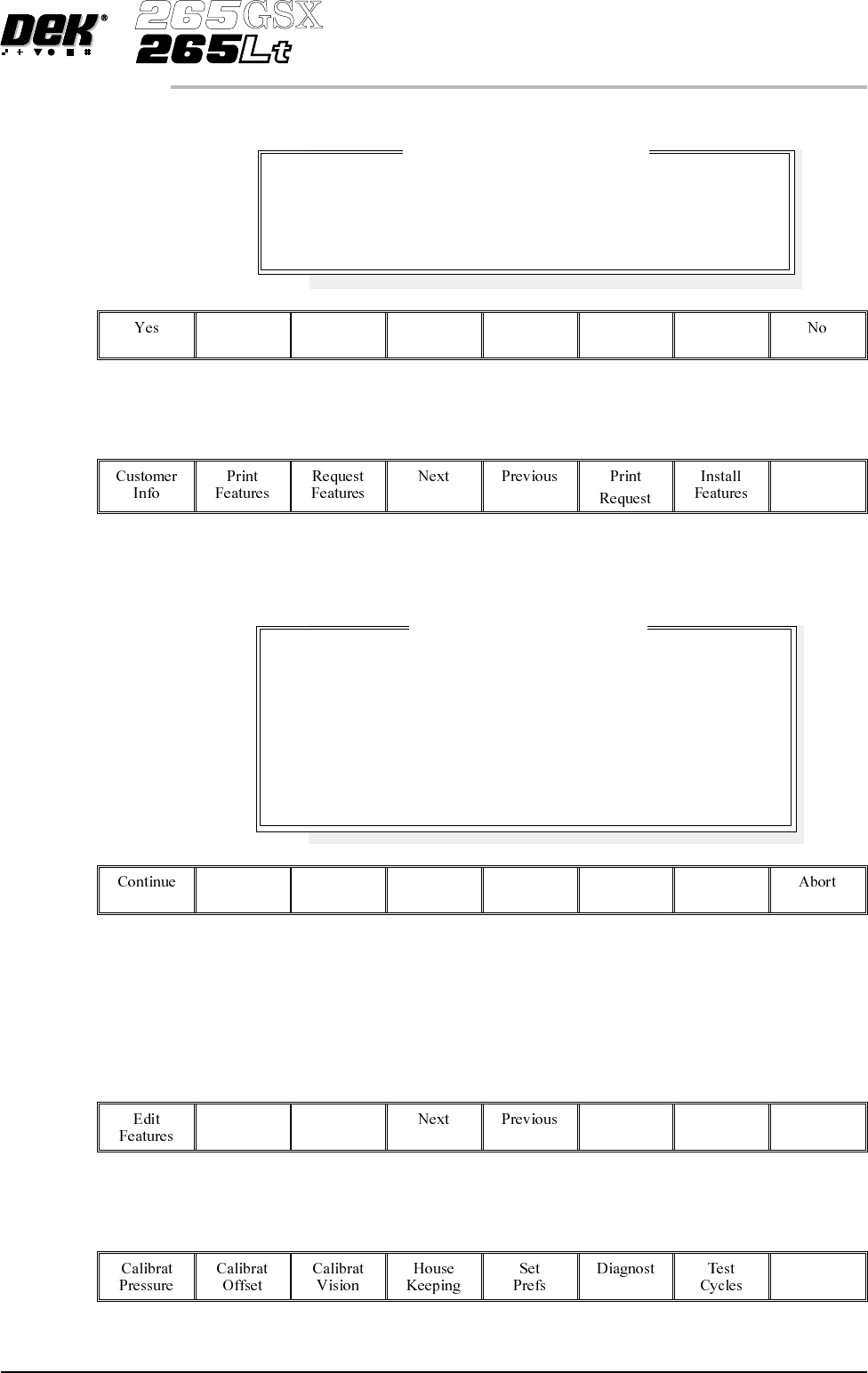
The following window and menu bar is displayed:
19.
Select Exit (F8).
Exit
NOTE
If the installation is not successful the following window and menu bar is
displayed:
NOTE
Continue - returns to Enter License Installation Instructions window.
Abort - returns to Feature Licensed window.
20.
Select Exit (F8).
Exit
21.
Select Exit (F8).
Exit
Software Version 6 User Manual 2.21
SET PREFERENCES
PREFERENCES
Feature License Installation
Installation Instruction accepted.
Are there any more.
Feature License Installation
Installation Instructions NOT accepted.
Please be sure that you enter the Instructions correctly,
and in the correct order.
If you are in any doubt about this, please contact
Customer Support before you proceed any further.