Dek-265GSX-User-Manual.pdf.pdf - 第241页
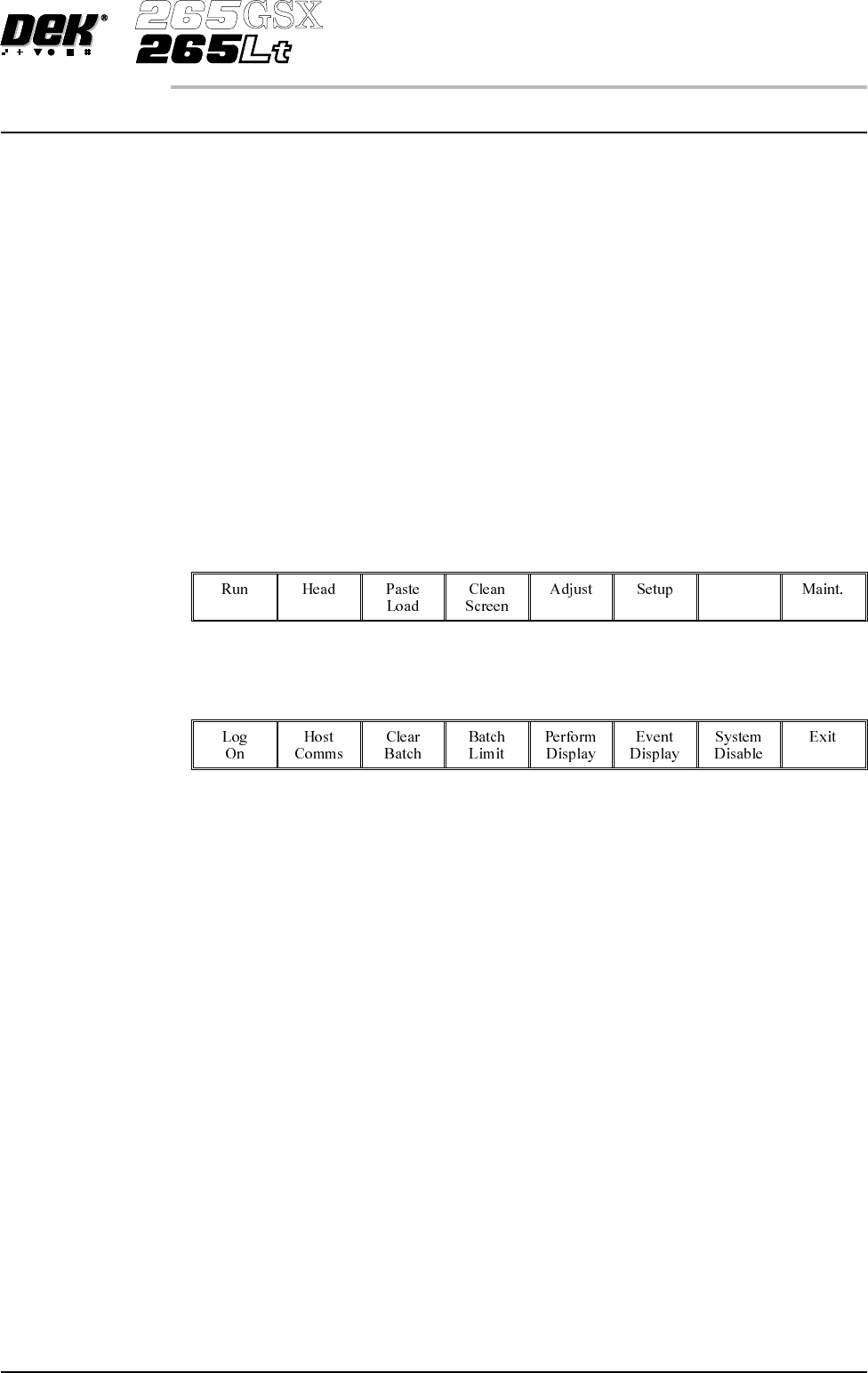
MONITOR INTRODUCTION The Monitor function allows for the setting of the following functions: • Log On • Host Comms • Clear Batch • Batch Limit • Perform Display • Event Display • System Disable To access the monitor func…
MONITOR
INTRODUCTION The Monitor function allows for the setting of the following functions:
• Log On
• Host Comms
• Clear Batch
• Batch Limit
• Perform Display
• Event Display
• System Disable
To access the monitor functions proceed as follows:
Select the Monitor button from the run menu.
Monitor
The menu bar displays the following options:
Software Version 6 User Manual 6.1
MONITOR
INTRODUCTION
LOG ON/OFF
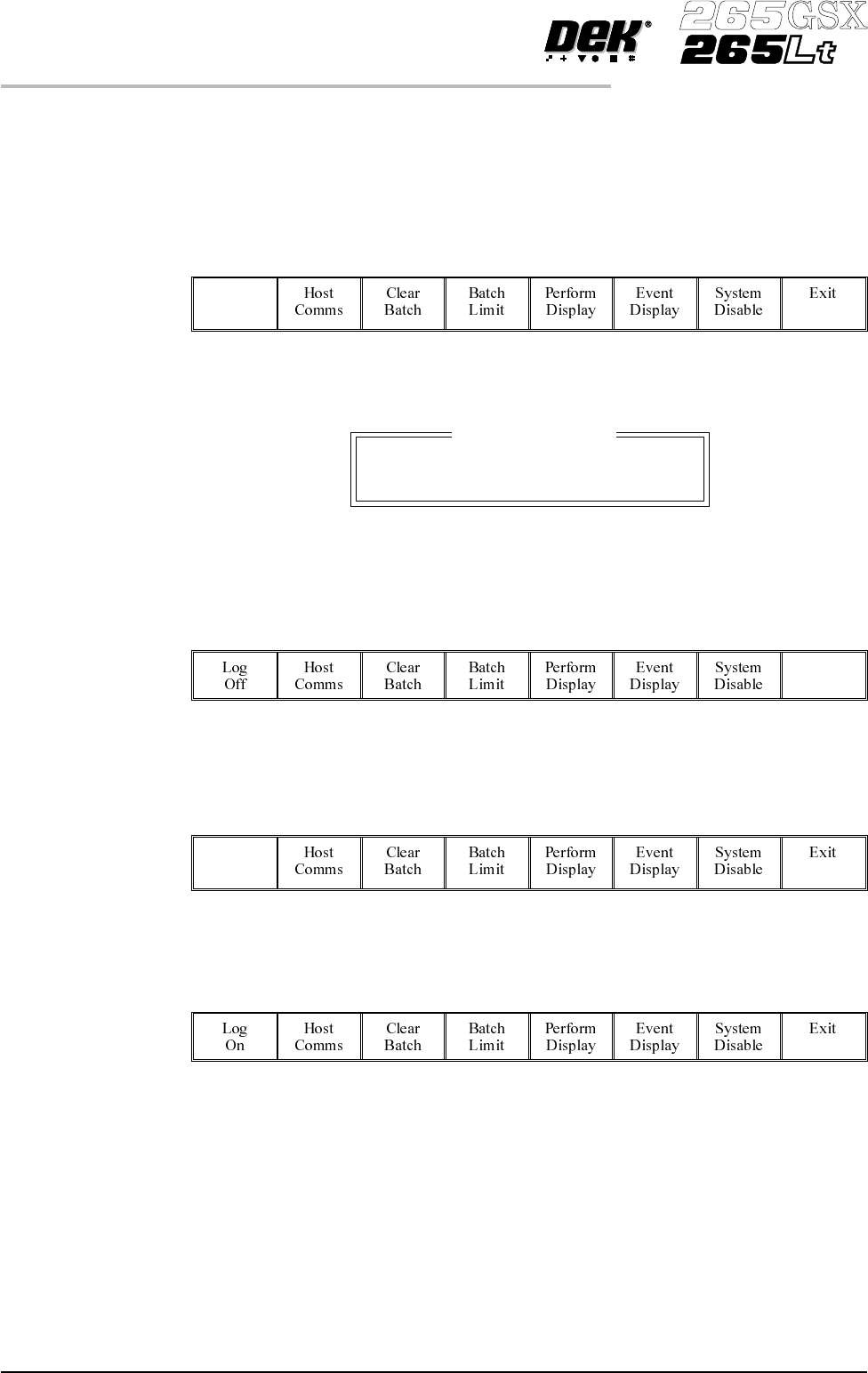
Log On This function identifies the user of the machine. To log on to the machine
proceed as follows:
1.
Select Log On.
Log
On
The Operator Log On window is displayed as follows:
2.
Using the keyboard enter the operator’s name/ID and press Enter, the
operator’s name/ID appears on the status page.
3.
Select Exit.
Exit
Log Off To log off from the machine proceed as follows:
1.
Select Log Off.
Log
Off
2. The operator’s name/ID is removed from the status page and the menu bar
changes to the following:
6.2 User Manual Software Version 6
MONITOR
LOG ON/OFF
Operator Log On
Enter Operator ID: