Dek-265GSX-User-Manual.pdf.pdf - 第33页
4. Fit the new screen into the printer ensuring the correct orientation of the screen. 5. Lower the front printhead cover. 6. Select Change Screen (F5). Change Screen 7. Press the System button. 8. Continue to Stage 6 - …
STAGE 5A
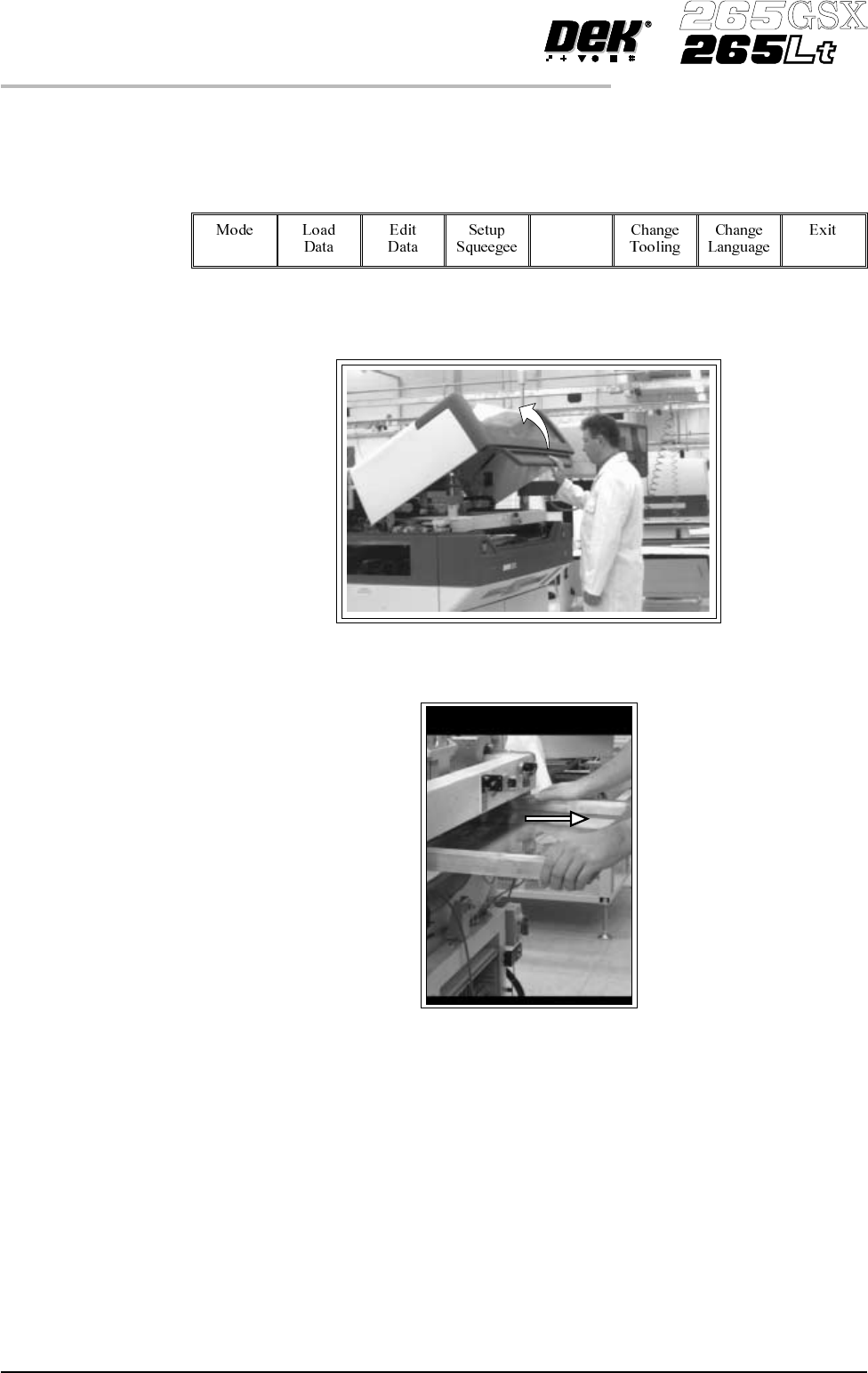
GSX - Loading a
Screen
1.
Select Change Screen (F5).
Change
Screen
2. Lift the front printhead cover.
3. If a screen is already present in the printer this should be removed.
1.16 User Manual Software Version 6
MACHINE PROGRAMMING
STAGE 5A
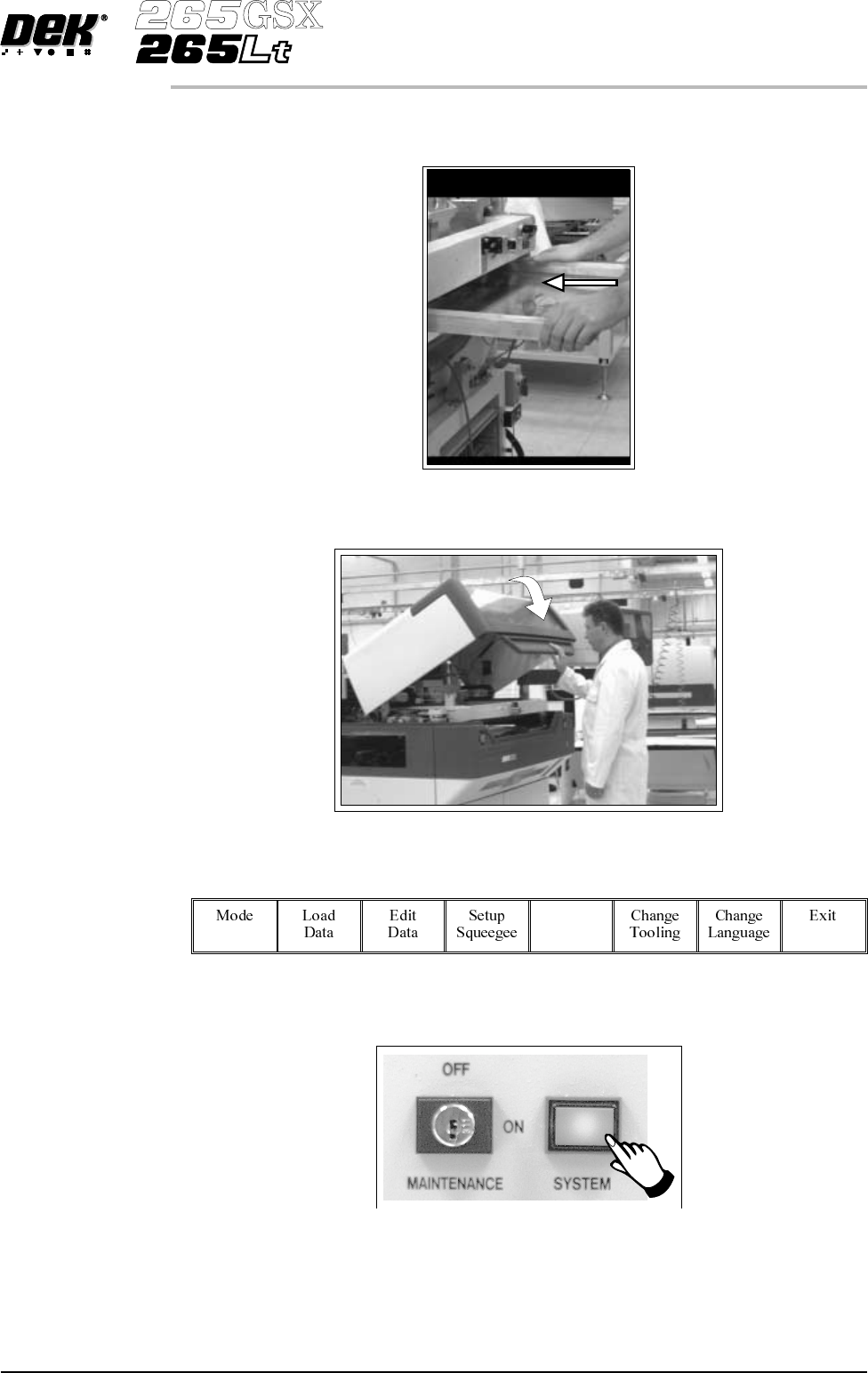
4. Fit the new screen into the printer ensuring the correct orientation of the
screen.
5. Lower the front printhead cover.
6.
Select Change Screen (F5).
Change
Screen
7.
Press the System button.
8. Continue to Stage 6 - Tooling Setup.
Software Version 6 User Manual 1.17
MACHINE PROGRAMMING
STAGE 5A
STAGE 5B
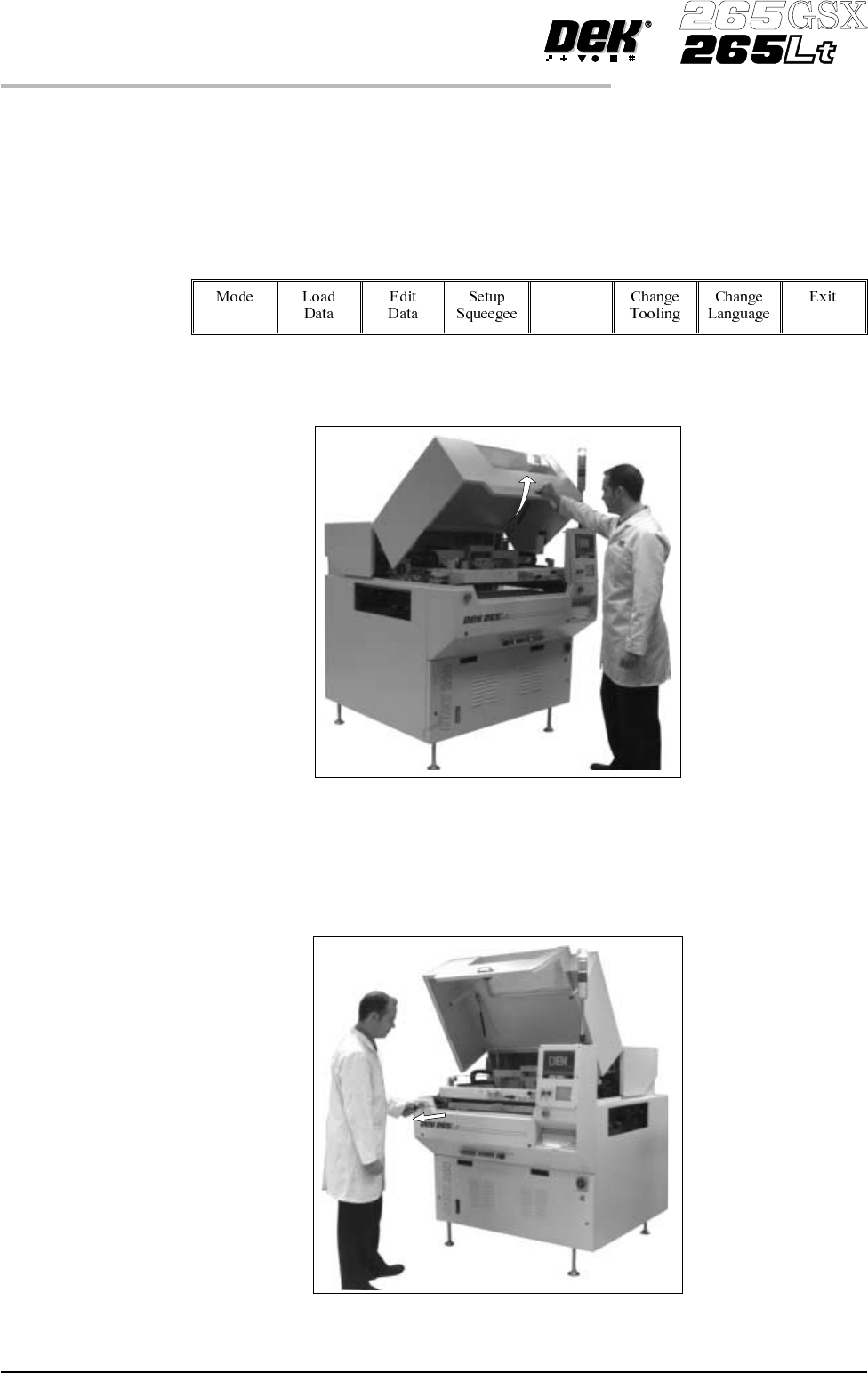
Lt - Loading a
Screen
If a screen is already present in the printer this should be removed.
1.
Press Change Screen (F5).
Change
Screen
2. When prompted to do so lift the printhead cover.
3. Slowly pull out the manual screen removal mechanism (black knob),
bringing the screen to the front of the machine. Do not pull too hard as this
may momentarily dislodge the chase.
1.18 User Manual Software Version 6
MACHINE PROGRAMMING
STAGE 5B