Dek-265GSX-User-Manual.pdf.pdf - 第251页
HOUSE KEEPING INTRODUCTION The Housekeeping system enables the user to manipulate data from the local drive, floppy drive and network drives whilst remaining within the software environment, thus alleviating the requirem…
HOUSE KEEPING
INTRODUCTION The Housekeeping system enables the user to manipulate data from the local
drive, floppy drive and network drives whilst remaining within the software
environment, thus alleviating the requirement to use DOS.
Housekeeping allows the user to copy, print and delete files, and also to set the
time and date on the machine.
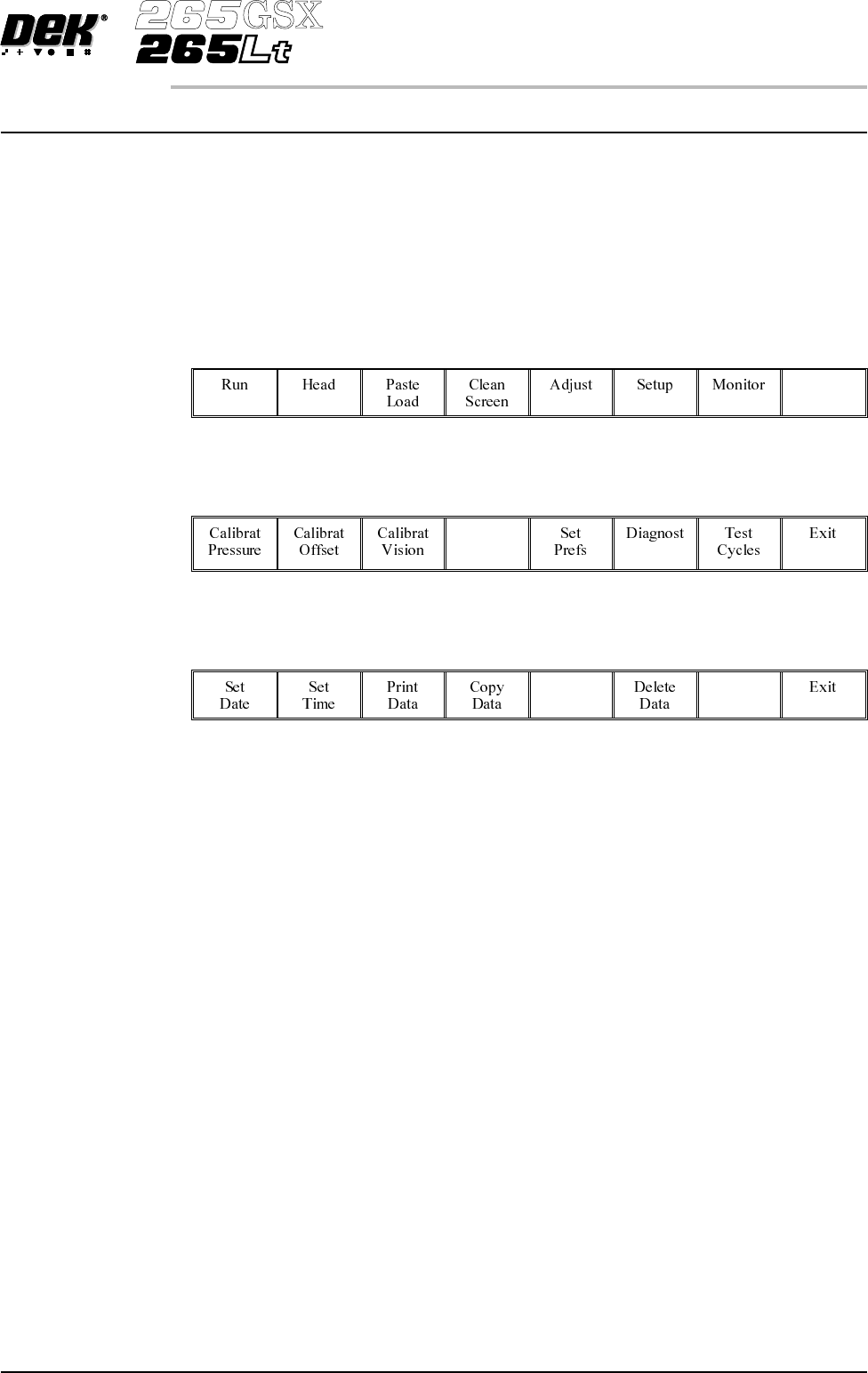
To access the housekeeping options select the Maint. Button.
Maint.
Select the House Keeping button.
House
Keeping
The menu bar displays the following options:
Software Version 6 User Manual 7.1
HOUSE KEEPING
INTRODUCTION

SET DATE The Set Date option allows the user to set the current date on the machine.
On selecting Set Date the following window is displayed:
The menu bar changes to the following:
The Next and Previous keys move the cursor between the three parameters.
The Incr. and Decr. keys change the value of the highlighted parameter.
The Set key sets the newly entered figure, as shown in the title window on the
status page.
The Exit key returns to the previous menu. Pressing Exit without pressing Set
returns the machine to the previous date.
7.2 User Manual Software Version 6
HOUSE KEEPING
SET DATE
Change date page
Year : 1997
Month : 11
Day : 10