Dek-265GSX-User-Manual.pdf.pdf - 第31页
STAGE 4B ProFlow Setup If squeegees were used when running the last product, carry out the Squeegees to ProFlow Replacement Procedure, see Technical Reference Manual, ProFlow Module Chapter - Replacement Procedures. For …
11.
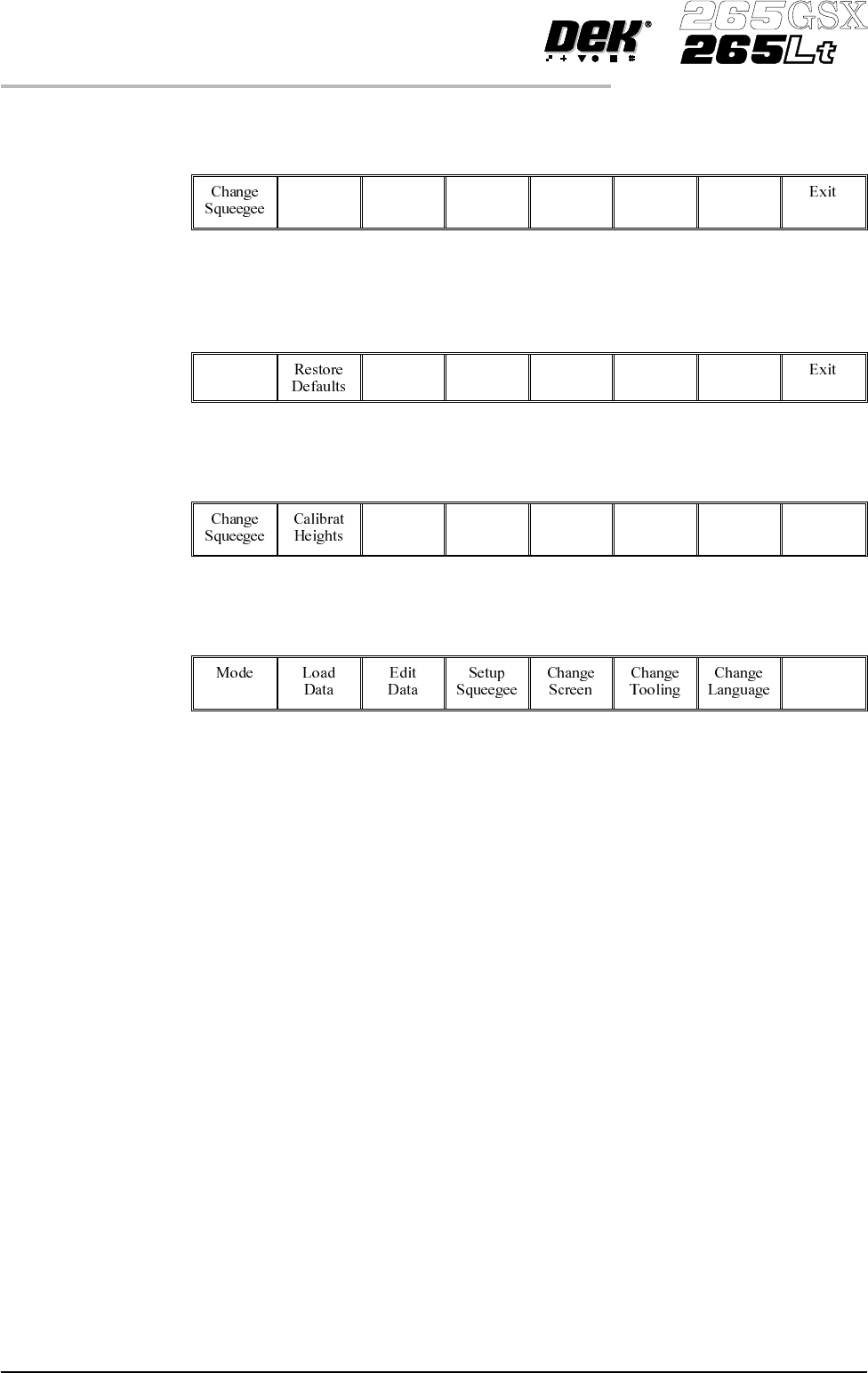
Select Calibrat Heights (F2). The message ‘Ensure that the correct
squeegees are fitted’ is displayed.
Calibrat
Heights
12.
Select Continue (F1). The message ‘Calibrating pressure heights - DO
NOT Open Covers !’ is displayed.
Continue
13.
Select Exit (F8).
Exit
14.
Select Exit (F8).
Exit
1.14 User Manual Software Version 6
MACHINE PROGRAMMING
STAGE 4A

STAGE 4B
ProFlow Setup If squeegees were used whenrunningthe last product, carry outtheSqueegees to
ProFlow Replacement Procedure, see Technical Reference Manual, ProFlow
Module Chapter - Replacement Procedures.
For setting the contact and downstop positions, carry out the ProFlow Contact
Position Setup, see Technical Reference Manual, ProFlow Module Chapter -
Adjustments and Settings.
Software Version 6 User Manual 1.15
MACHINE PROGRAMMING
STAGE 4B
STAGE 5A
GSX - Loading a
Screen
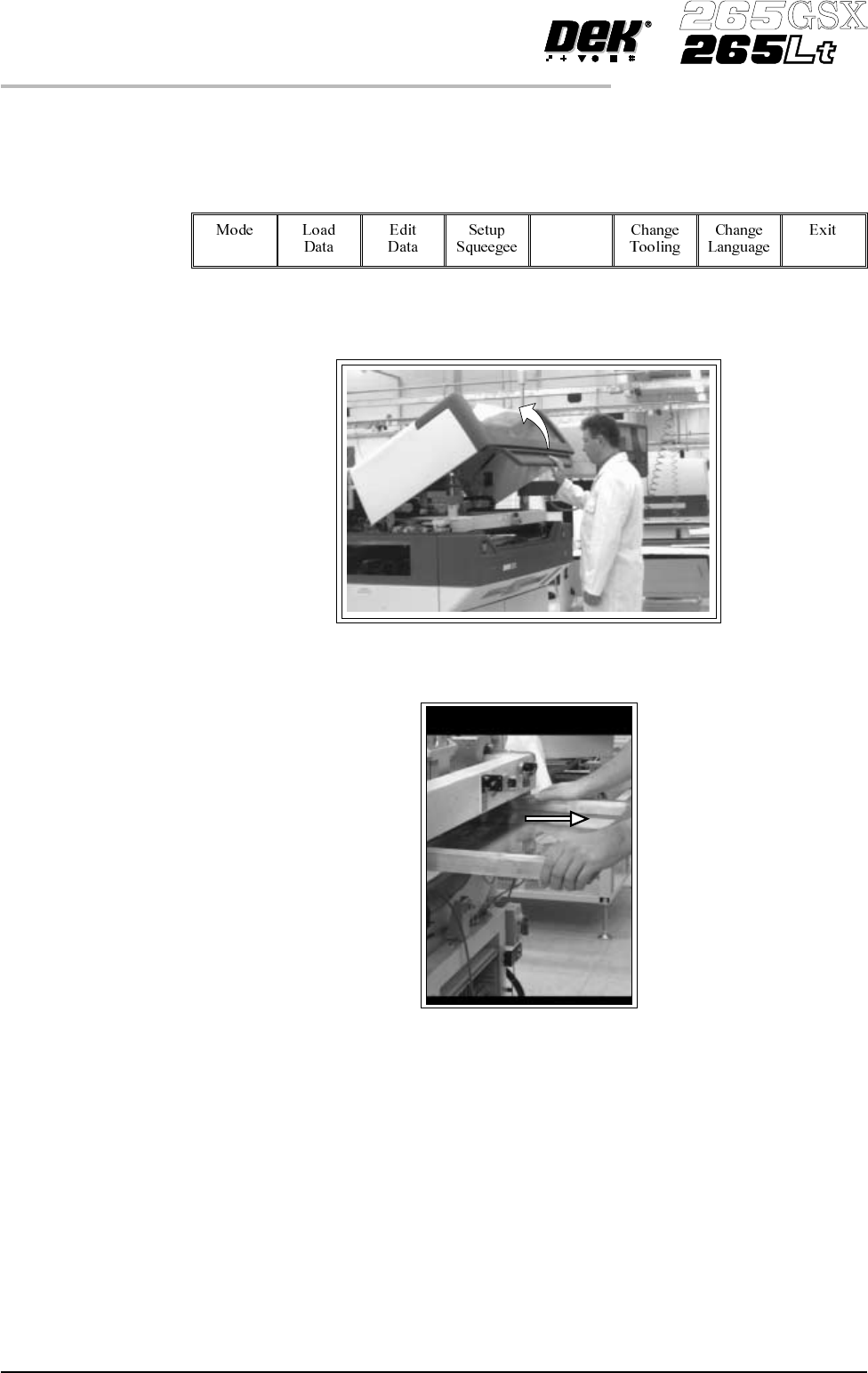
1.
Select Change Screen (F5).
Change
Screen
2. Lift the front printhead cover.
3. If a screen is already present in the printer this should be removed.
1.16 User Manual Software Version 6
MACHINE PROGRAMMING
STAGE 5A